
Less repetition. More design.
Independent tools for Autodesk Fusion (Fusion 360) that simplify CAD modeling, selection, parameters, and everyday design workflows.
Available add-ins · In development · Filament catalog · For developers · Русский
Download a published release from each project's repository.
| Project | What it does | Status | Get it |
|---|---|---|---|
| Paramood — Keeper of Measure | Manage user and model parameters, calculate formulas with IntelliSense, and switch between saved model variants in one palette. | Stable |  |
| Perfora — Goddess of holes | Build parametric perforation patterns, ventilation grilles, and organic or Voronoi panels. | Stable |  |
| Selectra — Goddess of choice | Select similar faces and edges, or trace closed contours, without repetitive clicks. | Stable |  |
| Ejix — Spirit of extraction | Extract solid volumes from profiles or planar faces into separate bodies or components. | Stable |  |
| RuEn — Hero of translation | Use assigned Fusion shortcuts while typing with a Russian keyboard layout on macOS or Windows. | Stable |  |
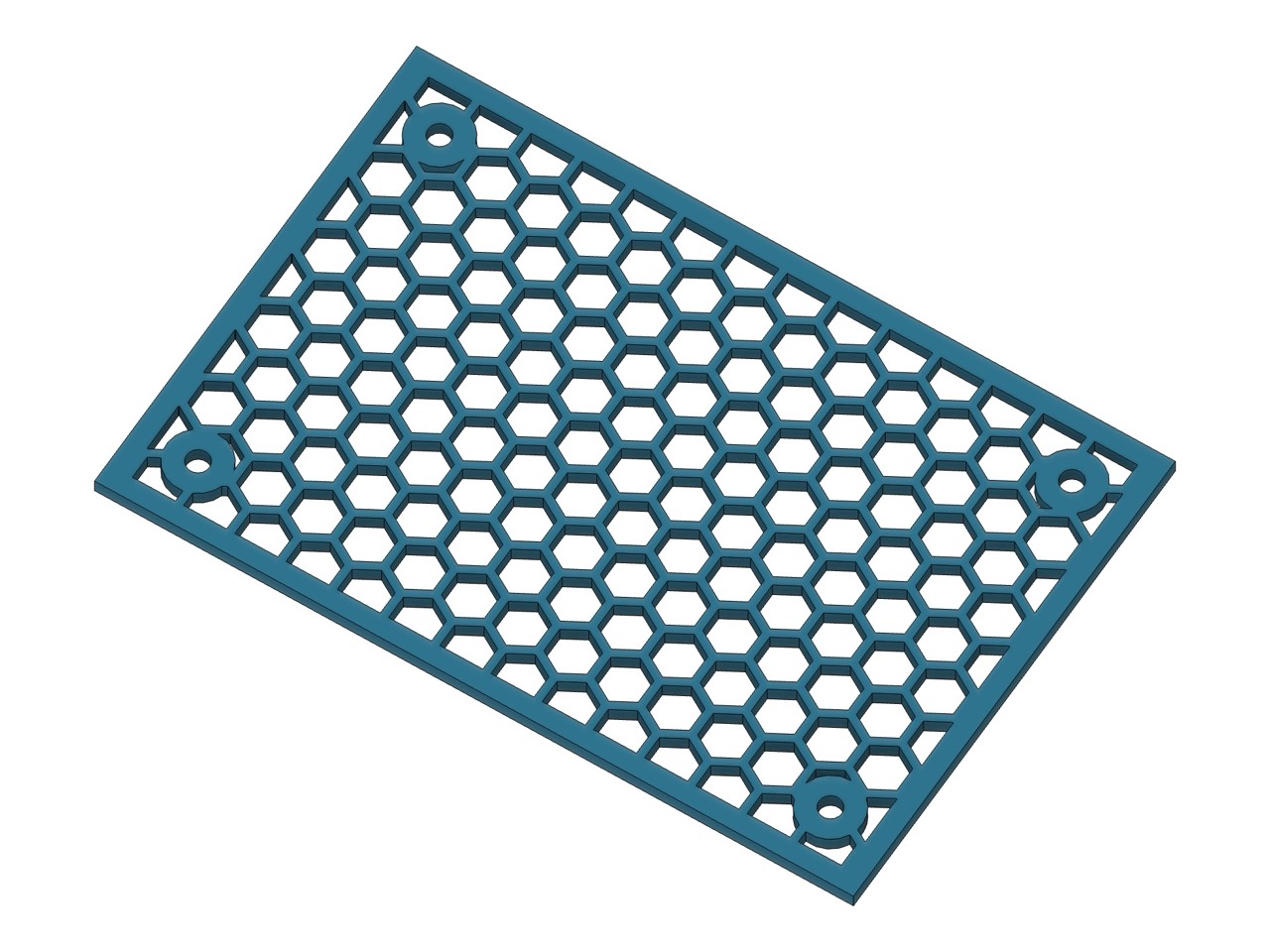
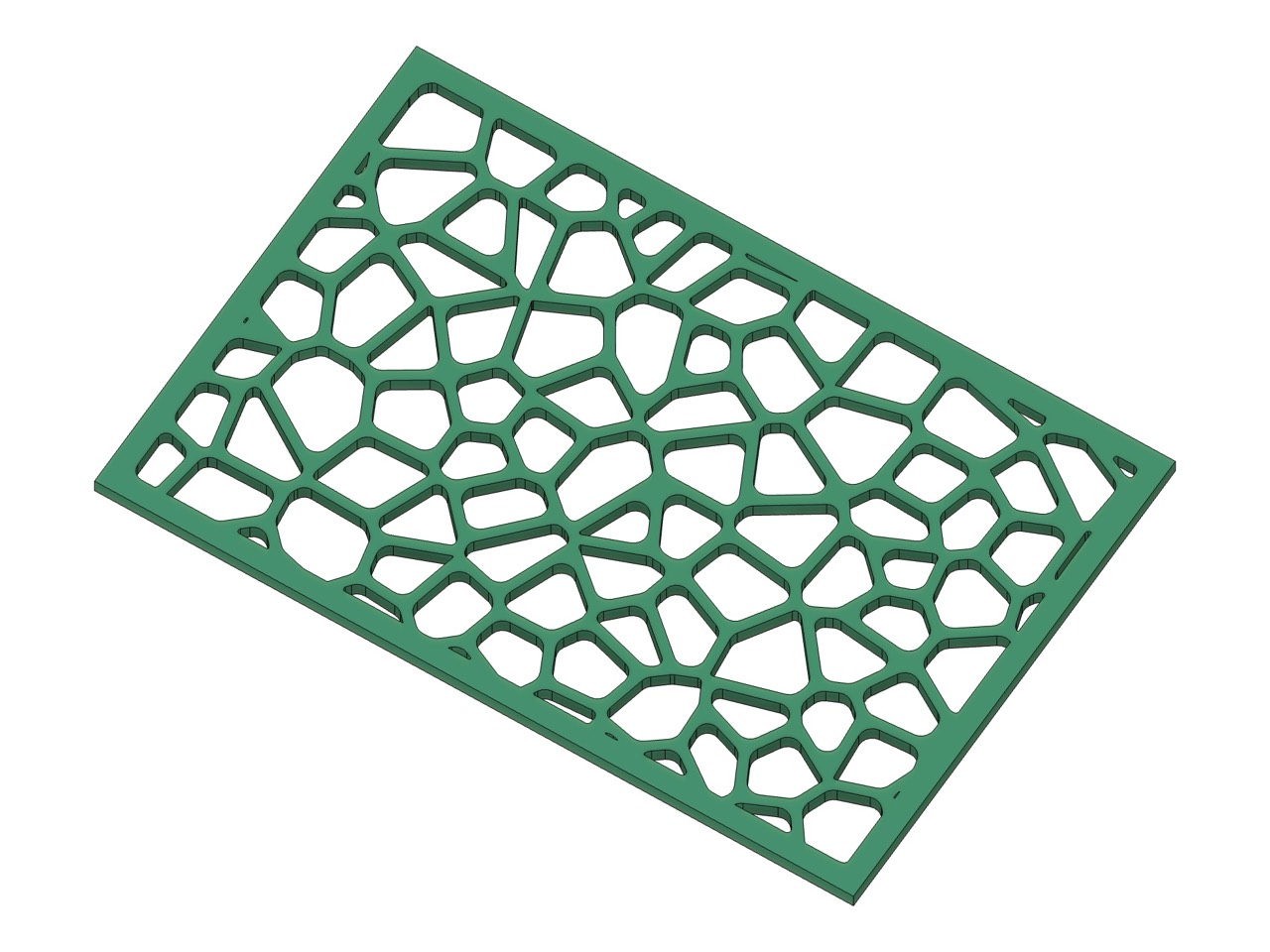
See more examples and installation instructions in Perfora.
Mesora — informational dimensions in the model

Display informational 3D dimensions for supported distances, angles, lengths, radii, diameters, areas, and perimeters. Measurement definitions, geometry references, offsets and visibility settings are saved with the design and restored when the document opens or Mesora starts. Values are recalculated after model changes; measurements do not create driving constraints.
Saving clears the displayed graphics, not the saved definitions. Open Mesora or use Refresh Dimensions to show them again. Without Mesora running, the model remains editable and its Mesora dimensions are not displayed.
Native macOS acceptance covers measurement types, selection, visibility, Undo/Redo, model updates, saving and reopening, Drawing transition and restart. Windows Fusion has not been natively tested. A completed production drawing and every cloud-save failure/recovery path remain outside the accepted scope. See Mesora for details and validation evidence.
Threader — thread modeling (project scaffold)
A new repository for a future Fusion thread-creation add-in. It currently contains the uninitialized shared add-in template, not a working thread generator.
Status: Initial scaffold. No functional add-in or downloadable release yet.
Planara — Goddess of flat worlds
An experimental Fusion surface-flattening add-in intended to unfold selected faces of solid bodies into flat layouts for prototyping and fabrication.
Status: Early development. No downloadable release yet.
Filamentra — Goddess of filaments
A planned Fusion add-in for finding real 3D-printing filament colors by brand, product line, and shade, then installing visual appearances into the active design.
Status: Planned / pre-development. Release artifacts exist in the repository, but its documentation does not yet establish a working Fusion implementation. The capabilities above remain planned.
Filamentra DataSource is the separate, source-backed catalog behind the planned Filamentra add-in. It collects filament manufacturers, product lines, colors, finishes, and provenance.
Explore the interactive catalog demo · View the catalog data
The browser demo previews catalog data; Filamentra documentation does not yet establish a working Fusion add-in. Filament color and finish representations are approximate, not certified engineering material properties.
Fusion Add-in Template provides a reusable starting point for new Autodesk Fusion add-ins: a manifest, command starter, offline tests, cross-platform CI, deterministic release archives, bilingual documentation, and AGENTS.md guidance. The template must be initialized before it can be used as a product.
Shared 4FusionLab platform contains reusable build/release automation and product README guidelines. These repositories are development infrastructure, not installable add-ins.
We build focused tools to help makers and engineers spend more time designing and less time repeating commands. Every add-in has a distinct personality from the original 4FusionLab mythology, alongside its documentation, compatibility details, and a place for feedback.
Have an idea, question, or bug report? Find the right project in our repositories and open an issue.
4FusionLab creates independent projects and is not affiliated with or endorsed by Autodesk. Licenses, platform support, and limitations are documented in each repository.