
A personal portfolio disguised as a desktop operating system.
Windows 95/98 vibes, draggable windows, a real taskbar, and enough tiny apps to get lost in—without leaving the browser.
YZN-OS is a playful, interactive front-end: a full-screen desktop with wallpaper, icons, a Start menu, and classic window chrome. Your work and story live inside familiar OS metaphors—folders, terminals, and dialog boxes—so visitors explore instead of scroll a long single page.
| Stack | Next.js 16 · React 19 · TypeScript · Tailwind CSS 4 |
| Feel | Pixel-faithful Win9x UI: beveled controls, title bars, taskbar, context menus |
| Goal | Portfolio + playground: projects, contact, games, and utilities in one cohesive world |
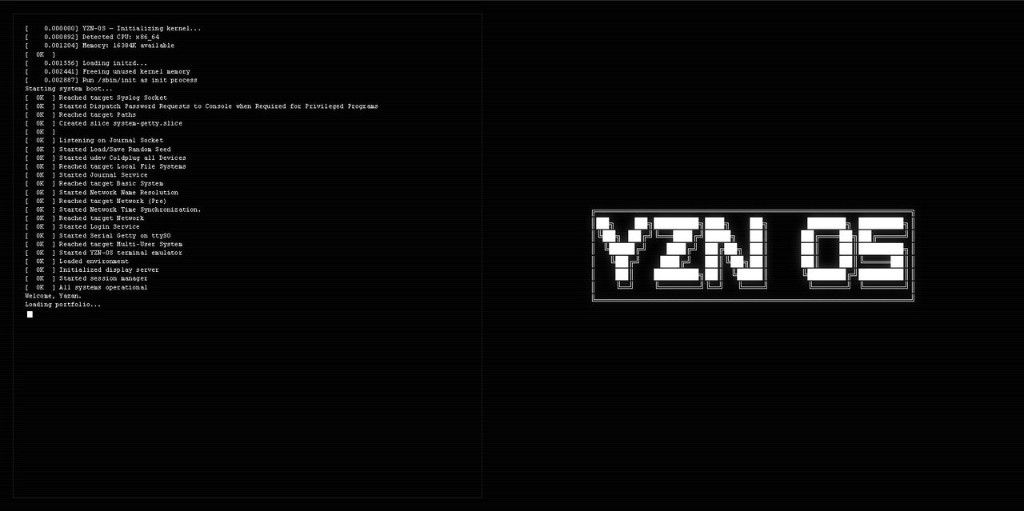
The first thing visitors see is not a hero section—it’s a kernel-style boot log and bold YZN OS branding. It sets the tone: this site is an OS simulation, not a generic template.
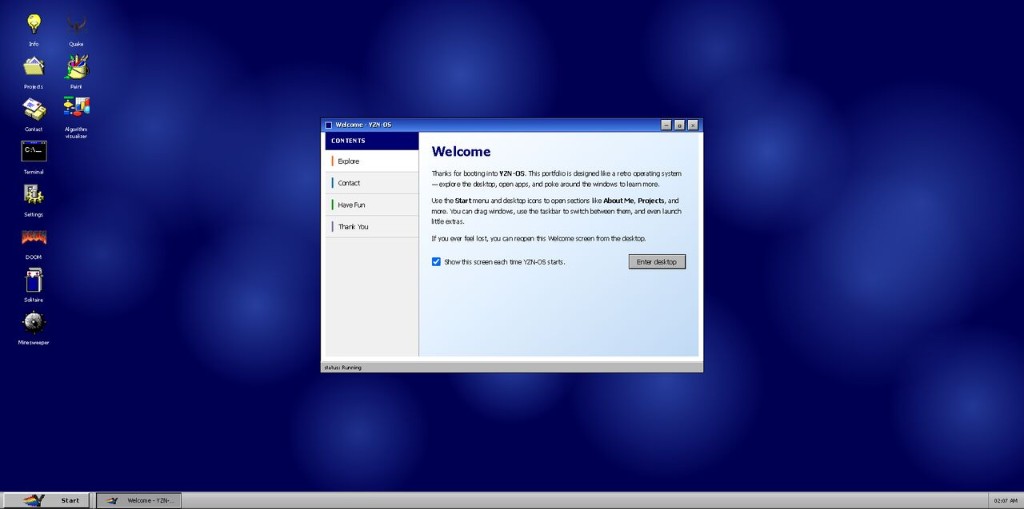
- Live desktop — Wallpaper, desktop icons, and a persistent taskbar with clock and window buttons.
- Welcome window — Onboarding with a table-of-contents sidebar and a clear path into the desktop.
- Start menu — Launch apps the way you would on a classic PC.
- Themes & display — Tune wallpaper and appearance (including a Display Properties–style experience in Settings).
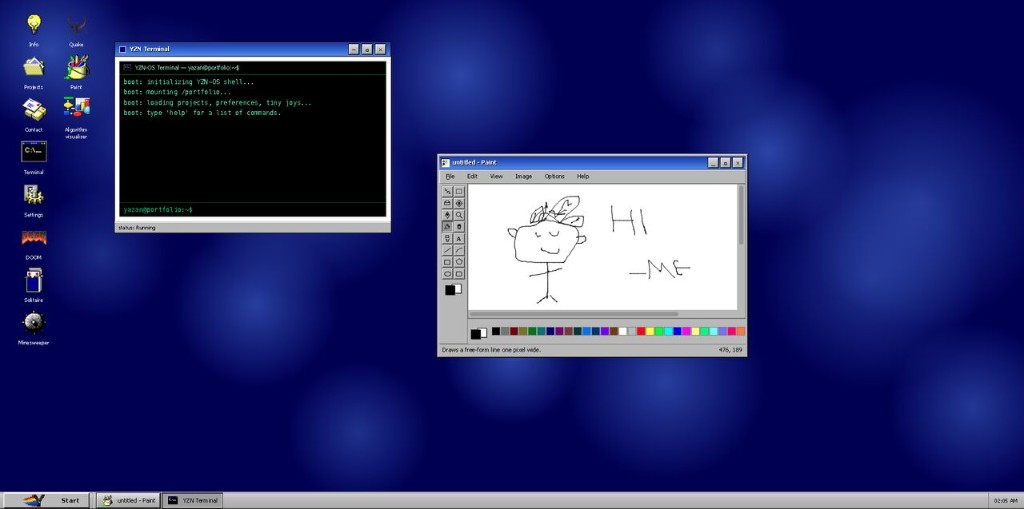
- YZN Terminal — Shell-style interface with commands, boot messaging, and room for Easter eggs.
- MS Paint-style canvas — Drawing tools, palette, and classic window framing.
- Built-in programs — Info, Projects, Contact, Settings, Algorithm visualizer, media/image tooling, and more.
- Retro games — DOOM, Quake, Solitaire, Minesweeper (desktop-first where noted; mobile gets sensible messaging).
- Window manager — Open, focus, minimize, and stack windows like a real desktop.
If you found this repo interesting, a star is always appreciated.