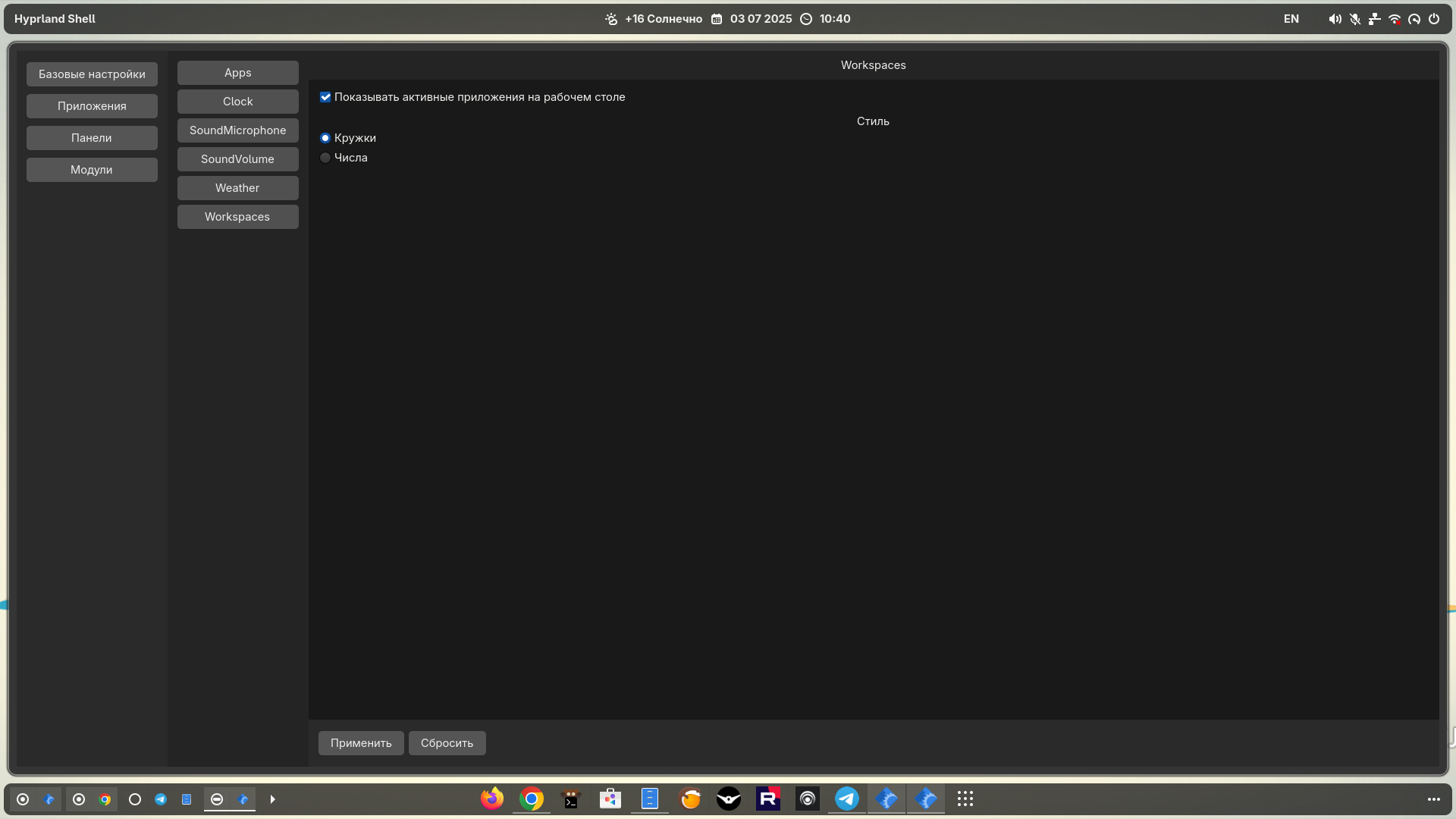
Hyprland shell
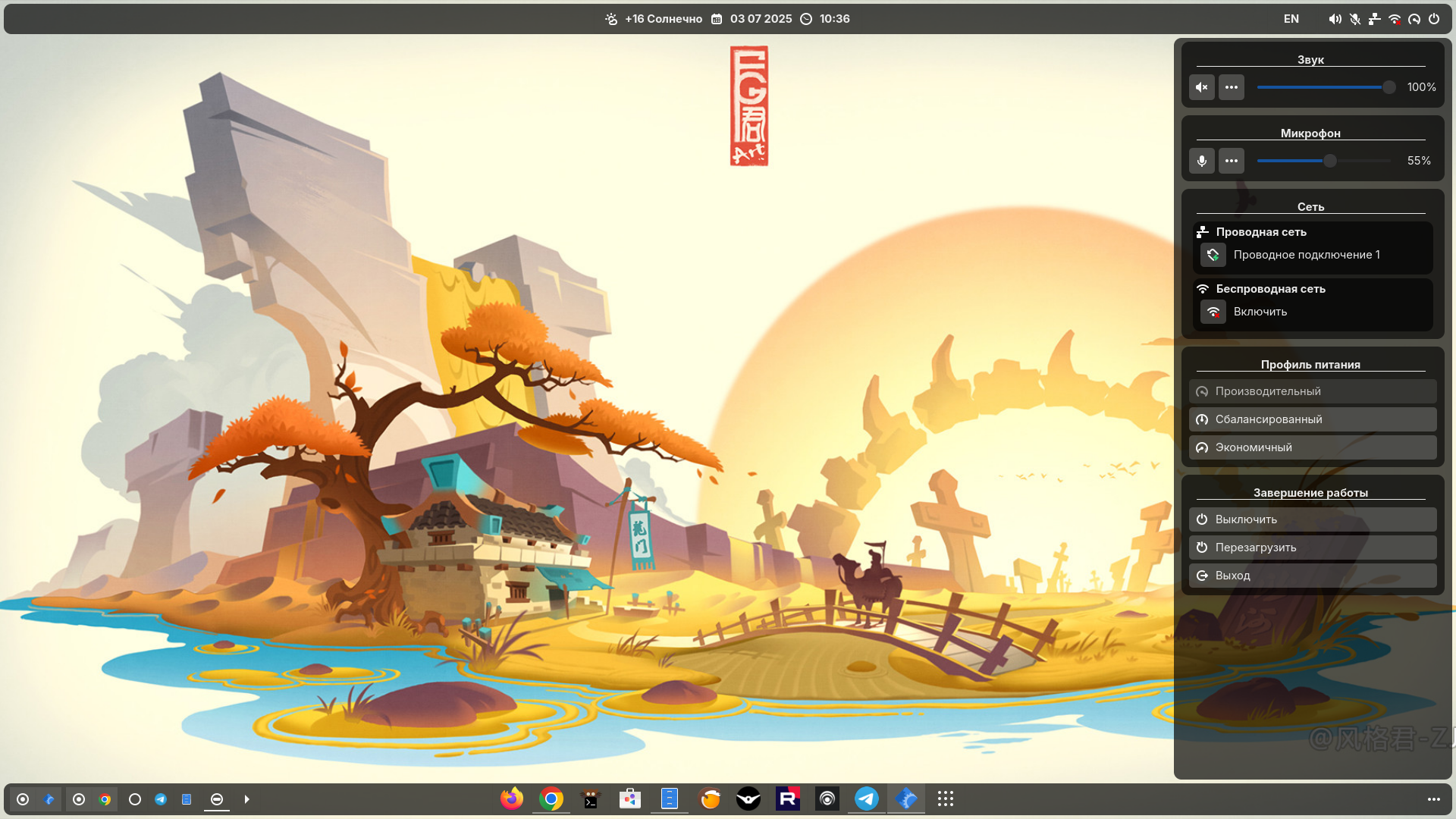
Includes the following elements:
- Dock panel
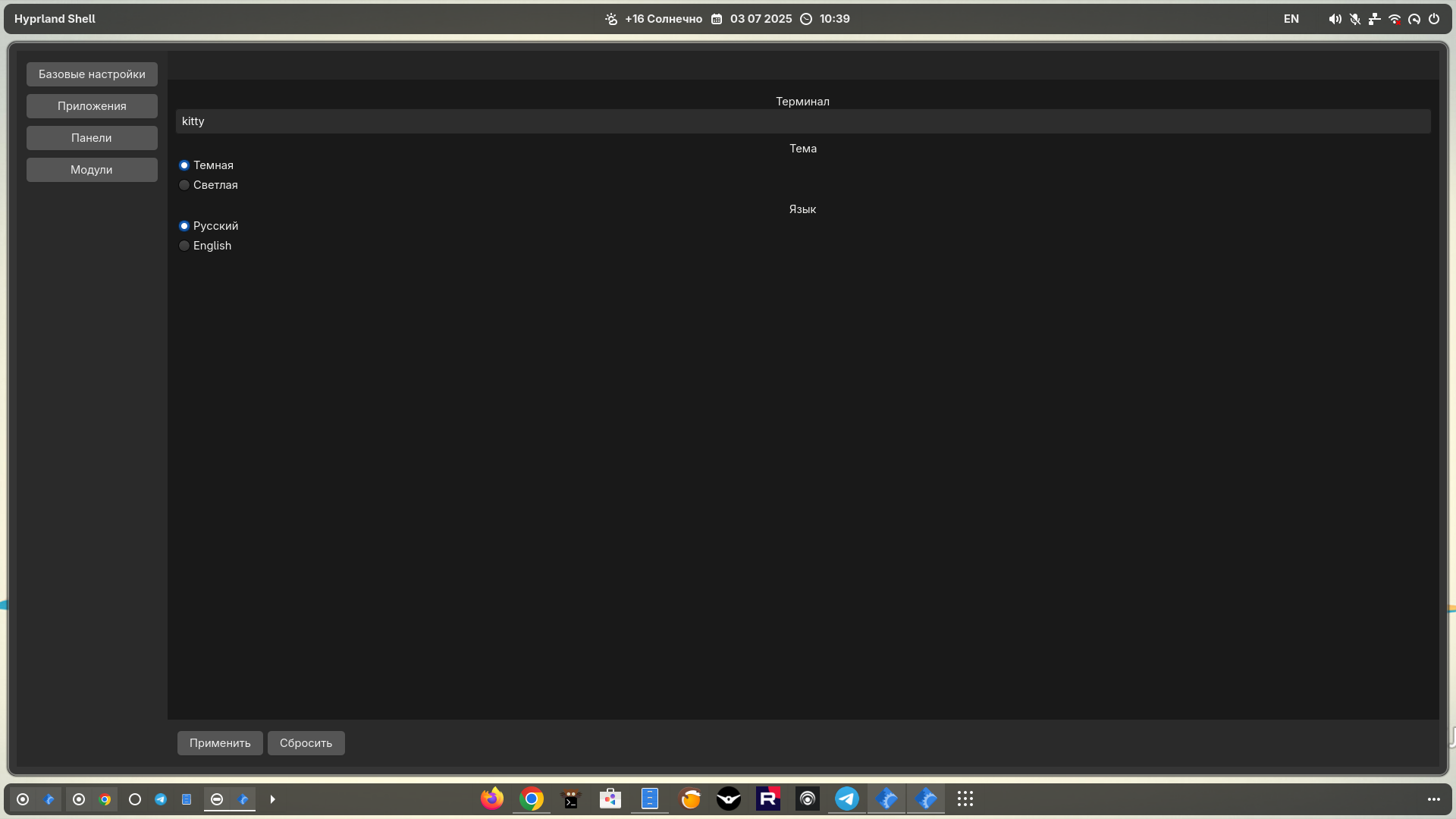
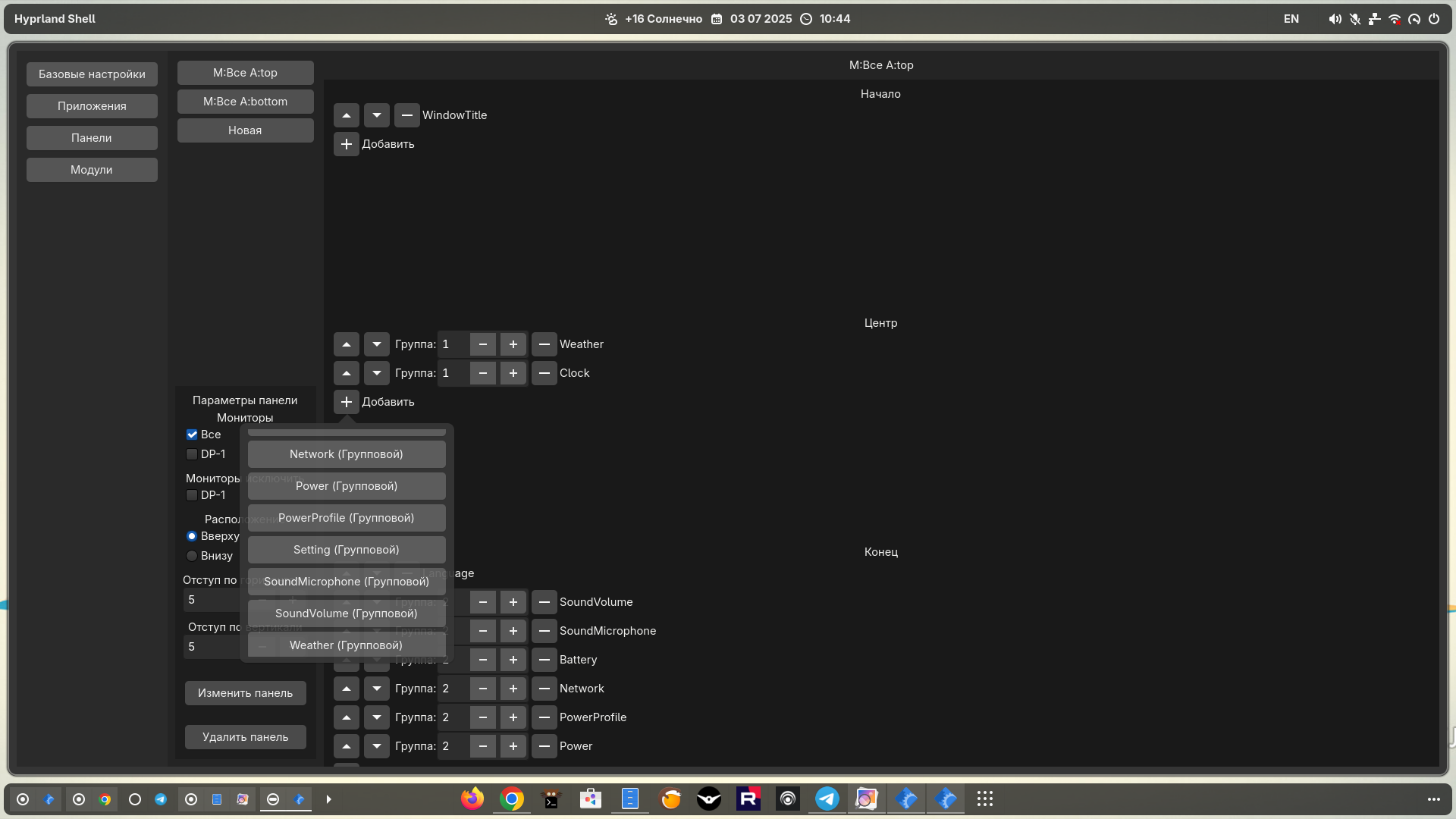
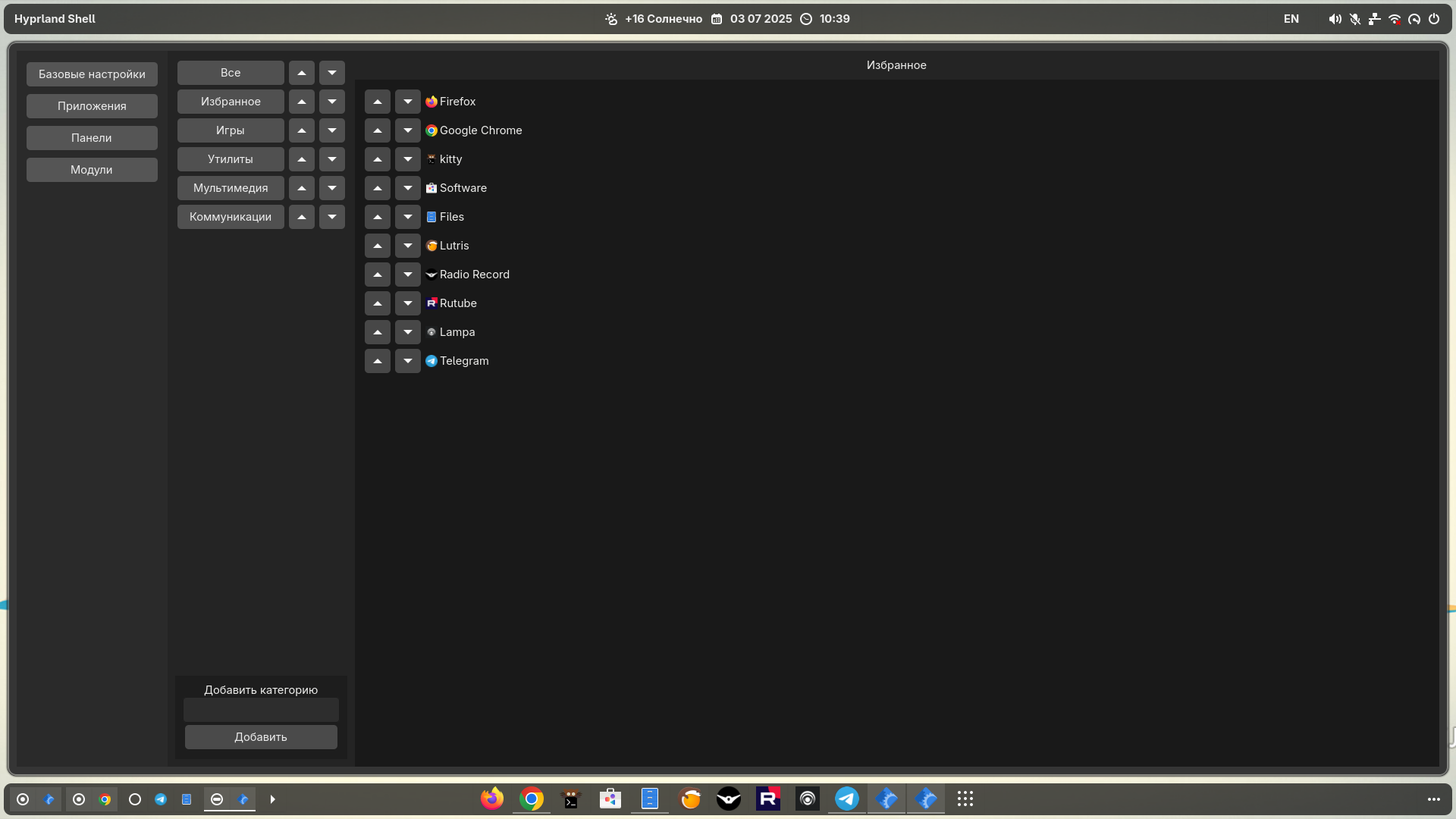
- Settings
Modules on the dock panel:
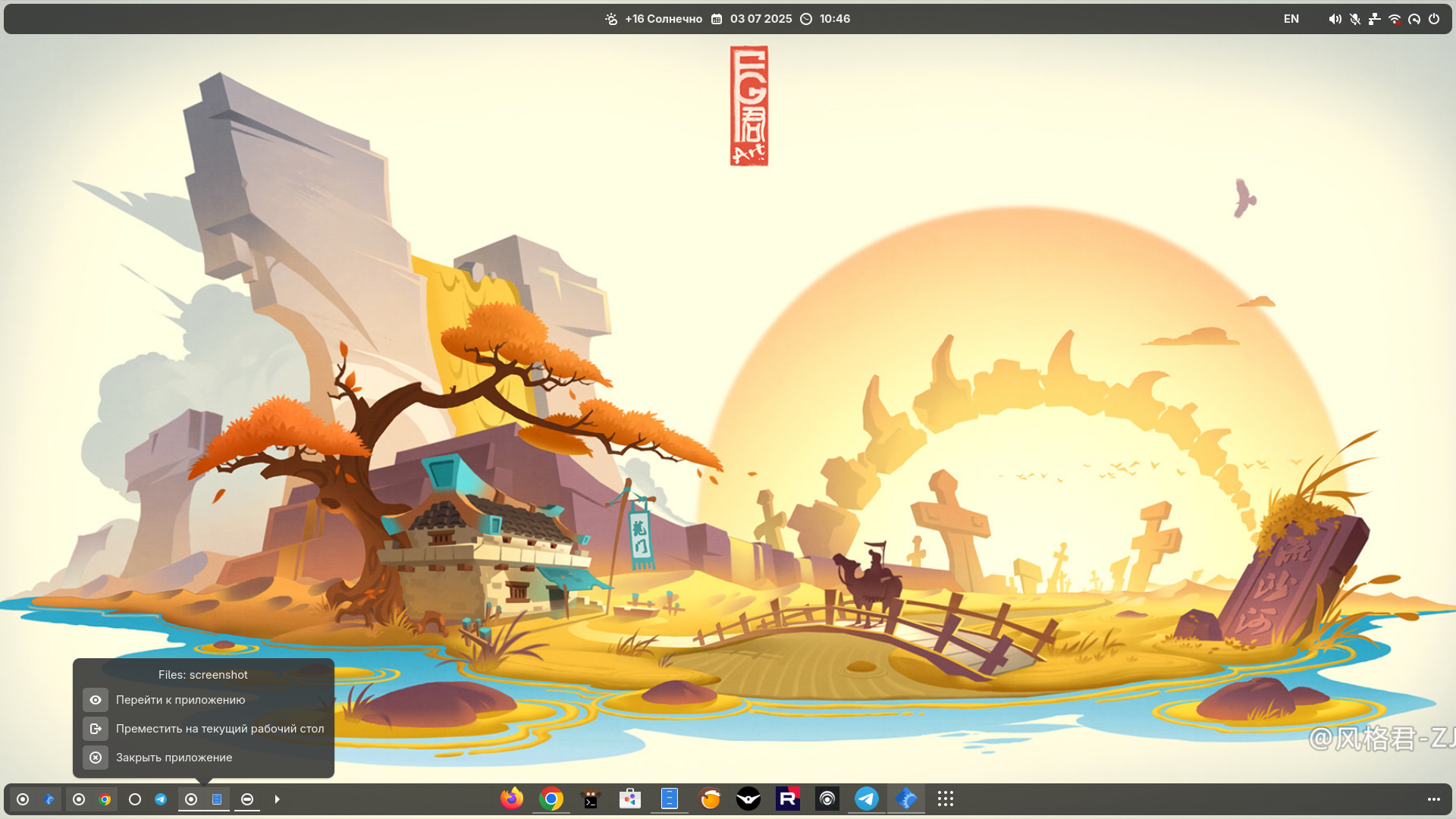
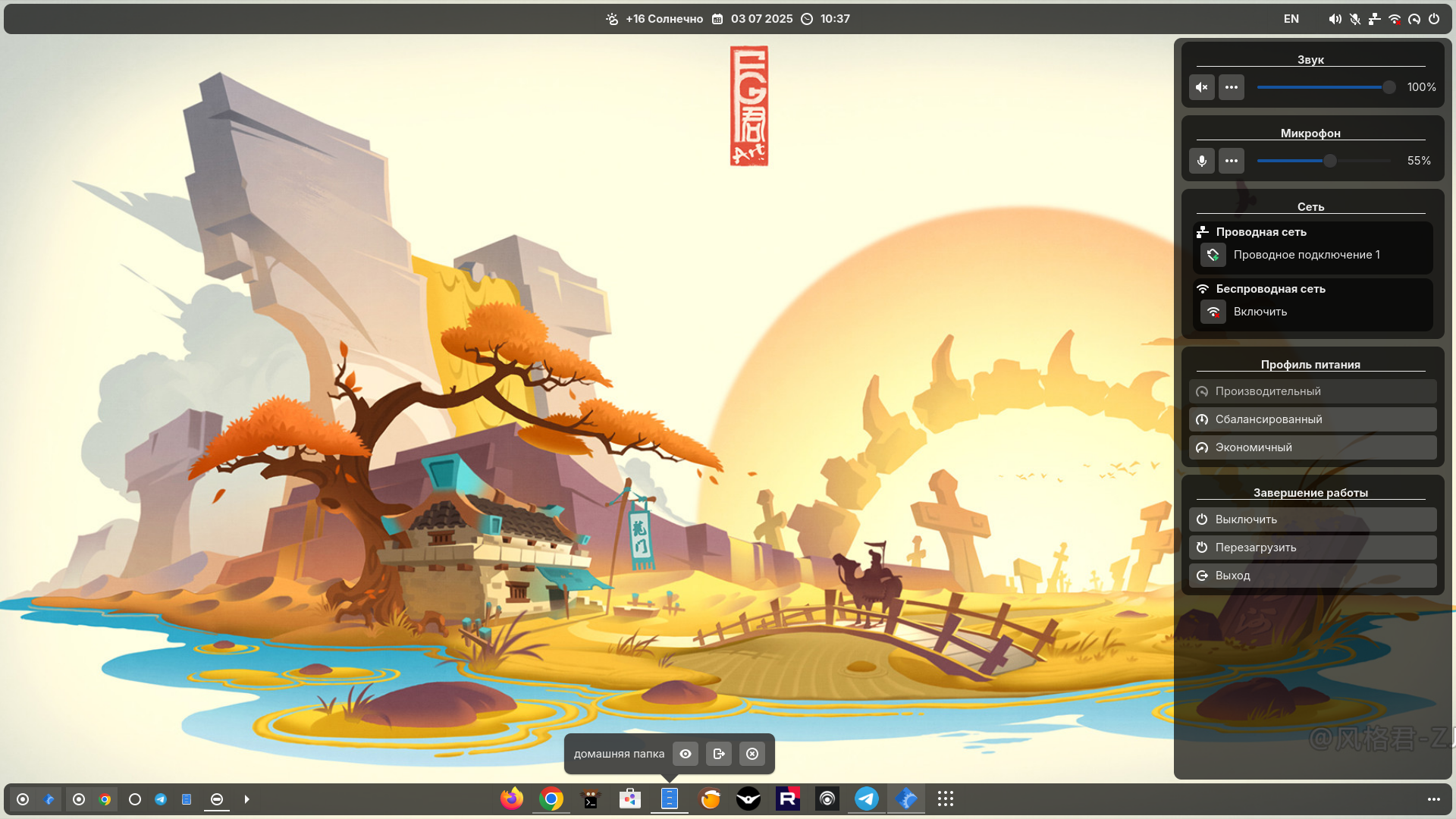
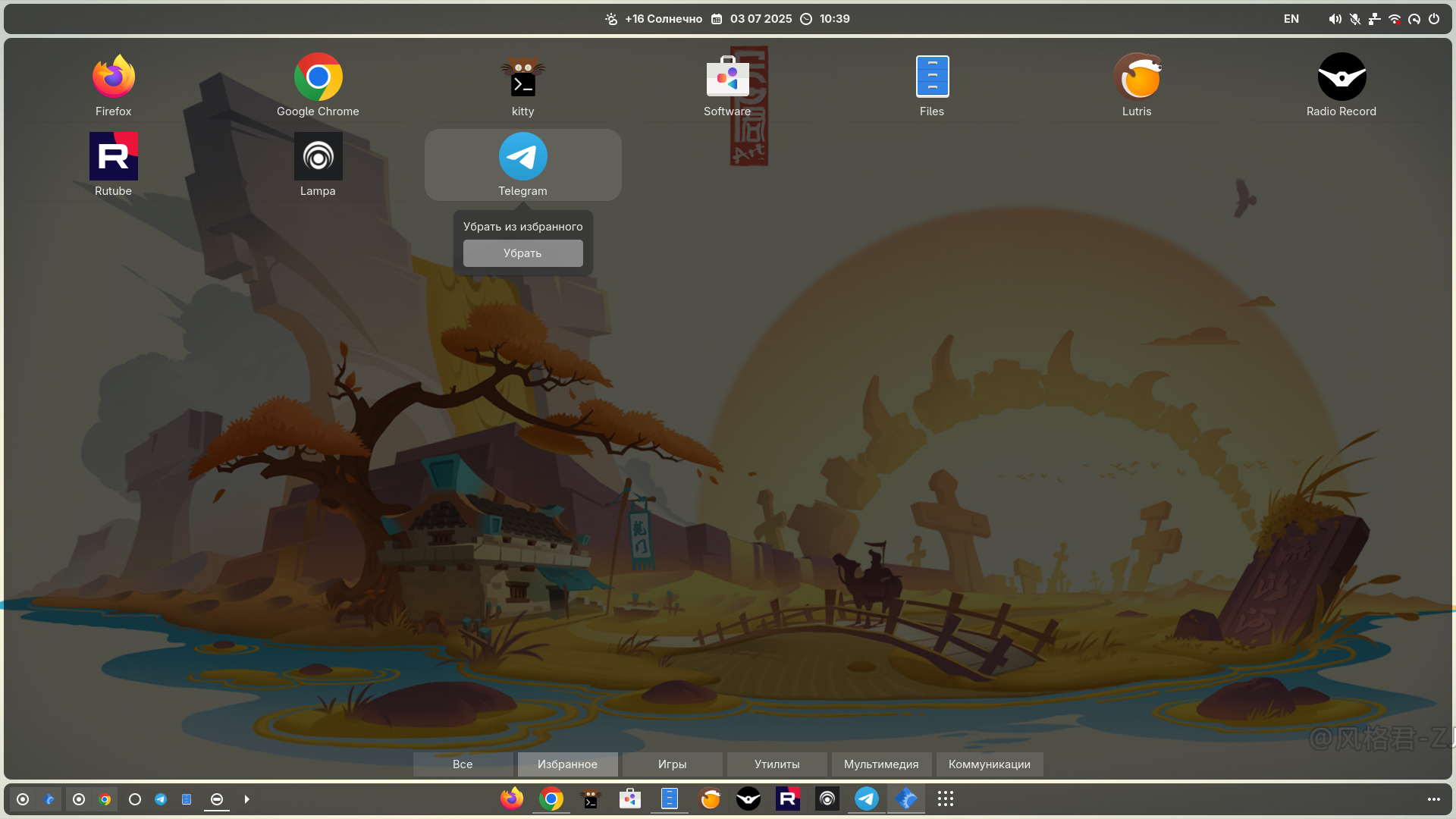
- Apps - Panel with applications (favorites + running)
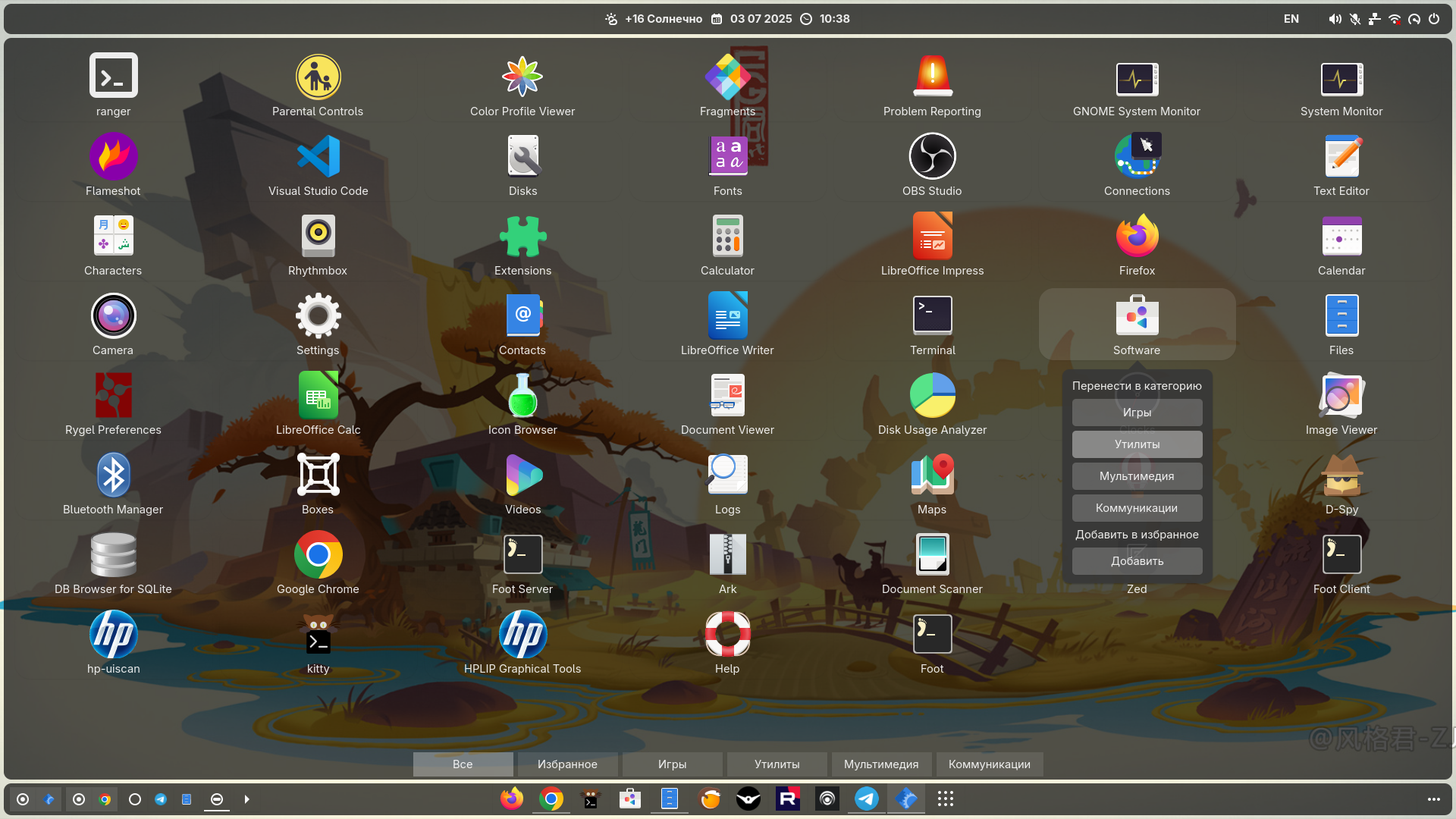
- Launcher - Window with application selection (grouped by categories)
- Workspaces - Desktops (+ displays active applications on the desktop)
- Clock - Date, time, calendar
- Battery - Battery
- Language - Language
- Network - Network connections
- SoundVolume/SoundMicrophone - Sound
- PowerProfile - Power profiles
- Power - Shutdown
- WindowTitle - Active window title
- Weather - Weather
- Setting - Settings
Language:
- Russian
- English
Theme:
- Dark
- Light
Pre-update for Fedora
sudo dnf update
for Arch
sudo pacman -Syu
Get and install
git clone https://github.com/xzilgiz/hyprland-shell.git
cd hyprland-shell
sudo ./install.sh
then in the hyprland config $HOME/.config/hypr/hyprland.conf
add exec-once = hyprland-shell.sh
restart the session (or just reboot)