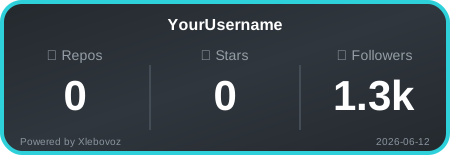
Elevate your README with real-time GitHub stats.

A beautiful and customizable badge to showcase your coding journey.
- Real-time Stats: Automatically updates with your GitHub activity.
- Clean Design: Modern, minimalistic, and easy to read.
- Lightweight: Fast loading, powered by serverless functions on Vercel.
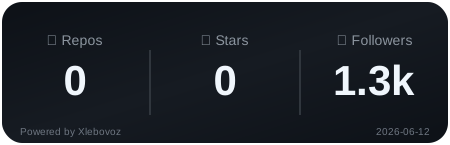if you want to display your name from github at the top of the card, then add &show_username=true at the end of the link.
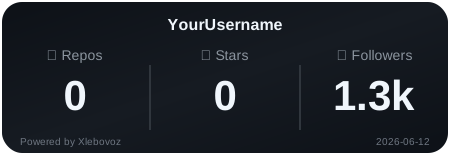| Theme name | What it looks like |
|---|---|
| dark | basic dark theme |
| light | the usual light theme |
| github | a theme with a gray tint |
| coal |  |
| storm |  |
| matrix |  |
| space |  |
| ocean |  |
| purple_land |  |
| land |  |
| sunset_red |  |
| sunset_yellow |  |
| forest |  |
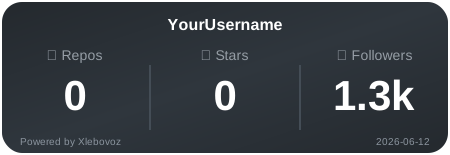
An example of a badge with the added name and theme is github:
To make the badge look more attractive, you can add an outline of &border, and you can also choose the outline color by specifying &border=ColorName(or hex code without #). You need to specify the hex color without # at the beginning of its name or an existing color from the table below:
| Name (to copy) | HEX |
|---|---|
red |
#f85149 |
blue |
#58a6ff |
green |
#2fbb4f |
yellow |
#f1e05a |
purple |
#a371f7 |
pink |
#f778ba |
orange |
#ff7b72 |
white |
#ffffff |
black |
#000000 |
An example with a color from the table:
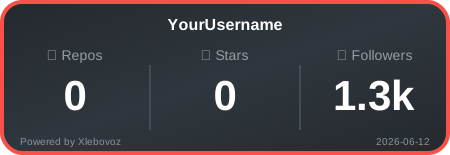An example with your hex color (for example #2ed1da):
⚠️ important: You need to add a hex color without # at the beginning!