Installation
G18Snippet have been tested on Notepad 7.5.7 and above.
You need to have Microsoft VC 2017 Redist or Here (Direct link) installed on your computer to use this plugin.
Before installing, be sure Notepad++ is closed. Launch installation command :
- Launch install_npp_7.5_and_before.cmd if you use Notepad++ version 7.5 and before.
- Launch install_npp_7.6_and_after.cmd if you use Notepad++ version 7.6 and after.

Finally, Launch Notepad++ and check plugins menu. You now have G18 Snippet submenu, like this : 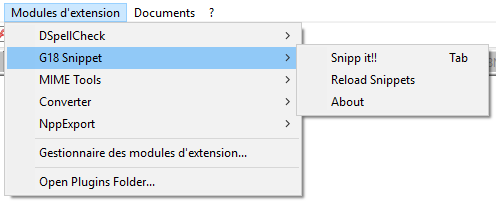
If some error occurs during installation, please tell it to use here : New issue page.