Library and CLI for converting DOCX files to PDF, matching Microsoft Word's output as closely as possible.
This is probably not ready for use in production, but do give it a try! The API, output quality, and supported features are all actively changing.
If you have a .docx file that produces ugly, broken, or just plain wrong output, send it to me! Real-world documents with surprising formatting are the best way to improve. Open an issue or PR with the file included and I will try to make it work.
A Rust library and CLI tool for converting DOCX files to PDF, with the goal of matching Microsoft Word's PDF export as closely as possible.*
Accurate: Given a .docx file, produce a .pdf that is visually identical to what Word would export.
Fast: Typical conversions complete in under 100ms.
Small files: Output PDFs should be the same size or smaller than Word's export.
*Reference PDFs are generated using Microsoft Word for Mac (16.106.1) with the "Best for electronic distribution and accessibility (uses Microsoft online service)" export option.
While the idea, architecture, testing strategy and validation of output are all human, the vast majority of the code as of now is written by Claude Opus 4.6 with access to the PDF specification (ISO-32000) and the Office Open XML File Formats specification (ECMA-376). This project was done as an exercise to get experience with the usage of coding agents.
- Text: font embedding (TTF/OTF/TTC), bold, italic, underline, strikethrough, double strikethrough, font size, text color, superscript/subscript, small caps, all caps, character spacing, text expansion/compression (
w:w), hidden text (w:vanish), kerning (legacy kern table + GPOS PairAdjustment), vertical text (CJK), run borders with color/width/spacing - Paragraphs: left/center/right/justify alignment, space before/after, line spacing (auto, exact, at-least), first-line and hanging indentation, left/right indentation, contextual spacing, keep-next, keep-lines, paragraph borders (top/bottom/left/right/between) with color, paragraph shading, run highlighting
- Styles: paragraph and run style inheritance (
basedOnchains), document defaults fromdocDefaults(all run properties: bold, italic, caps, smallCaps, vanish, strikethrough, dstrike, underline, color, char_spacing), theme fonts and colors - Lists: bullet and numbered lists with multi-level nesting, custom number formats, list style inheritance
- Tables: column widths with auto-fit, merged cells (horizontal
gridSpanand verticalvMerge), row heights (exact and minimum), per-cell borders with color/width, inlinew:tblBorders, cell shading, vertical alignment, cell margins, floating/positioned tables (tblpPr) - CJK text: CIDFont/Identity-H/ToUnicode encoding, platform-specific font fallback chains (Hiragino/Noto/Yu Gothic), per-character font fallback at render time, script-based run splitting via
w:rFonts @eastAsia - Images: inline JPEG/PNG embedding with sizing and alpha transparency, grayscale and CMYK JPEG support, anchored/floating images with wrap modes (square, tight, through, topAndBottom), floating image positioning relative to page/margin/column, behind-document z-ordering, drop shadows (
a:outerShdw) - Text boxes: DrawingML textboxes (
wps:txbx) and VML fallback (v:textbox), shape fills (solid color with theme color support including lumMod/lumOff, linear gradients with multiple color stops), textbox body margins - WordArt: modern DrawingML WordArt with all 40
prstTxWarppresets — two-path envelope warping (wave, slant, inflate, etc.) and single-path text-on-a-path (arch, circle), text outlines, shadows, glow effects, bold/italic font variant selection, VML WordArt fallback - Shapes & geometry: all 187 OOXML preset shapes via formula-based geometry engine (guide formulas, adjustment values), custom geometry paths (
a:custGeomwith moveTo, lineTo, cubicBezTo, arcTo), shape fills and strokes - Charts: bar (clustered/stacked, vertical/horizontal), line, pie, area, doughnut, radar, scatter, bubble — with axis labels, tick marks, gridlines, legends, bubble fill opacity
- Page layout: page size, margins, document grid (
linePitch), explicit page breaks,pageBreakBefore, automatic page breaking with widow/orphan control - Sections: multiple sections with
nextPage/continuous/oddPage/evenPagebreaks, per-section page size and margins, blank page insertion for odd/even page alignment - Multi-column layout: 2+ columns with custom widths and spacing, column breaks, column separators
- Headers/footers: default, first-page, and even/odd variants, per-section headers/footers, STYLEREF field resolution (spec-compliant backward search), page number and page count fields, images in headers/footers, correct z-ordering (behind body content)
- Footnotes: footnote references, footnote rendering at page bottom with separator line
- Fields: PAGE, NUMPAGES, PAGEREF, STYLEREF (with spec-compliant search order), field code cached results for non-dynamic fields
- Hyperlinks: clickable links in PDF output (URI link annotations)
- Tab stops: left, center, right, decimal with leader dots
- Track changes: final mode (insertions included, deletions removed — matches Word's PDF export)
- SmartArt: rendering via pre-flattened drawing shapes (
dsp:drawing) with full geometry engine support — all 187 preset shapes, custom geometry, fills (solid, gradient), strokes, and text - Document settings:
word/settings.xmlparsing — even/odd headers, default tab stop interval, mirror margins - Compatibility:
mc:AlternateContentfallback, structured document tag (w:sdt) content extraction,altChunkHTML content parsing, smart tag handling - Fonts: cross-platform font search (macOS/Linux/Windows), embedded DOCX font extraction and deobfuscation, font subsetting (CIDFont/Type0), disk-cached font index, font substitution via
fontTable.xmlaltName and family-class fallback - Output optimization: font subsetting, content stream compression
- Text: text shaping/ligatures (fi, fl), complex script shaping (Arabic, Devanagari, etc.), Unicode line breaking for CJK/Thai, text emboss/imprint/shadow effects, legacy
w:outline - Tables: conditional formatting (
tblLook/tblStylePr— banded rows, first/last column styles), nested tables, text direction in cells (textDirection) - Images: look-back text wrapping (text before float anchor wrapping beside image), tight vs through wrapping distinction, EMF/WMF vector images, shape clipping to bounding box
- Layout: distribute alignment (
w:jc val="distribute"), mirror margins (parsed but not applied to even pages), page borders (w:pgBorders), gutter margins, vertical page alignment (w:vAlignon section), right-to-left (bidi) text - Charts: 3D charts, stock charts, combo charts, stacked bar rendering (parsed but renders as clustered), data labels, chart titles, secondary axes
- SmartArt: group shapes, connector shapes, image-filled shapes; no layout engine for documents missing the
dsp:drawingfallback (see roadmap) - Features: table of contents generation, endnotes, OLE objects, radial/pattern gradient fills, WordArt gradient text fills
- Fonts: bundled fallback fonts, text shaping via rustybuzz (ligatures, complex scripts)
See more examples in the showcase
| MS Word | docxide-pdf |
|---|---|
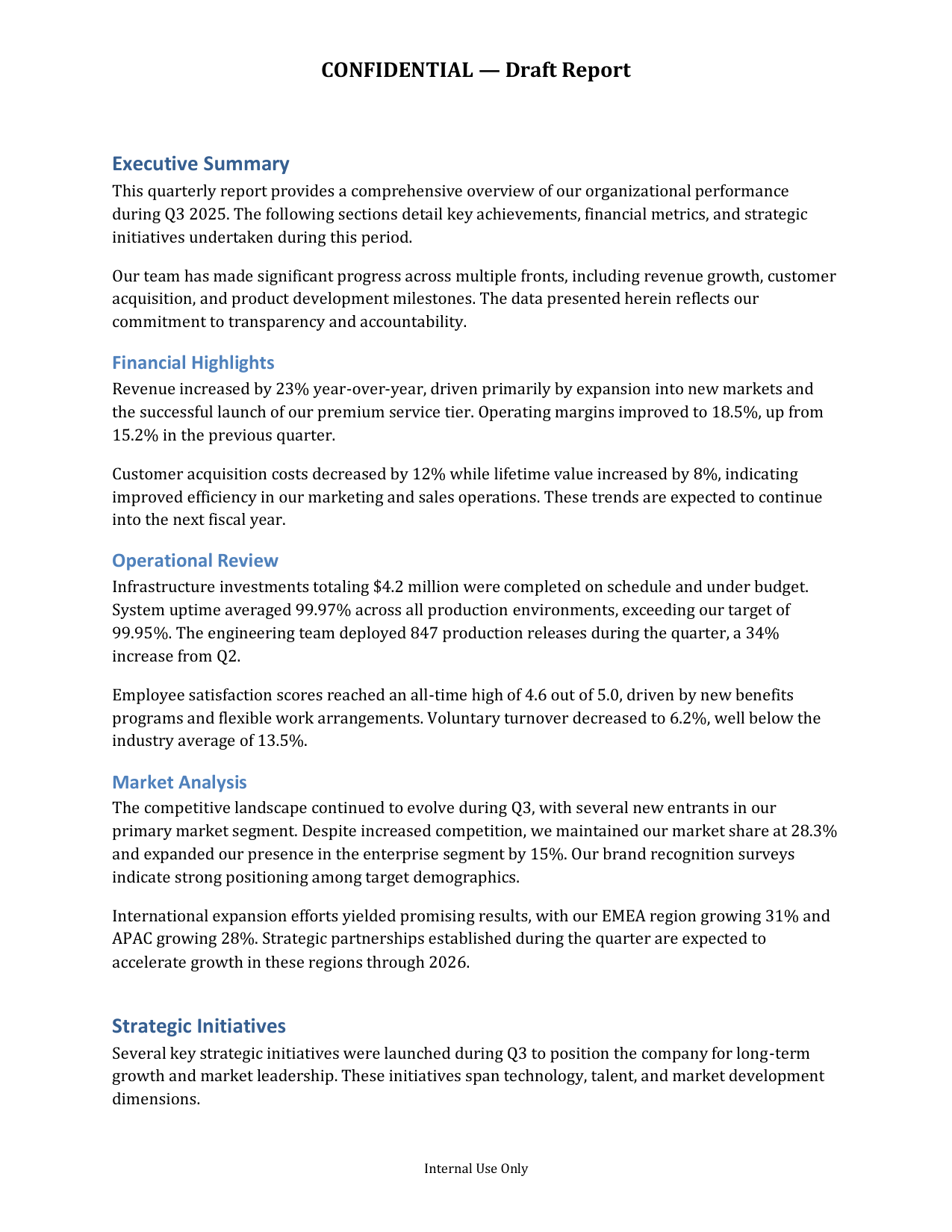 Report with headers, footers & page numbers — reference |
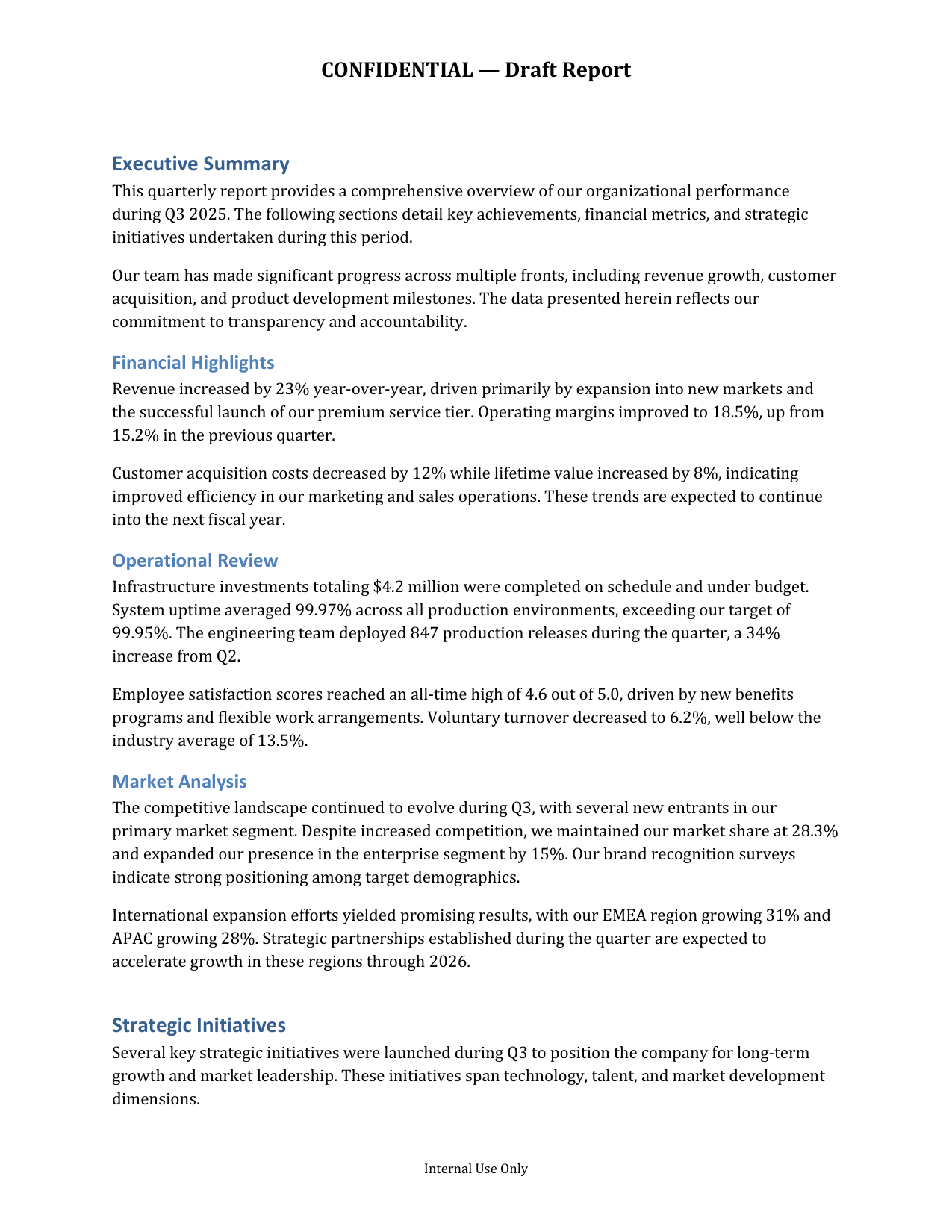 92.0% SSIM |
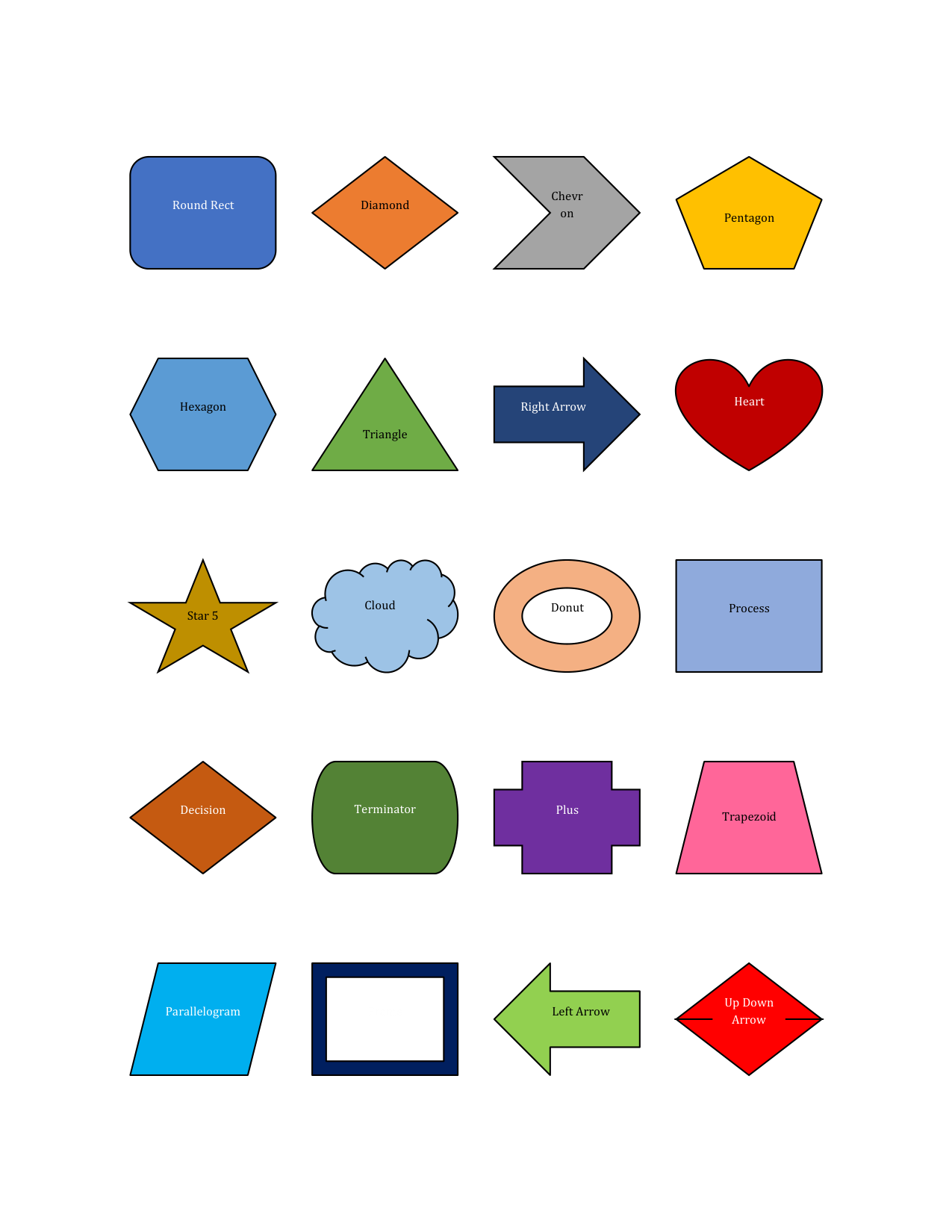 20 preset shapes via geometry engine — reference |
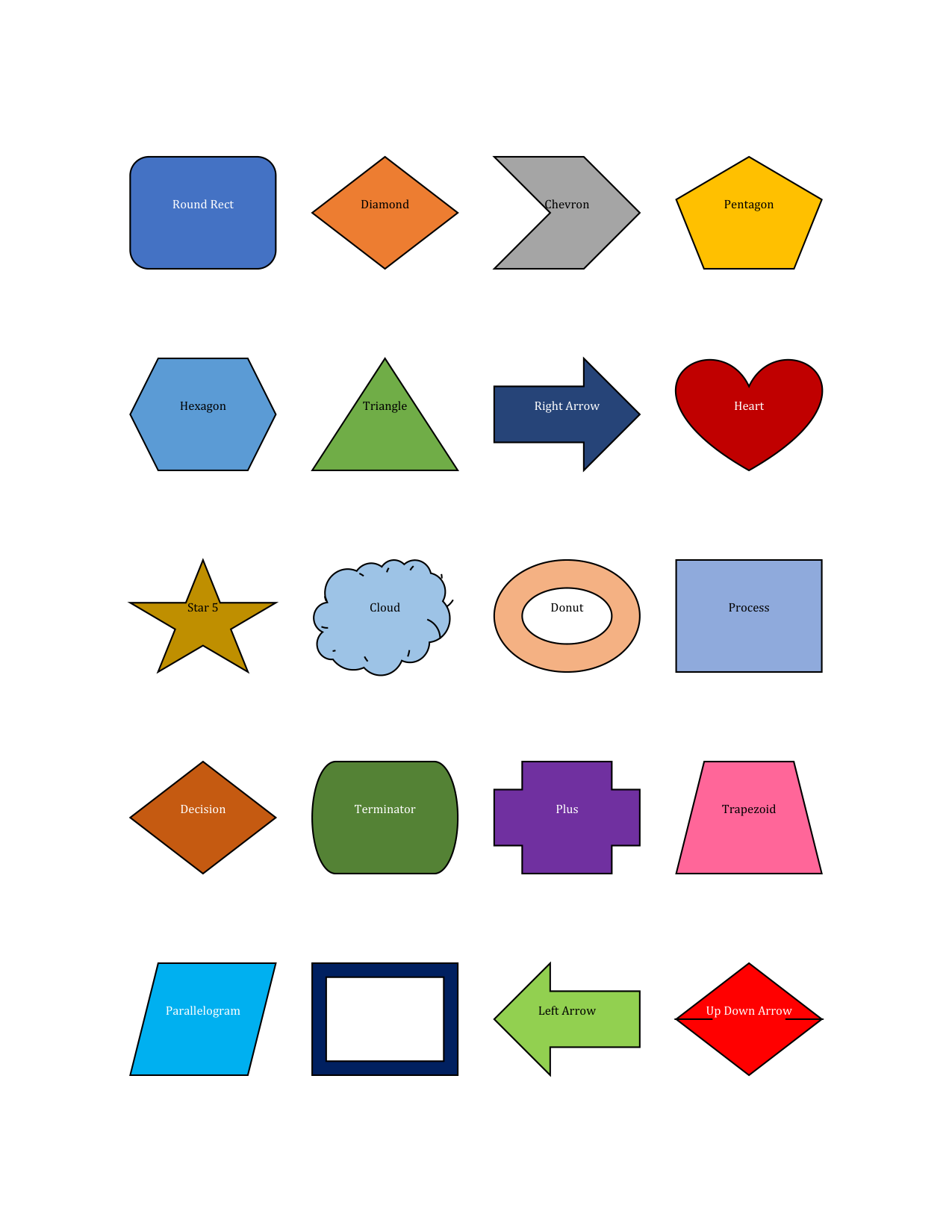 96.9% SSIM |
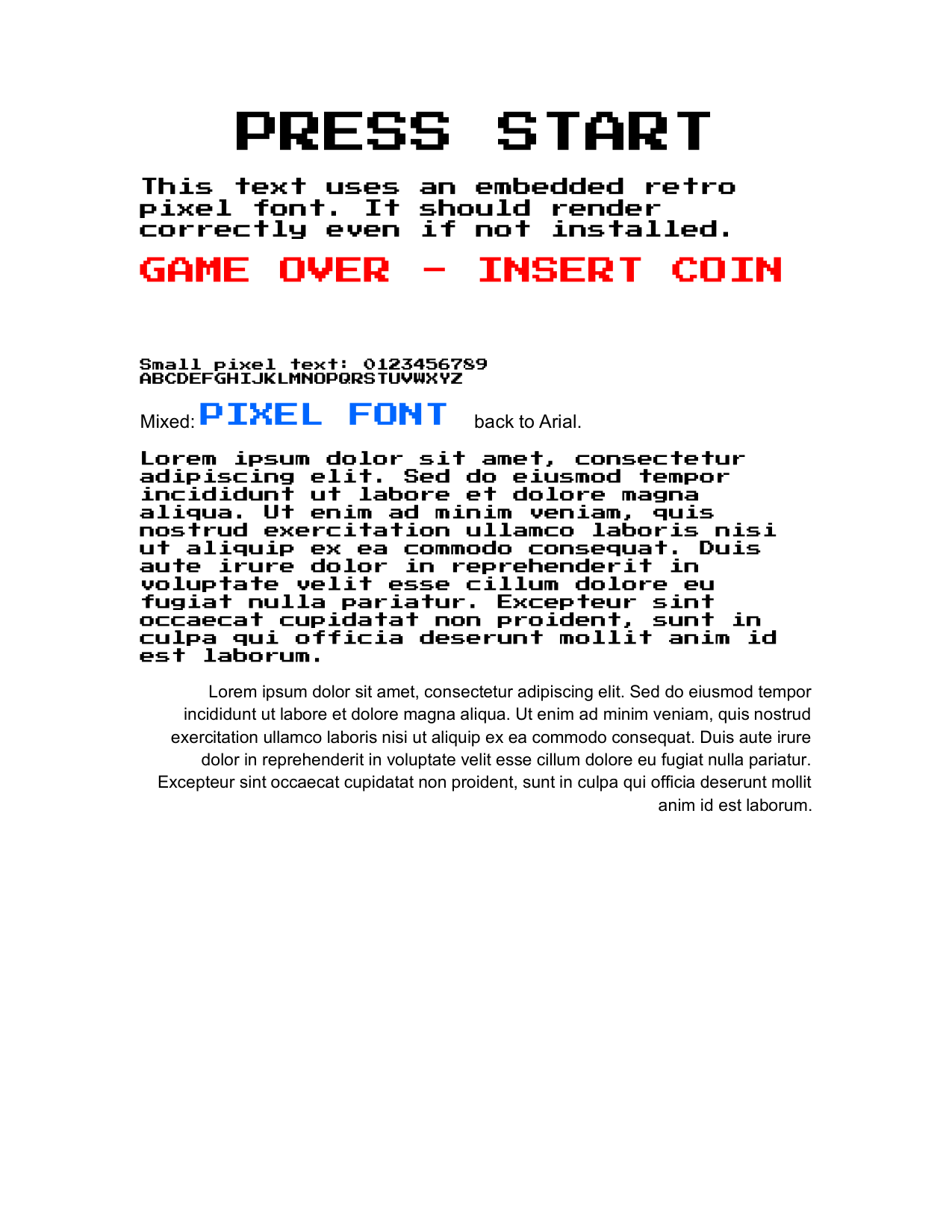 Embedded fonts & mixed typography — reference |
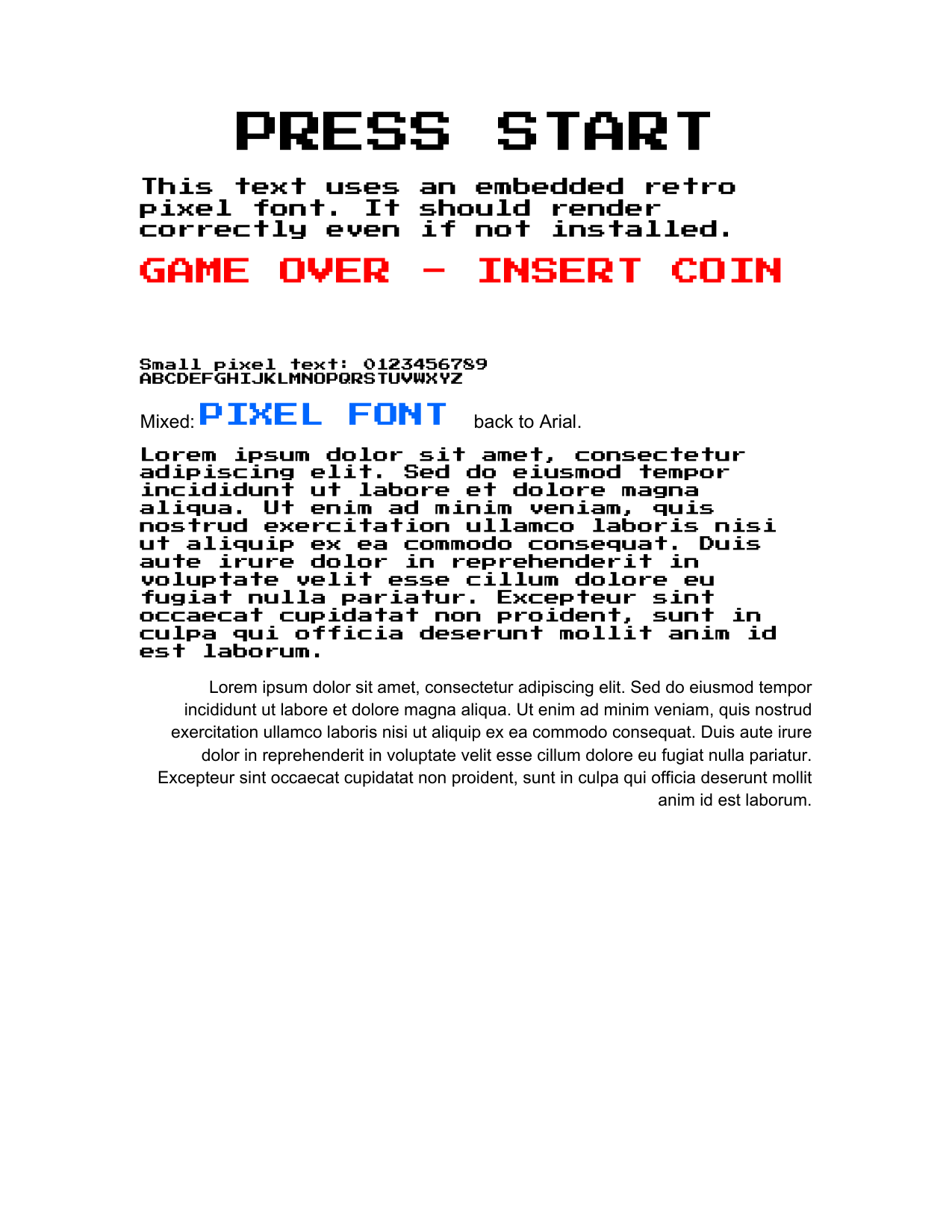 94.1% SSIM |
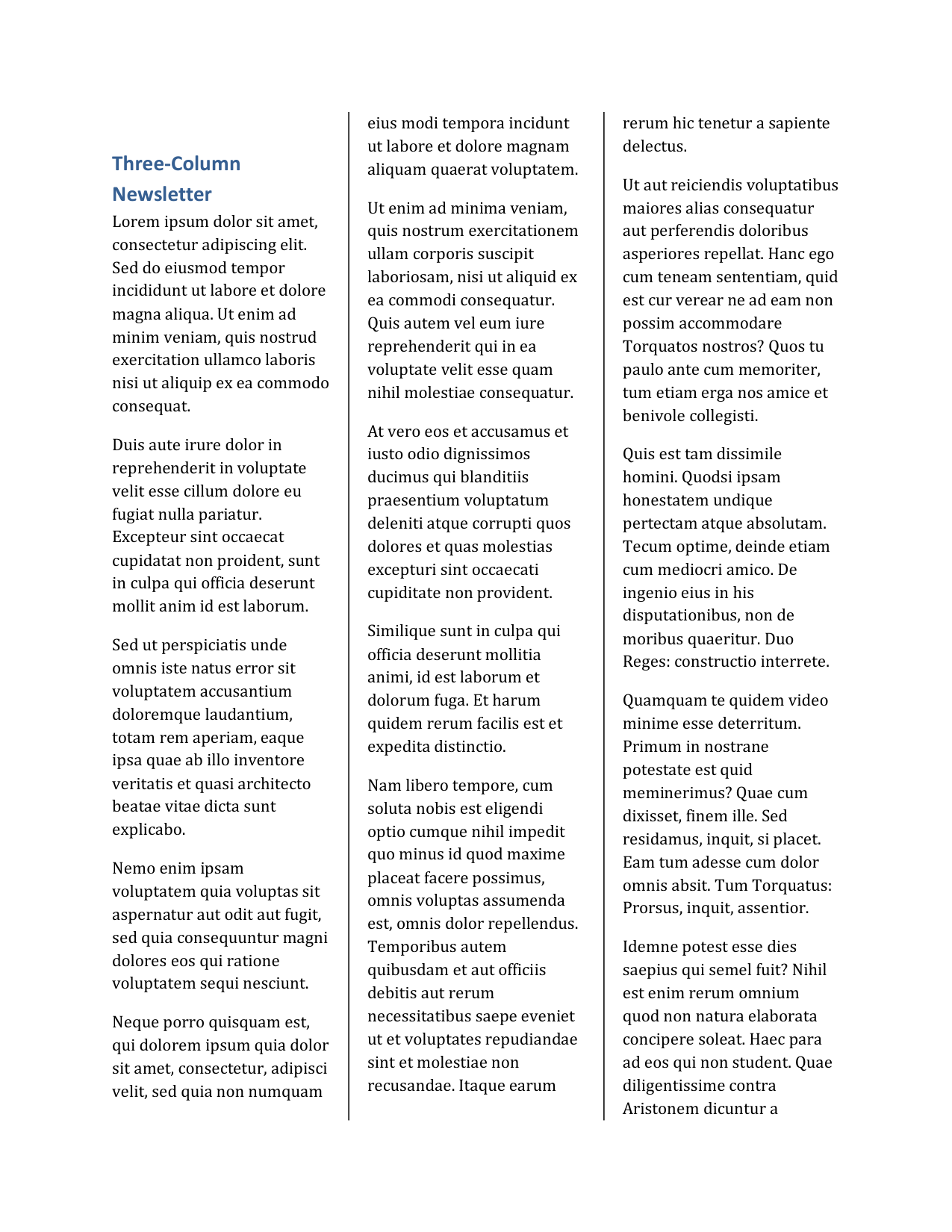 Three-column newsletter layout — reference |
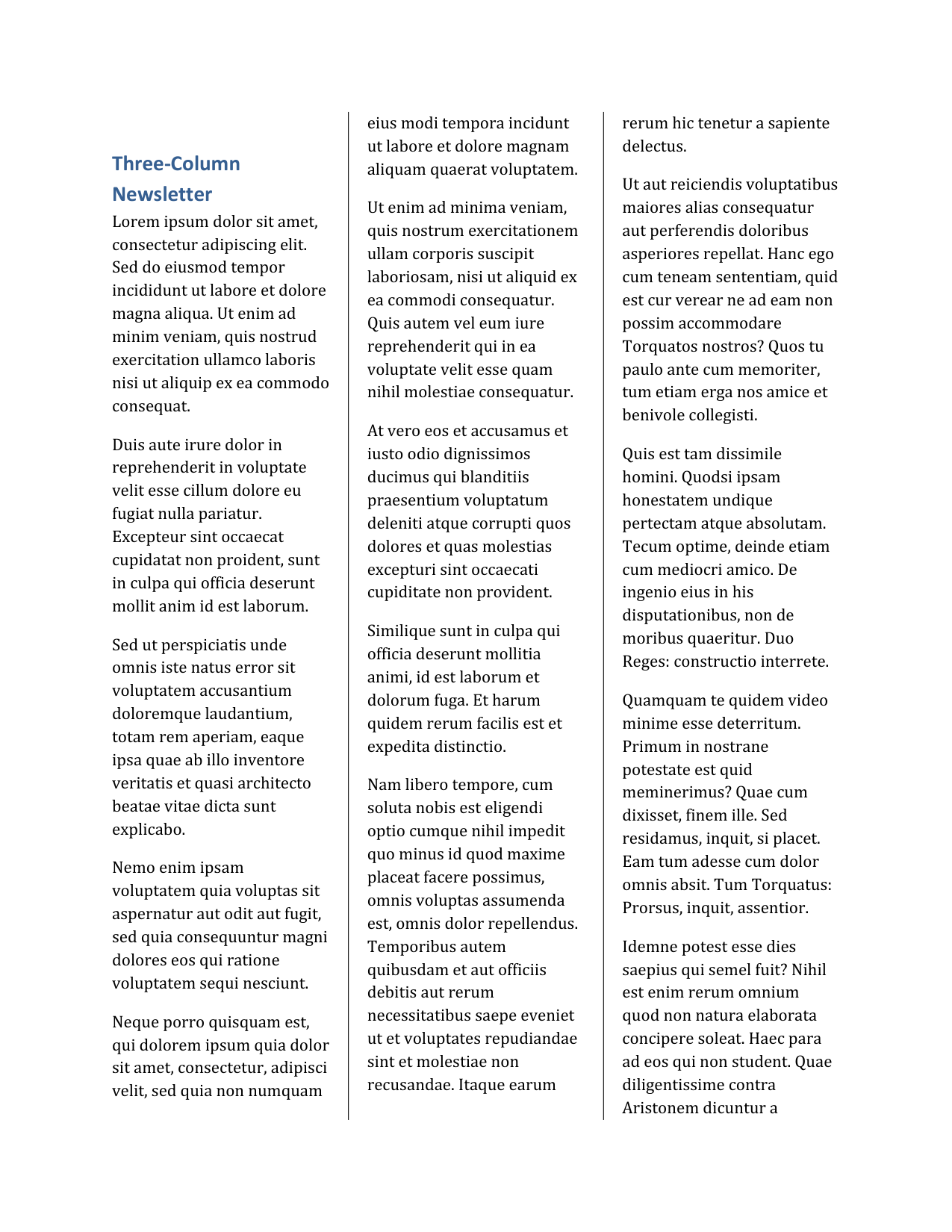 93.3% SSIM |
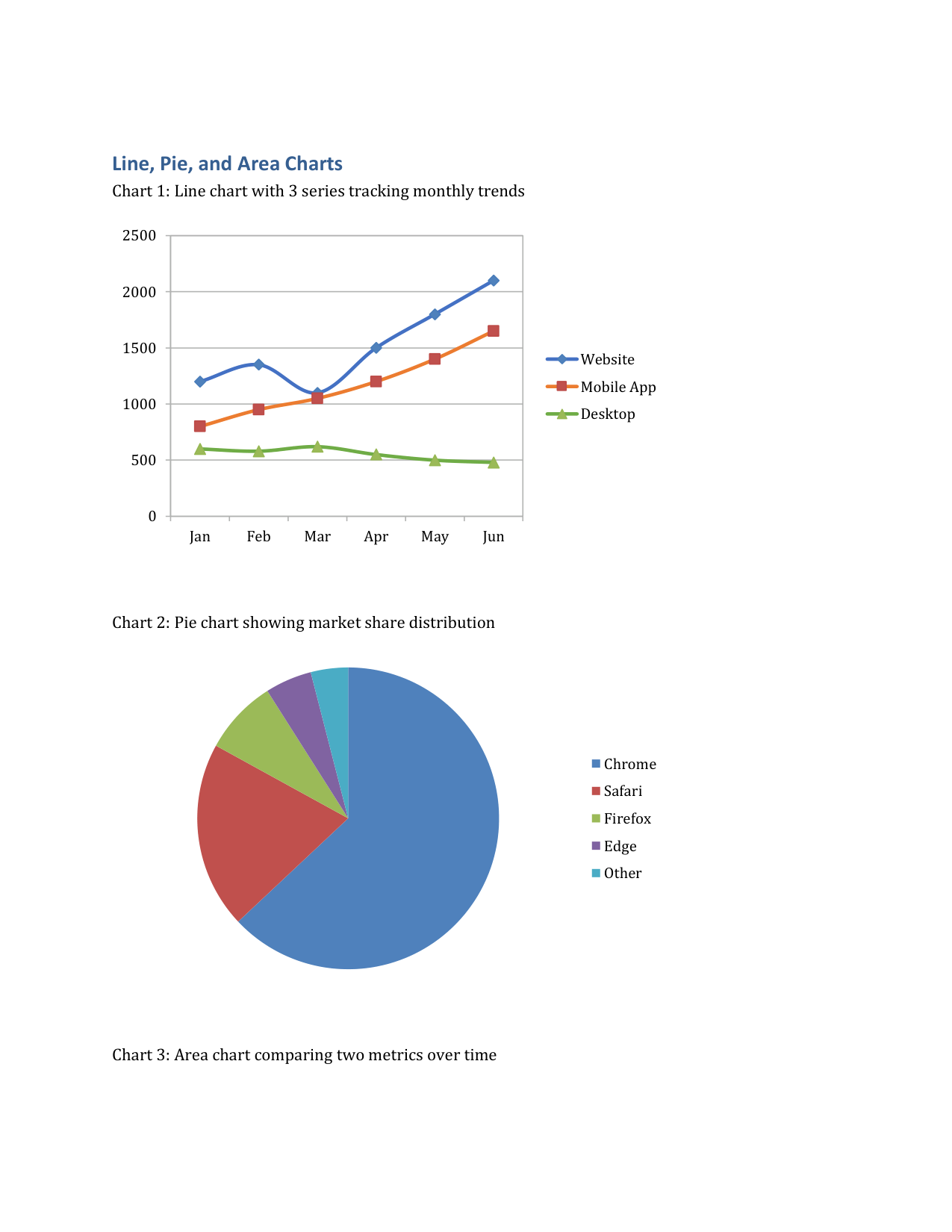 Line, pie & area charts — reference |
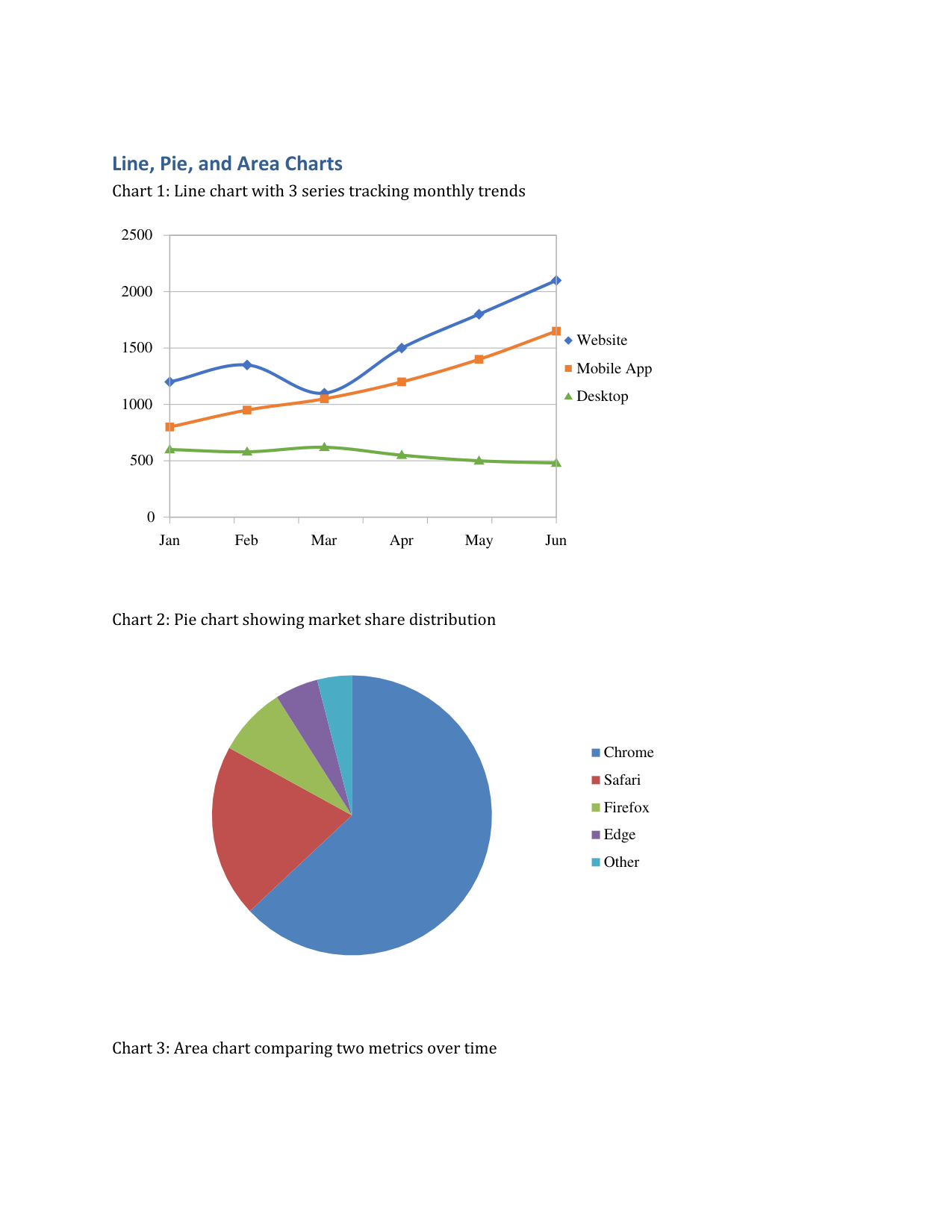 83.3% SSIM |
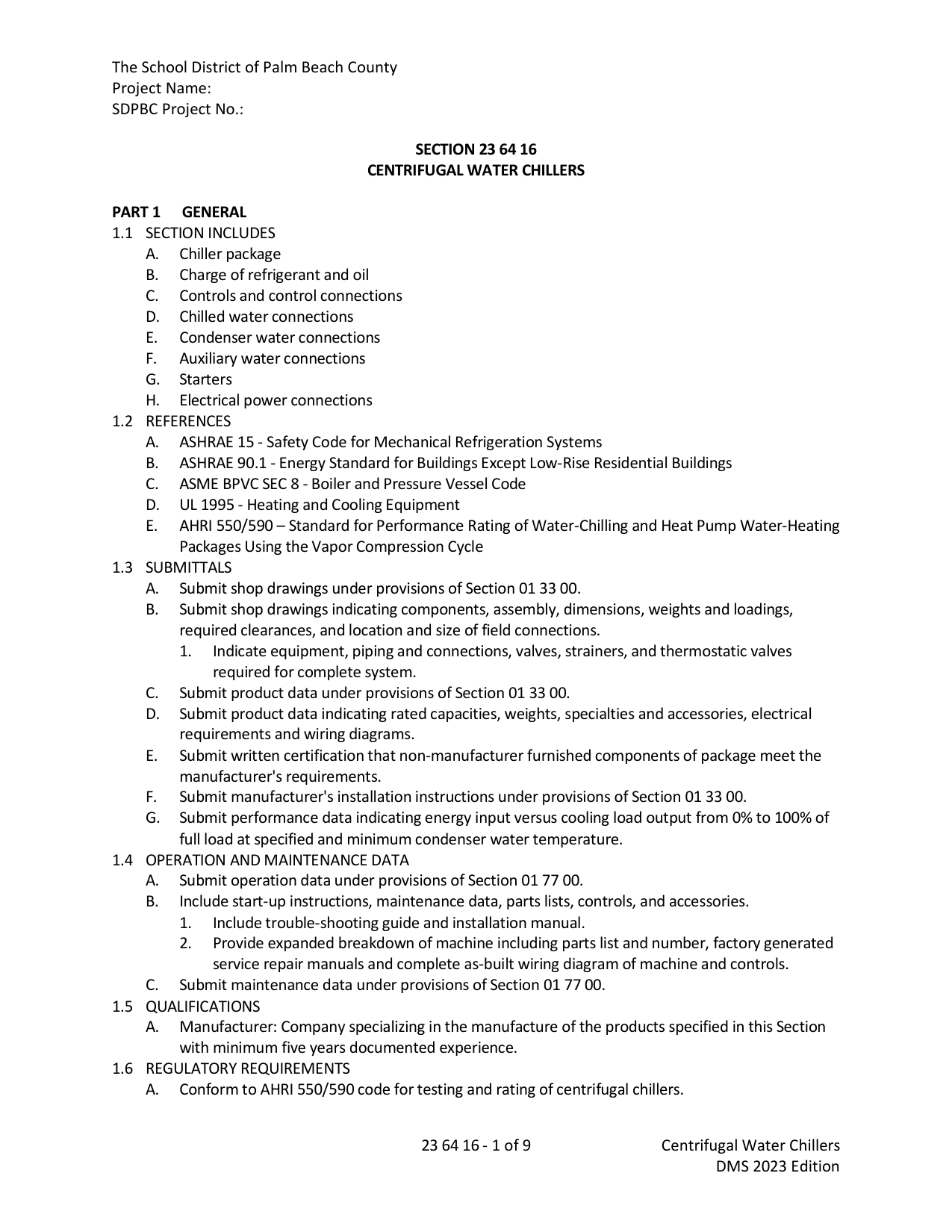 Real-world document (scraped) — reference |
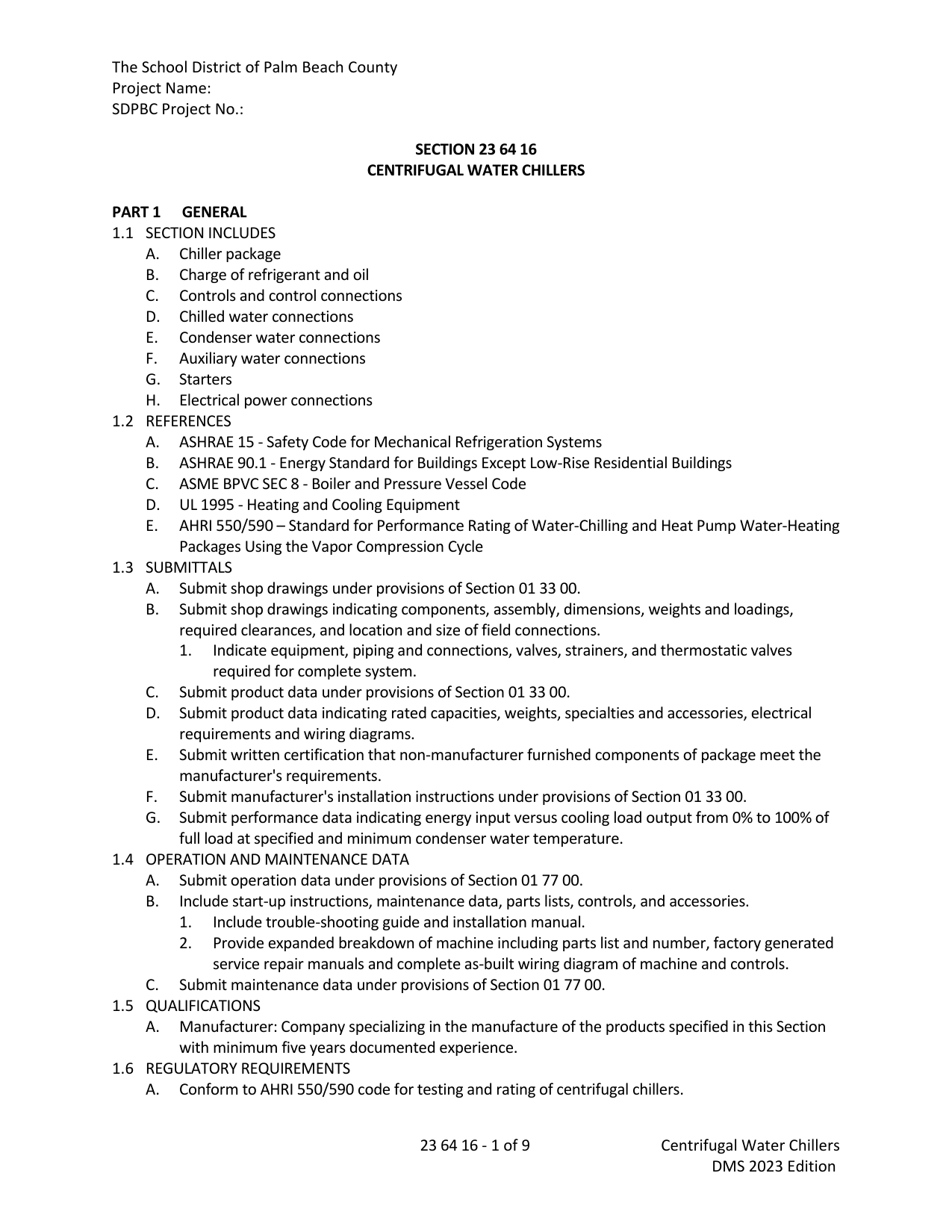 94.0% SSIM |
# Install the CLI
cargo install docxide-pdf# Convert a DOCX file to PDF
docxide-pdf input.docx
# Specify output path (defaults to input.pdf)
docxide-pdf input.docx output.pdfcargo add docxide-pdf --no-default-featuresThis avoids pulling in the CLI dependency (clap).
use docxide_pdf::convert_docx_to_pdf;
use std::path::Path;

convert_docx_to_pdf(
    Path::new("input.docx"),
    Path::new("output.pdf"),
)?;docxide-template is a sibling crate for type-safe MS Word templates. It scans a folder of .docx files at compile time and generates a Rust struct per template, with {Placeholder} patterns turned into snake_case fields. Pair it with docxide-pdf to go from template → filled DOCX → PDF in a single, fully in-memory pipeline:
use docxide_pdf::convert_docx_bytes_to_pdf;
use docxide_template::generate_templates;
use std::path::Path;

generate_templates!("templates");

fn main() -> Result<(), Box<dyn std::error::Error>> {
    let doc = HelloWorld {
        first_name: "Alice".into(),
        company: "Acme Corp".into(),
    };

    let docx_bytes = doc.to_bytes()?;
    convert_docx_bytes_to_pdf(&docx_bytes, Path::new("output/greeting.pdf"))?;
    Ok(())
}
100% Rust, end to end — no temporary files, and no Word or LibreOffice install required on the host. Fill the template in memory, hand the bytes to convert_docx_bytes_to_pdf, and write the PDF. Combined with docxide-template's embed feature, you get a single self-contained binary that turns structured data into a polished PDF.
| Variable | Description |
|---|---|
DOCXSIDE_FONTS |
Additional font directories to search, colon-separated (; on Windows). Searched before system font directories. |
DOCXSIDE_NO_FONT_CACHE |
Set to any value to disable the font index disk cache. Forces a full font scan on every conversion. Useful for debugging font resolution issues. |
Font scanning results are cached to disk (per-directory, invalidated by mtime). The cache is stored at:
- macOS:
~/Library/Caches/docxide-pdf/font-index.tsv - Linux:
$XDG_CACHE_HOME/docxide-pdf/font-index.tsv(default~/.cache/) - Windows:
%LOCALAPPDATA%\docxide-pdf\cache\font-index.tsv
Tests require mutool on PATH for PDF-to-PNG rendering:
brew install mupdf        # macOS
apt install mupdf-tools   # Debian/Ubuntu
# Run all tests
cargo test -- --nocapture
# Run only Jaccard visual comparison
cargo test visual_comparison -- --nocapture
# Run only SSIM comparison
cargo test ssim_comparison -- --nocaptureResults are appended to tests/output/results.csv and tests/output/ssim_results.csv. Run python tools/graph.py to see a live-updating graph of scores over time.
Build the tools once:
cd tools && cargo buildThen run from the project root:
# Inspect XML inside a DOCX
./tools/target/debug/docx-inspect input.docx

# Print font information
./tools/target/debug/docx-fonts input.docx

# Compare two rendered pages
./tools/target/debug/jaccard a.png b.png

# Full fixture diff
./tools/target/debug/case-diff case1Pull requests are welcome!
Apache-2.0