A fullscreen terminal clock and GPU dashboard for NVIDIA Linux workstations and Apple Silicon Macs.
Turn any terminal into a live status screen for AI workstations, local model machines, homelab servers, and SSH sessions.
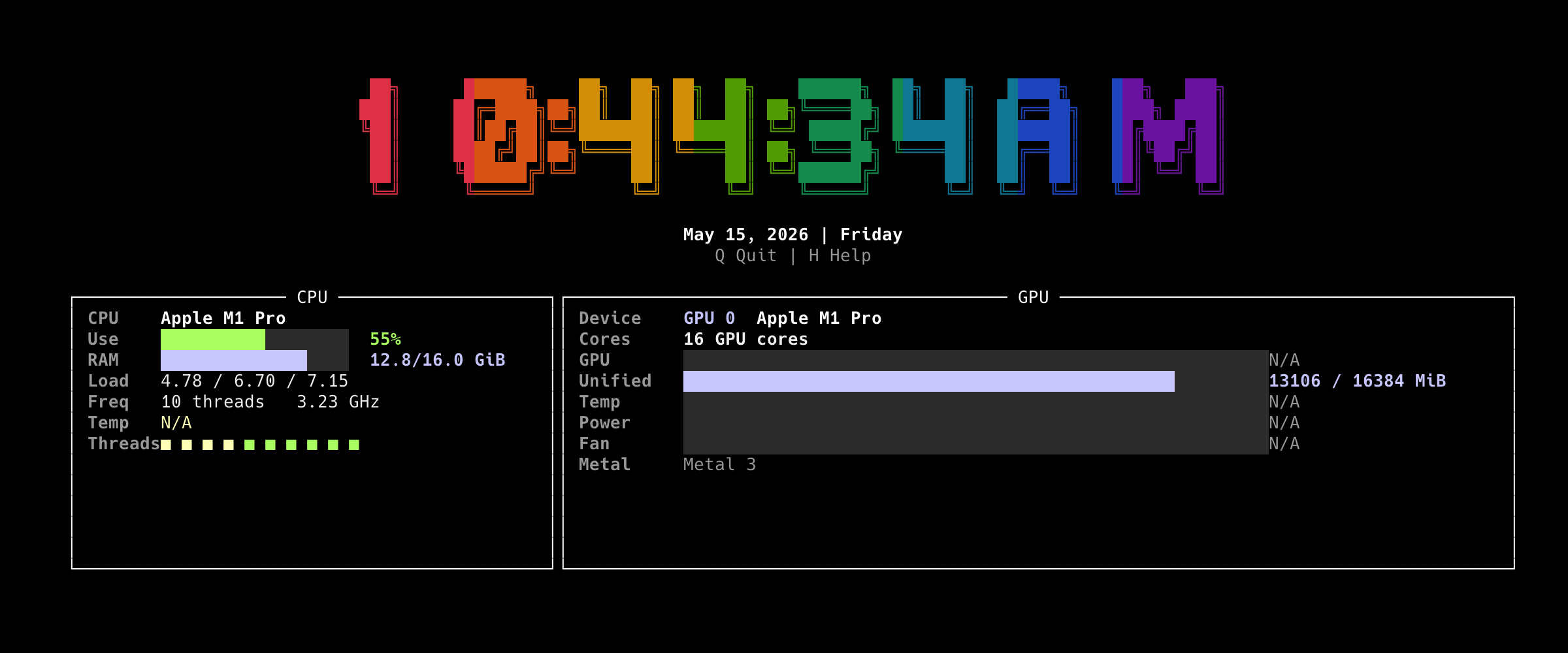
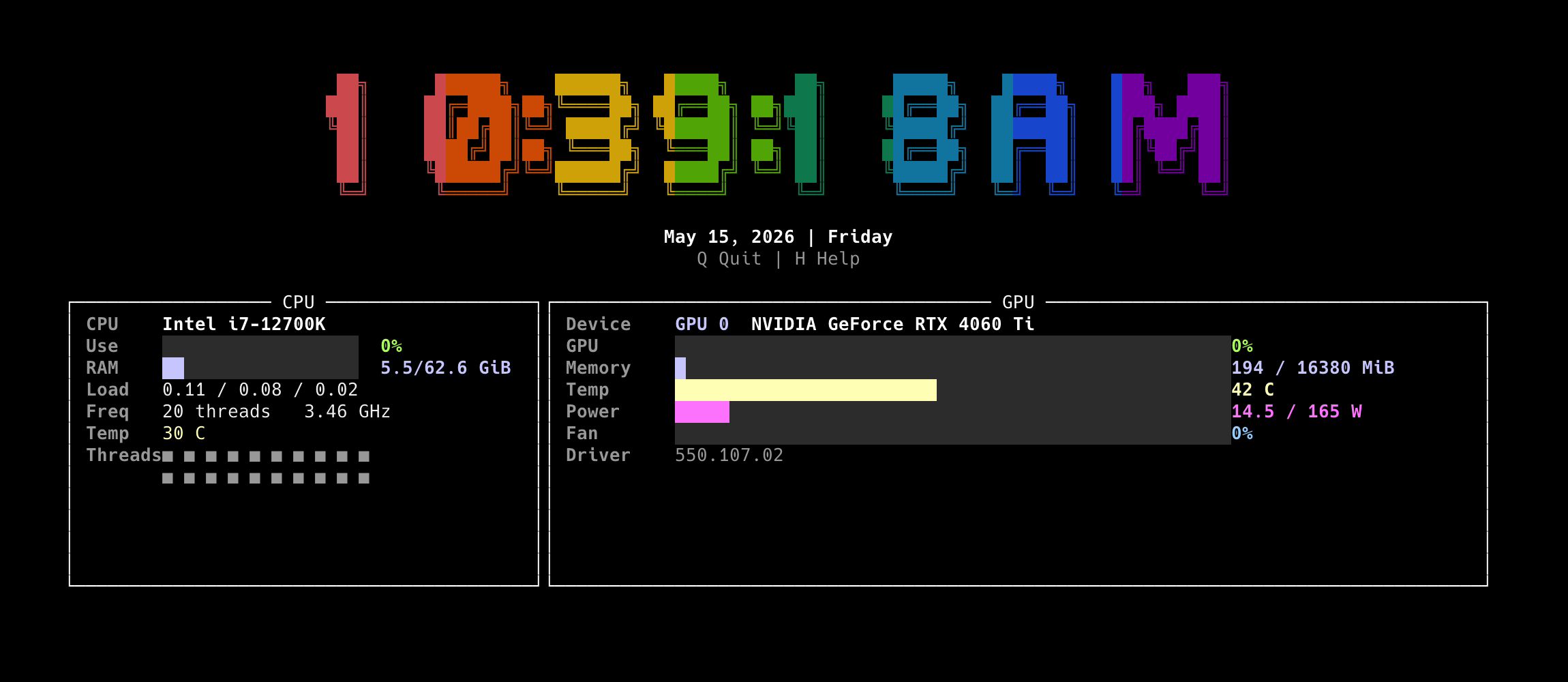
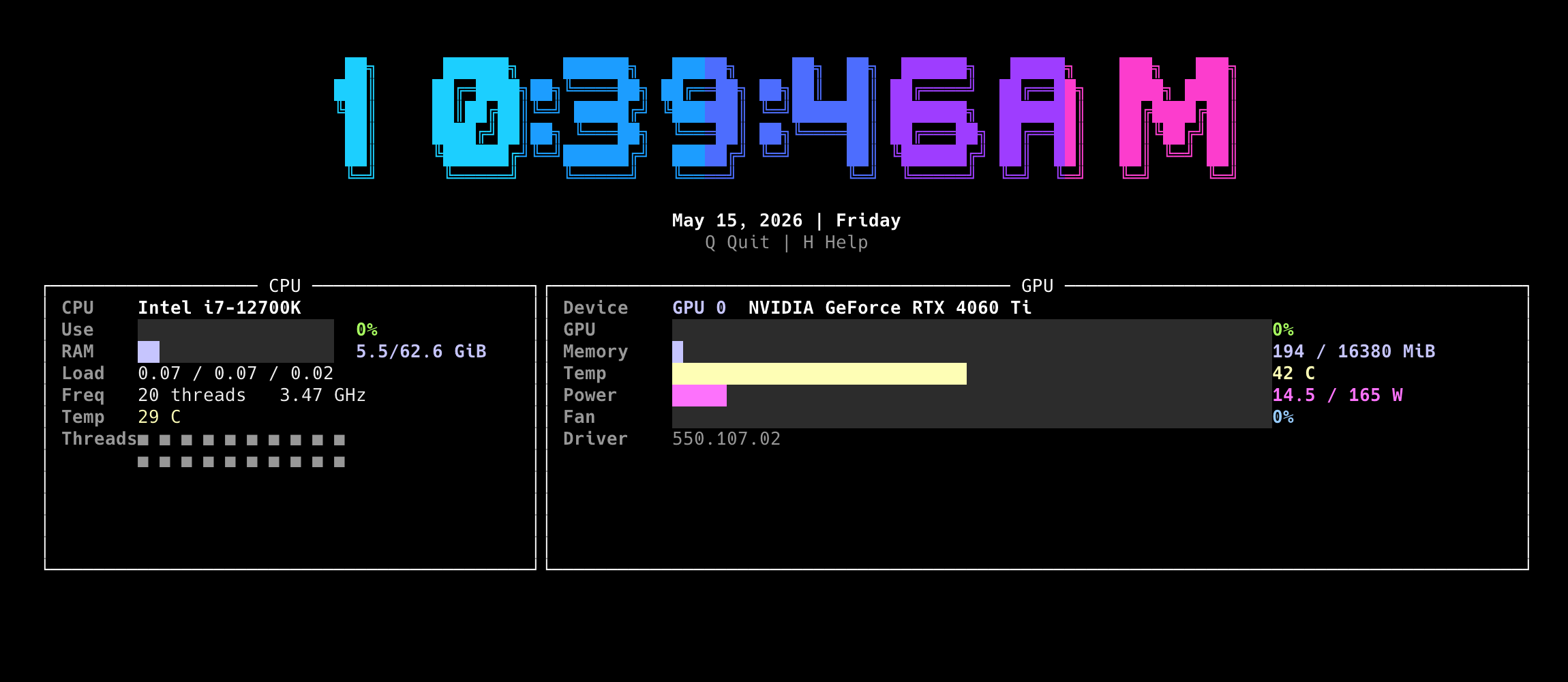
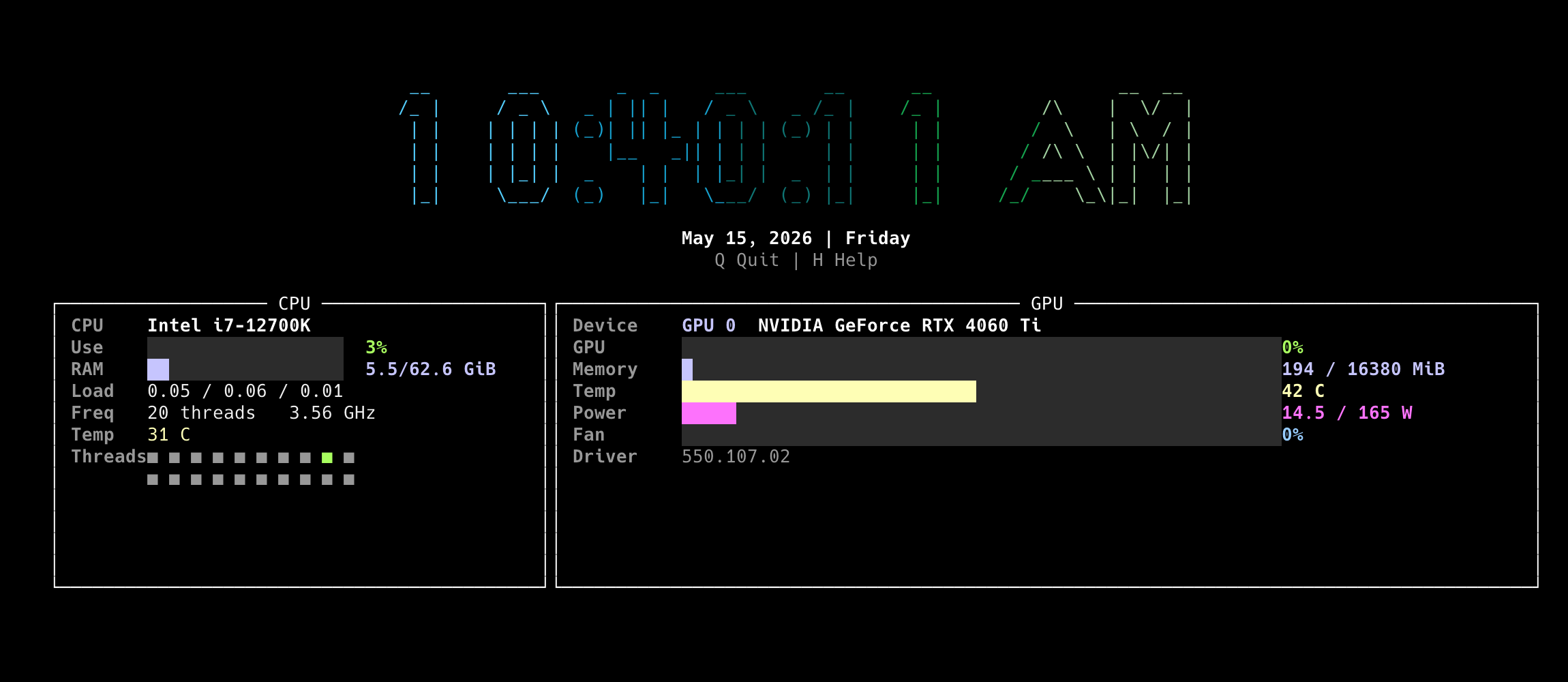
nvclocktop combines a large readable clock, CPU activity, memory usage, and GPU metrics in one colorful terminal dashboard.
--font terrace --theme rainbow |
--font terrace --theme cyber |
|---|---|
 |
 |
--font big --theme ocean |
--font standard --theme amber |
 |
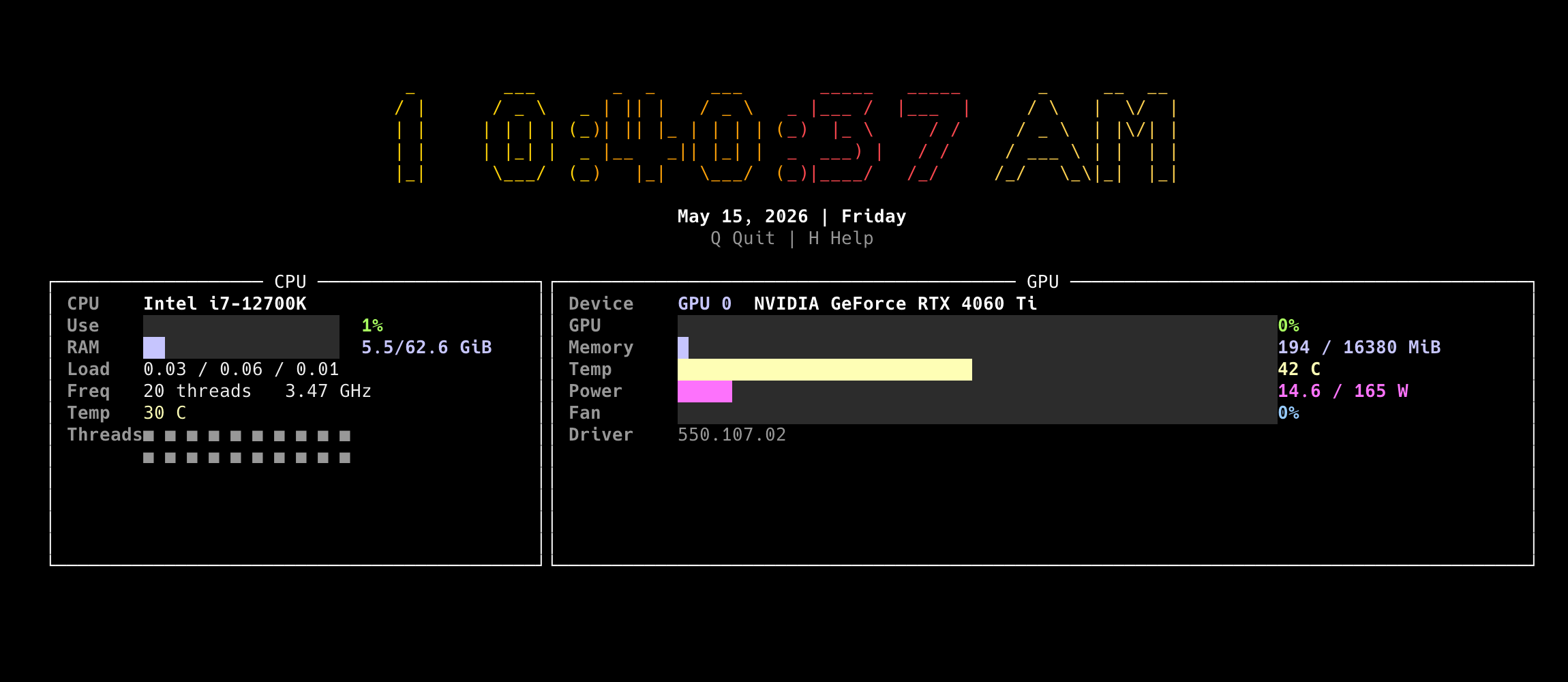 |
--font slant --theme mono |
|
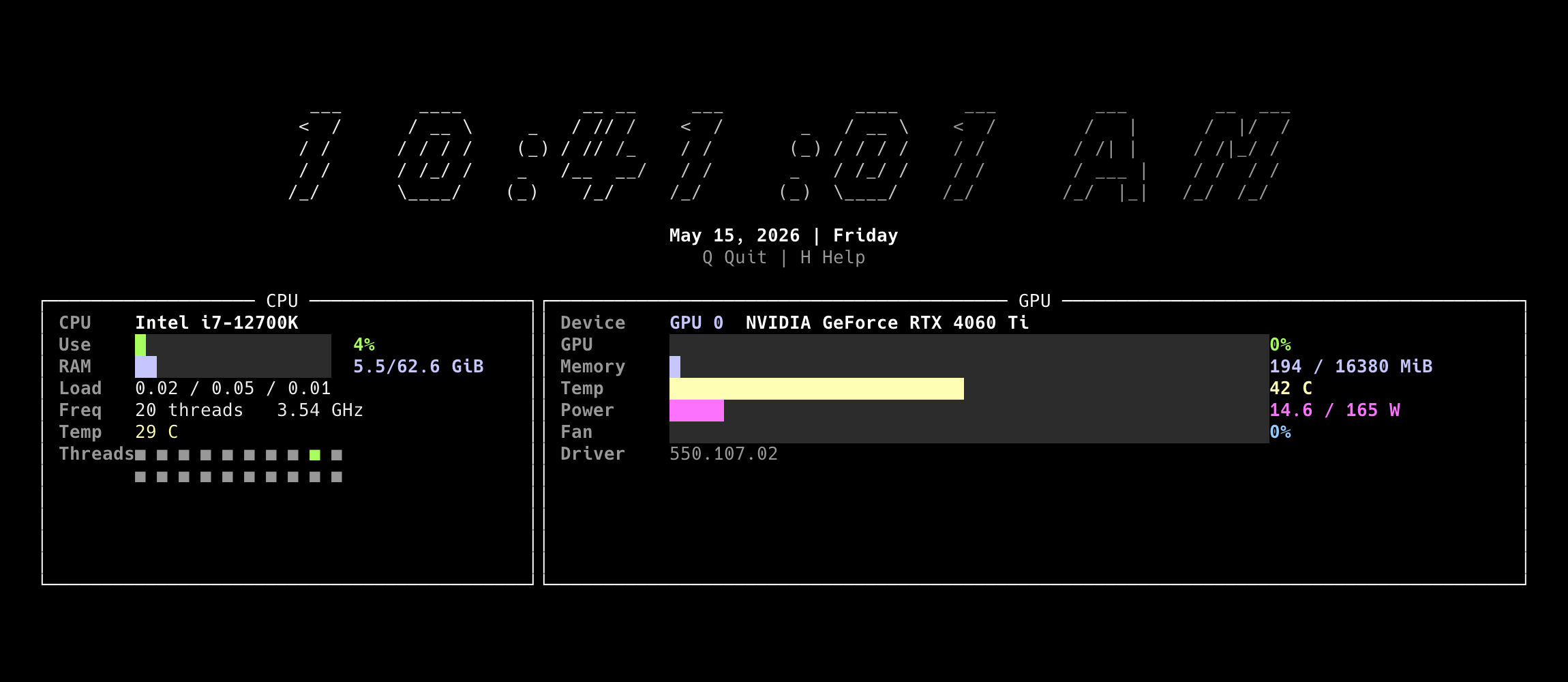 |
pip install nvclocktopOr with pipx:
pipx install nvclocktopnvclocktopUseful options:
nvclocktop --refresh 1
nvclocktop --once
nvclocktop --font big
nvclocktop --theme cyber- Large fixed-position terminal clock with seconds
- CPU usage, memory, load average, and per-thread activity
- NVIDIA GPU usage, memory, temperature, power, fan, and driver info on Linux
- Apple Silicon GPU and unified memory display on macOS
- Adaptive layout for wide and compact terminals
- Keyboard controls:
Qto quit,Hfor help - Works well over SSH
nvclocktop ships with official clock font and color presets. Invalid preset names are rejected by the CLI, so saved scripts and dashboard setups fail fast instead of silently falling back to an unexpected style.
Available font presets:
nvclocktop --font terrace
nvclocktop --font big
nvclocktop --font standard
nvclocktop --font slant
nvclocktop --font chunky
Available color themes:
nvclocktop --theme rainbow
nvclocktop --theme cyber
nvclocktop --theme ocean
nvclocktop --theme amber
nvclocktop --theme monoCurrently supported:
| Platform | GPU support | Notes |
|---|---|---|
| Linux | NVIDIA GPUs via nvidia-smi |
Best supported path |
| macOS | Apple Silicon GPU display | Includes unified memory display |
| CPU | Intel and AMD CPUs | Uses standard system metrics |
Not currently supported:
- AMD GPUs
- Intel GPUs
- Windows native terminal
| Key | Action |
|---|---|
Q |
Quit |
H |
Show or hide help |
Ctrl+C |
Quit immediately |
git clone https://github.com/stephenlzc/nvclocktop.git
cd nvclocktop
python3 -m venv .venv
. .venv/bin/activate
pip install -e ".[dev]"
pytestMIT