
OS Command Injection is a security vulnerability that arises when an application executes operating system commands using untrusted user input without proper validation, sanitization, or secure handling. An attacker can manipulate this input to inject additional commands or modify the intended command execution, resulting in the application executing commands controlled by the attacker on the underlying operating system.
Successful exploitation can allow attackers to access sensitive information, modify files, execute unauthorized actions, or compromise the affected system. The commands are executed with the same privileges as the vulnerable application, meaning the impact depends on the permissions granted to that application.
- Identify Vulnerable Input: Attackers look for application inputs, such as URL parameters, form fields, cookies, or HTTP headers, that are used to construct operating system commands.
- Inject Malicious Commands: The attacker provides specially crafted input containing command separators or shell operators to alter the intended execution of the command.
- Command Execution: The application combines the user input with the original command.
- Unauthorized Command Execution: Attackers can execute arbitrary commands on the affected system, allowing them to perform actions outside the intended functionality of the application.
- Sensitive Data Exposure: Attackers may gain access to confidential information, including configuration files, database credentials, application secrets, or user data.
- System Compromise: Depending on the application's privileges, attackers can modify system files, create unauthorized accounts, install malicious software, or establish persistence on the system.
- Privilege Escalation: If the vulnerable application runs with elevated permissions, attackers may utilize command execution to gain higher levels of access.
- Denial of Service (DoS): Attackers may execute resource-intensive commands that consume system resources or cause the application or server to become unavailable.
- Avoid Executing Operating System Commands: The best way to defend against this vulnerability is to avoid invoking system commands whenever possible. Use built-in programming language functions or libraries instead.
- Validate and Whitelist User Input: Only allow expected values, and reject anything that is unexpected.
- Use Safe Command Execution Methods: If it is necessary to execute system commands, do not pass user input directly into shell commands. Use APIs that separate commands from arguments, and apply appropriate escaping functions provided by the programming language.
- Apply Least Privilege: Run applications with only the minimum permissions required.
- Perform Security Testing: Regularly identify and remediate command injection vulnerabilities.
- Keep Systems Updated: Apply security patches and updates to minimize exposure to known vulnerabilities.
Clone this current repo recursively
git clone --recurse-submodules https://github.com/qeeqbox/os-command-injectionRun the webapp using Python
python3 os-command-injection/vulnerable-web-app/webapp.pyOpen the webapp in your browser 127.0.0.1:5142
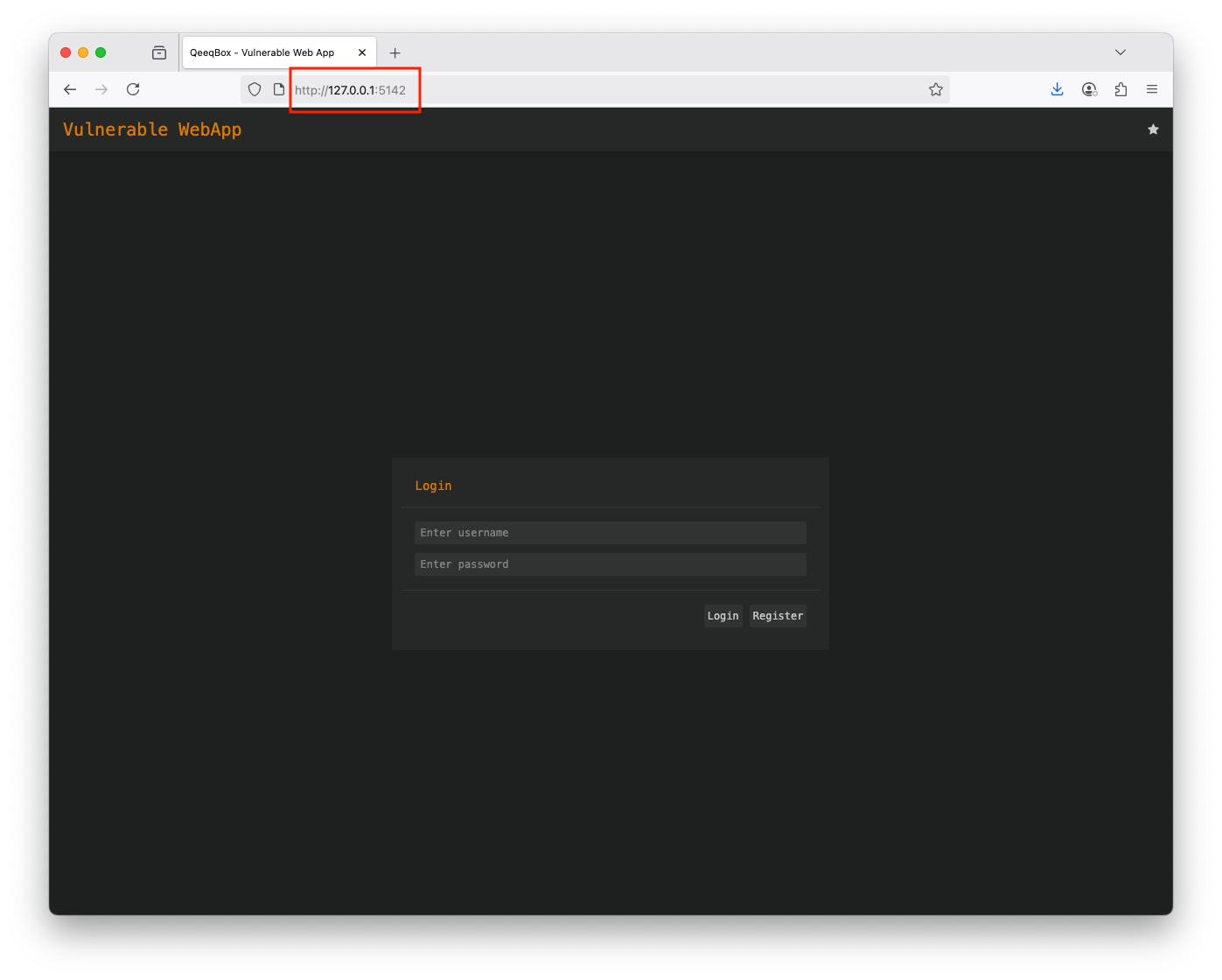
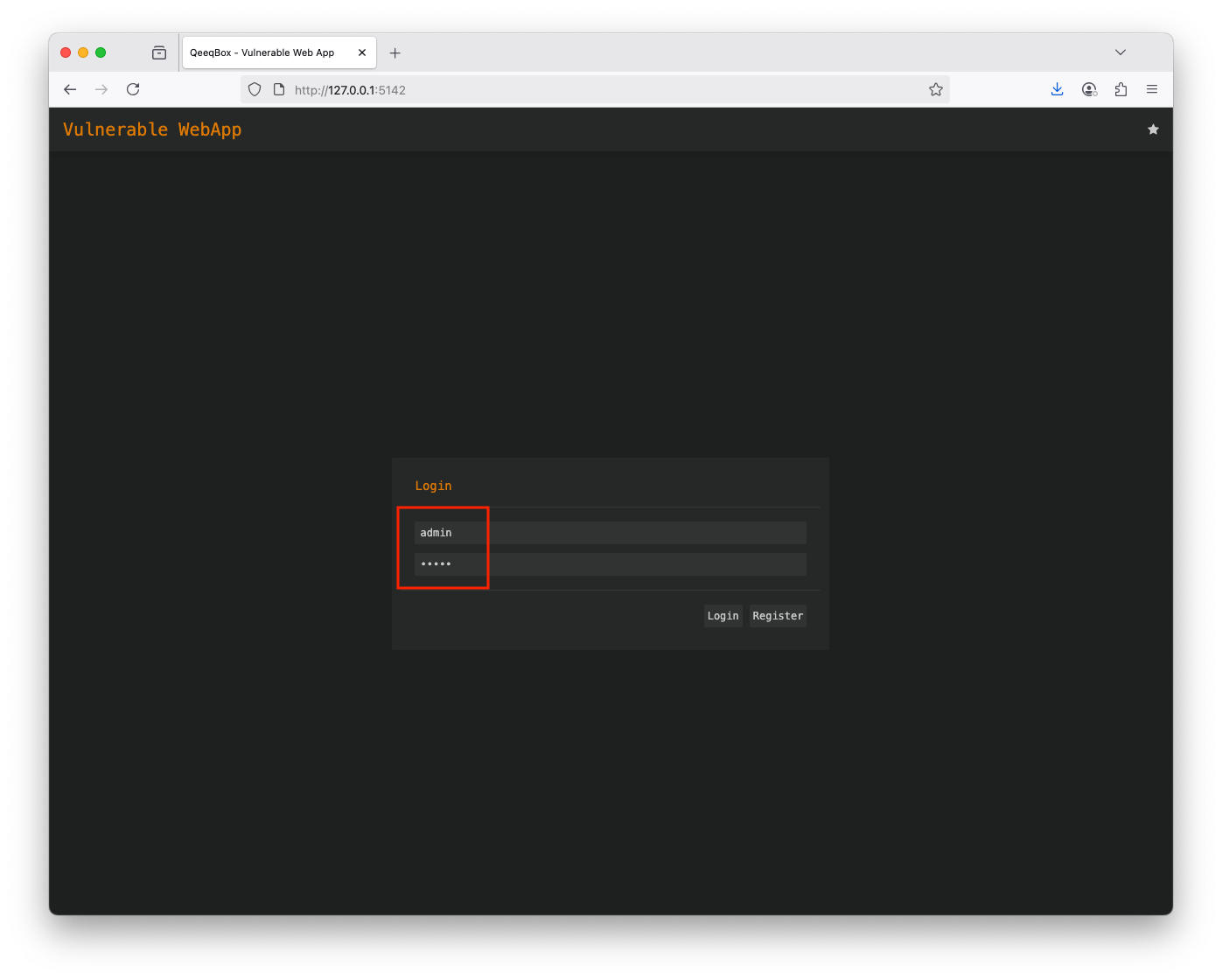
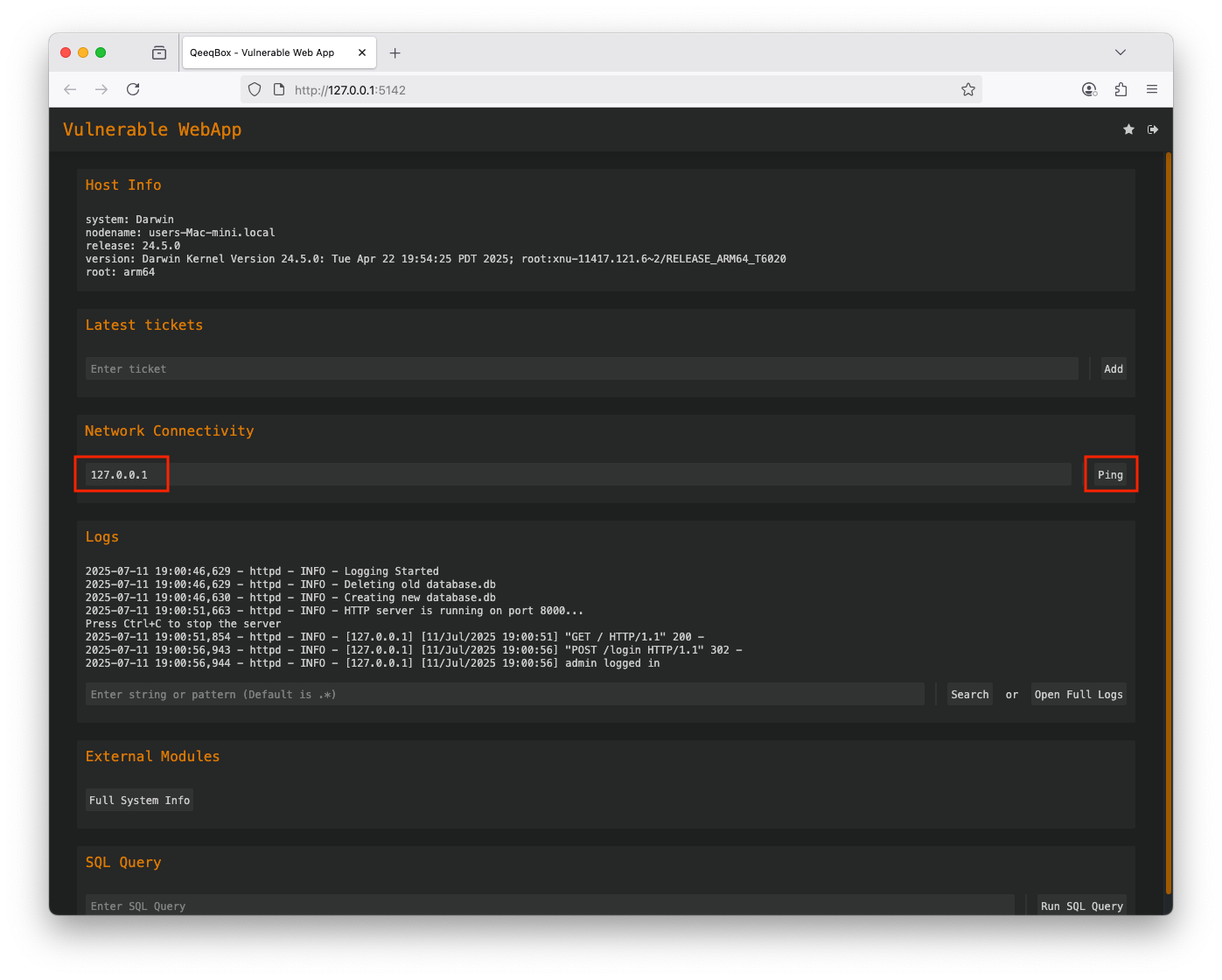
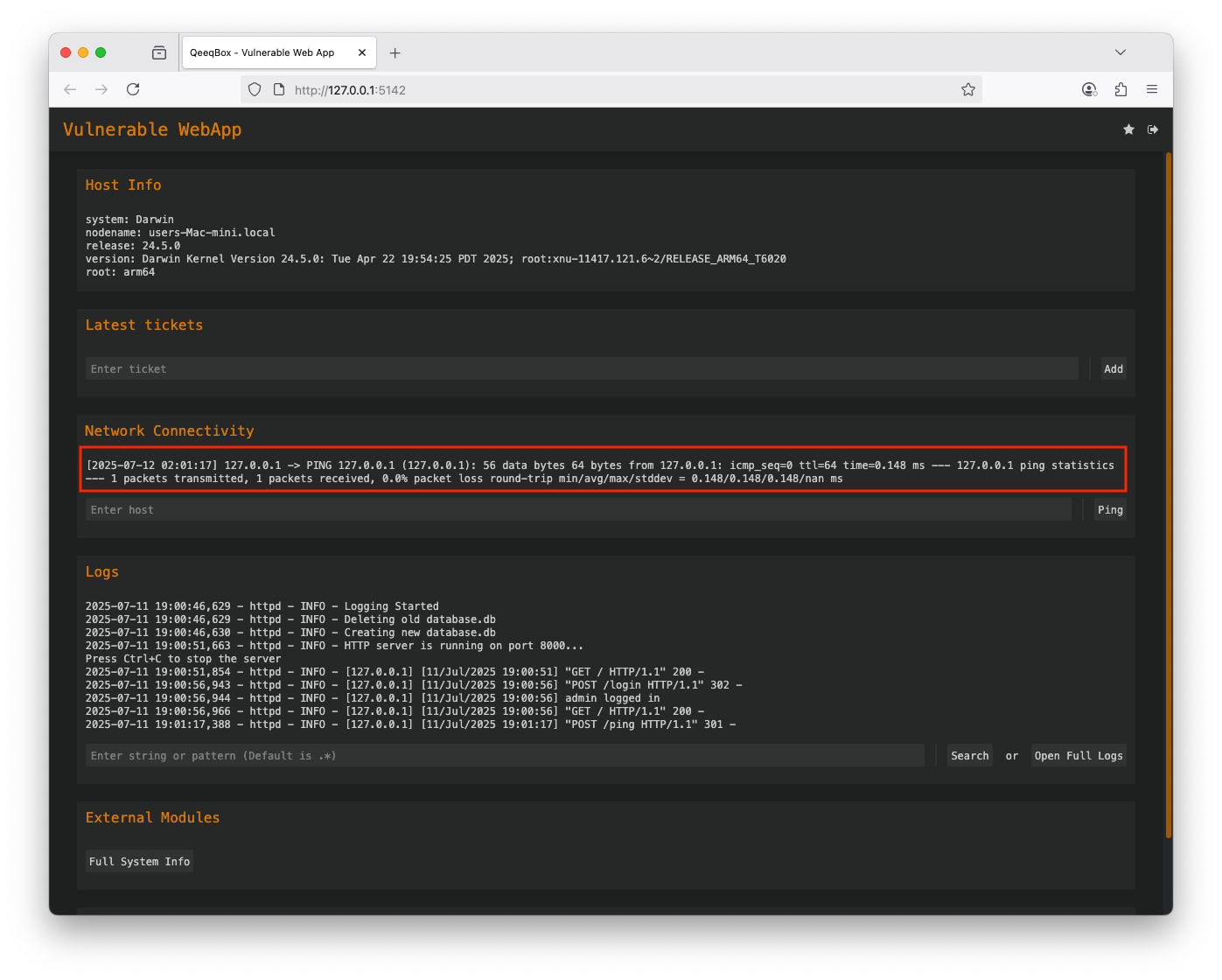
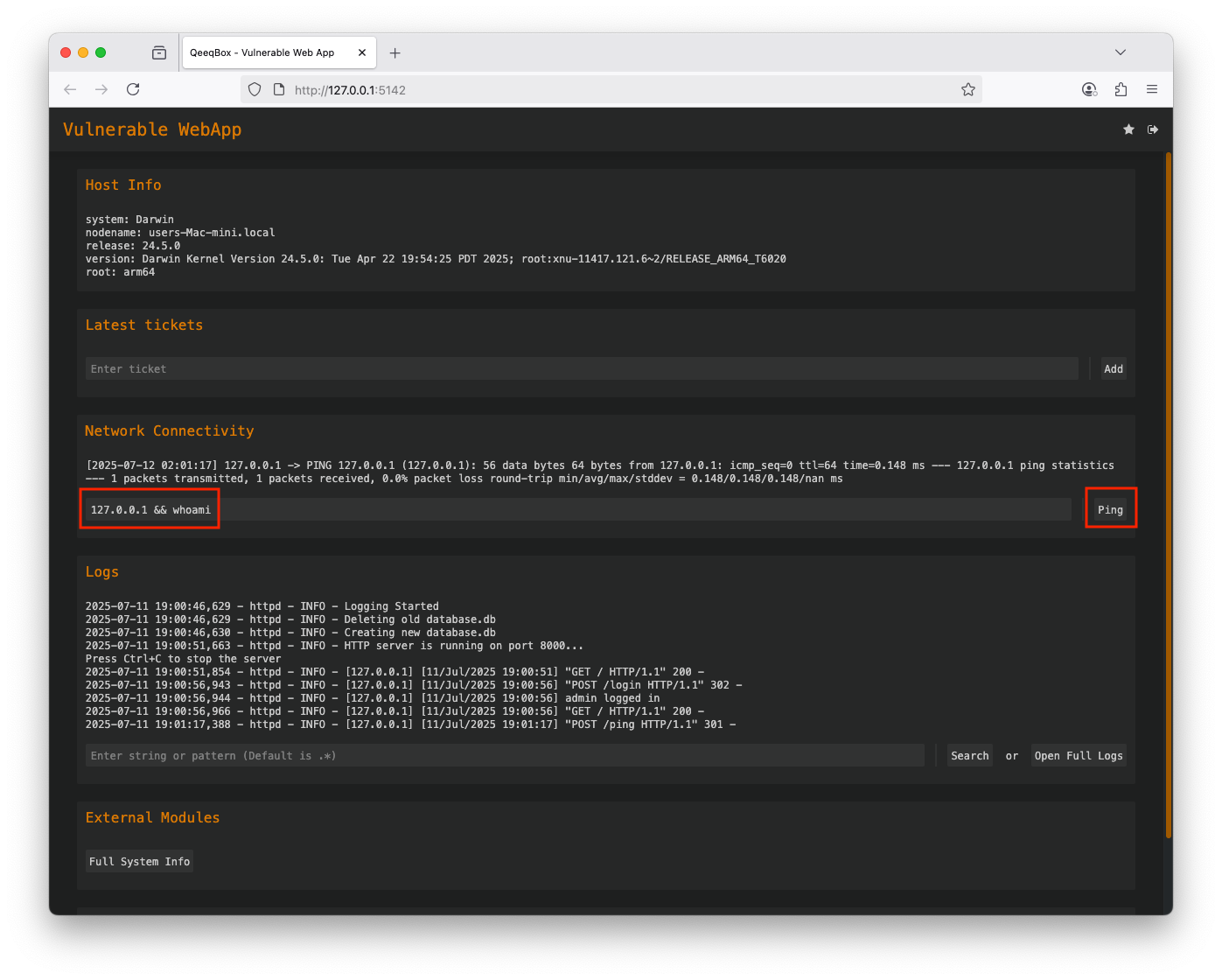
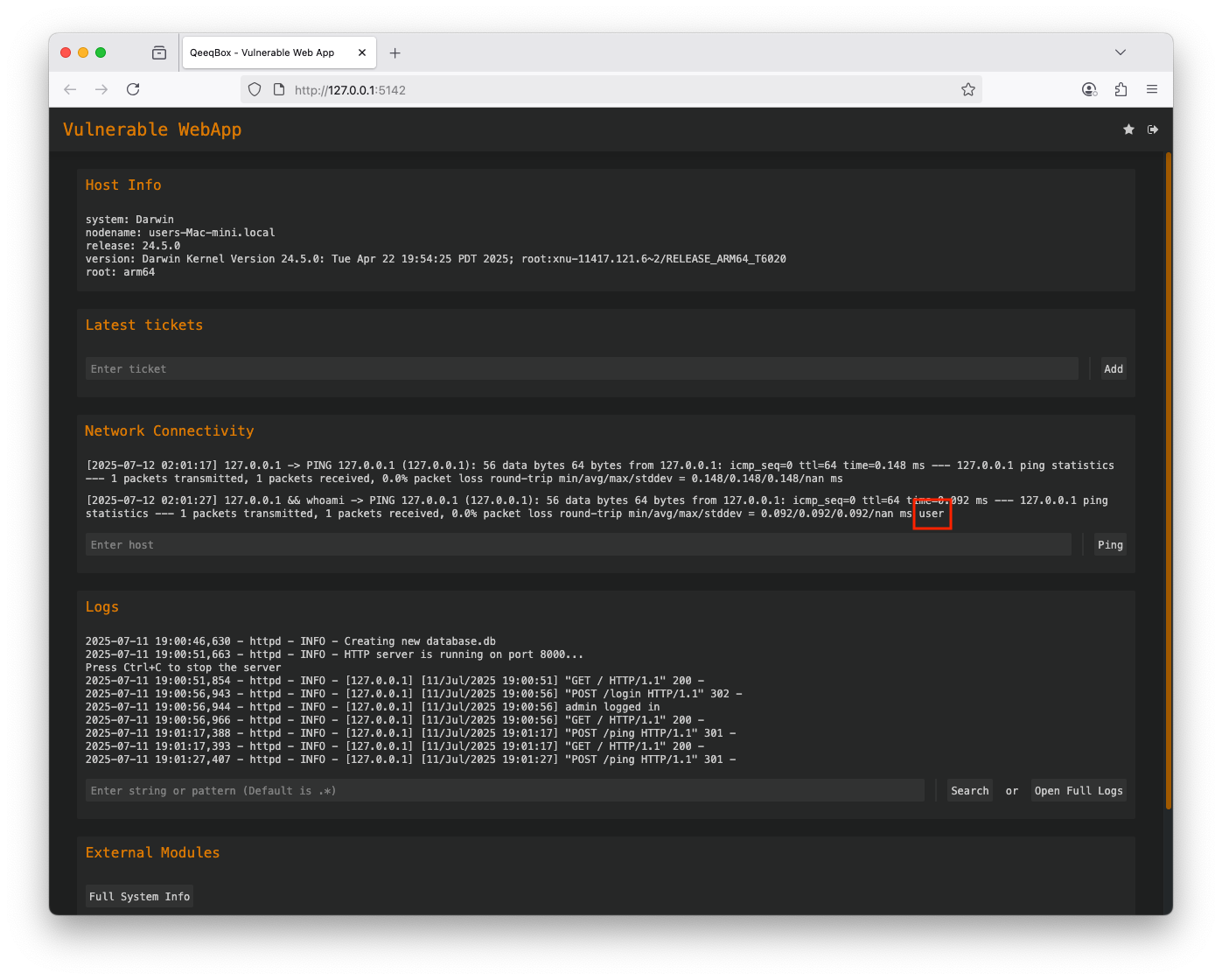
When the user enters a hostname or IP to check their network connectivity, the webapp calls the add_ping() function. This function uses the internal ping OS command, the dynamic value from the user can contain a malicious payload that also gets executed by the host
@logged_in
@check_access(access="ping")
def add_ping(self, ping):
    with Popen("ping -c 1 " + ping, stdout=PIPE, stderr=STDOUT, shell=True) as process, connect(DATABASE, isolation_level=None) as connection:
        cursor = connection.cursor()
        cursor.execute("INSERT into ping(username, ping, output) values(?,?,?)", (self.session["username"], ping, process.communicate()[0].decode("utf-8")))
        return True
    return False