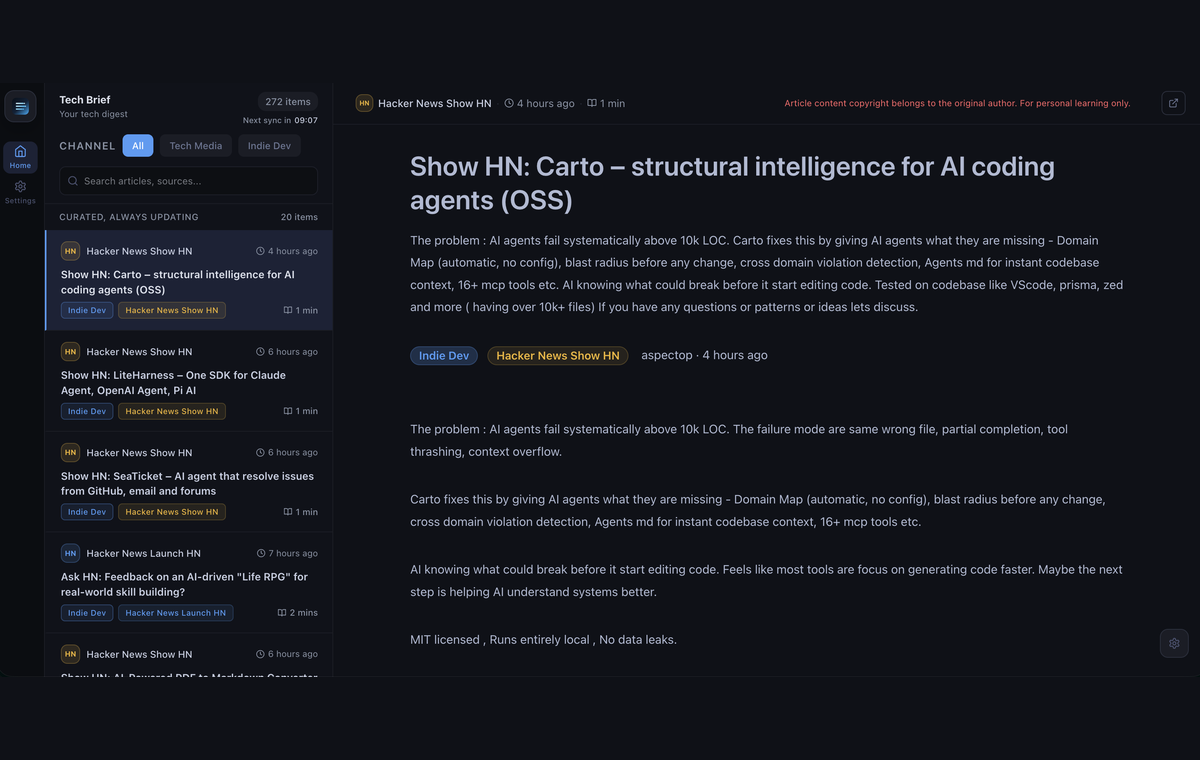
A multilingual reader for tech news and indie‑dev writing — every article gets a short summary, and AI translates it into the chosen language.
TechBrief gathers articles from a curated set of tech sources and RSS feeds and gives each one a short summary. Pick a reading language; anything not already in it is translated by AI (reading in English needs no AI at all). Read it all in a clean web page or on a phone.
Requires Node.js 20 or newer.
-
Install:
npm install -g @pubwave/techbrief
-
Start it:
techbrief
On the first run, a short setup guide asks a few questions (language, and which AI to use). TechBrief then starts up and opens the reader in the browser automatically.
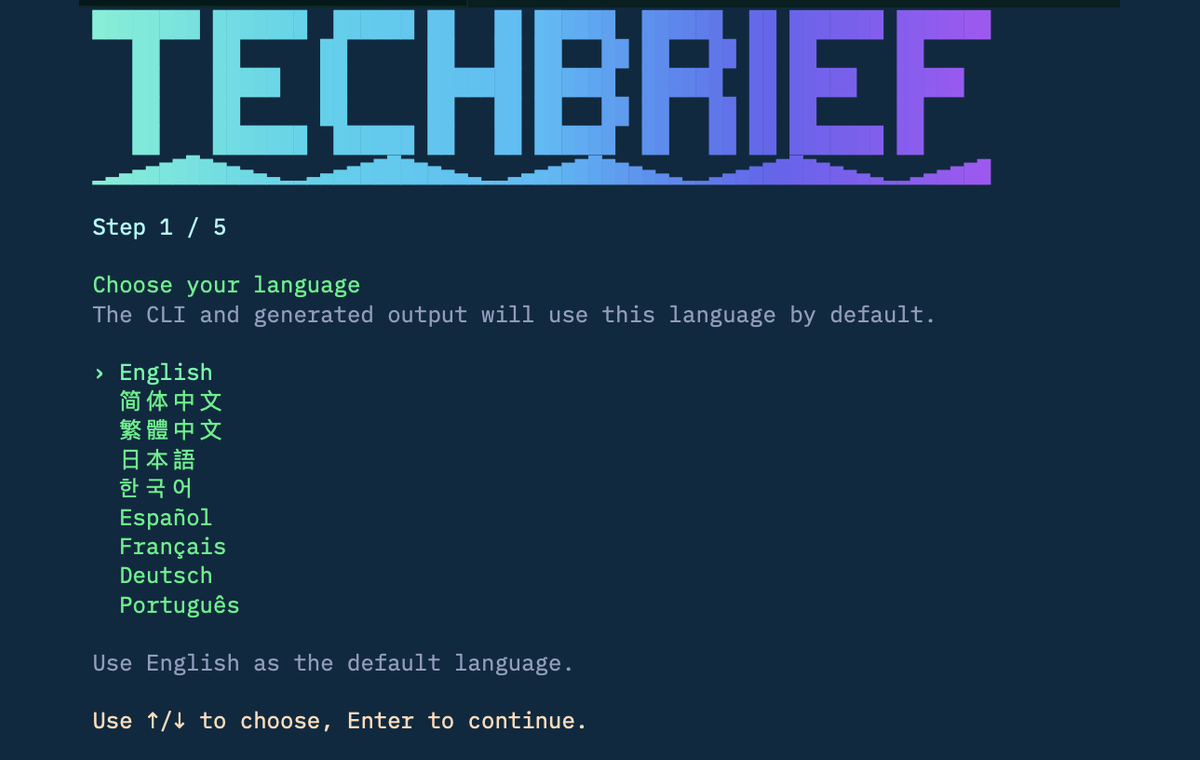
That's it.
Translation is done by AI (summaries are generated locally without it). The setup guide offers two options:
- Local — runs on the same machine with Ollama. Free, private, no API key.
- Cloud — uses a provider with an existing key: OpenAI, Anthropic, or OpenRouter.
Run the setup again any time to change it.
TechBrief has a mobile app (iOS and Android). With the phone on the same Wi‑Fi as the computer running TechBrief:
techbrief mobile run ios # or: android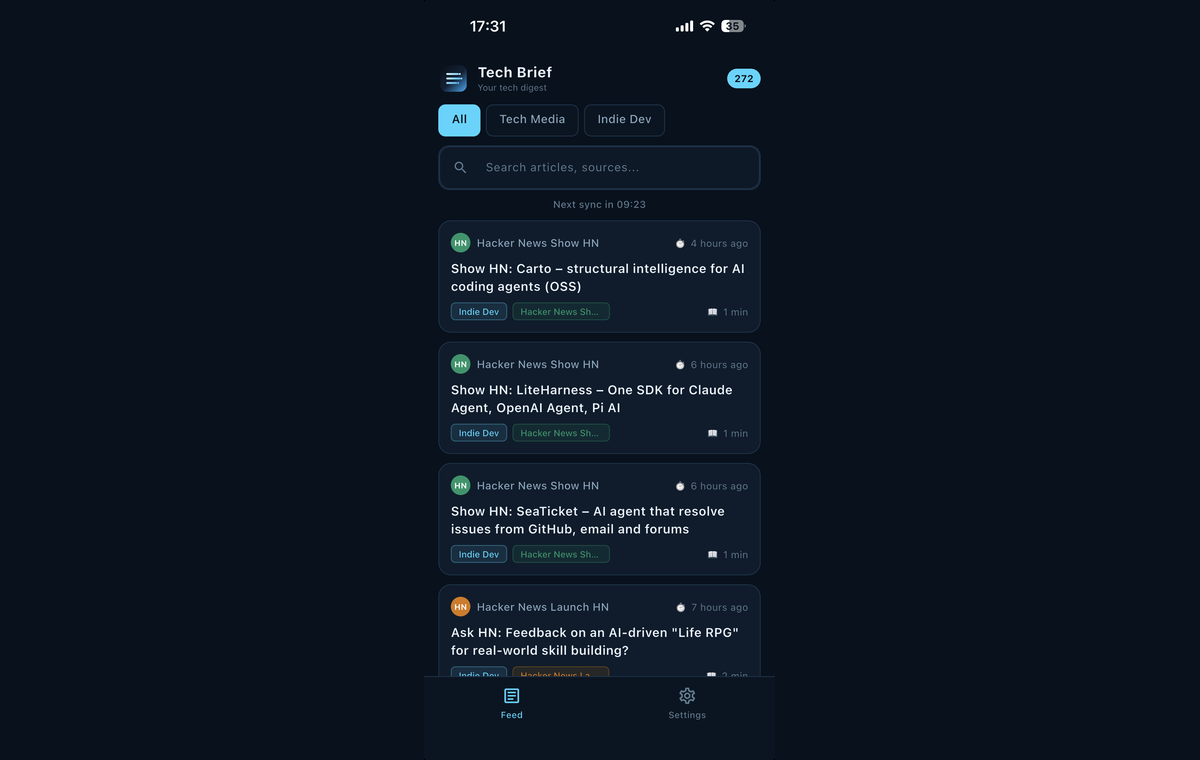
Once it's installed, open the app and start reading.
Run techbrief help to see them all. The most common ones:
| Command | What it does |
|---|---|
techbrief |
Start everything and open the reader |
techbrief launch |
Same as above — launch the runtime |
techbrief status |
Show what's running (API, web, scheduler) |
techbrief down |
Stop TechBrief (shuts the background services down) |
techbrief logs |
Show the background service logs |
techbrief sync |
Fetch the latest articles now |
techbrief setup |
Change the language or AI settings |
techbrief doctor |
Check that everything is set up correctly |
techbrief help |
List every command |
techbrief version |
Show the CLI version |
After running TechBrief, the API, web reader, and scheduler keep running in the
background so syncing continues. Use techbrief down to stop them.
AI model (local / Ollama)
| Command | What it does |
|---|---|
techbrief model local list |
List installed local models |
techbrief model local install |
Install a local model with Ollama |
techbrief model local use |
Set a local model as the configured one |
techbrief model local uninstall |
Remove a local model from Ollama |
Mobile
| Command | What it does |
|---|---|
techbrief mobile run ios |
Build and run the app on iOS |
techbrief mobile run android |
Build and run the app on Android |
techbrief mobile install |
Check Flutter and install the app on a connected phone |
techbrief mobile devices |
List connected Flutter devices |
Schedule & config
| Command | What it does |
|---|---|
techbrief schedule get |
Show the sync schedule |
techbrief schedule set |
Update the sync schedule |
techbrief config get |
Show the current configuration |
techbrief config set |
Update configuration (language, model, days…) |
techbrief init |
Initialize config non-interactively (flag-driven) |
Setup & maintenance
| Command | What it does |
|---|---|
techbrief install |
Install npm dependencies and the Flutter mobile project |
techbrief build |
Build the web bundle and run Flutter static checks |
techbrief up |
Hint for how to start the runtime |
Dockerized web stack
| Command | What it does |
|---|---|
techbrief web up |
Bring up the dockerized web stack |
techbrief web down |
Tear down the dockerized web stack |
techbrief web logs |
Show dockerized web stack logs |
Sources
| Command | What it does |
|---|---|
techbrief source list |
List configured feed sources |
techbrief source add |
Add a custom feed source |
techbrief source validate |
Validate a feed source URL |
techbrief source enable |
Enable a feed source |
techbrief source disable |
Disable a feed source |
Update to the latest version:
npm install -g @pubwave/techbrief@latestUninstall:
npm uninstall -g @pubwave/techbriefThis removes the command but keeps settings and saved articles in
~/.techbrief. To wipe those too:
rm -rf ~/.techbrief- TechBrief runs entirely on the local computer; all reading data stays there.
- The app talks to that computer over the local Wi‑Fi, so keep both on the same network.
This is an npm‑workspaces monorepo (CLI, web, mobile, server, and shared packages). To run it from source:
npm install
npm run build
npm run dev:server   # API server
npm run dev:web      # web reader (Vite dev server)
More detail lives in each package's folder under apps/ and packages/.
TechBrief is built on two sibling Pubwave projects:
- @pubwave/cli — the composable CLI toolkit powering the setup wizard and mobile install flow.
- @pubwave/editor — the rich-text editor that renders articles in the web and mobile readers.