
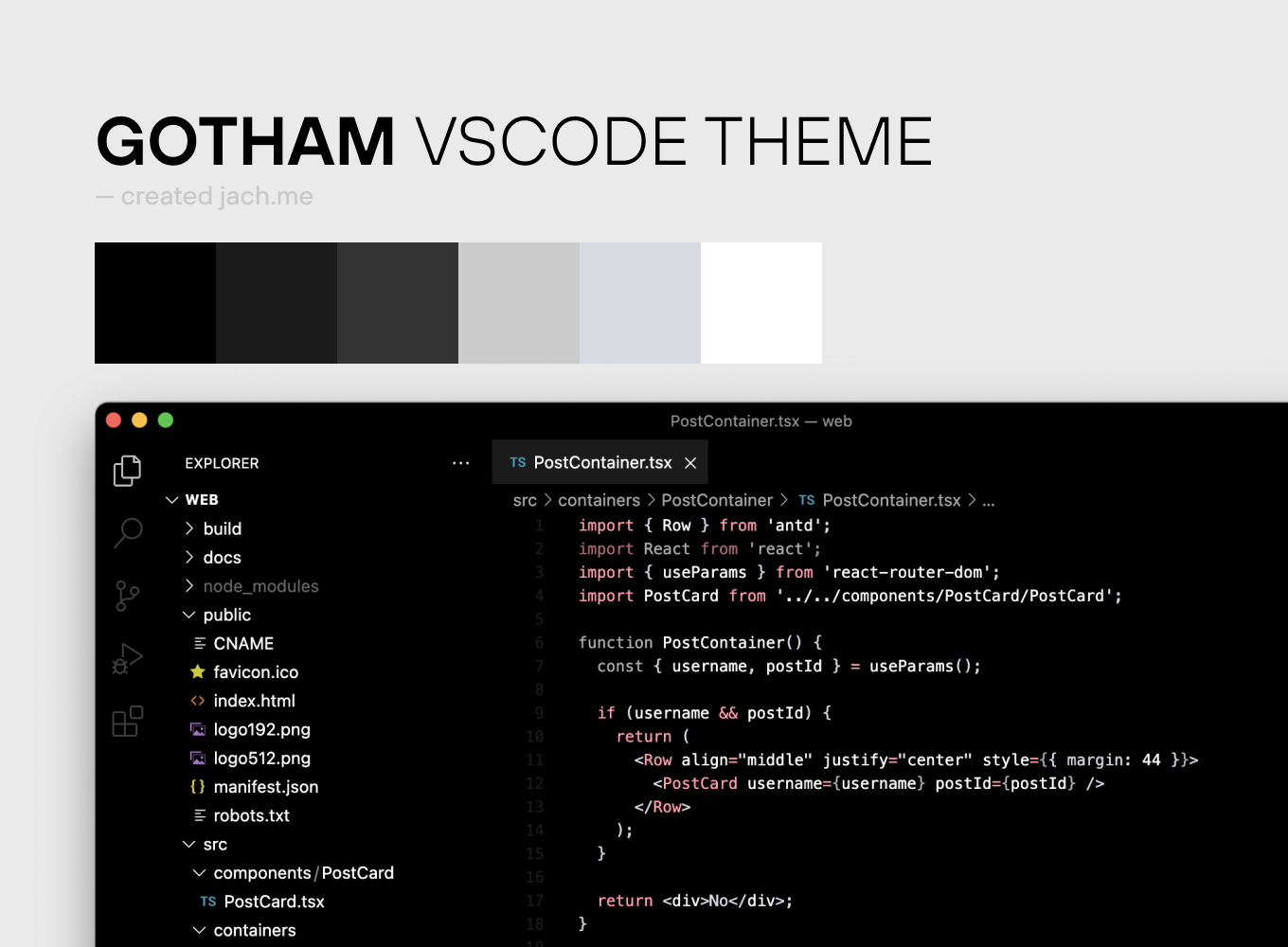
Ready to download from Visual Studio Marketplace:
https://marketplace.visualstudio.com/items?itemName=MichalJach.gotham
- This folder contains all of the files necessary for your color theme extension.
package.json- this is the manifest file that defines the location of the theme file and specifies the base theme of the theme.themes/Gotham-color-theme.json- the color theme definition file.
- Press
F5to open a new window with your extension loaded. - Open
File > Preferences > Color Themesand pick your color theme. - Open a file that has a language associated. The languages' configured grammar will tokenize the text and assign 'scopes' to the tokens. To examine these scopes, invoke the
Inspect TM Scopescommand from the Command Palette (Ctrl+Shift+PorCmd+Shift+Pon Mac) .
- Changes to the theme file are automatically applied to the Extension Development Host window.
- The token colorization is done based on standard TextMate themes. Colors are matched against one or more scopes.
To learn more about scopes and how they're used, check out the color theme documentation.
- To start using your extension with Visual Studio Code copy it into the
<user home>/.vscode/extensionsfolder and restart Code. - To share your extension with the world, read on https://code.visualstudio.com/docs about publishing an extension.