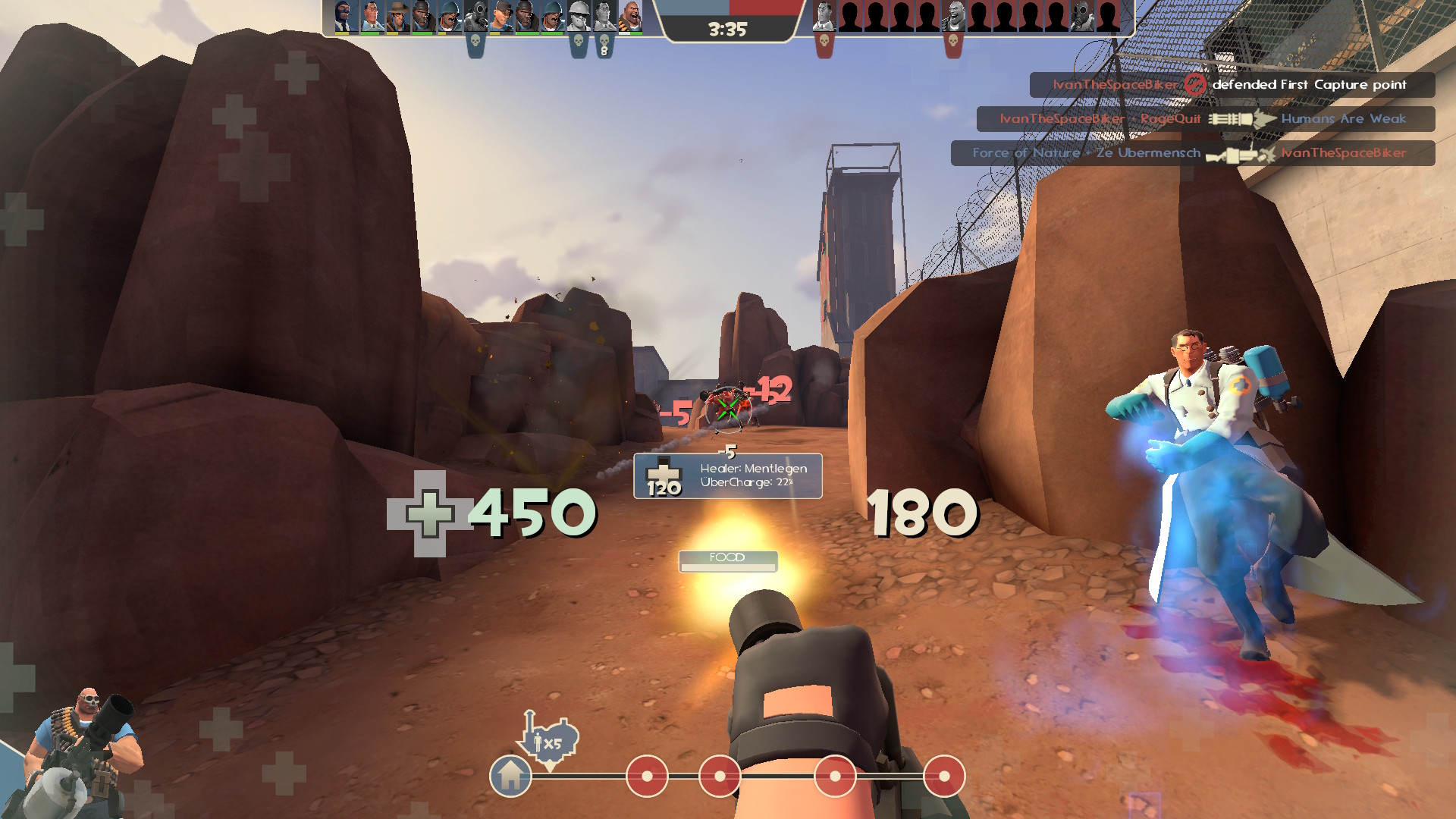
This is MaxiHud, a modification of bowieHUD (v1.6) with some elements from the Improved Default HUD that gives you a similar look as vanilla with enhancements to the UI and the user experience.
- Fully customizable to suit your preferences!
- Quickplay allows you to easily find a community server.
- Access Mercenary Mode and Walkway in the Training selection menu.
- Access Potato MvM servers in the MvM selection menu.
- Keep listening to tunes with the music player from RoseyLemonz, originally created by SexyLion.
- Conveniently record your games by toggling demo recording in the MaxiHud Settings menu.
- Watch your demos you've recorded by pressing the Demo Player button with a TV icon on the main menu to bring up the Demo Playback menu.
- Having server problems? You can attempt to reconnect to the server with the Retry Connection button while in-game. (Only in community servers)
- Want to be safe when playing TF2? Enable Streamer Mode in the MaxiHud Settings menu to hide avatars, usernames, and server names to avoid stream sniping and DDoS attacks.
- Keyboard interacts in menus to perform actions quickly.
- Cornered HUD to put HUD elements in the corners of your screen.
- A unique countdown timer for MvM and Casual mode.
- Vote icons from Team Fortress 2 Classified with contextual text colouring for the vote menu.
- Default fonts replaced with TF2 fonts, with support for multiple languages, courtesy of jakadak.
- Payload icon by Vexcenot.
- Icons for Selbyen by Aar.
- HD item icons from Tkain.
- TF2-style VGUI from Azarciel.
- A Hide button when being revived in MvM from sigsegv.
- Improved casual medals from AGoJyt.
- Custom crosshairs and health screen effects from Hypnootize.
- And many more!
There is limited support for Spanish, Italian, Ukrainian and Russian. Some text in the UI may not scale correctly while others haven't been translated yet.
Once downloaded, go into the ZIP file and put its folder into your custom folder inside the tf folder.
\steamapps\common\Team Fortress 2\tf\customIf you've instal it through GitHub, make sure to rename its folder from maxihud-main to maxihud.
Before launching the game with this HUD, be sure to remove any -exec commands in your launch options.
If you have Mod Limit Fixer/Updater installed, go into the _ModLimitFix folder and remove its chat_english.txt file in order for the HUD's custom text to be displayed correctly.
The chat_english.txt file will be re-added every time you use the mod_limit_fix.bat executable.
Do NOT remove the chat_english.txt file inside the maxihud folder!
When uninstalling MaxiHud v17 or later, delete the maxihud folder and maxihud_temporary_cfg_backup.cfg file in your game's cfg folder.
\steamapps\common\Team Fortress 2\tf\cfg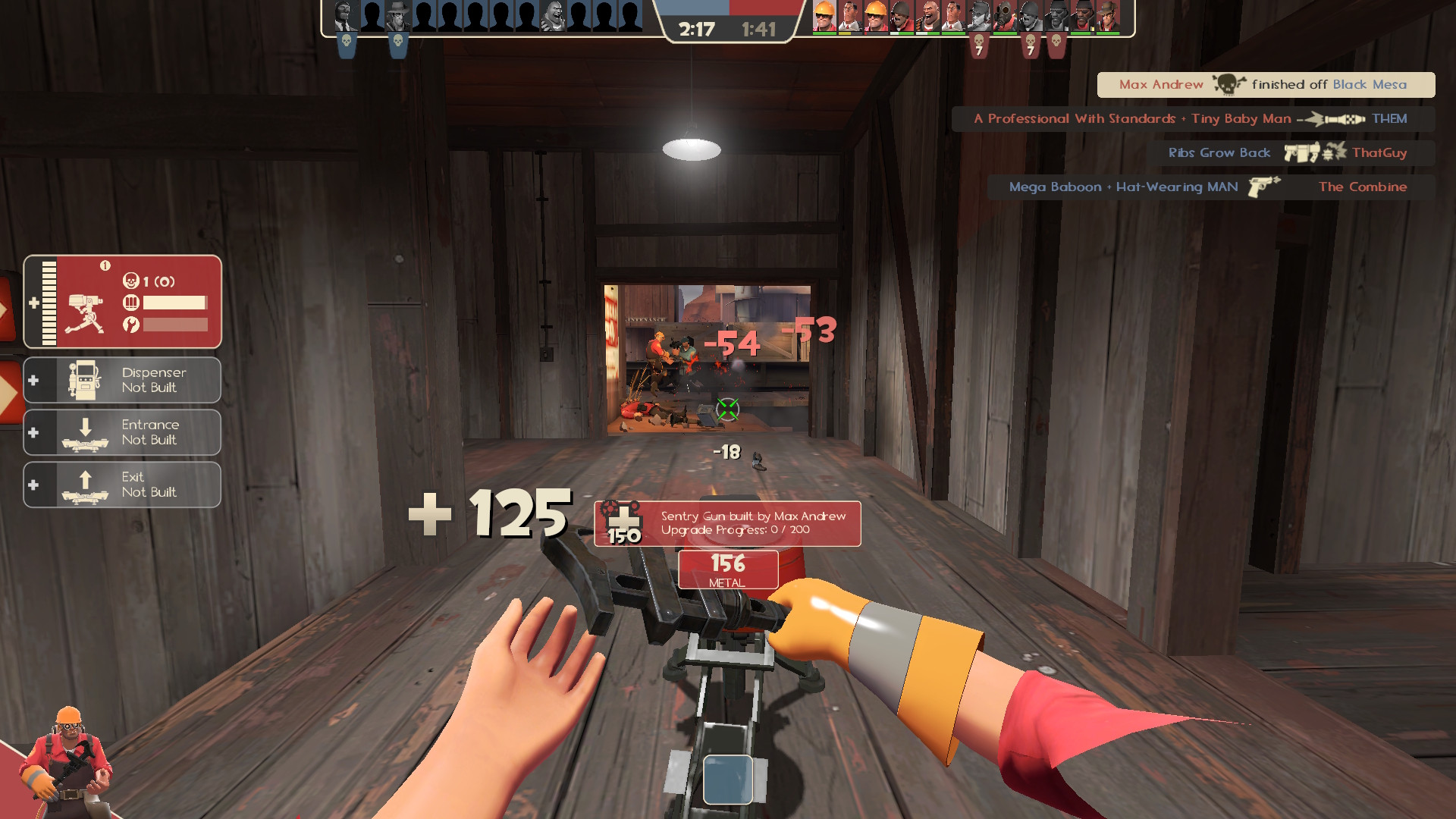
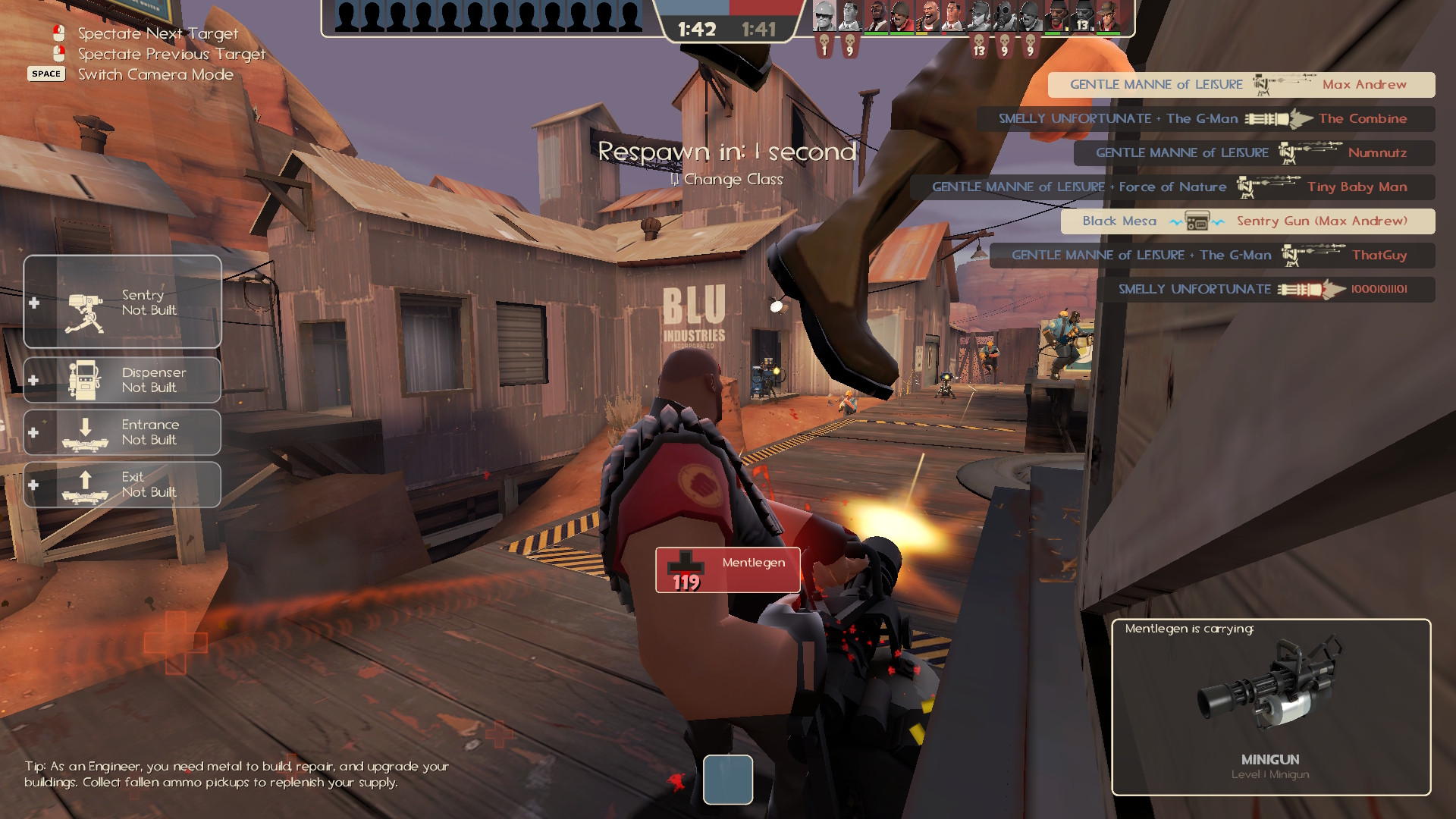
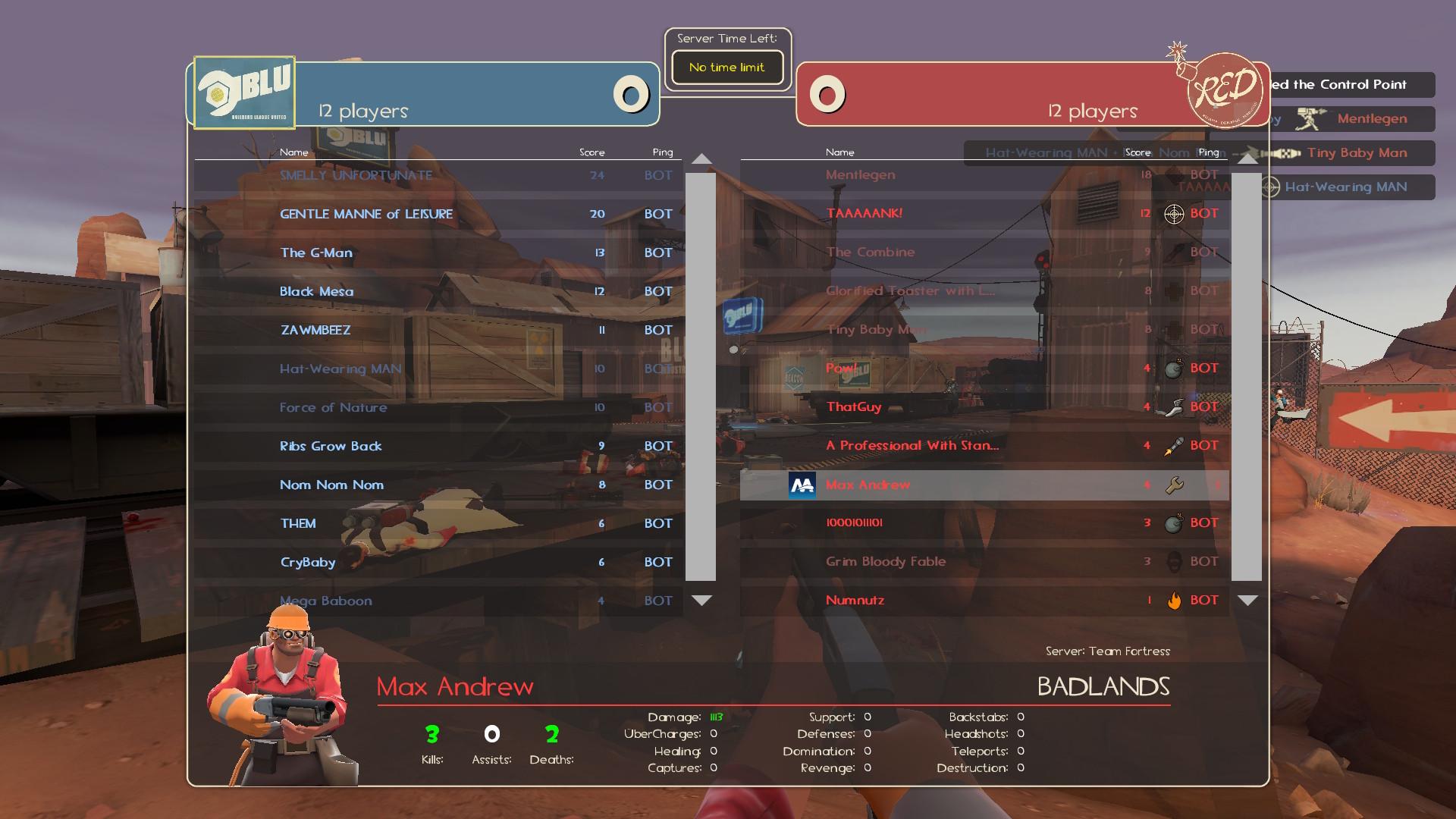
Some screenshots may show previous versions than what's featured in-game.
- MaxiCross
- MaxiCross+
- Alternate Class Portraits Redone
- Shotgun Reload Sound Deluxe
- Item Name Debloater
- Extended Keyboard Settings Menu
- maxiandrew - Creater/Developer
- Jofre-Problem - Co-Developer
- anarch0possum - Based on the work of bowieHUD
- Eniere - Improved Default HUD
- Chuzzy / TheIcyStar - Numerical Health Values
- Azarciel - VGUI Facelift
- Vexcenot - Payload cart icon from Middle Mann Centered HUD
- Aarmastah - Selbyen HUD Icons
- Tkain - Absolutely HD Item Icons
- lightwo - Disable Surveys
- SexyLion - Original creator of Music player and buttons
- pilso / The True Milkman - Quickplay menu based on Quickplay Over Competitive Menu and OldVsNew HUD
- sigsegv - MvM revive window "hide" button
- AGoJyt - Fixed Casual medals
- RoseyLemonz - Music player/buttons and team status bar from Center HUD
- Hypnootize - Health screen effects and customization menu from m0rehud and custom crosshairs
- jakadak - TF2 extended fonts
- Eminoma - Team Fortress 2 Classified vote and class icons
- Jofre-Problem - For helping with the development of v17
- Niterux

This work is licensed under a Creative Commons Attribution-NonCommercial-ShareAlike 4.0 International License.