If you want to skip the bloat when it comes to setup, simply ask your local AI agent how you can create network maps for outgoing or incoming traffic. Ex:
Produce me a Cider map of outgoing traffic.
Produce me a Cider map of incoming traffic on my local network.
Produce me a Cider map of the destination IP addresses in this CSV.
Agents can start with the built-in recipes:
cider recipe local-destinations
cider recipe local-sources
cider recipe cider-destination-csv
For those who care a little more about the deets...
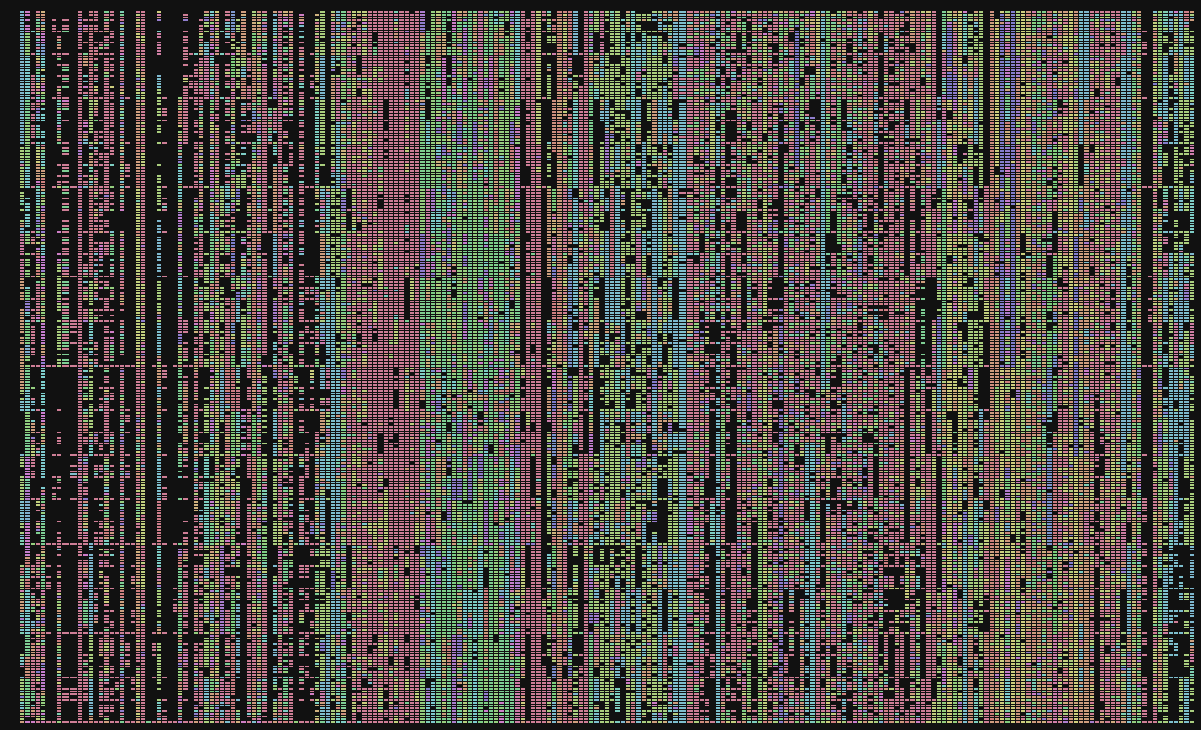
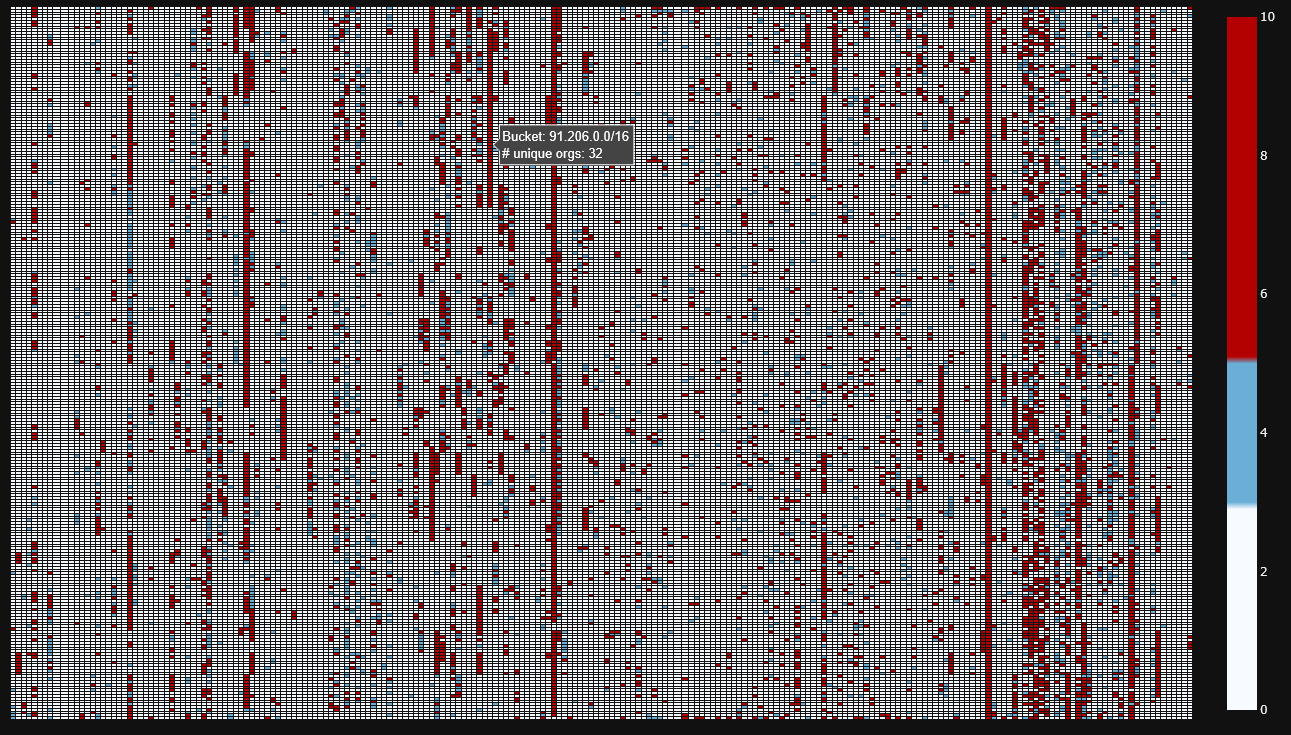
cider-cli builds interactive CIDR maps, also known as IP census maps or IPv4 address-space maps. It turns geofeed CSVs, MaxMind CSV snapshots, packet captures, and Cider-style CSV exports into Plotly heatmaps that make address-space coverage, density, and grouping patterns easier to inspect.
pip install cider-cliFor local development:
git clone https://github.com/lramos0/cider-cli
cd cider-cli
pip install -e ".[dev]"cider map INPUT --kind KIND --output cidr_map.htmlKIND must be one of:
geofeedmaxmindpcapcider
The default output is an interactive HTML file. PNG export is also available when Plotly's image export dependencies are installed:
cider map INPUT --kind geofeed --output cidr_map.png --output-format pngThis repo includes agent-facing instructions so Codex, Cursor, and similar tools can turn natural-language requests into safe commands.
For example, if a user asks:
produce me a cider map of the destination ipAddresses in my local network
An agent can ask the CLI for the exact local workflow:
cider recipe local-destinations --platform auto --output local-destinations.htmlIf a pcap already exists, the direct command is:
cider map capture.pcap --kind pcap --pcap-direction dst --mode record_count --no-whois-on-click --output local-destinations.htmlIf the data is in a CSV column:
cider map input.csv --kind cider --cider-ip-col destinationIpAddress --no-timeseries --mode record_count --output local-destinations.htmlSee AGENTS.md and documentation/AI_OPERABILITY.md for the full agent contract.
Expected columns:
CIDR PrefixAlpha2Code
cider map ripe.csv --kind geofeed --output ripe_map.htmlPass the directory containing:
GeoLite2-City-Blocks-IPv4.csvGeoLite2-City-Locations-en.csv
cider map GeoLite2-City-CSV_20250902 --kind maxmind --output maxmind_map.htmlCreate a small pcap of outbound SYN traffic:
sudo tcpdump -i en0 -w capture.pcap 'tcp[tcpflags] & tcp-syn != 0'Visualize it:
cider map capture.pcap --kind pcap --pcap-direction dst --output pcap_map.htmlCider CSV mode looks for IPs in ipAddress, ipAddresses, or
aggregatedIps.ipAddresses. Use --cider-group-col to choose the field used
for coloring and grouping.
cider map alarms.csv \
  --kind cider \
  --cider-ip-col ipAddress \
  --cider-group-col behaviorTypes \
  --cider-group-explode \
  --output cider_map.html
For custom source or destination columns:
cider map alarms.csv \
  --kind cider \
  --cider-ip-col destinationIpAddress \
  --cider-group-col decisionSource \
  --no-timeseries \
  --output destination_map.html
If a Cider CSV contains date-like values, the CLI can generate a time-series HTML without prompting:
cider map alarms.csv \
  --kind cider \
  --timeseries \
  --timeseries-mode compare \
--output cider_timeseries.htmlCommon options:
--view /16: render the IPv4 /16 overview. Direct/24and/32output is not implemented yet.--nested: add /24 drill-down views under populated /16 blocks.--nested-mode consolidated: keep nested views in one HTML file.--nested-mode frames: write separate /24 HTML files in aframes/folder.--mode primary: color by the primary group in each bucket.--mode country_count: color by distinct group count.--mode record_count: color by record count.--colorscale defaultor--colorscale neon: choose the categorical palette.--whois-on-click/--no-whois-on-click: open RDAP/WHOIS lookup when a /16 cell is clicked.--cider-ip-col COLUMN: select a scalar IP column for Cider CSVs.--cider-ip-list-col COLUMN: select a list/JSON IP column for Cider CSVs; pass it multiple times for multiple list columns.
Example:
cider map ripe.20250903.geo.csv \
  --kind geofeed \
  --view /16 \
  --mode primary \
  --colorscale default \
--output ripe_map.htmlRun the focused test suite:
pytestFormat and lint:
black ipmap tests
ruff check ipmap tests
More background is available on Logan Ramos's project page.