The local-first founder OS.
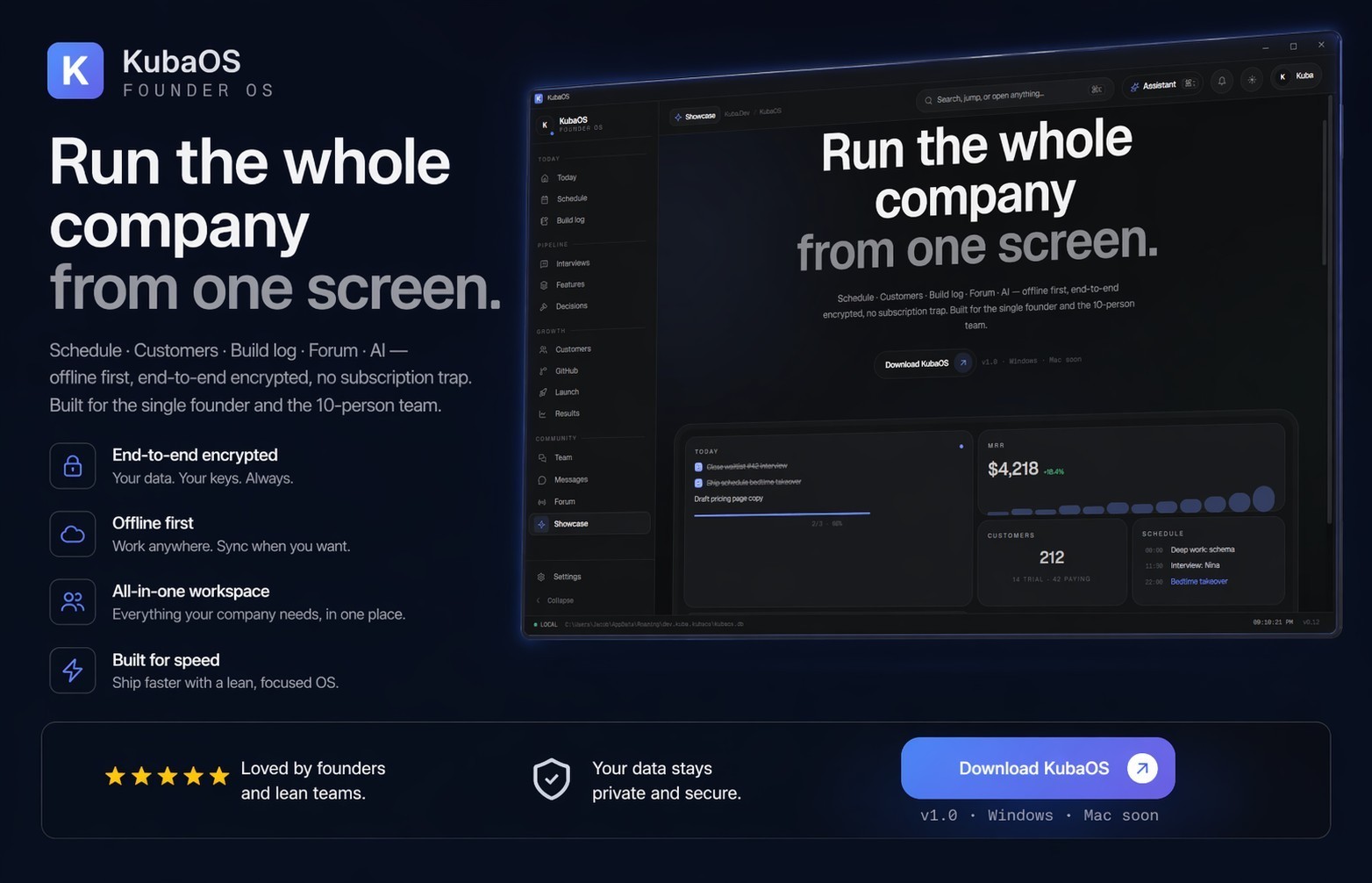
A private, offline desktop cockpit for a solo founder — interviews, pains, features, build logs, metrics, launch tasks, content calendar, and focus mode, all in one place.
Download KubaOS 0.1.3 (Windows MSI) · Showcase on kuba-hdx.dev ·
Virustotal Scan [1.12] · Virustotal Scan [1.13]
Free · private · encrypted at rest · all features included — no tiers.
KubaOS is a single-user, local-first productivity environment built for founders who want their operating picture in one place without shipping it to a third party. Your data lives on your machine. The app only reaches out for optional cloud sync, update checks, and integrations you explicitly configure.
- Interviews & pains — capture customer conversations, extract pains, link them to features you ship.
- Build log — structured timeline of what you shipped, when, and why.
- Metrics & launch tasks — track the numbers that matter and the work that moves them.
- Content calendar — plan posts, videos, and shipping moments alongside the build.
- Today / focus mode — a zero-distraction view of the one thing that matters today.
- Forum — private async thread stream for side conversations with collaborators.
- Teams & messaging — small-group workspaces and direct messages for the few people you actually talk to.
- Auto-updates — every new release installs silently in the background.
- Fixed the titlebar window controls (minimize, maximize, close.. before it was bugged)
- Fixed the "Create organization" RLS error.
- Forum now shows
@handleinstead of email, adds a Message button on every post. - Site-admin access to list and join every team, gated server-side.
- Working Check for updates (settings) against a signed update manifest.
- Shell — Tauri 2 (Rust) + WiX MSI bundler
- UI — Next.js 15, React 19, Tailwind CSS 4, Radix, Framer Motion
- Storage — local SQLite (rusqlite), OS keychain for secrets
- Sync — Supabase (optional, per-user)
- Signed MSI installer
- Strict CSP, no remote scripts, no remote styles
- Context menus, devtools hotkeys, and save-page disabled in production
- Secrets stored in the Windows Credential Manager (not in plaintext)
- Session tokens are not persisted to disk
- Download the latest MSI from the releases page.
- Run the installer.
- Launch KubaOS from the Start menu.
- Sign in or create a local account. The onboarding tour runs automatically on first launch.
Updates install silently — no manual action required.
KubaOS is a personal tool built by Kuba (hdx) and published as a closed-source binary. This repository hosts the download, release notes, and visual showcase only — the source is not public.
© Kuba. All rights reserved.