
Let your AI agent edit Word documents—with tracked changes you can review.
Fill templates, revise contracts, and leave comments in existing .docx files. Open the result in Word to accept or reject the edits. docx-cli edits the document’s XML in place to preserve surrounding formatting and content.
In our October 10, 2026 Word-task benchmark, docx-cli scored 18/18 successful attempts (100%) versus OfficeCLI’s 14/18 (77.8%), with 41% fewer tool calls. The Anthropic docx skill also scored 18/18; docx-cli matched that result with 21% fewer tool calls.
| docx-cli 0.27.0 reductions | vs. Anthropic docx skill | vs. OfficeCLI 1.0.156 |
|---|---|---|
| Tool calls | 21% fewer | 41% fewer |
| Effective input tokens¹ | 22% fewer | 53% fewer |
| Output tokens² | 41% fewer | 49% fewer |
| Cumulative task time³ | 27% less | 50% less |
We used the same Haiku 5.5 model for six tasks, each repeated three times per tool: fill an NDA, edit an invoice, restyle a résumé, redline a contract, finalize a review, and author a journal. Reductions are calculated from unrounded averages per six-task run, then rounded to whole percentages.
¹ Cache-weighted input proxy, not dollar cost. ² Includes estimates where final token usage is unavailable. ³ Sum of task durations, not elapsed batch time.
All 54 outputs opened in Microsoft Word. All 18 docx-cli outputs received sound-layout and preserved-formatting judgments. This is our development corpus, and model judges knew which tool produced each output; success does not mean every output was defect-free. Results apply to the exact tested builds.
Absolute measurements, ranges, per-task outcomes, and limitations · Comparison protocol · Earlier benchmarks
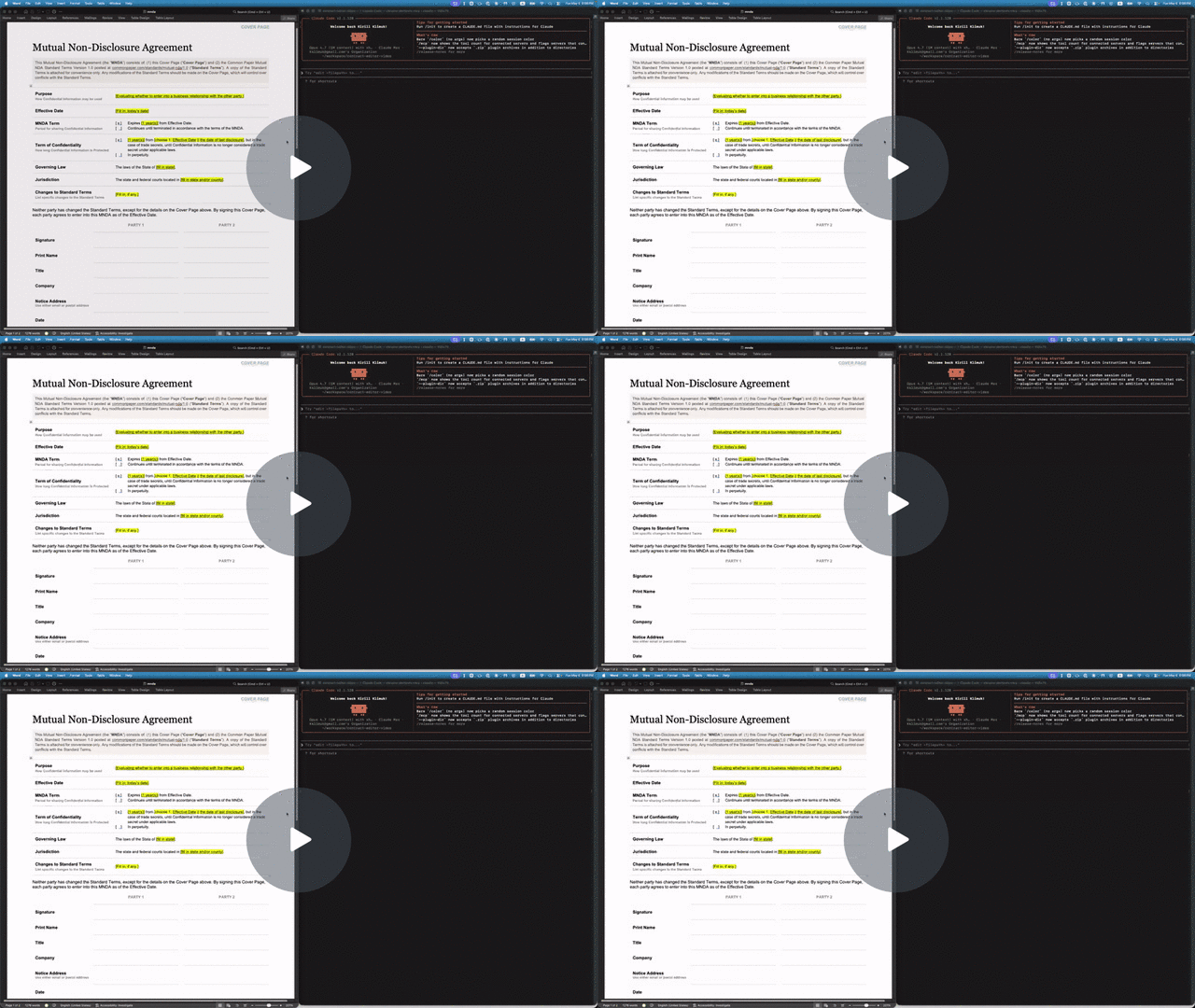
Install the skill into your agent using skills.sh:
npx skills add kklimuk/docx-cliChoose your agent in the installer. The skill includes a bootstrap script that installs the standalone docx binary on first use. You need Node/npm for this skill-install command; the standalone binary does not require Bun. Other installation options.
Download the sample NDA into your working folder, then give your agent this prompt:
Use the docx-cli skill to edit mnda.docx. Save a copy as mnda-reviewed.docx and keep the original unchanged. Turn on tracked changes. Replace “having a reasonable need to know” with “with a documented need to know”. Add a comment on the new wording: “Please confirm this narrower access requirement.” Keep the rest of the document unchanged and leave the revisions pending for review.
Open mnda-reviewed.docx in Word and choose Review → All Markup. You should see the wording change and an anchored comment, ready for review.
Full walkthrough and troubleshooting.
Bun package (npm registry) — the simplest path with Bun >= 1.3:
bun add -g bun-docx
# or run without installing:
bunx bun-docx read doc.docx
Standalone binary (macOS/Linux, no Bun required). Every release publishes prebuilt binaries, the installer, and a SHA256SUMS manifest covering all of them. Download and verify the installer before running it, using the same release tag throughout:
DOCX_VERSION=v0.27.0
curl -fsSLO "https://github.com/kklimuk/docx-cli/releases/download/$DOCX_VERSION/install.sh" &&
curl -fsSLO "https://github.com/kklimuk/docx-cli/releases/download/$DOCX_VERSION/SHA256SUMS" &&
shasum -a 256 -c SHA256SUMS --ignore-missing &&
VERSION="$DOCX_VERSION" REQUIRE_CHECKSUM=1 sh install.sh
Use sha256sum -c SHA256SUMS --ignore-missing if your system has sha256sum instead of shasum. Continue only when verification reports install.sh: OK; the && chain stops on a failed download or checksum. The installer then downloads the prebuilt binary and verifies its SHA-256 before installing. REQUIRE_CHECKSUM=1 makes it refuse installation if no checksum tool is available.
The default destination is $HOME/.local/bin; set PREFIX to choose another directory. Add the destination to your PATH:
export PATH="$HOME/.local/bin:$PATH"
docx --version
To install manually, download the binary for your platform and SHA256SUMS from Releases, verify the checksum, and put the binary on PATH. On macOS/Linux, rename it to docx and run chmod +x docx; on Windows, use docx-windows-x64.exe (rename it to docx.exe for the commands below). macOS binaries are ad-hoc signed and signature-verified before checksumming; they are not Developer ID-signed or notarized.
On macOS/Linux, docx upgrade updates a standalone binary in place using the installer embedded at build time, with release-tag pinning and SHA-256 verification. Use --dry-run to preview or --to v0.27.0 to select a release. Update a Bun/npm install through its package manager.
The project is docx-cli, its npm package is bun-docx, and its command is docx. See installation and updates and install integrity for details.
Try the same review yourself (macOS/Linux shell):
curl -fL https://raw.githubusercontent.com/kklimuk/docx-cli/main/tests/fixtures/mnda.docx -o mnda.docx
cp mnda.docx mnda-reviewed.docx
docx track-changes on mnda-reviewed.docx
docx replace mnda-reviewed.docx \
  "having a reasonable need to know" "with a documented need to know"
docx comments add mnda-reviewed.docx \
  --anchor "with a documented need to know" \
  --text "Please confirm this narrower access requirement."
docx read mnda-reviewed.docx --current --comments
Commands edit files in place unless you use -o/--output; keep an original copy. Reading and editing work without Microsoft Office. Optional page rendering requires Microsoft Word or LibreOffice.
| Task | Result |
|---|---|
| Review a contract | Tracked insertions/deletions and comments that can be reviewed in Word |
| Fill an existing template | Updated text and table cells using the document’s existing layout |
| Finalize a review | Accept/reject revisions, reply to comments, and resolve threads |
| Restyle a document | Changes to fonts, styles, paragraphs, tables, headers, and footers |
| Read or automate | Annotated Markdown, structured JSON, text search, diffs, and schema validation |
| Create a document | Word output from Markdown, including tables, equations, and images |
Agents discover commands through docx --help and address document content with locators from docx read. Locators can shift after structural edits; re-read before the next edit.
- First document: sample, prompt, terminal steps, and troubleshooting
- Installation, updates, and agent integrations
- Commands, locators, output formats, and architecture
- Agent skill
- Contributing · MIT license
For exact flags and output, run docx <command> --help.