feat: linking supplier with an item group for filtering items#25683
Conversation


|
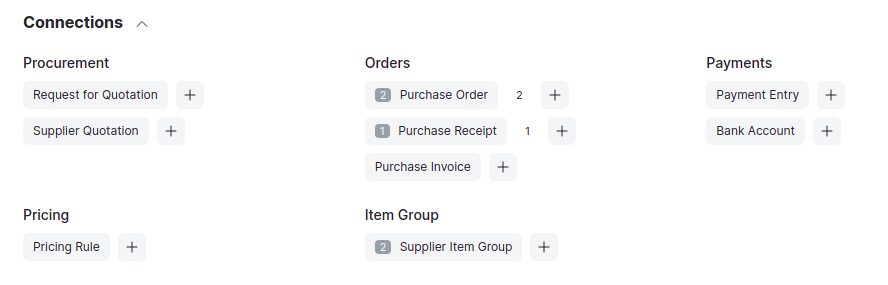
@noahjacob add supplier item group doctype in the dashboard of supplier
|
 noahjacob
force-pushed
the
supplier_item_group_link
branch
from
noahjacob
force-pushed
the
supplier_item_group_link
branch
from
4eaf8b2 to
ca2fb47
Compare

|
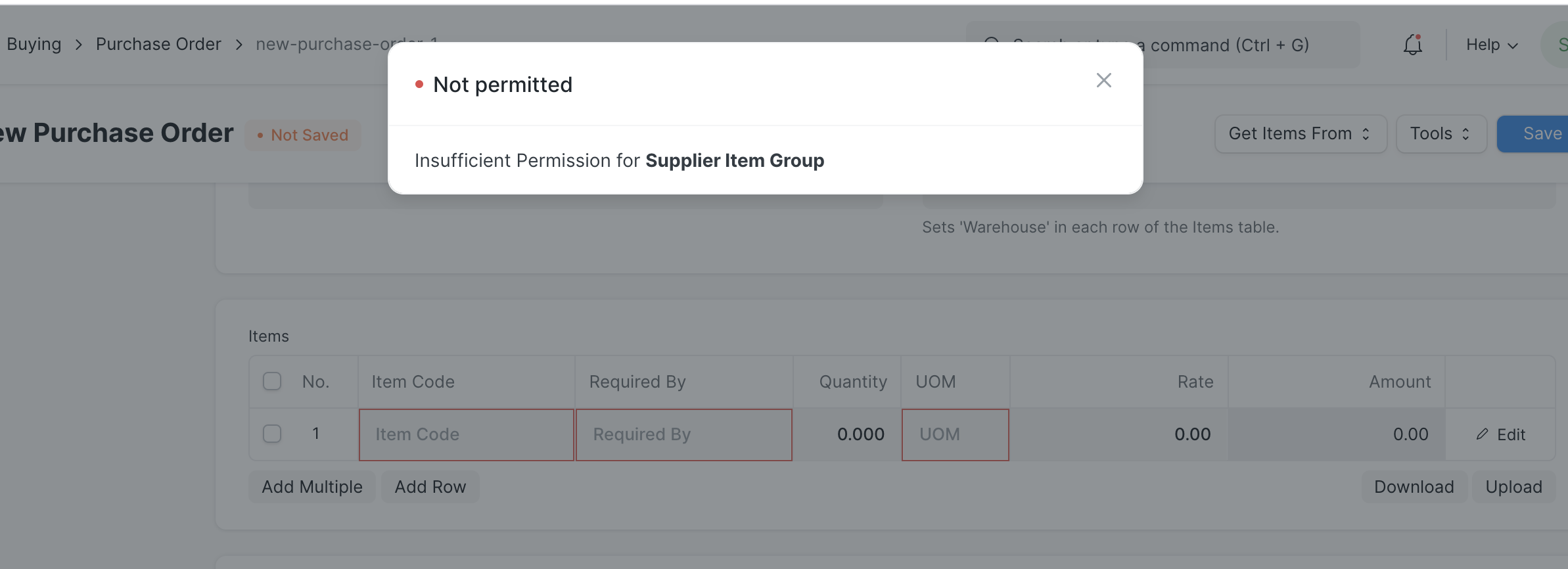
frappe.get_list checks whether the user has permission of Supplier Item Group or not, if the person who is creating the purchase order has not permission of the doctype Supplier Item Group then system will not allowed user to make the purchase order and throw below error.
You can use frappe.get_all instead of frappe.get_list because in this case we don't need to check permission for the doctype 'Supplier Item Group' |


| if not field in searchfields] | ||
| searchfields = " or ".join([field + " like %(txt)s" for field in searchfields]) | ||
|
|
||
| if filters.get('supplier'): |

There was a problem hiding this comment.
@noahjacob, @rohitwaghchaure filters argument is a string containing json, when called from the frontend. The following code breaks with this PR:
frappe.call({
    method: 'erpnext.controllers.queries.item_query',
    args: {
        doctype: 'Item',
        txt: '',
        searchfield: 'name',
        start: 0,
        page_len: 99,
        filters: {
            supplier: 'Unico Plastics Inc.',
            is_sales_item: 1
        },
        as_dict: true
    },
    callback: (r) => console.log(r.message)
});
filters string needs to be parsed to json first.
Please fix or revert this PR.

There was a problem hiding this comment.
@nabinhait while it doesn't produce an error anymore, filters will still be ignored in my example.

introduced with frappe#25683

4 participants


Changes:
Updated filters for buying module if any item groups are linked to the supplier.
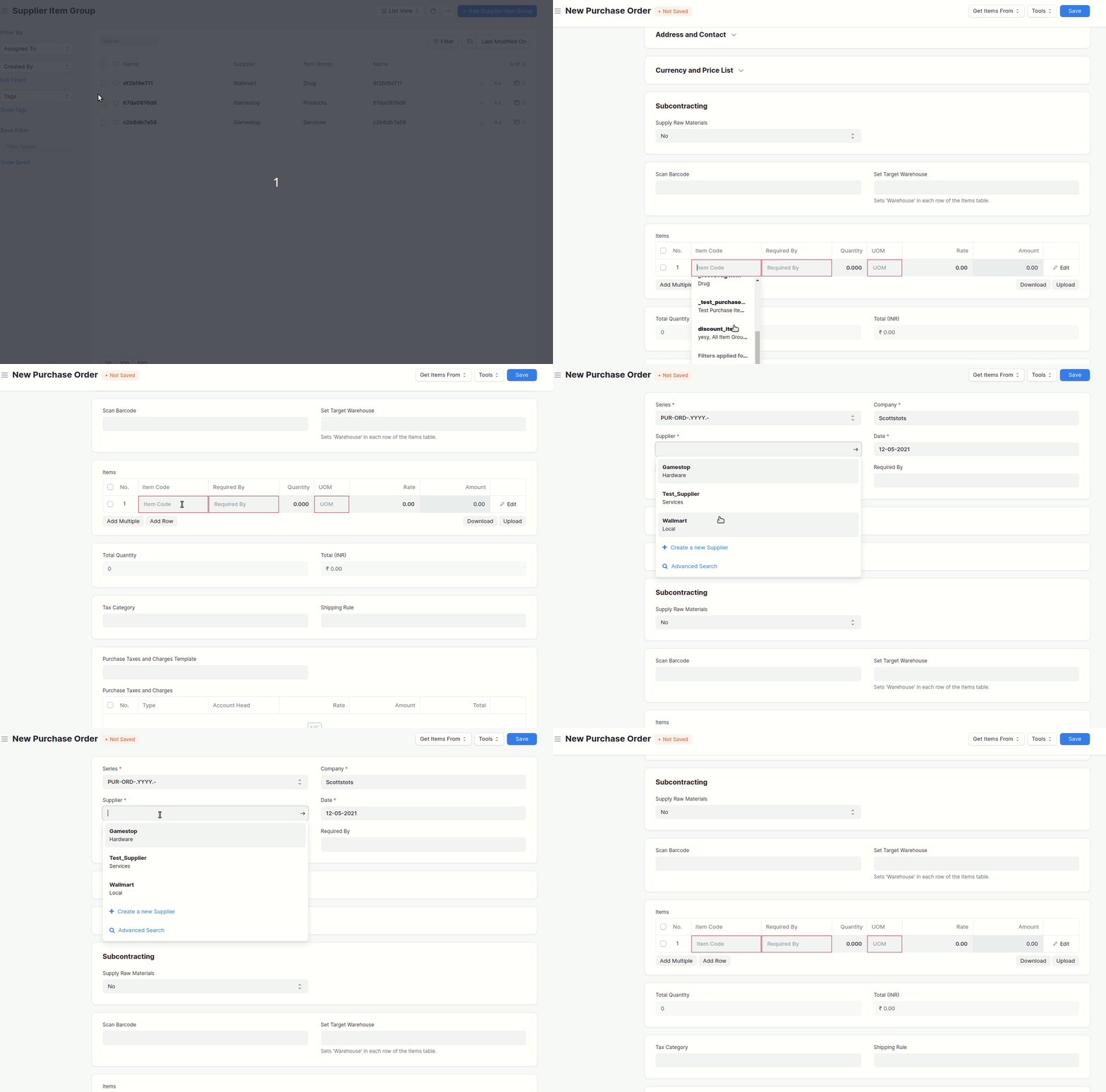
(If no item groups are linked to the supplier it does not apply the filter)
Added Supplier Item Group in Supplier dashboard.
Docs