LabelPriner+ is a IFS plug-in program, that allows a warehouse worker to speed up the labelling process, as well as helping them query up relevant information to put on the label automatically.
Use the package manager npm to install all dependecies.
npm installTo run the program for development, use the following command:
npm run electron:devTo build the program for production, use the following command:
npm run electron:buildPull requests are welcome. For major changes, please open an issue first to discuss what you would like to change.
Please make sure to update tests as appropriate.
New error handler / debugger
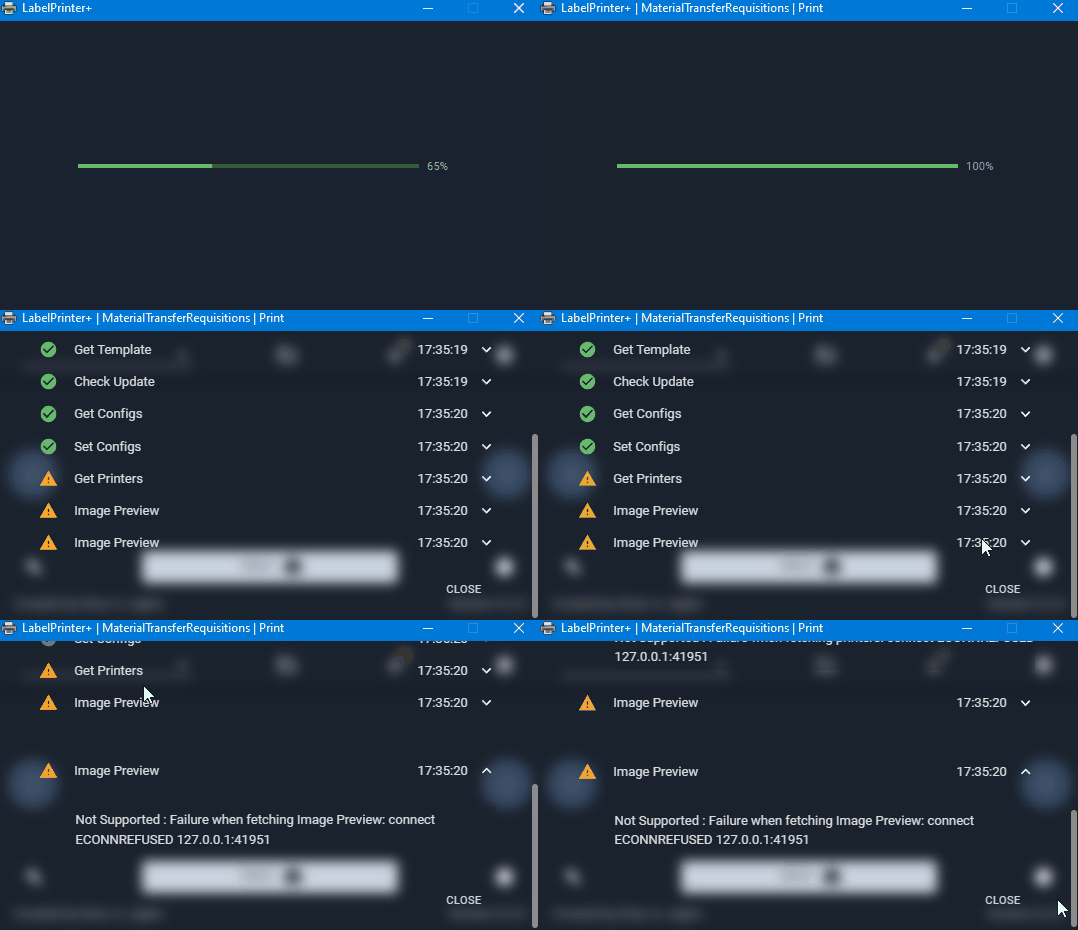
User gets more control for handeling unusual behavior
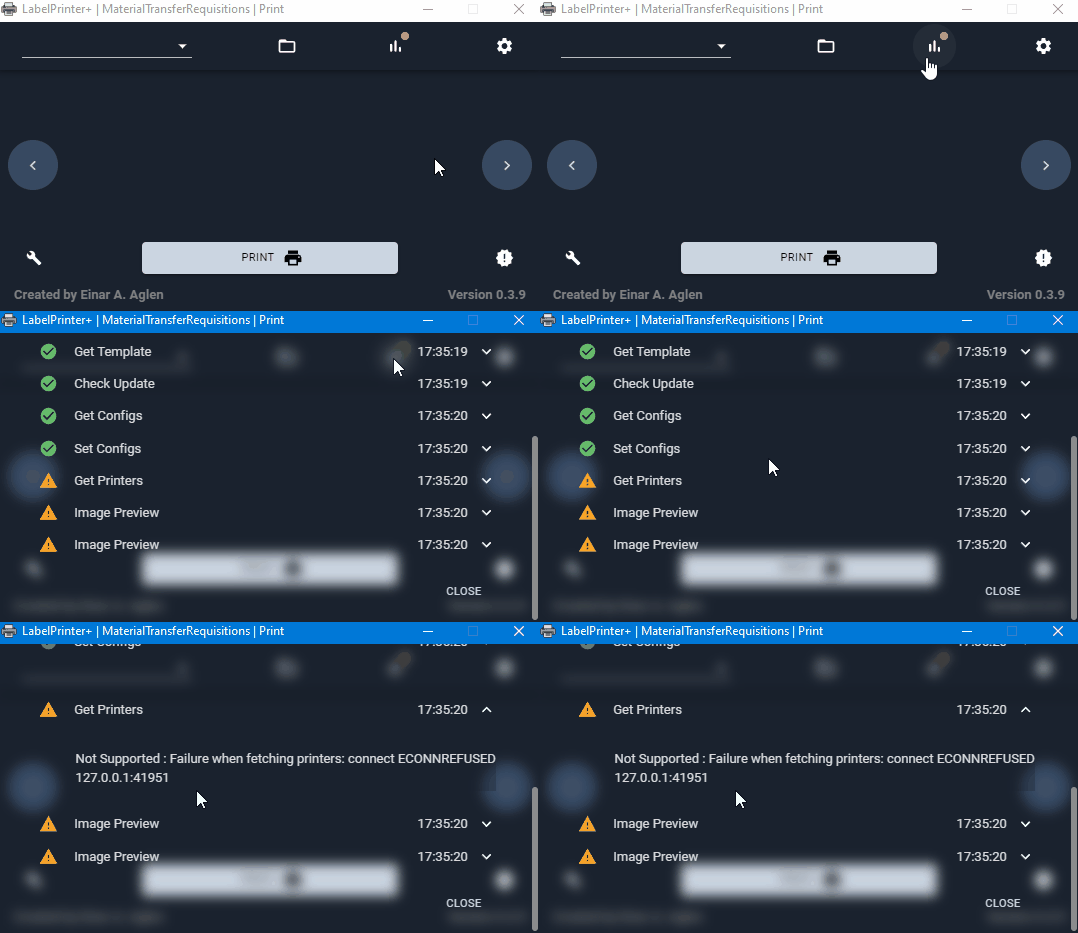
Settings page now easier to navigate
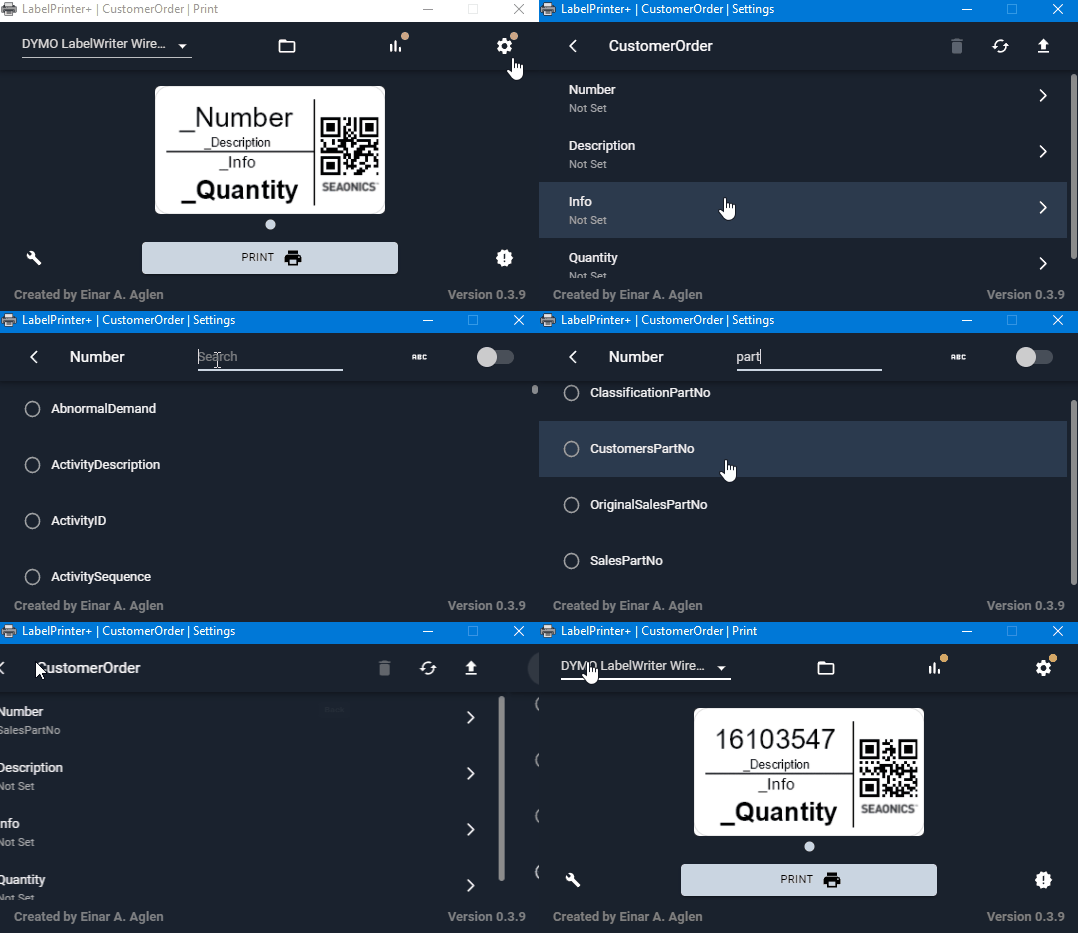
Search, Multiple and Units are working!
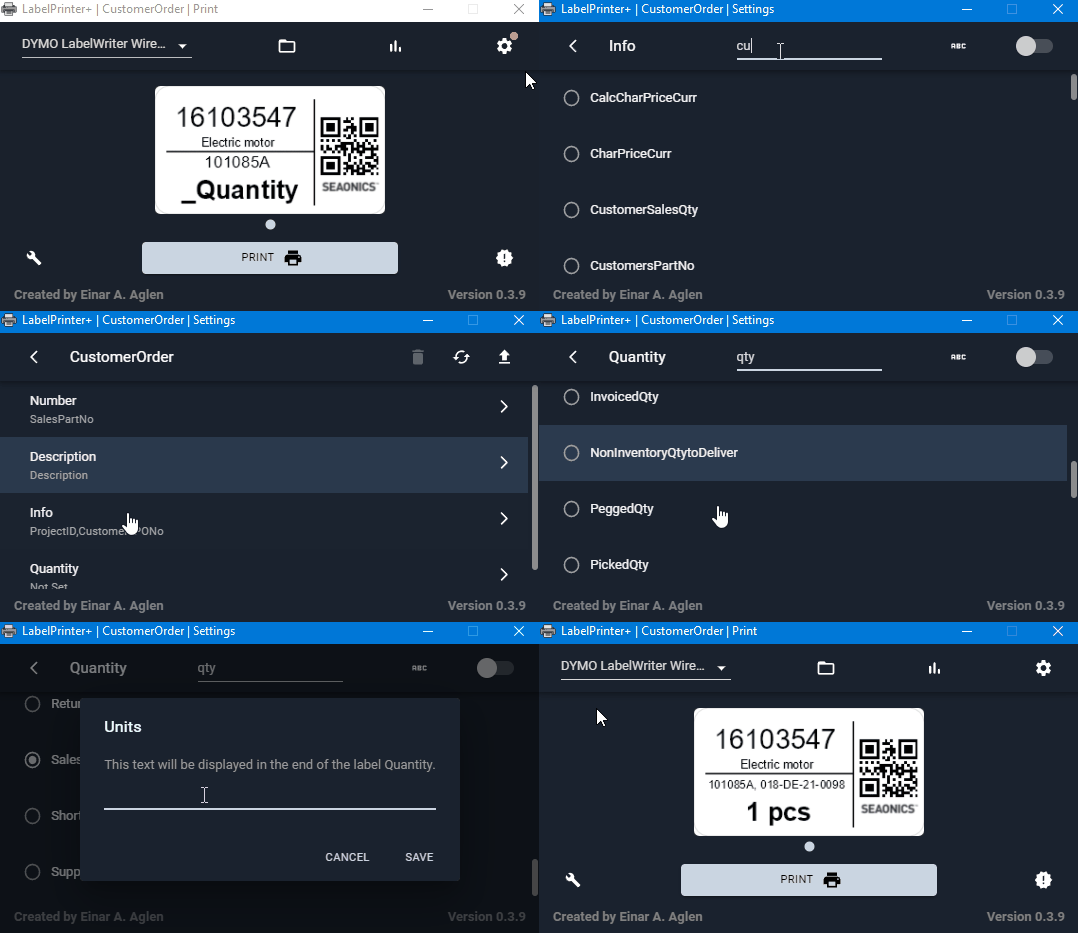
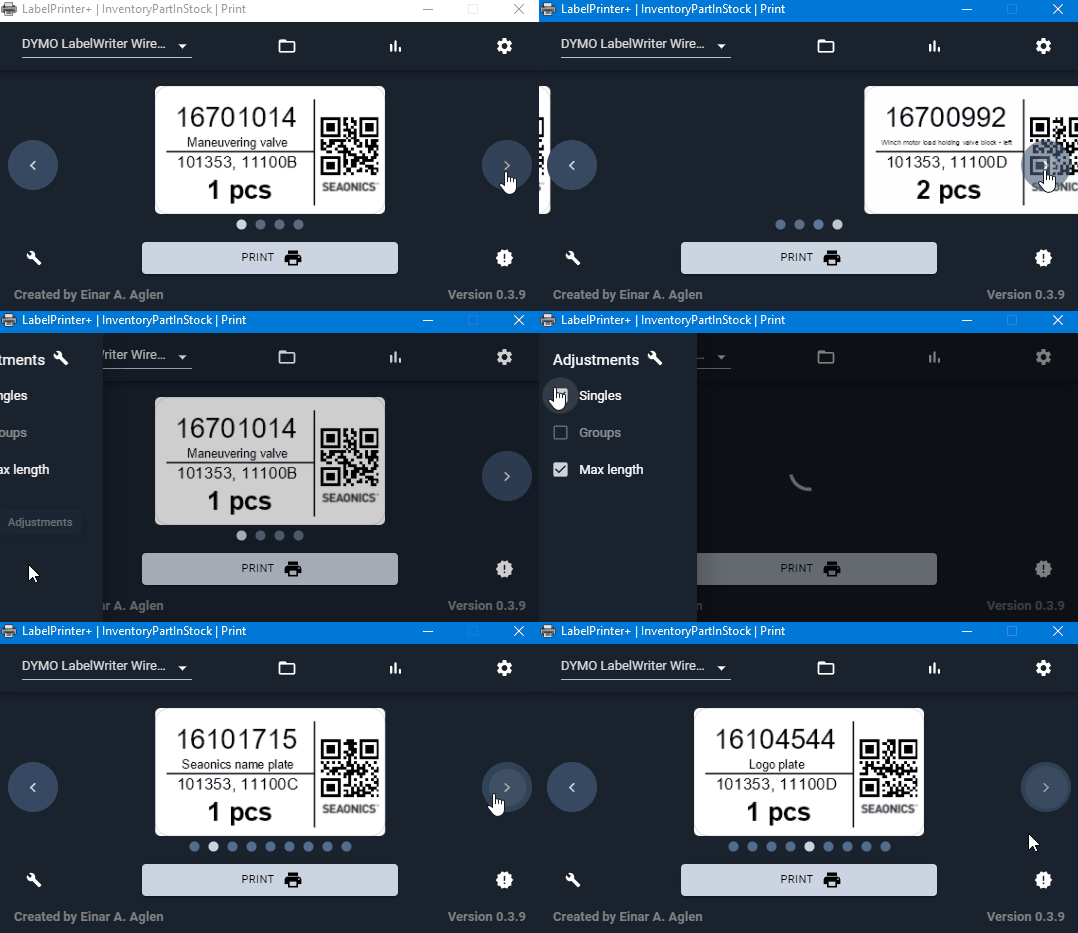
Adjustments are working as before, planning to add more features here!
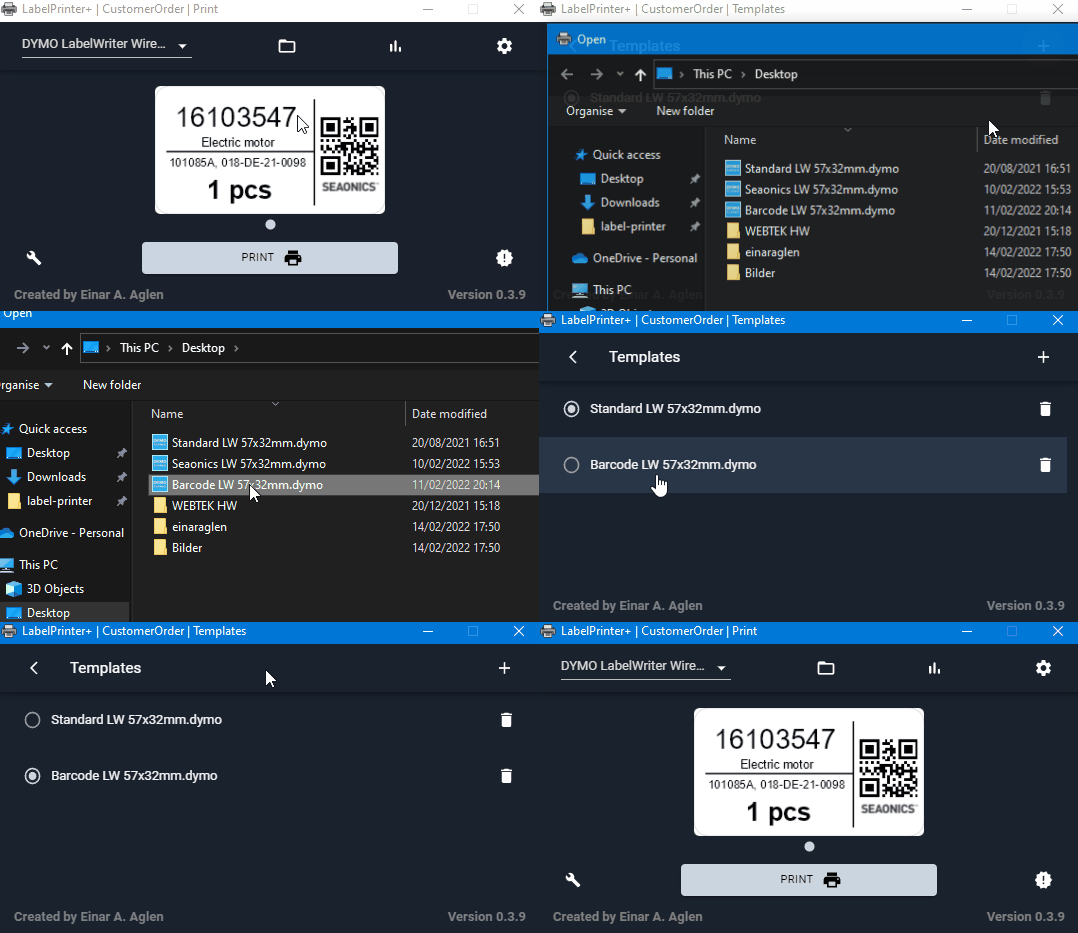
Swapping between templates is now possible
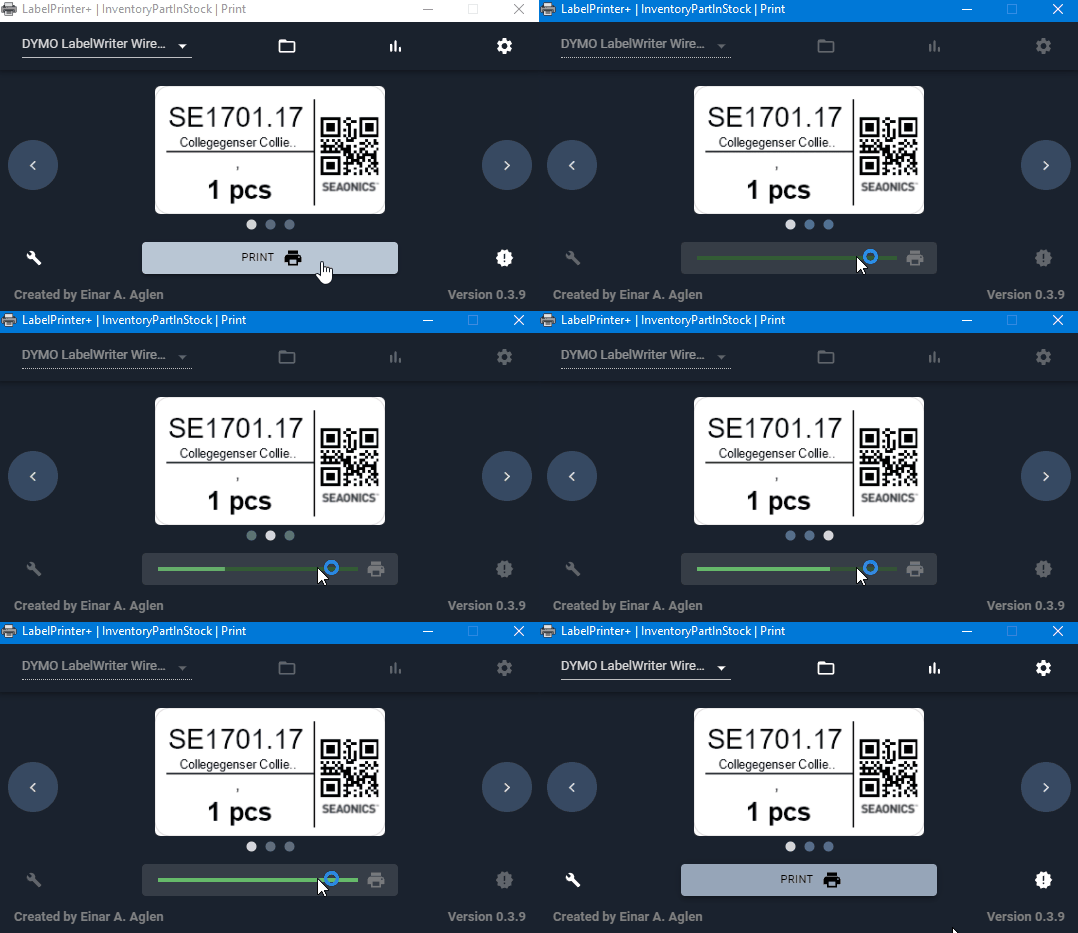
New printing animation
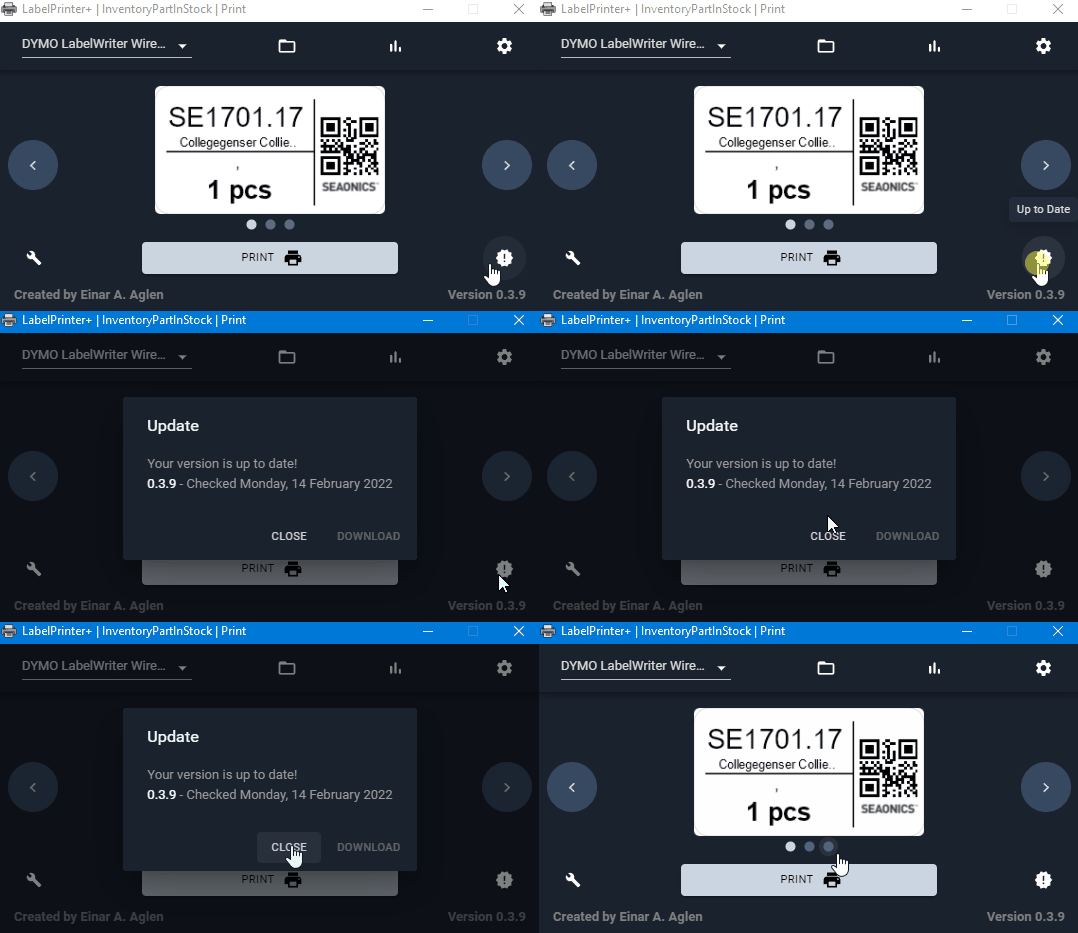
User can now check for new updates and download them directly from the program
This guide will show how the program should be setup on a end-user's computer
- Windows 7 or higher
- Node.js (Usually comes installed with Windows 10 and higher)
- DYMO Connect / DYMO Connect Web Services
Go to the following link and donwload the latest release of LabelPrinter+
After downloading the setup files, you can run the setup.exe file that can be found in the .zip folder retrived from the download.