
Neuro Dobby — where cozy elf warmth meets futuristic neural aesthetics.
A handcrafted dark theme for VS Code inspired by Dobby the house-elf. Deep midnight blues, creamy parchment text, golden sock accents, and neon cyan-magenta neural highlights create a coding environment that feels both magical and powered by AI.
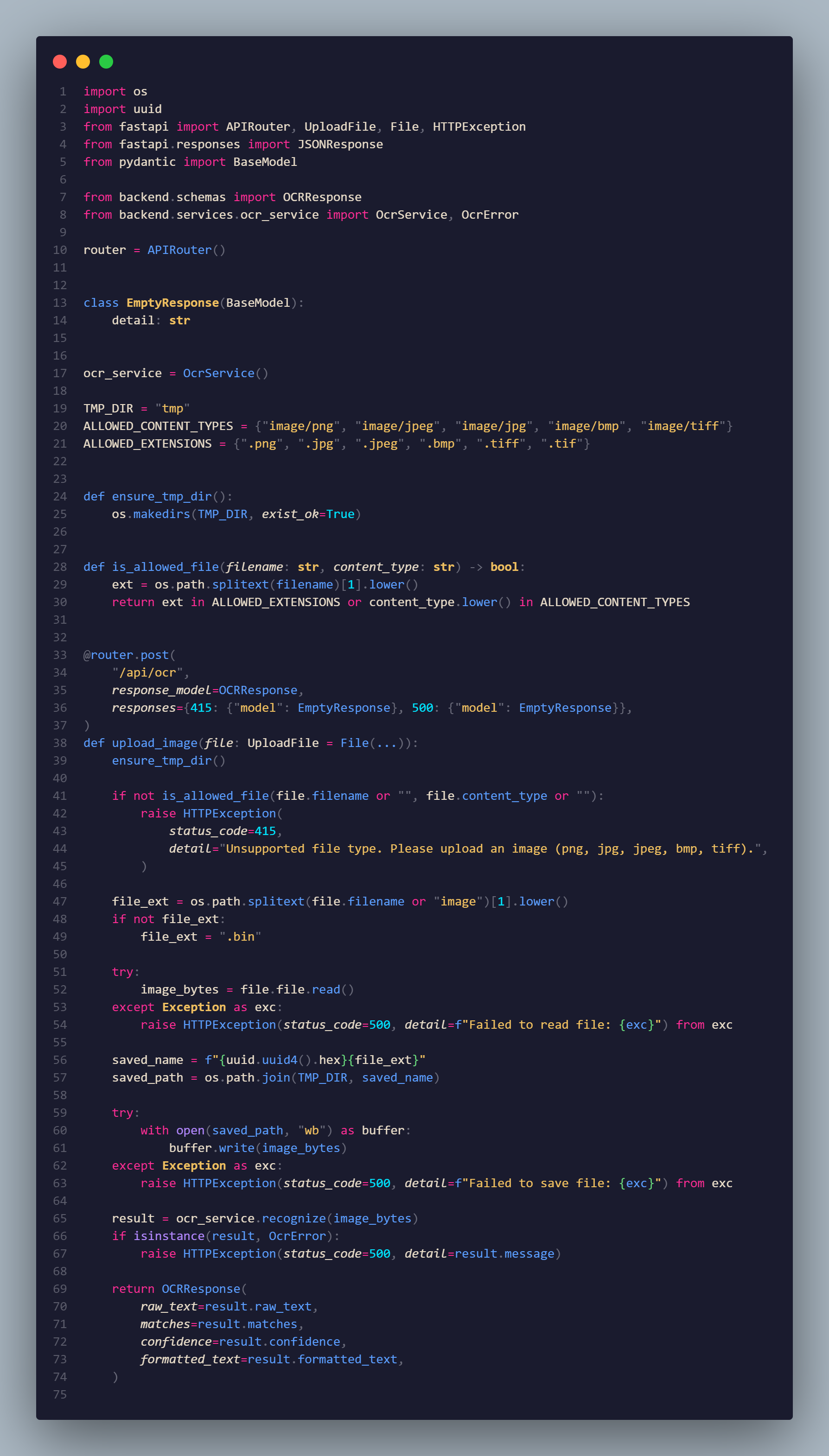
- 🎨 Semantic Syntax Highlighting — carefully tuned colors for every token type across multiple languages
- 🌙 Dark-First Palette — easy on the eyes during long coding sessions
- ♿ WCAG Compliant — meets contrast ratio requirements for readability
- 🖥️ Terminal Sync — matching color palette for integrated terminal
- 🔤 Multi-Language Support — JavaScript, TypeScript, Python, CSS, HTML, JSON, Markdown, and more
- 🧦 Sock-Inspired Accents — golden-amber highlights that reference Dobby's freedom
| Role | Color | Hex | Usage |
|---|---|---|---|
| Background | #1e1e2e |
Main editor background | |
| Foreground | #cdd6f4 |
Primary text | |
| Accent Gold | #fab387 |
Keywords, operators | |
| Cyan Neon | #89dceb |
Functions, classes | |
| Magenta Glow | #cba6f7 |
Types, interfaces | |
| Electric Blue | #74c7ec |
Strings, tags | |
| Muted | #6c7086 |
Comments, inactive |
- Open Extensions view in VS Code (
Ctrl+Shift+XorCmd+Shift+X) - Search for Dobby Theme
- Click Install
- Open Command Palette (
Ctrl+Shift+PorCmd+Shift+P) - Select Preferences: Color Theme → choose Dobby Theme
# Install via VS Code CLI
code --install-extension dobby-theme# Install from local VSIX file
code --install-extension dobby-theme-0.0.1.vsix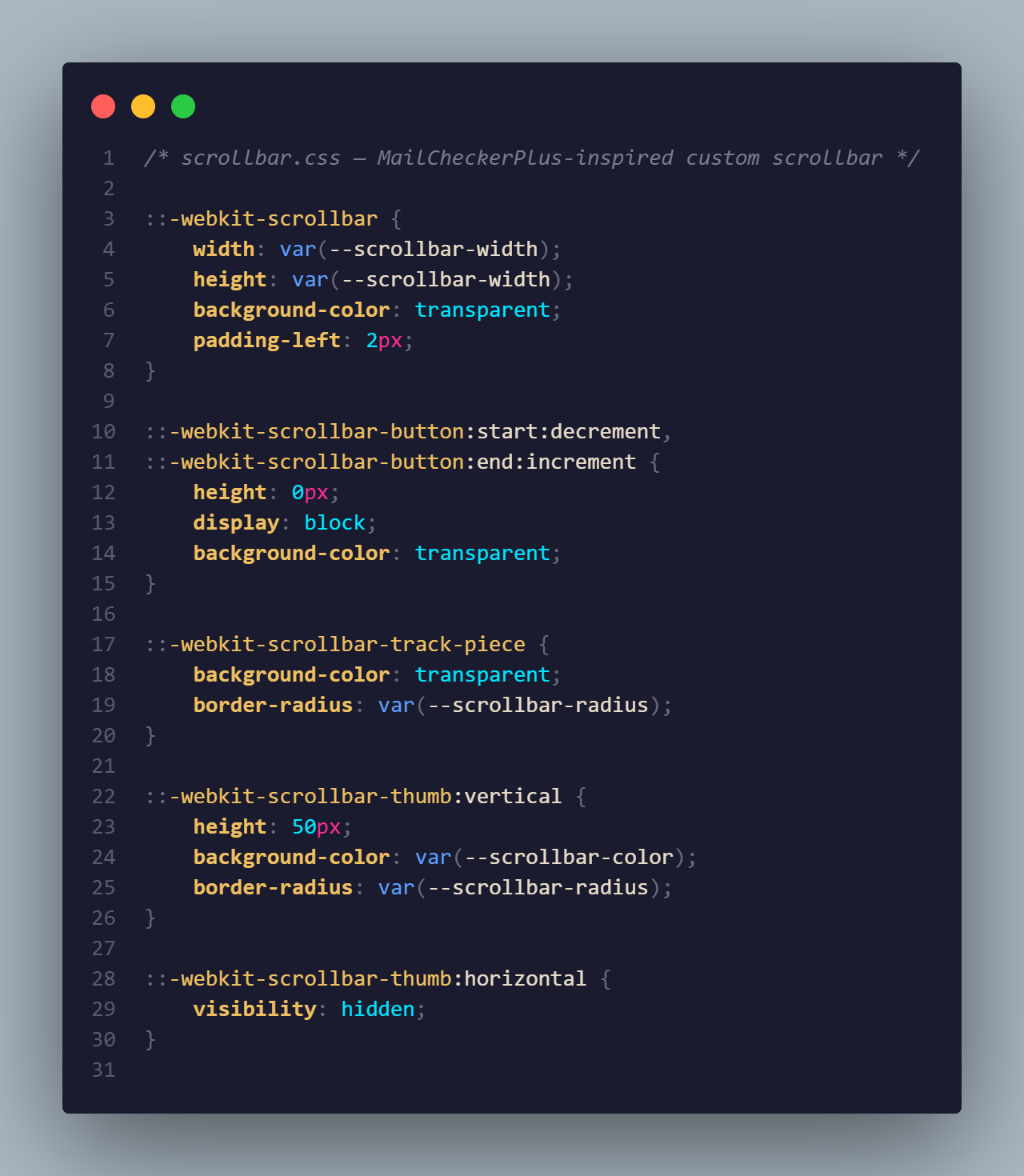
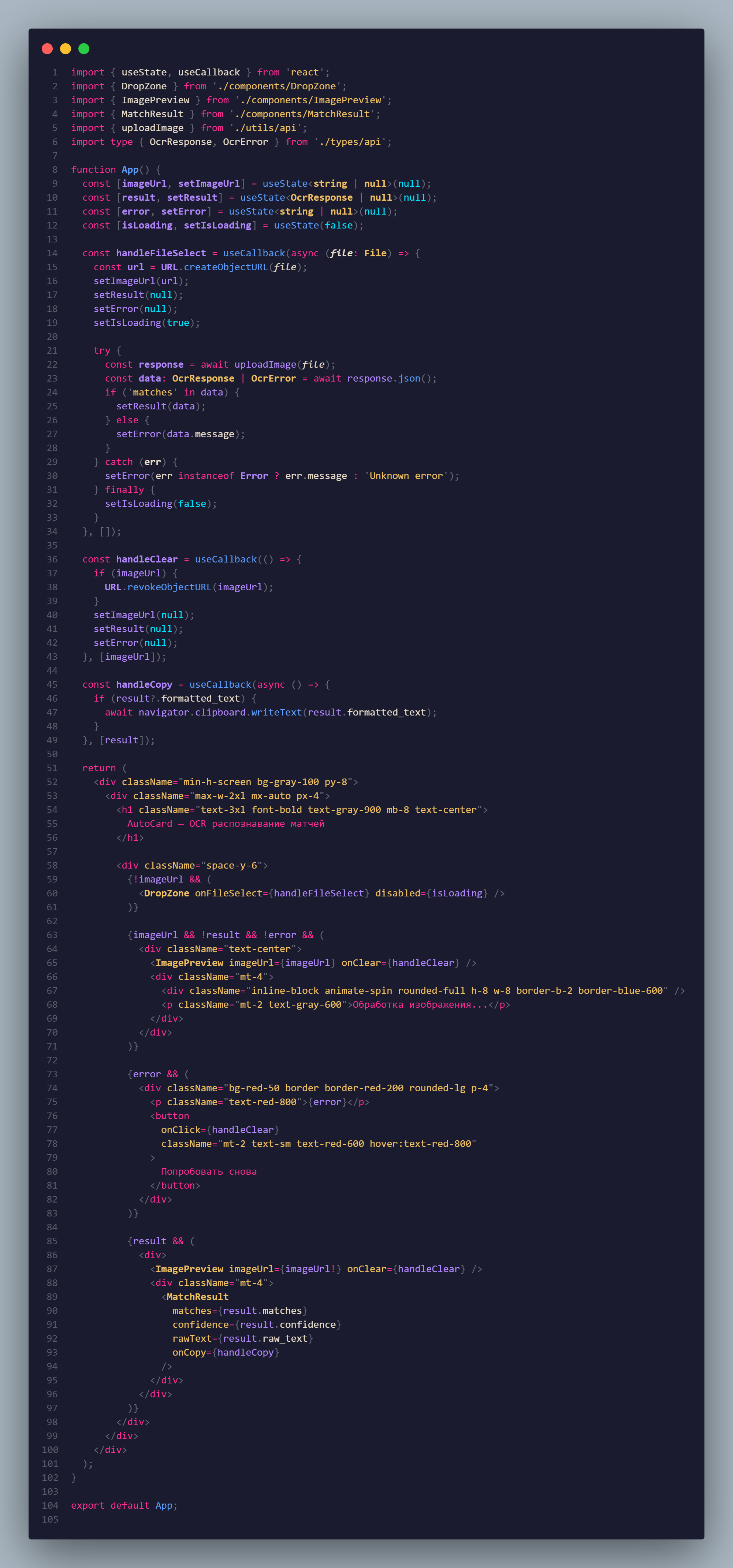
Override any theme color in your settings.json:
{
  "editor.tokenColorCustomizations": {
    "[Dobby Theme]": {
      "textMateRules": [
        {
          "scope": ["keyword", "storage.type"],
          "settings": {
            "foreground": "#fab387",
            "fontStyle": "bold"
          }
        }
      ]
    }
  },
  "workbench.colorCustomizations": {
    "[Dobby Theme]": {
      "activityBar.background": "#181825",
      "statusBar.background": "#11111b"
    }
  }
}Created with magic ✨ and AI assistance for Neuro Dobby
- 🧙♂️ Inspired by Dobby the house-elf
- 🤖 Powered by artificial intelligence
MIT © Dobby
"Dobby is a free elf!" 🧦 — and this theme is free for everyone too.