

BESO relies on BETSE and plurid to provide a bioelectric tissue simulation management environment through a web application interface.
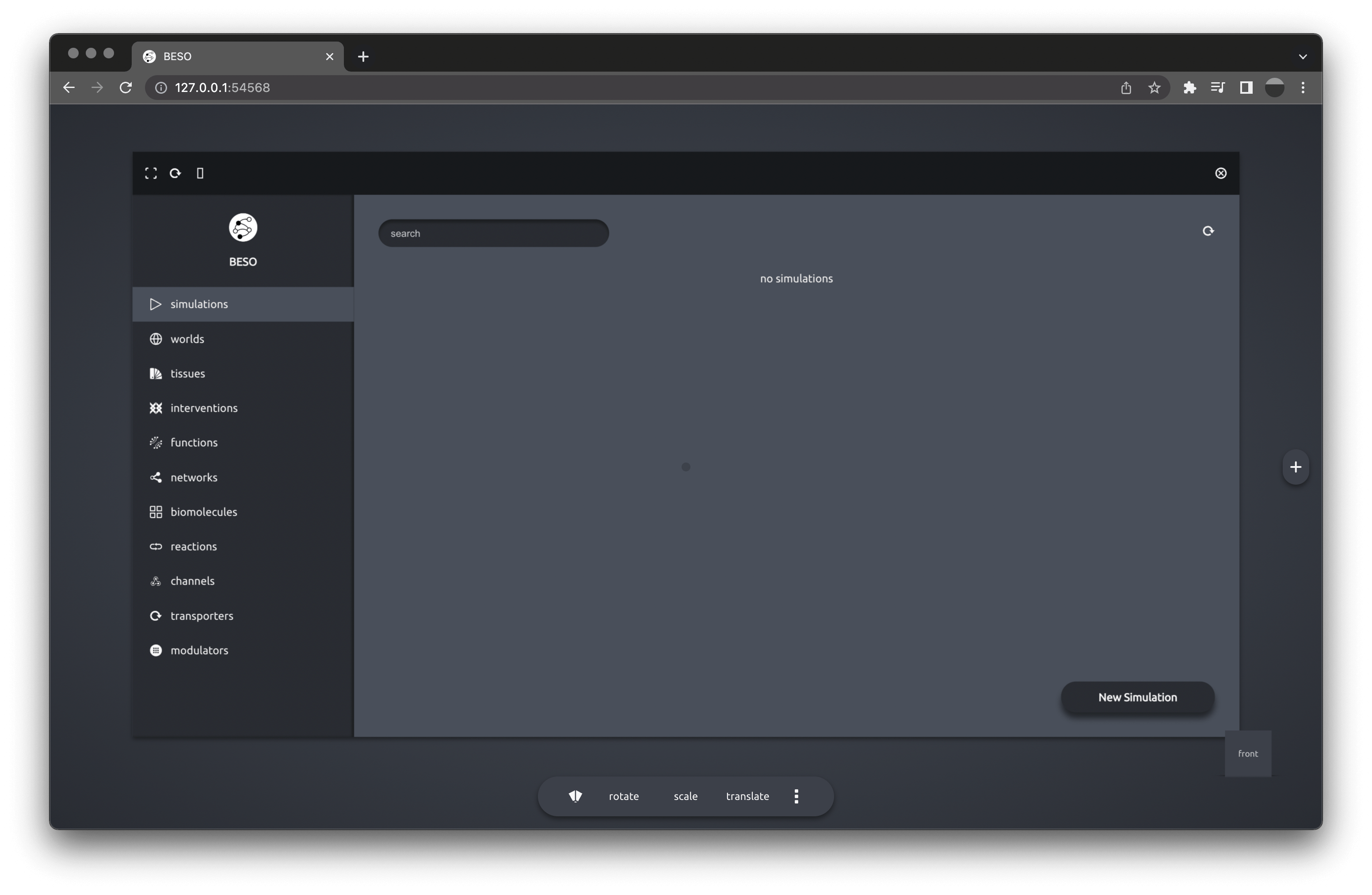
In order to run BESO, a backend (BETSE-based) and a frontend (plurid-based) server must be set up, given a *NIX environment.
Provided docker is installed, run
docker pull hypod.cloud/daysful/beso-backend
docker pull hypod.cloud/daysful/beso-frontend

mkdir ./beso_data

docker run --name beso-backend \
    --network="host"
    --mount type=bind,source="$(pwd)"/beso_data,target=/app/data \
    -p 54567:54567 \
    -d hypod.cloud/daysful/beso-backend
docker run --name beso-frontend \
    --network="host" \
    -p 54568:54568 \
    -d hypod.cloud/daysful/beso-frontend
for a default setup, storing the data in a local beso_data directory.
Instead of the default sqlite database, <beso-data-directory>/beso.db, a mongo database can be used by providing the adequate BESO_MONGO_CONNECTION_STRING
docker run --name beso-backend \
    --network="host" \
    --mount type=bind,source="$(pwd)"/beso_data,target=/app/data \
    --env BESO_MONGO_CONNECTION_STRING="mongodb://[username:password@]host[:port]" \
    -p 54567:54567 \
    -d hypod.cloud/daysful/beso-backend
Users can be specified through the BESO_USERS environment variable as user tuples (id,name,key) separated by semicolon, e.g. BESO_USERS="123,user1,key1;124,user2,key2".
User registration can be controlled through the BESO_ALLOW_USER_REGISTRATION environment variable, true or false, default true.
Other environment variables
BESO_JWT_SECRET # secret used for JWT encode/decode
BESO_FAVICON_PATH # path to faviconThe beso-frontend requires the environment variable BESO_BACKEND to discover the beso-backend if running without --network="host" or if running the beso-backend on another port.
docker run --name beso-frontend \
    --env BESO_BACKEND="http://host[:port]" \
    -p 54568:54568 \
-d hypod.cloud/daysful/beso-frontendClone the repository
git clone https://github.com/daysful/beso.gitProvided python3 is installed, run in the backend directory
python3 -m venv ./venv

source ./venv/bin/activate

pip install -r requirements.txt

./scripts/live.sh
To package the backend docker image, run in the backend directory
./scripts/containerize.shProvided Node.js is installed, run in the frontend directory
npm install

npm run live
To package the frontend docker image, run in the frontend directory
npm run containerize.production