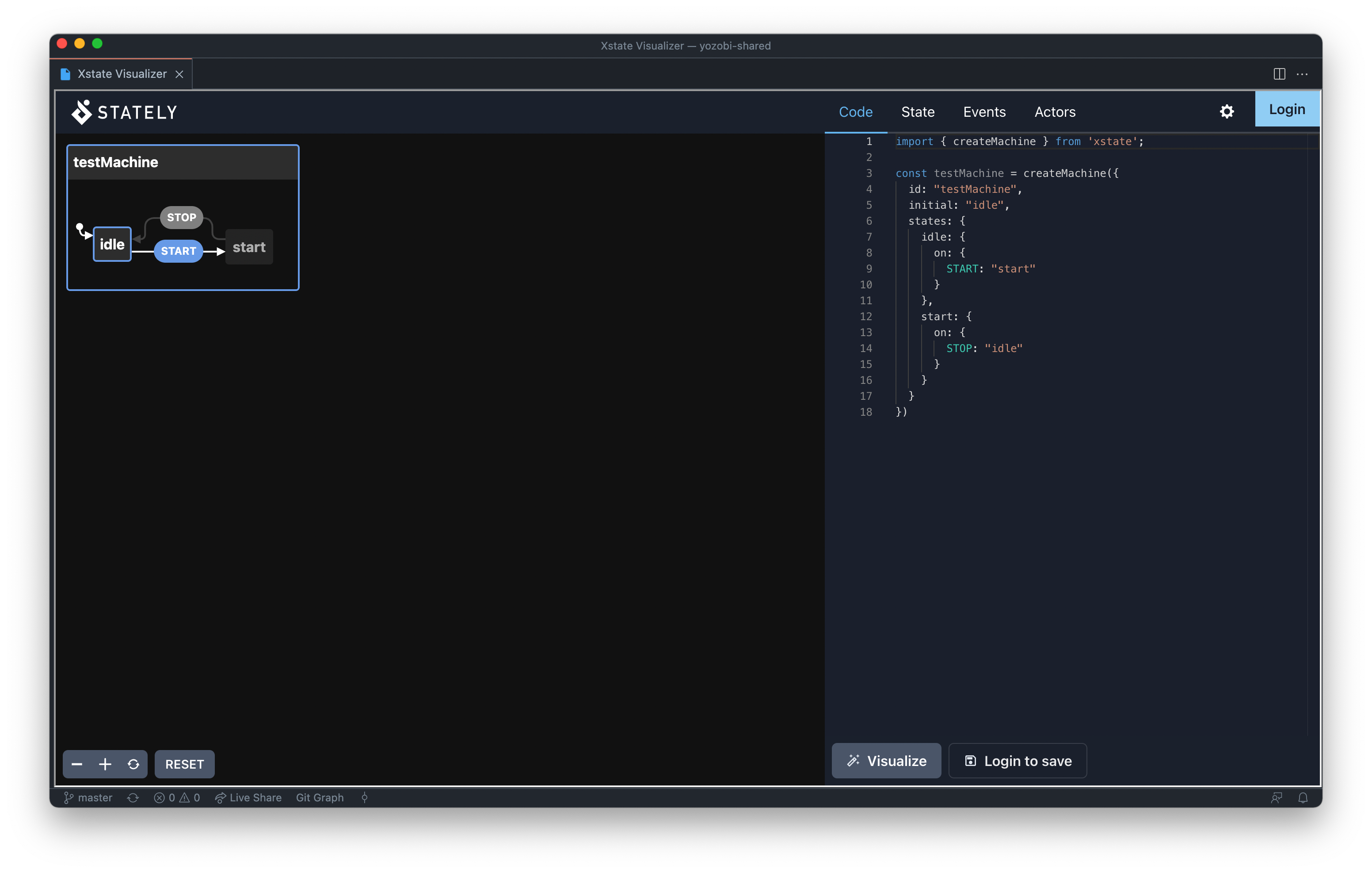
Easily view and build state machines with the XState Visualizer from within vscode.
Currently displays the XState Visualizer within a webview for vscode. State machines are interactive so that you can build / test your state machine from within vscode.
Install the extension from the Marketplace.
Press cmd + shift + p to open up your command pallet and start typing xstate or visualiser and the extension will be presented as XState: Open Visualiser. Select this option to open the visualiser within vscode.
Install the extension from the Marketplace.
Copy / Pasta and other keyboard shortcuts do not currently work. You can however right click + copy and right click + paste
Logging in does not work from within VSCODE at the minute meaning you cannot access stored machines.
All release notes can be found here: Change Log