Git and GitHub are great tools for collaboration. They allow multiple people to edit their own copies of the project and merge them together later.
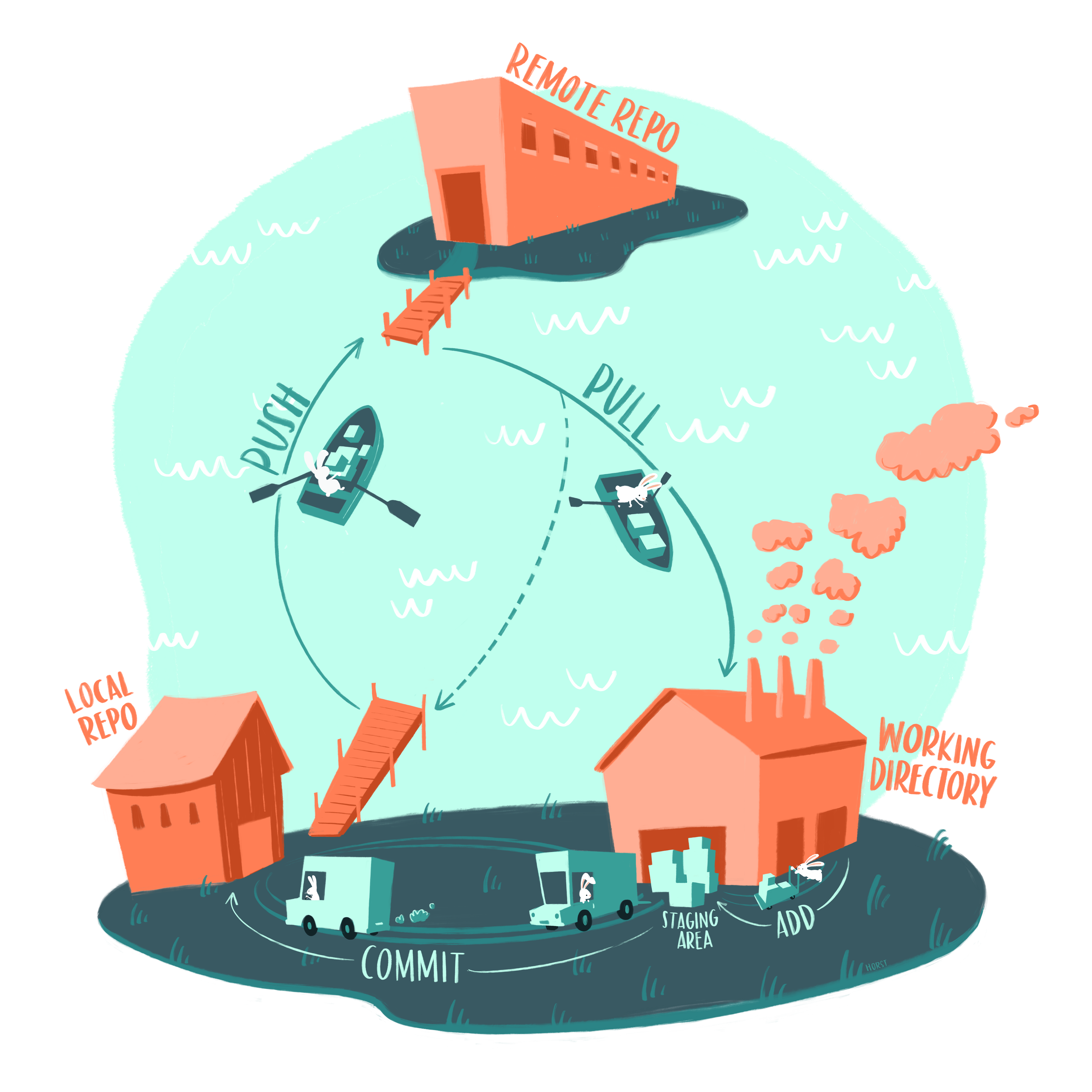
Image source: Artwork by @allison_horst
Git and GitHub can also be very frustrating to use if multiple people are trying to edit the same part of your project at the same time. If you think about this for a moment, you can see why. It is hard enough for a human who has a lot of context about a project to merge multiple peoples' contributions. It's even harder for an algorithm!
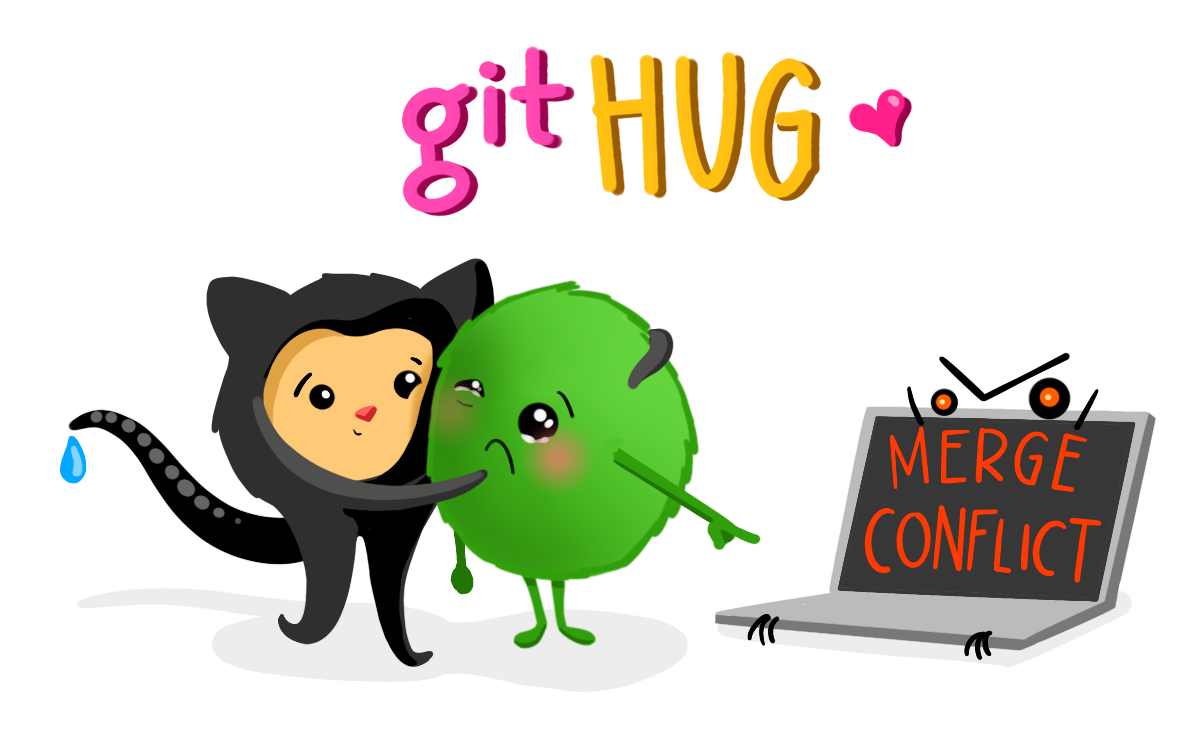
Image source: Artwork by @allison_horst
For this hackathon, we would like you to try out our method of writing collaborative code, even if you usually use a different method. It is important to us that everyone at all experience levels be able to contribute to your project, and we hope it's important to you, too! We are advocating for the following two principles of collaboration for the Hackathon, because we think they will allow your group to make the best use of everyone's expertise, including both those with lots of coding experience and those who don't have much coding experience yet. This method should also avoid merge conflicts. If our method isn't working for your group, that's ok, too -- you can work as a group to modify it as needed.
When working with your hackathon team, use Pair or Group Programming to bring together contributions from several people. We recommend a couple of rules for inclusive pair programming:
- One person, who we call the typist has keyboard control at a time.
- No one else edits the file the typist is working on in any version of the code repository until the typist has committed and pushed their changes back to GitHub.
- The typist only types things other group members say to type. The typist can, of course, suggest something to the group and contribute, but they need to explain the change they want to make get buy-in from the group before changing the code, just like everyone else. What we're trying to avoid here is the typist coding by themselves.
Many people who are new to pair programming want to put the person who knows the most code in the typist position. We suggest the opposite - the typist is a good position for relatively new programmers, while experienced programmers might find it more difficult to go through the pair coding process instead of writing code alone.
- The other person or people are code architects. They figure out how to structure the code and make suggestions to the typist. Other good ways for architects to contribute include doing research and writing pseudocode or flow diagrams to help the typist know what to type.
We believe that pair programming, when done using our rules, is inclusive. We know it can be uncomfortable to know how to fix a problem and refrain from doing it yourself. Please do not take control away from the typist, or ignore your architects! Remember that these rules are intended to make sure that everyone's input is valued and incorporated into your project. You might need to code a little slower than you might by yourself, but trust that the code your write will be higher quality. Put another way -- by choosing to pair program, we at ESIIL are committing to quality over quantity, and to inclusivity over individual stardom.
You might be thinking, "well, that's great for 2 or 3 people, but we have 7 on our team". If so, you'd be absolutely right - pair programming doesn't work well for more than 3 people! The following are our recommendations on how to split up tasks:
- We recommend splitting your group into subgroups of 2 or 3
- Each subgroup has one file in your GitHub repository. This will avoid git merge conflicts and also allows the subgroups to use whichever programming language they prefer.
- Save data to files or databases to transfer between groups. If all groups are using the same programming language, you can serialize data (e.g. pickle or RDS). Otherwise, use an open file format like csv or sqlite.
- Agree in advance about how to format your data. For example, imagine that subgroup A is working on resampling daily precipitation data to monthly, and subgroup B is plotting that data, they might agree to use a csv file with two columns named 'date' and 'precipitation', with the date in 'YYYY-MM-DD' format.
Your projects will all be different, but most Earth Data Science Workflows can be split into the following sequential modules:
- Downloading and wrangling data
- Calculate statistics or apply a model
- Visually and verbally convey your results
Steps 2 and 3 can use randomly generated data until they have the real data.
This activity is not about teaching you to code; we're trying to get you to practice techniques for getting the most out of your group.
Note that we are skipping a number of industry best practices you may have heard of, such as agile sprint techniques like scrum and kanban, as well and git branches. If your whole group already uses those practices...well you probably don't need this training, and feel free to designate a project manager and get going! Otherwise, we think sticking to our one-person-per-file-at-a-time rule is the best way for everyone to have a positive Earth Data Science experience.
We'll provide examples of a few technical skills needed for effective data science collaboration:
- Exporting data to standard open file formats AND/OR serializing objects
- Importing data from standard open file formats AND/OR deserializing objects
- Using conditionals to cache your work
- Generating random data that adheres to your group's agreed-upon standard
In this activity, you will practice these skills in order to collaboratively calculate and visualize a trend line for mean annual temperatures for Denver, CO.