


MolarFlow is an Odoo 13 custom addon for managing a dental clinic's patients, doctors, appointments, and prescriptions. It also exposes a token-based REST API for logging in and creating appointments from external clients.
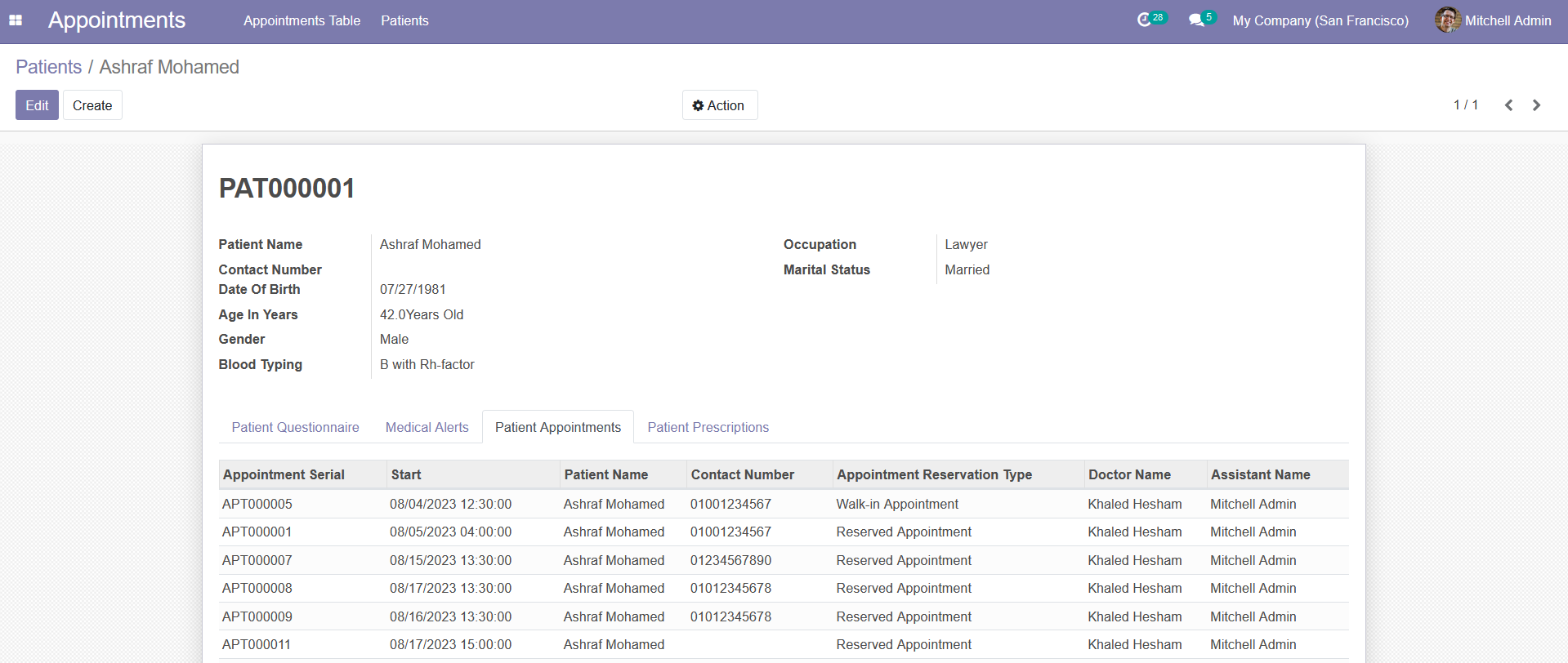
- Patients — patient records with contact and medical info
- Appointments — reserved or walk-in appointments with a status workflow (draft → confirmed → in examination → completed/cancelled)
- Doctors — clinic doctor records assignable to appointments
- Procedures — dental procedure lines attached to an appointment (tooth chart)
- Prescriptions — prescriptions linked to an appointment
- Attachments — file attachments per appointment
- REST API — token-based authentication for logging in and creating appointments programmatically
- Odoo 13 (Python 3, PostgreSQL)
- Depends on core Odoo apps:
base,account,calendar,sales_team,payment,portal,utm,sale,mail,crm,l10n_co,point_of_sale
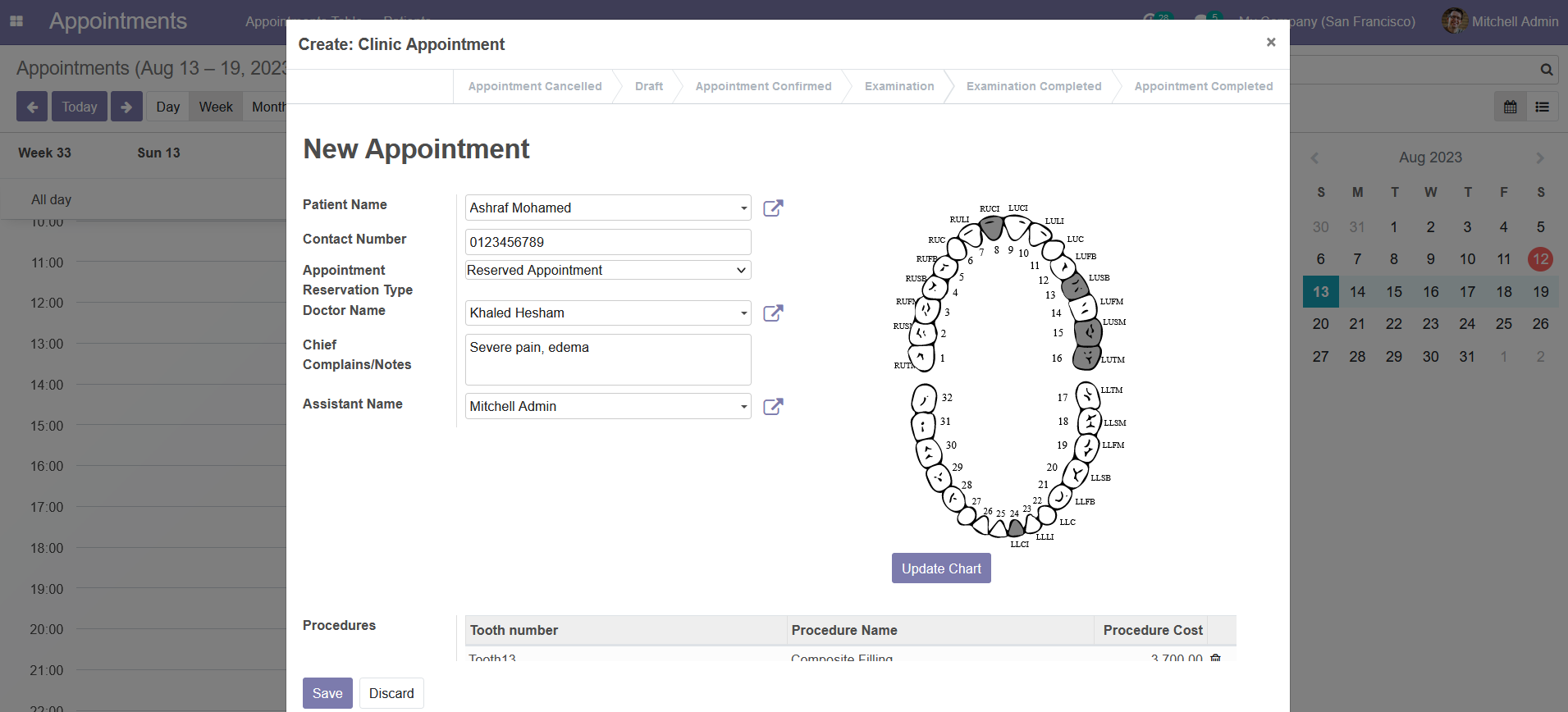
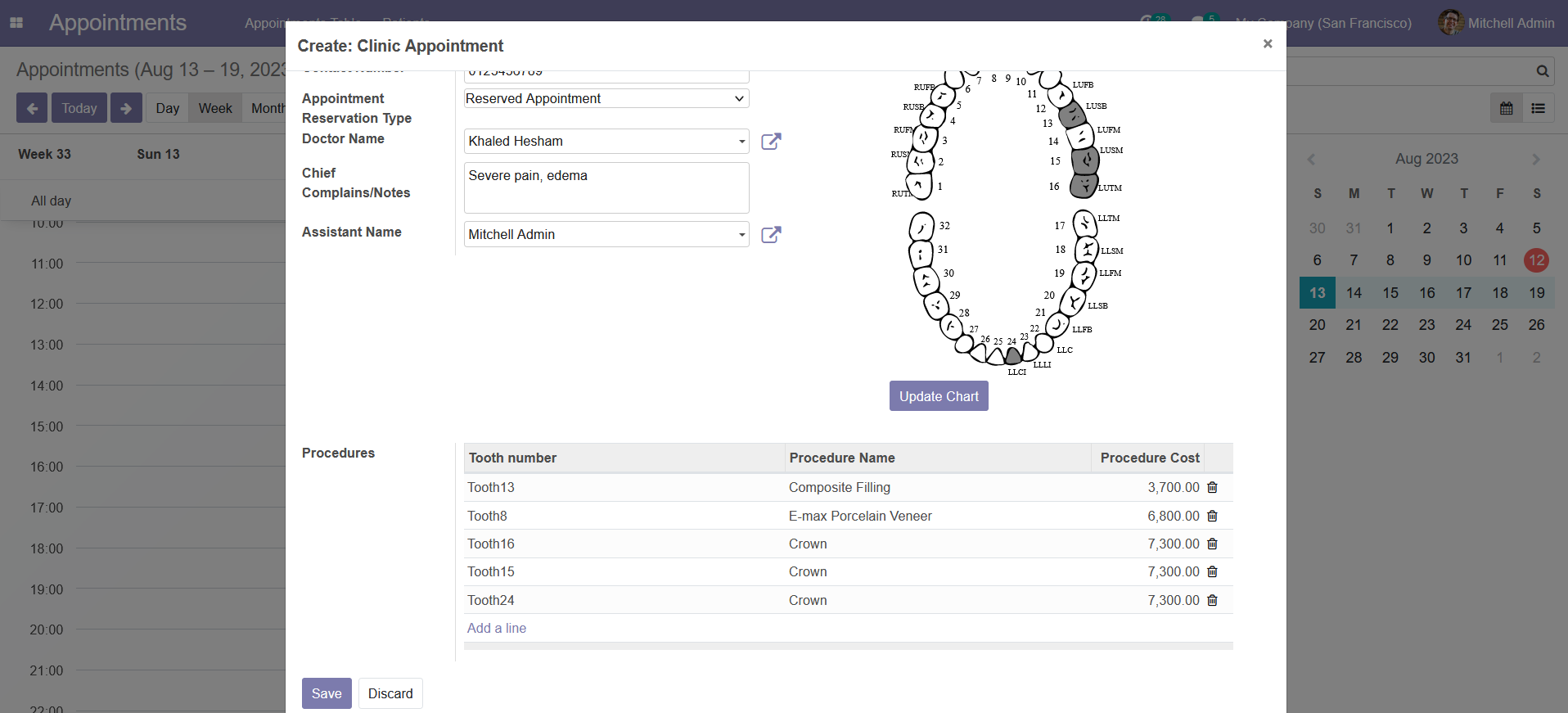
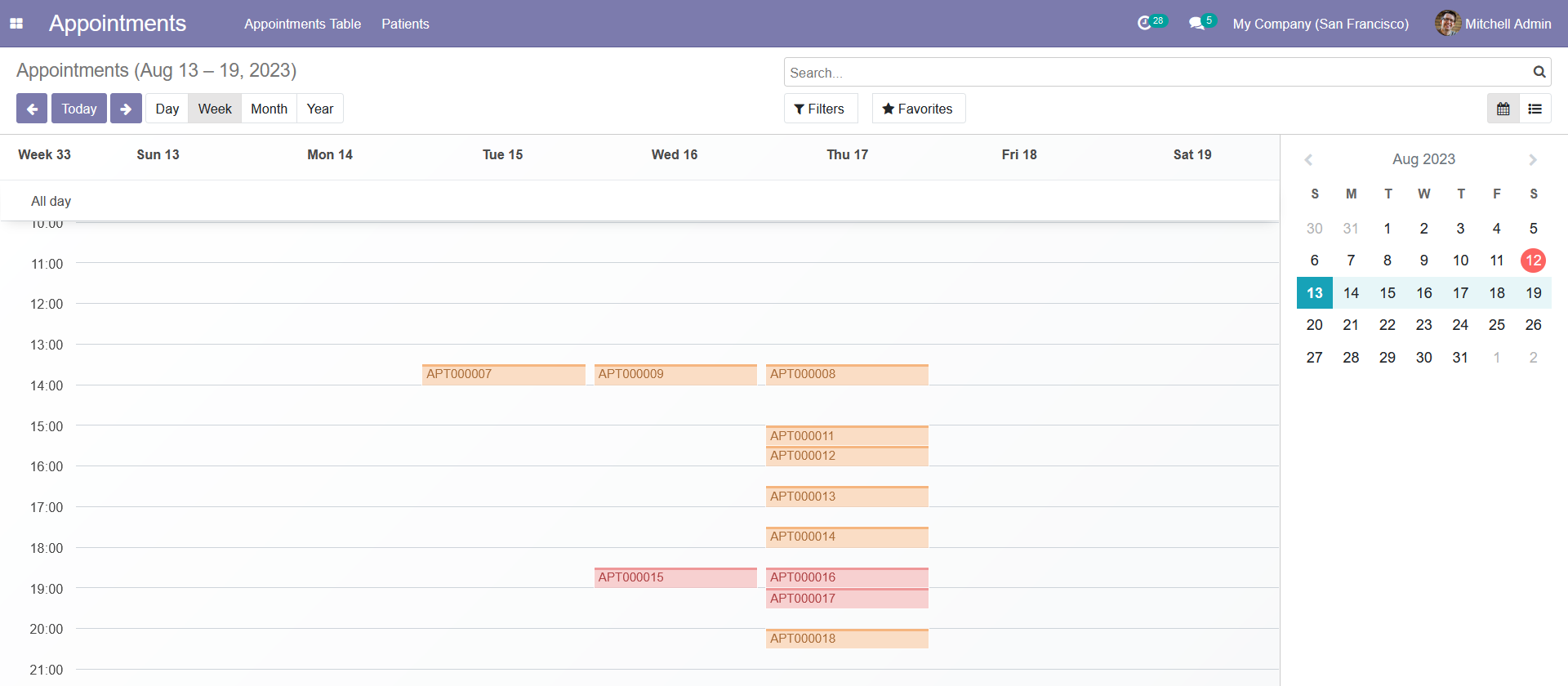
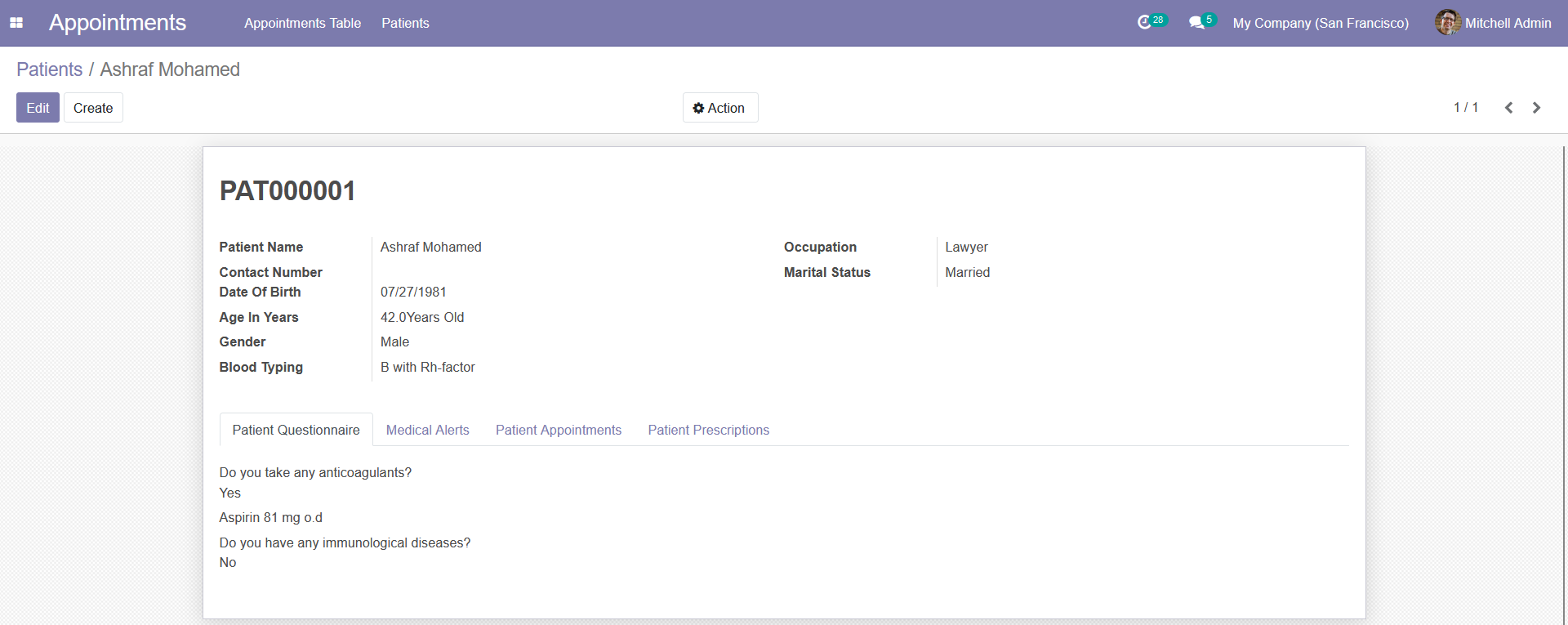
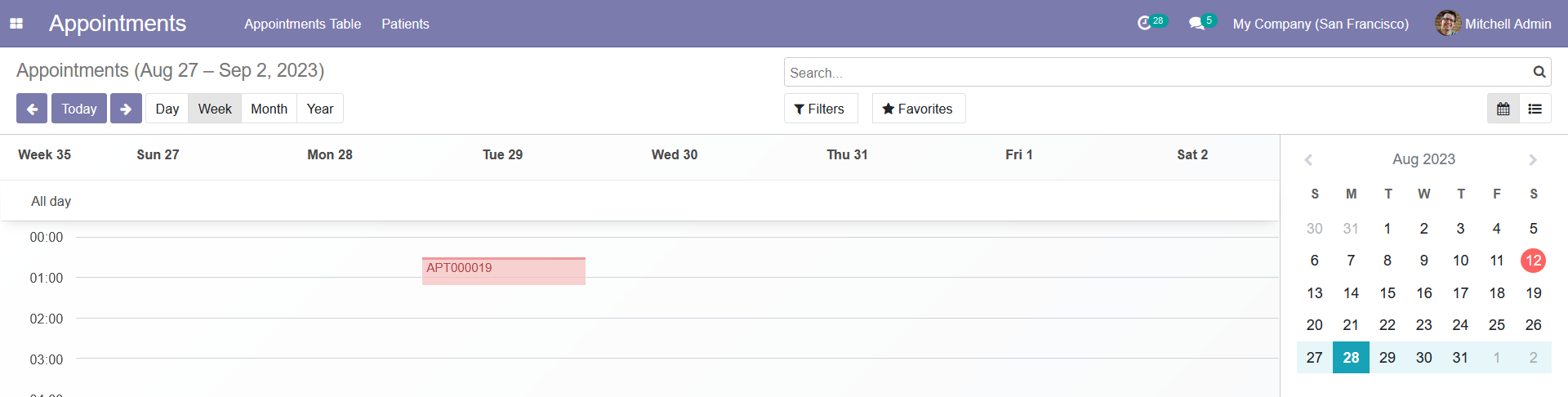
This repo is an Odoo addon module (dental_clinic/), not a standalone app — it needs to run inside an Odoo 13 instance with PostgreSQL. The quickest way is Docker Compose.
docker compose up -dThis uses the included docker-compose.yml and odoo.conf, which mount dental_clinic/ into Odoo's addons path.
Open http://localhost:8069 and create a new database (any name, plus an admin email/password).
In the Odoo backend, go to Apps, remove the default "Apps" filter, search for "Dental Clinic Mangement System", and click Install.
Base URL: http://localhost:8069
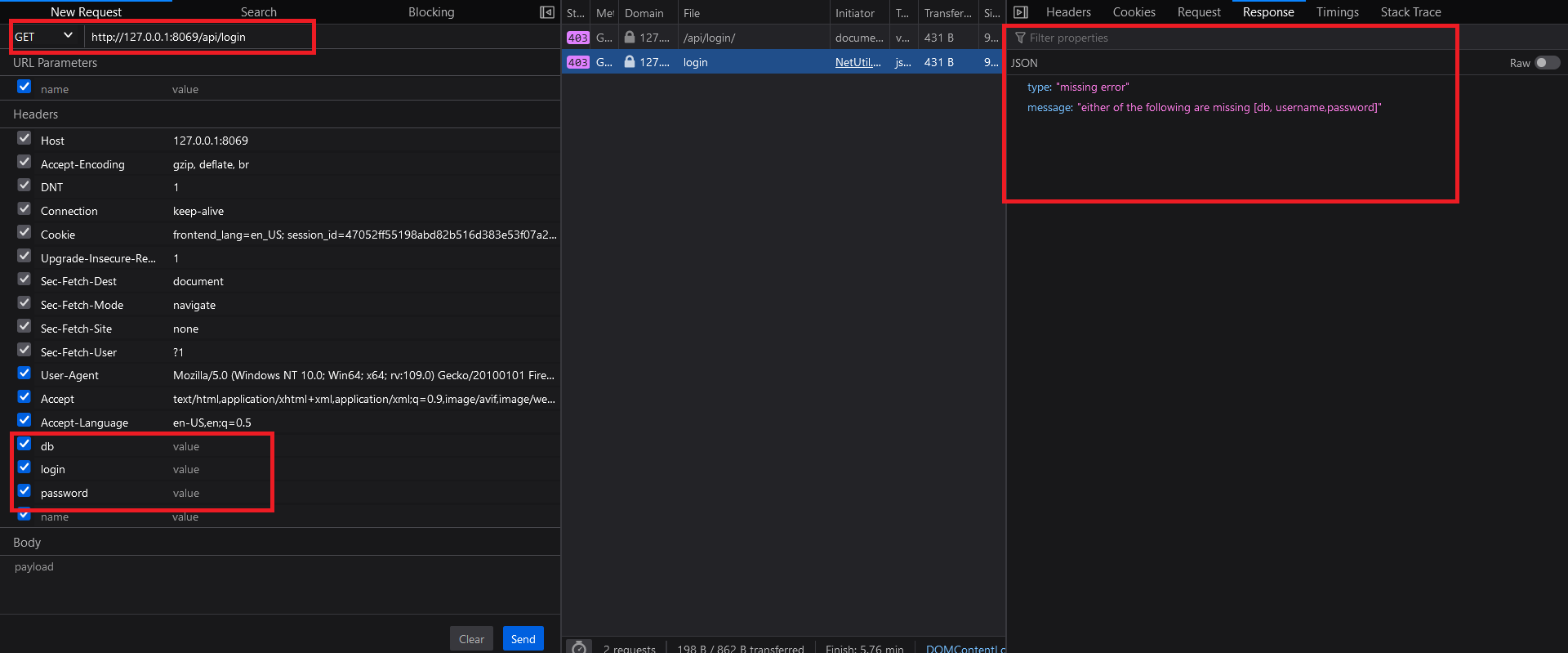
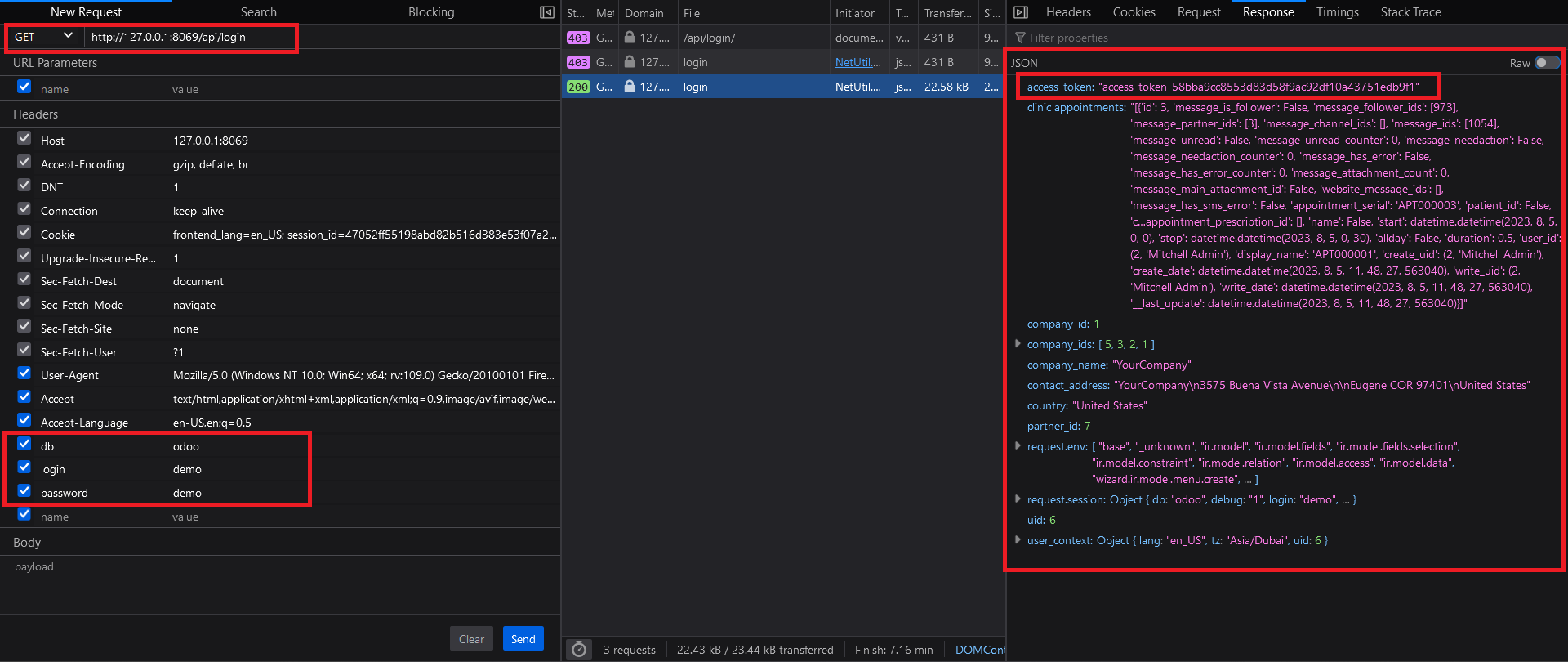
GET /api/login?db=<db_name>&login=<email>&password=<password>
Returns a JSON payload including an access_token to use on subsequent requests.
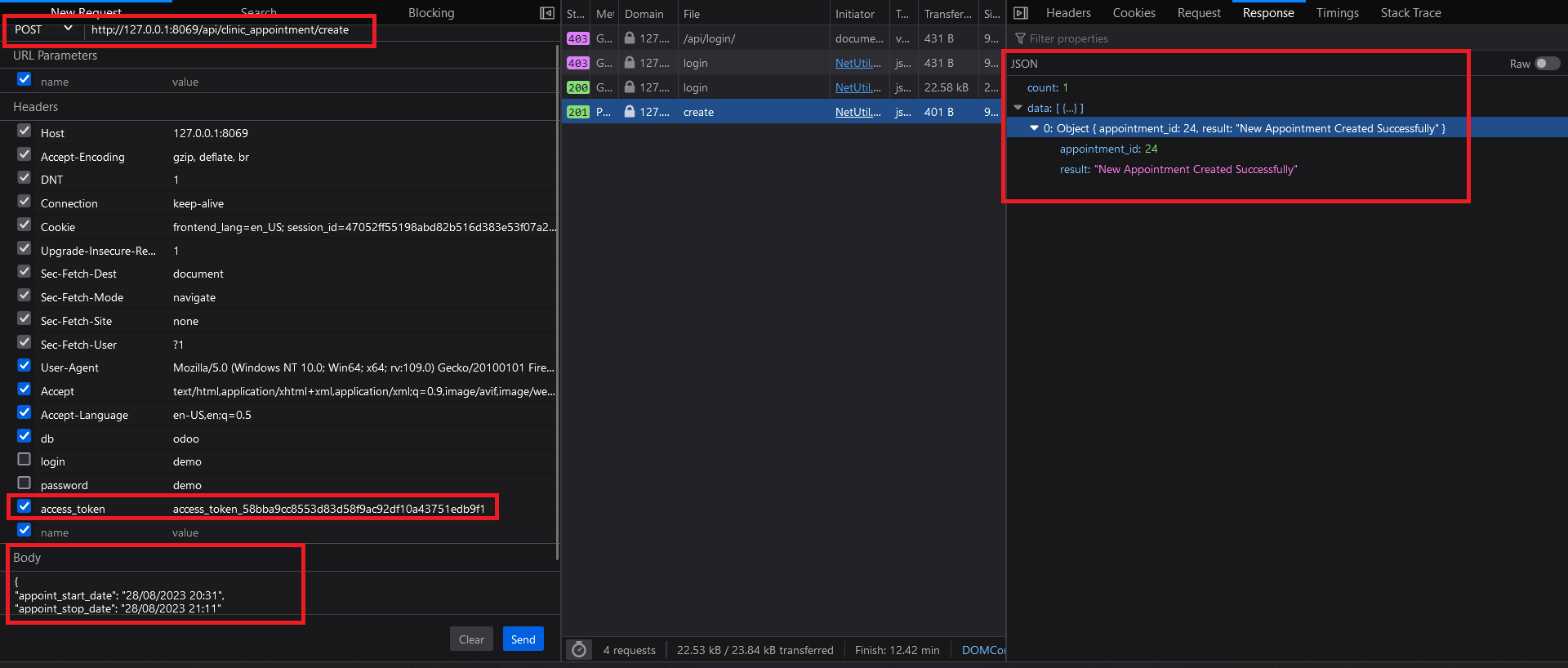
POST /api/clinic_appointment/create
Headers: access_token: <token>
Body (JSON, sent as text/plain to avoid Odoo's JSON-RPC auto-routing):
{
  "appoint_start_date": "25/09/2026 10:00",
  "appoint_stop_date": "25/09/2026 10:30"
}