You signed in with another tab or window. Reload to refresh your session.You signed out in another tab or window. Reload to refresh your session.You switched accounts on another tab or window. Reload to refresh your session.Dismiss alert
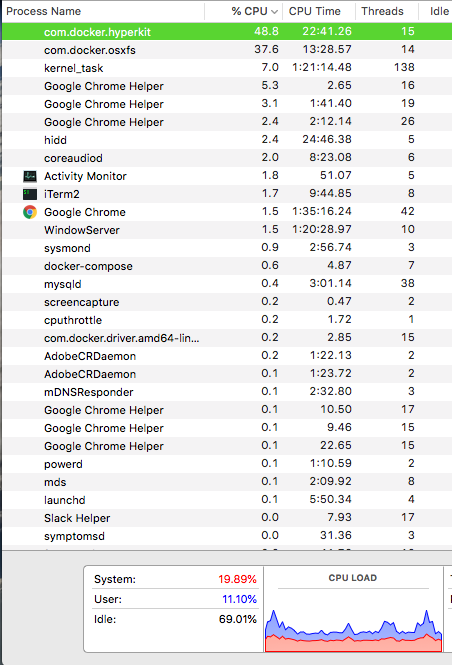
Docker does not run natively on OSX, so unfortunately due to some syncing issues the com.docker.hyperkit process takes up over 100% CPU power. This is a simple solution to throttle the amount of CPU usage that docker hyperkit uses.
How to use?
First you will need to have cputhrottle installed by running brew install cputhrottle
Next, clone this script and cd into the directory you installed it to
Before running the Docker-CPU-Throttler script make sure your docker containers are up and running so we can locate the p_id
cd into the directory you installed the script and run the following command: sudo sh lim_cpu_docker.sh
Open up your Activity Monitor and you should notice your docker container not utilizing more than 50% CPU usage
About
A simple shell script to limit Docker hyperkit CPU usage on OSX