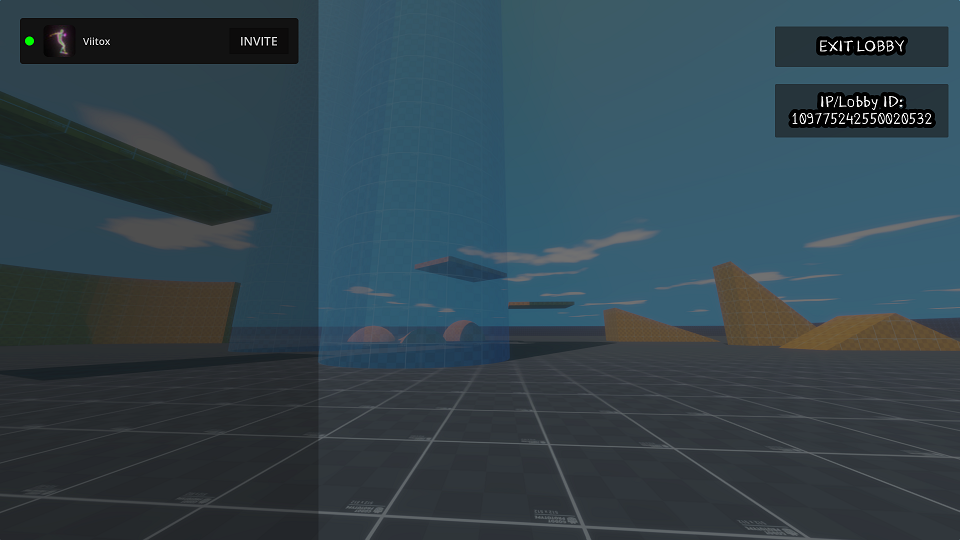
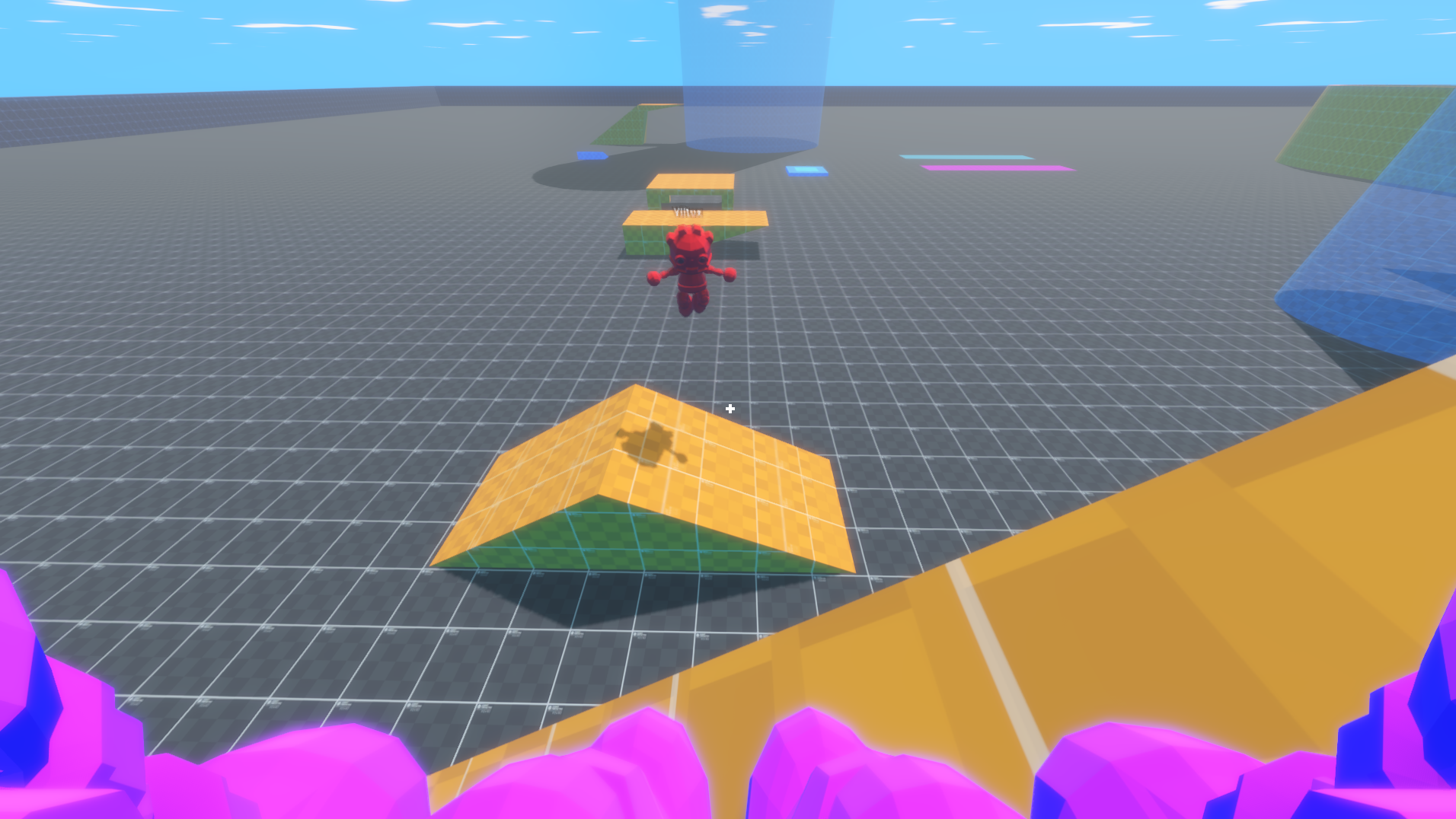
This is a Godot project template for hosting and joining multiplayer games using Steam or local connection.
- Download the repository files. If they are compressed (for example,
.zipor.rar), make sure to extract the folder inside. - Open Godot, and inside the projects list press Import and select the project folder
Make sure you open the Steam app before running the game!
-
Hosting: To Host a Steam lobby simply press "Host Online", you can then invite friends using the Steam app or inside the game by pressing "Esc" (where you can also see the lobby ID)
-
Joining: To join you can either accept a Steam invite from the host or type the lobby ID in the menu and pressing "Join"
The default local IP is 127.0.0.1 and the default port is 8080 (You can change those at Online.gd file if needed)
-
Hosting: Simply press "Host Local" in the menu.
-
Joining: Type the IP address in the menu and then press "Join". If none is provided, it tries to connect to the default local IP.