v1.1 User Manual
Thank you for using Territect v1.1! This manual will demonstrate how to use this version of Territect for those new to the script.
To install Territect, it can either be installed directly from the script manager (Online -> Filter -> 'Territect') or downloaded from GitHub and manually placed in your scripts folder.
Once Territect has been successfully installed and activated, a tab will appear in the top left corner of the game.
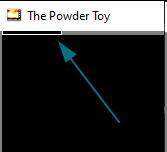
Hover over this tab and then click on it to open the Territect menu. It looks like this:
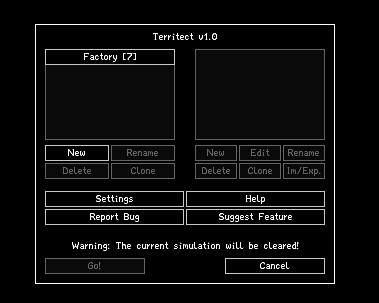
Select a folder, then a preset, and then press "Go" to watch Territect in action, as shown below:
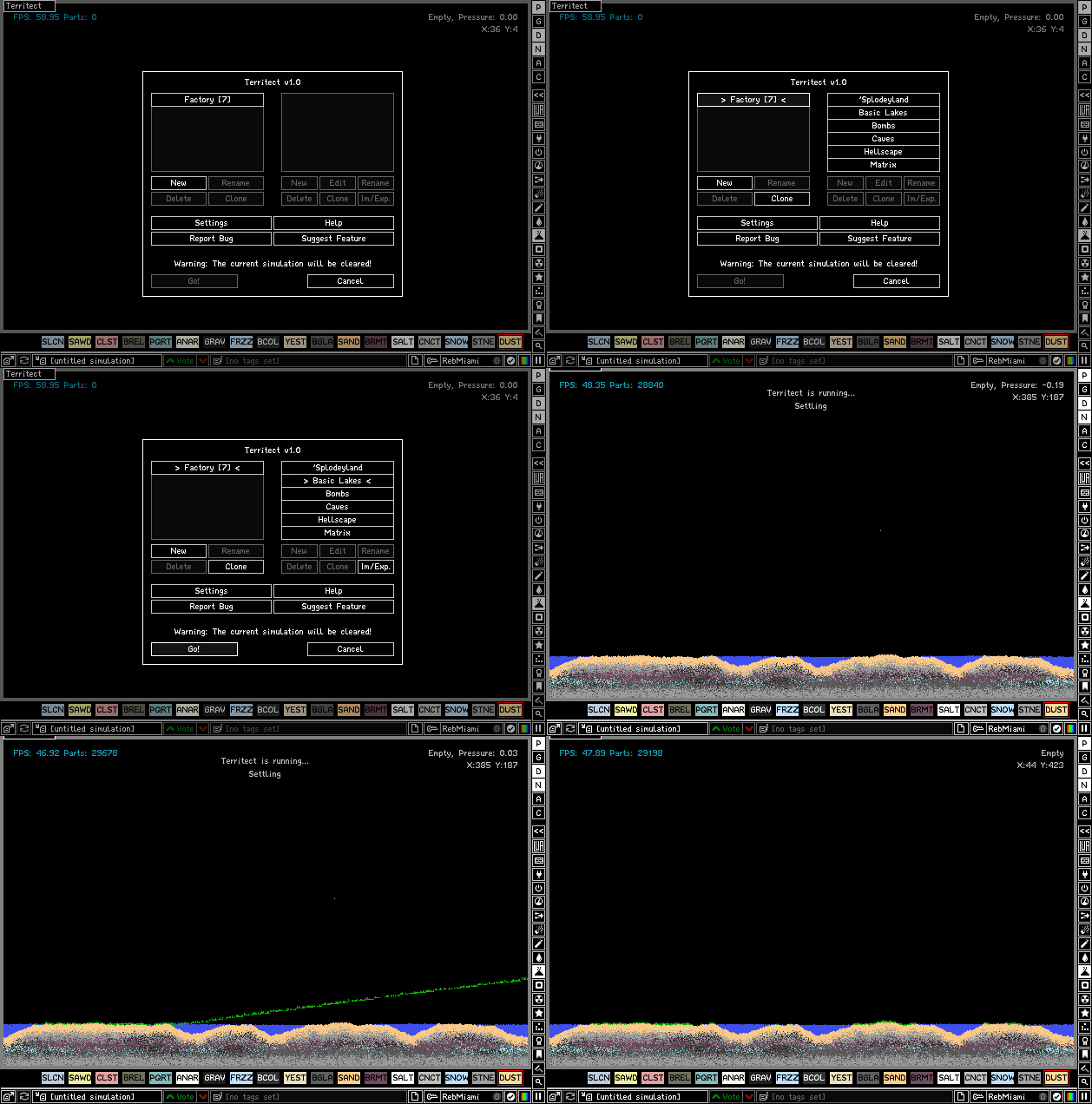
Note that you can scroll through the preset menu with the scroll wheel to view presets lower on the list.
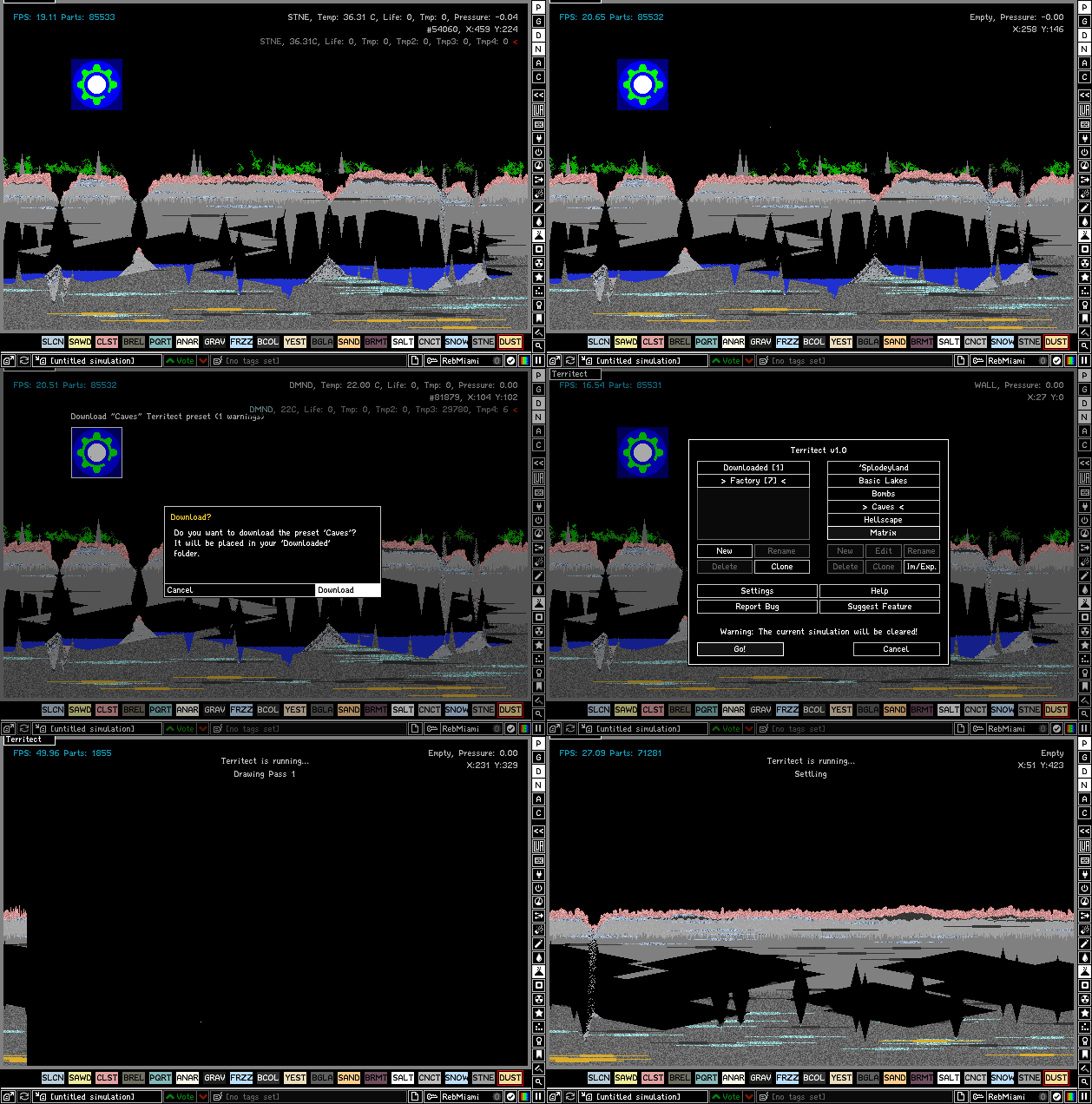
Preset saves made by other users will contain blocks that you can hover over to download presets. They will be placed in your downloaded presets folder.
Q: Is it possible for people to publish malicious presets? A: It's practically impossible for a single preset to do any damage. The worst that could possibly happen is an infinite loop caused by a preset that gets caught by the game and does not cause any errors, an invalid preset that cannot be edited, or a preset that generates a lag machine. Presets are stored as JSON data which is not code and Territect is not capable of running any untrusted code.
Q: Can I use Territect in saves without violating the CGI rule? A: Yes, as long as you don't publish the unmodified output of the script. If you create a custom preset, you should embed the preset into the save before publishing it. Otherwise, try making significant changes to the terrain like building things on top of it before publishing it.