Releases: QoderAI/changelog
Release list
Plugin Marketplace & Quest Experience Upgrade

Features
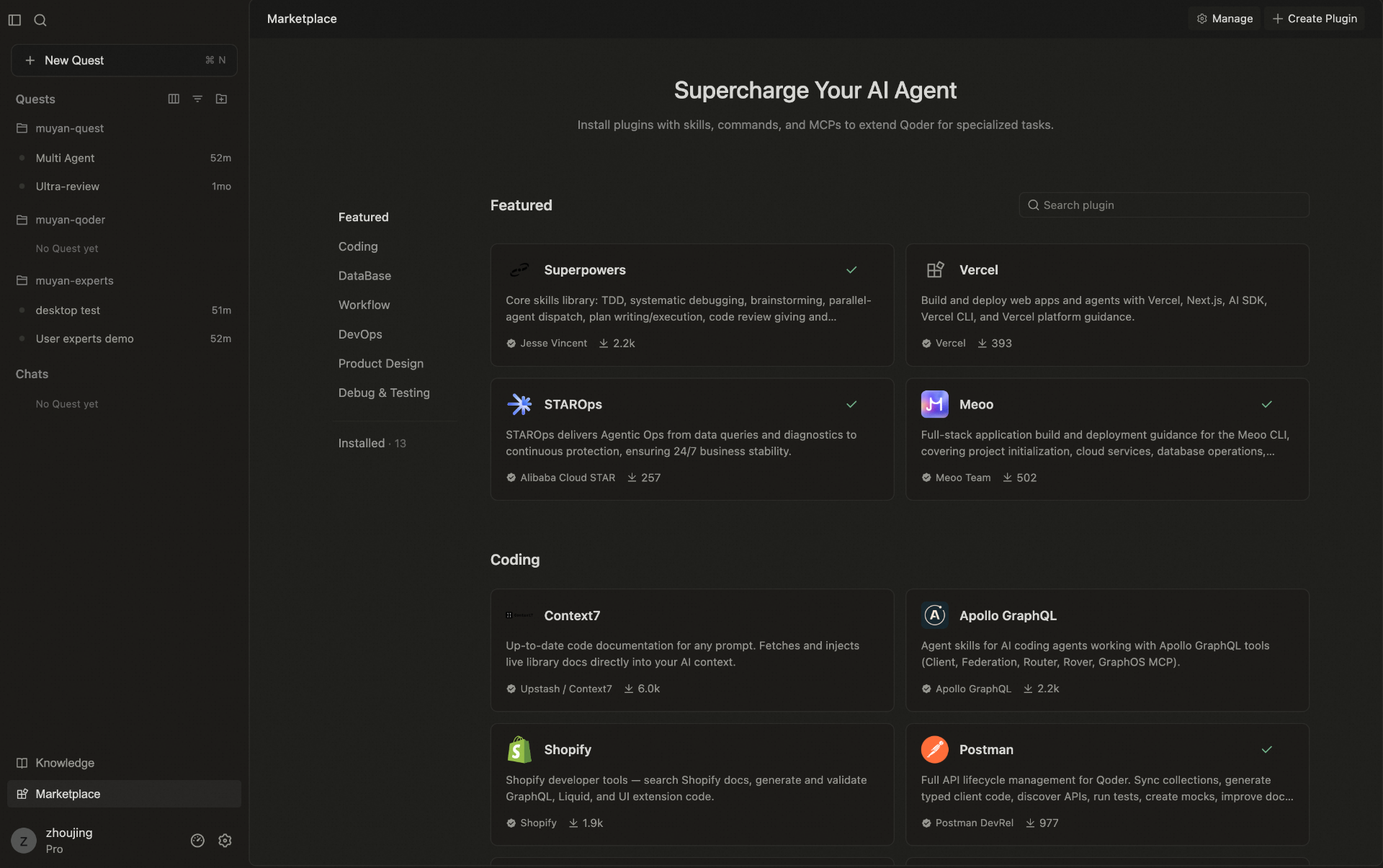
- Marketplace management upgrade: Added richer plugin details, flexible install scope controls, and support for managing, creating, and importing custom plugins.
-
Worktree Upgrade: Added support for handling uncommitted changes and cleaning up worktrees, making task branch management clearer and easier to manage.
-
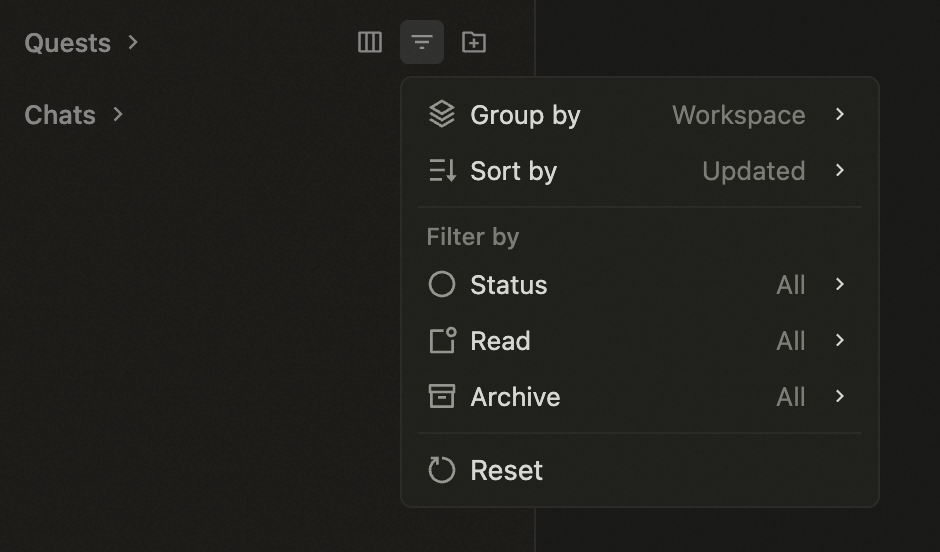
Quest Task Sidebar Improvements: New grouping, sorting, and visibility customization make multitasking and task switching faster and easier.
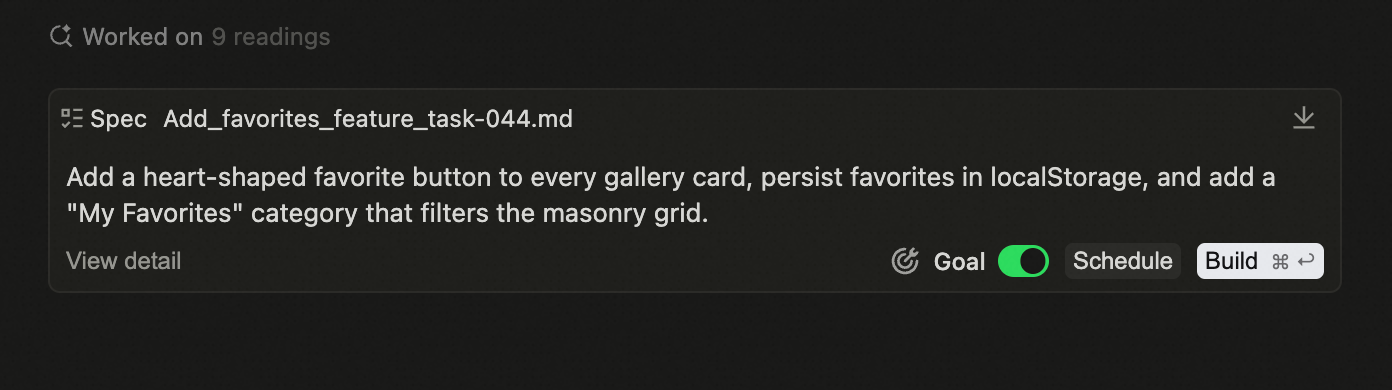
- Run Spec as Goal: Once a Spec is generated, you can instantly set it as a Goal and kick off execution right away.
Improvements
- Improved over-limit input handling with automatic conversion to file attachments.
- Improved collapsing for long conversation threads.
- Optimized sync compression to reduce overhead and improve efficiency.
- Reduced wait time for the first message in a new conversation.
- Improved Remote SSH proxy routing for more stable remote connections.
Improvements
- Improved the follow-up input experience after pausing a Goal session.
File Tree Enhancements in Quest Window
Improvements
- Enhanced right-click context menu with richer file operation options
- Added drag-and-drop support for importing external files into the file tree
- Refined file tree styling to align with editor-wide visual styles
- Improved text file handling to prevent content truncation and bias
- Improved knowledge card export structure for clearer output and better usability
- Improved Canvas recognition of project configurations for more accurate code diagnostics
Goal-Driven and Scheduling for Long-Running Tasks
This update focuses on improving the execution experience and reliability of long-running tasks.
Use Spec to structure your execution plan, or define a Goal to set
clear expectations—then schedule the task to kick off automatically at the
right time. No need to stay online; tasks run as planned and deliver results
when complete.
To go further, today's Off-Peak Discount lets you run long-running tasks
during off-peak hours at a reduced Credits cost.
Features
-
Goal-driven execution: Set a desired goal in Quest, and the agent will work toward that goal until completion.
-
One-time scheduled tasks: Schedule a Goal or Spec to run automatically
at a specified time—set it and walk away.
-
Steer tasks in progress: Jump in anytime to redirect or refine a running task without interrupting or restarting it.
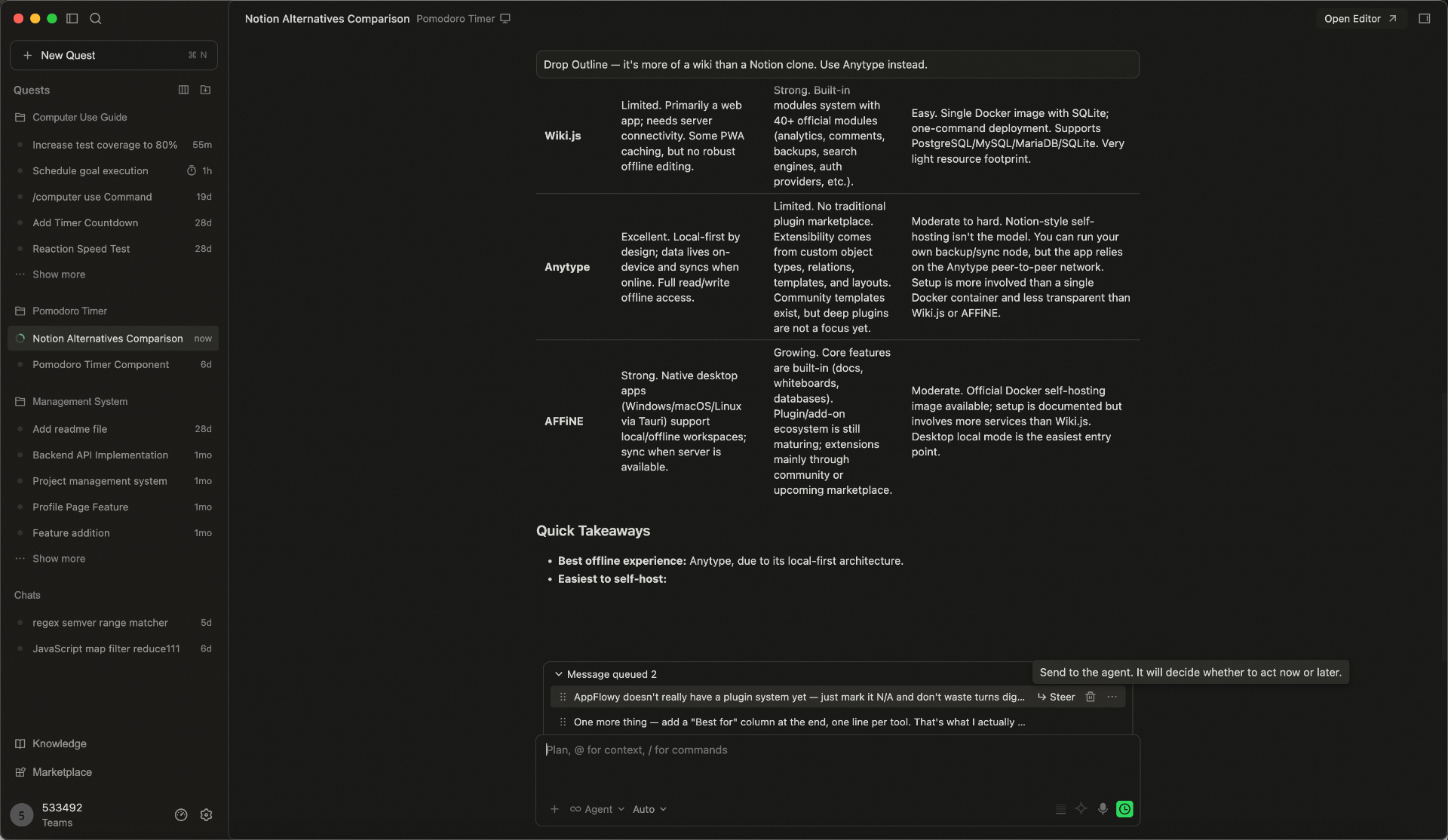
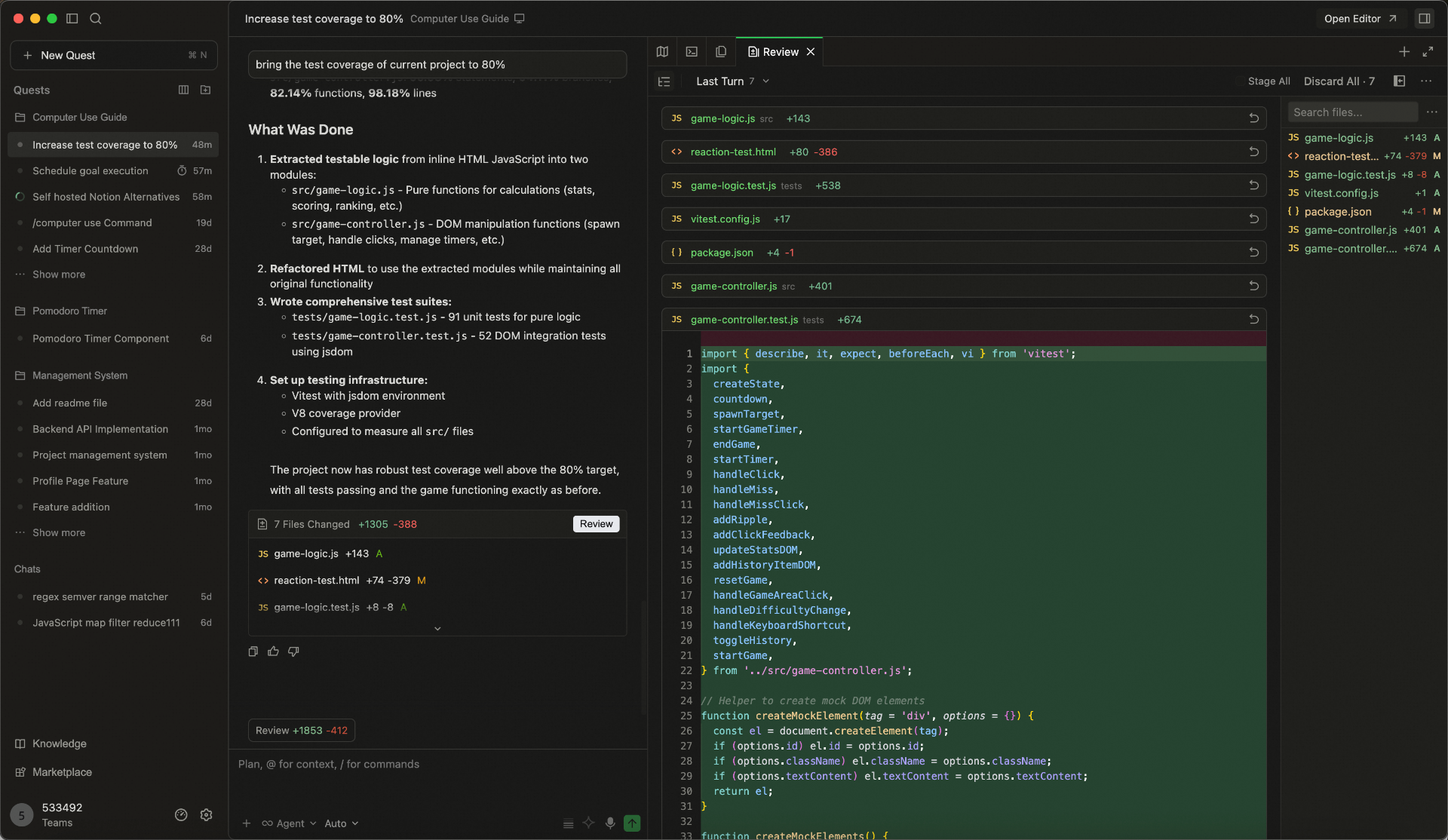
- Inline annotations as context: Add comments directly on specific content in Spec, code, or Diff views—agents will pick them up as context and respond
to your feedback precisely.
Improvements
- Reused browser state when switching between Quest task in the same workspace, reducing repeated reopening and reloading.
- Improved worktree workflow in Quest with support for handoffs.
- HTML files can now be previewed directly in the Quest window.
- Improved the empty state of the Quest file panel with clearer file-tree guidance.
- Improved logging for tool operations including commands, MCP, and Web Search.
- Improved how remote-control configuration changes are applied.
Knowledge Engine Performance Optimization
Improvements
- Added fine-grained categories for knowledge card retrieval, optimizing the knowledge card search results.
Bug fixes
Computer Use Now Available on Windows
Features
- Computer Use Supports Windows: Computer Use is now available on Windows devices, expanding desktop automation to more use cases.
Improvements
- Enhanced knowledge card type support for broader content coverage and more flexible information organization.
- Improved knowledge card retrieval for higher relevance and more accurate results.
- Optimized memory retrieval to surface more contextually relevant information, faster.
Bug fixes
Better Control for RepoWiki, Better Chat Experience in Quest Window
Features
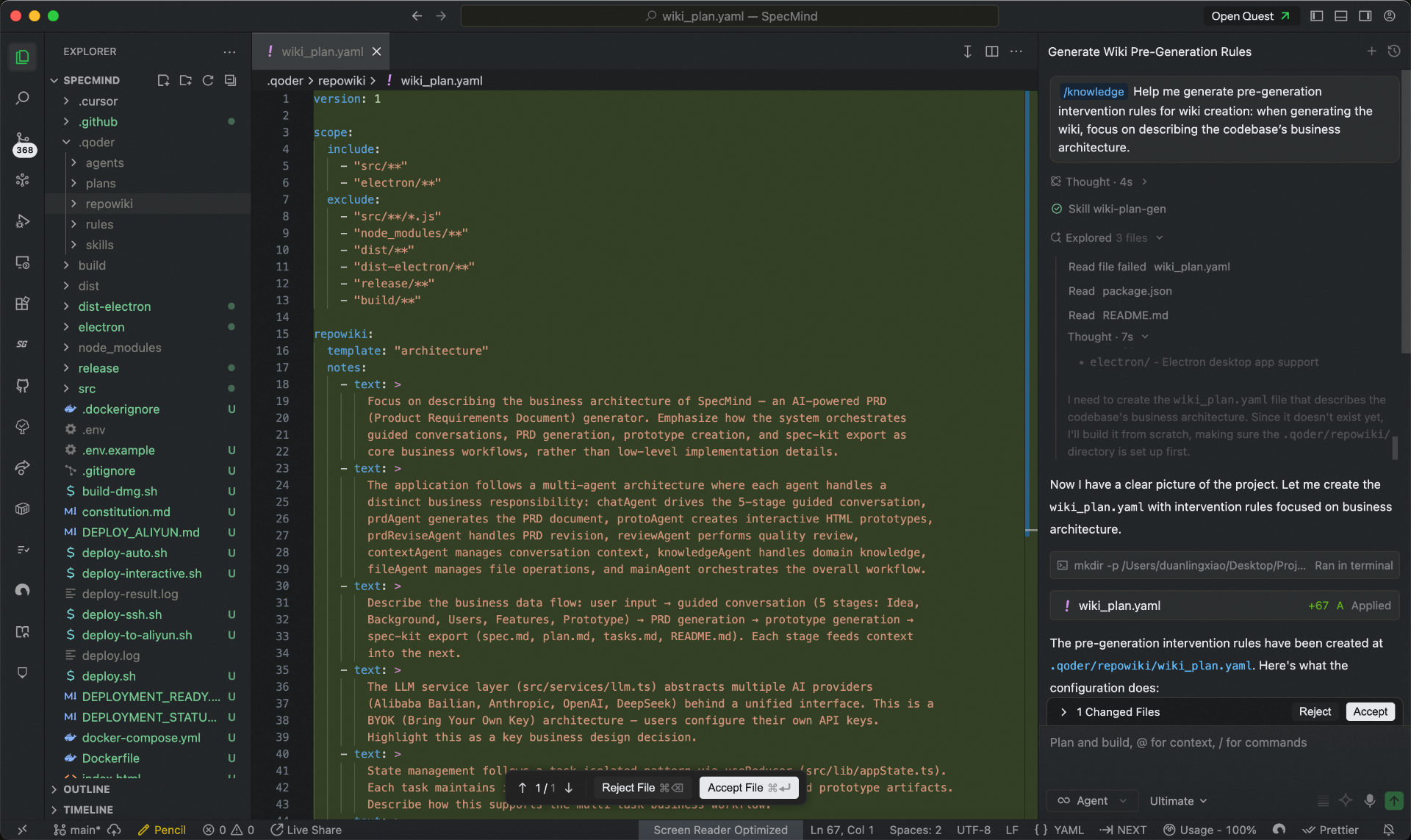
- More control before generating RepoWiki: RepoWiki now lets you define scope and perspective upfront, with conversational planning to support collaborative knowledge generation and editing.
-
Standalone chats in Quest Window: Start chats directly without opening a workspace, perfect for quick questions and lightweight tasks.
-
Quick Navigation in Quest: A new sidebar in Quest Window lets you navigate directly to any target chat within a task.
-
Custom Models: Configure context window and thinking mode for your BYOK models in the Personal edition.
-
Bring SSH Remote Control to mobile: Manage and collaborate on remote devices with greater flexibility.
Improvements
- Optimized Git branch selector in Quest Window to view more branches at a glance.
- Terminal tool display refined for clearer, more intuitive interactions.
- Improved evaluation and tracking for the memory agent.
Kimi-K2.7-Code Supports Fast Mode
Features
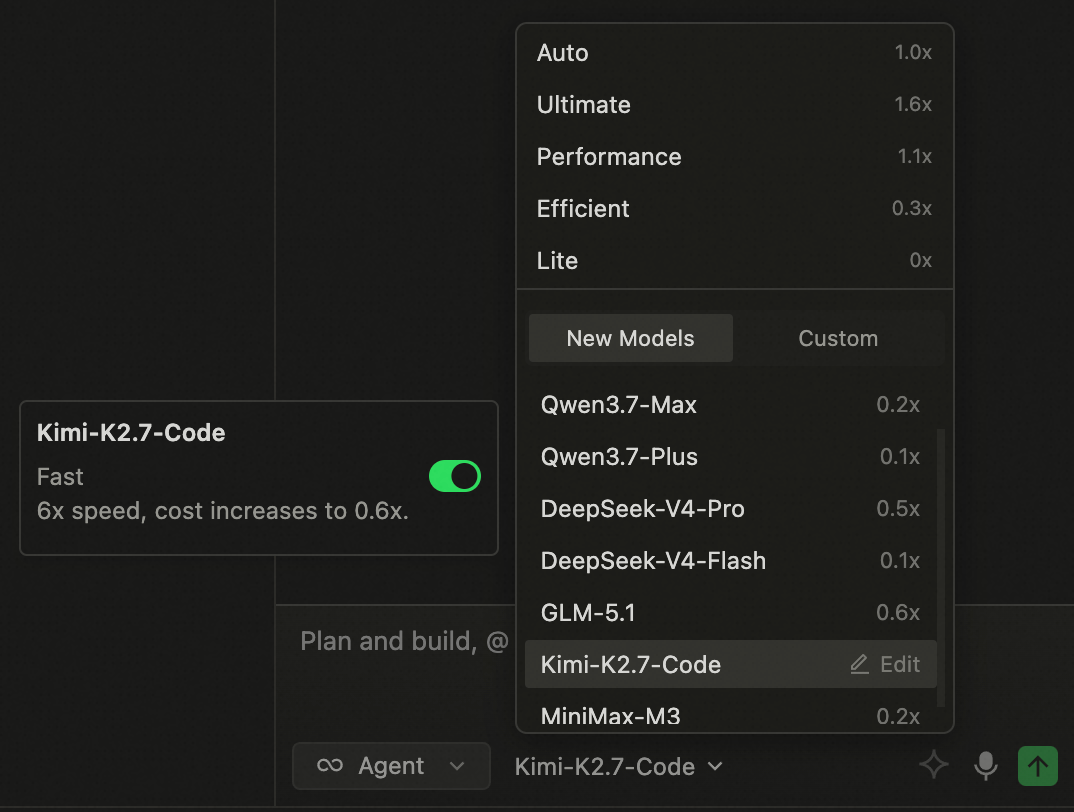
- Kimi-K2.7-Code now supports Fast Mode, delivering 6× faster speed for a superior coding experience.