Project Intelligence Platform for AI Coding Agents
SonarQube for AI Coding Agents — Scan → Audit → Generate → Monitor → Detect Drift → Repair → Learn


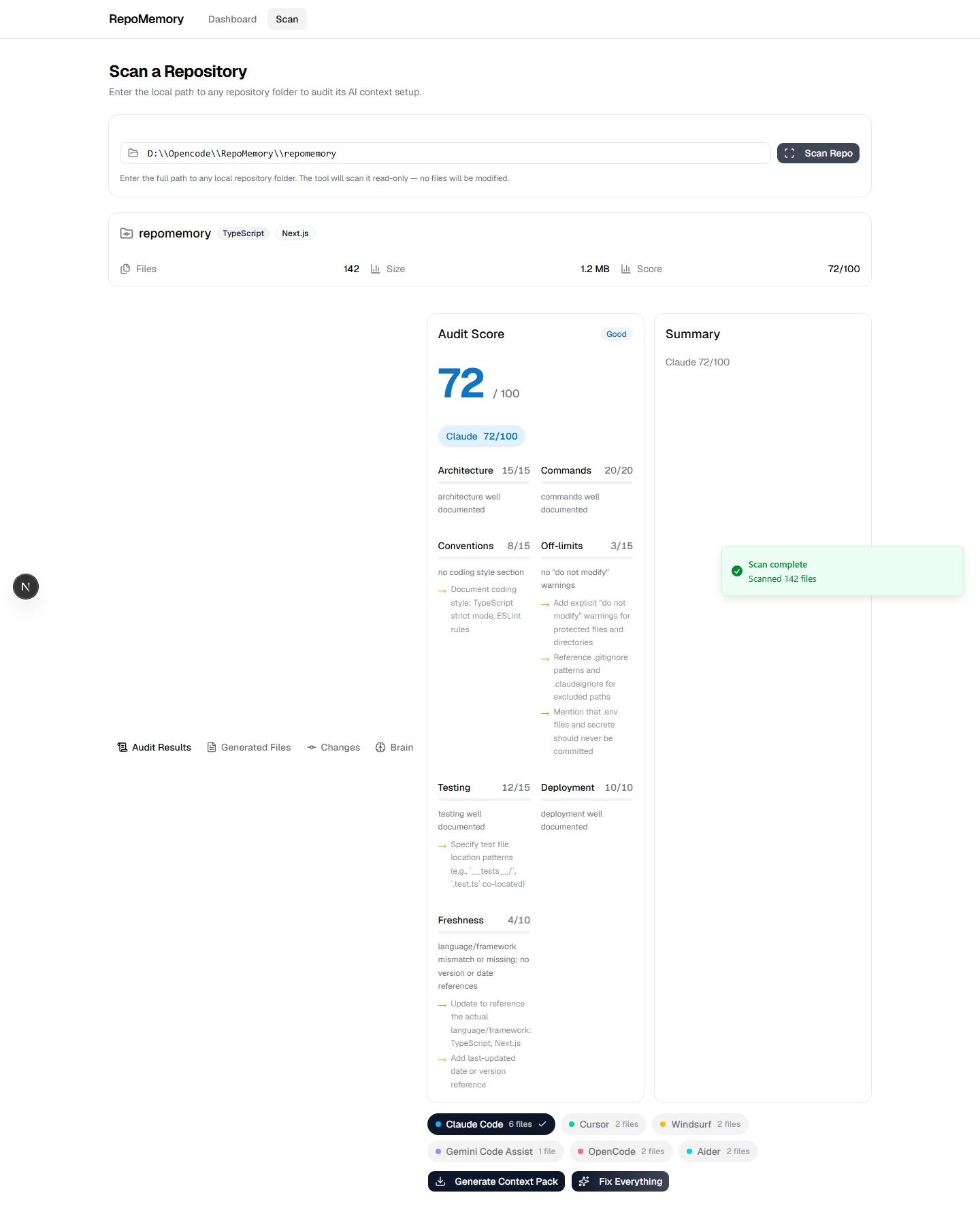
Web App ⋅ CLI ⋅ MCP Server ⋅ VS Code Extension ⋅ GitHub Action
AI coding agents are only as good as the context they receive. Yet the files that control that context — CLAUDE.md, .claudeignore, AGENTS.md, CURSOR.md — are maintained manually, inconsistently, and with no tooling support. When your code evolves but your context files don't, your AI agent works with outdated information.
RepoMemory solves this. It's the first tool that treats AI context quality as a product — automatically scanning, auditing, generating, and monitoring the intelligence layer of your repositories.
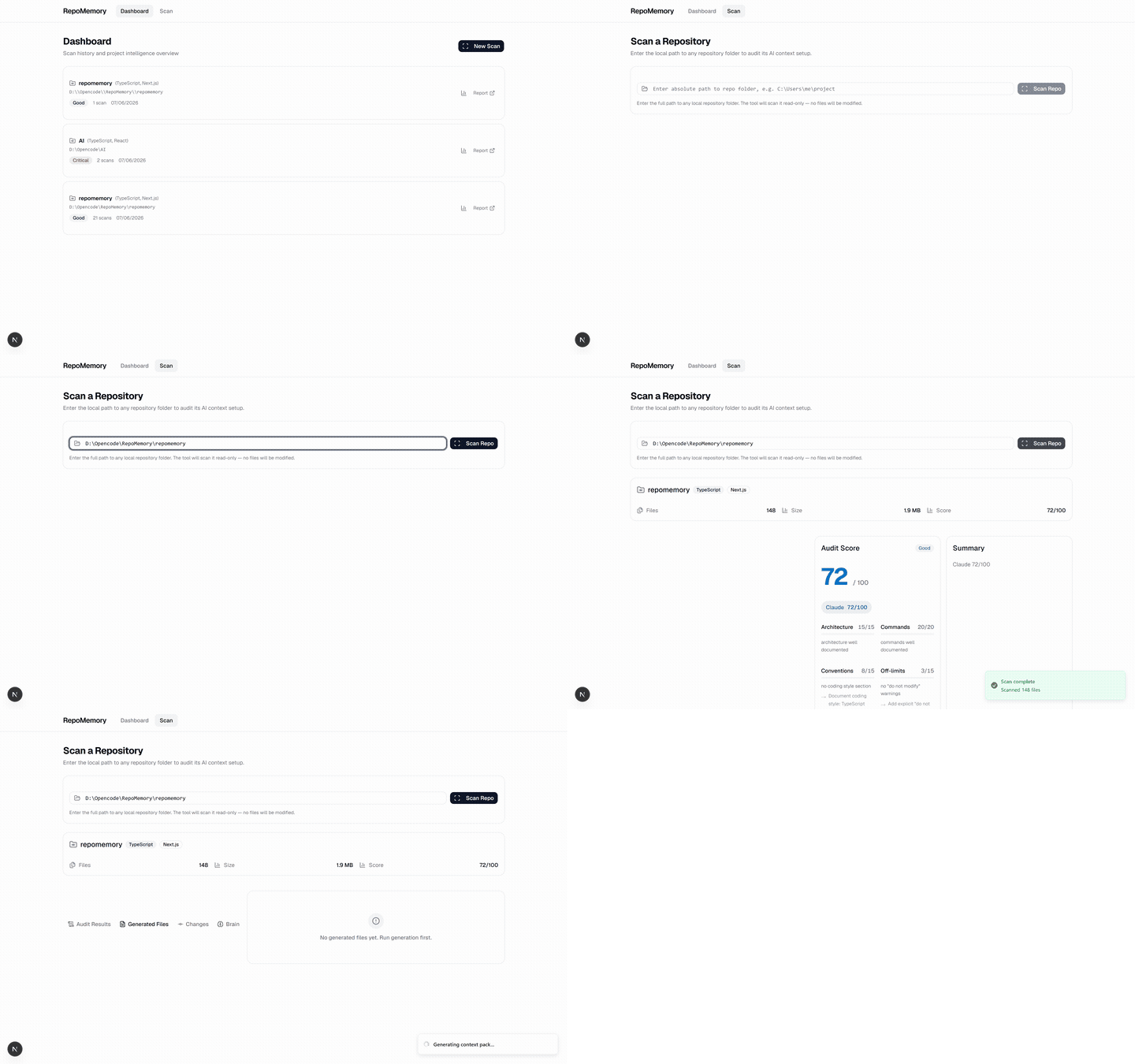
Scan → Audit → Generate in 5 seconds
Score your AI context files across 7 quality dimensions (Architecture, Commands, Conventions, Off-limits, Testing, Deployment, Freshness) for 6 AI coding agents:
| Agent | File | Score |
|---|---|---|
 |
CLAUDE.md |
0–100 |
 |
.cursor/rules.mdc |
0–100 |
 |
.windsurf/rules.md |
0–100 |
 |
GEMINI.md |
0–100 |
 |
AGENTS.md |
0–100 |
 |
AIDER.md |
0–100 |
|
Generate complete AI context packs for all major coding agents — CLAUDE.md, AGENTS.md, CURSOR.md, GEMINI.md, AIDER.md, .claudeignore, slash commands, and git hooks. |
Not just scores — actionable fix steps per dimension. "Add a `## Commands` section listing: `npm run dev`, `npm run build`, `npm test`." |
|
Detects which sections of your context files changed (new dependencies, new directories, config changes) and regenerates only what's needed — not the entire file. |
Single button to generate + apply all context files. From zero to fully documented in one click. |
|
Git-aware analysis with risk scoring (low/medium/high/critical), per-file risk assessment, and repair suggestions. Knows when your code outgrew your context. |
Automatically discovers modules, services, data flows, and tech stack. Generates architecture reports, dependency maps, and service relationship diagrams. |
|
Track context quality over time with interactive charts. Compare any two scans side-by-side to see which dimensions improved or regressed. |
Shields.io-style AI Readiness badge for your README. Show the world your project is AI-ready. |
|
AI-generated summaries of recent git commits for agent context. Keeps AI agents informed about what changed without reading full diffs. |
Automatically creates Architecture Decision Records from git history, dependency changes, and config changes. Preserves engineering decisions in `adr/` directory. |
|
Persistent knowledge store for your repository — decisions, lessons learned, technical debt, and known bugs. Stored in `.repomemory/brain/` and accessible to AI agents. |
Expose RepoMemory as MCP tools: scan, generate, drift, apply, explain, suggest, health, explain_codebase. Any MCP-compatible AI agent can call them mid-session. |
| Interface | What it does | Quick Start |
|---|---|---|
| 🌐 Web App | Full-featured dashboard with scan, audit, generate, compare | npm run dev → localhost:3000 · Live demo |
| 💻 CLI | Run scans, generate, and check from terminal | npm run cli scan . |
| 🤖 MCP Server | Call RepoMemory tools from any AI agent | 8 tools, stdio transport |
| 🖥️ VS Code | Sidebar panel with project tree + webview audit | Open vscode/, F5 |
| 🔄 GitHub Action | Auto-check PRs for context drift | uses: ./github/actions/repomemory-check |
# Clone
git clone https://github.com/PraveenJayaprakash-JP/repomemory.git
cd repomemory

# Install & configure
npm install
cp .env.example .env.local   # Add your AI API key

# Start the web app
npm run dev                   # → http://localhost:3000

# Live demo: https://repomemory-omega.vercel.app

# Or use the CLI
npm run cli scan /path/to/your/repo
npm run cli generate /path/to/your/repo --apply# Generate + apply all context files in one command
npm run cli generate /path/to/repo --applyAdd to your opencode.json or claude_desktop_config.json:
{
  "mcpServers": {
    "repomemory": {
      "command": "npx",
      "args": ["tsx", "mcp/src/index.ts"],
      "cwd": "/path/to/repomemory"
    }
  }
}
Available MCP tools:
| Tool | Description |
|---|---|
scan_repo |
Scan + audit a repo folder |
generate_pack |
Generate context files via AI |
check_drift |
Detect stale context |
apply_pack |
Generate + write to repo |
explain_repo |
Explain repo architecture |
suggest_context_updates |
Get recommendations |
repo_health |
Overall health score |
explain_codebase |
Comprehensive codebase explanation |
 |
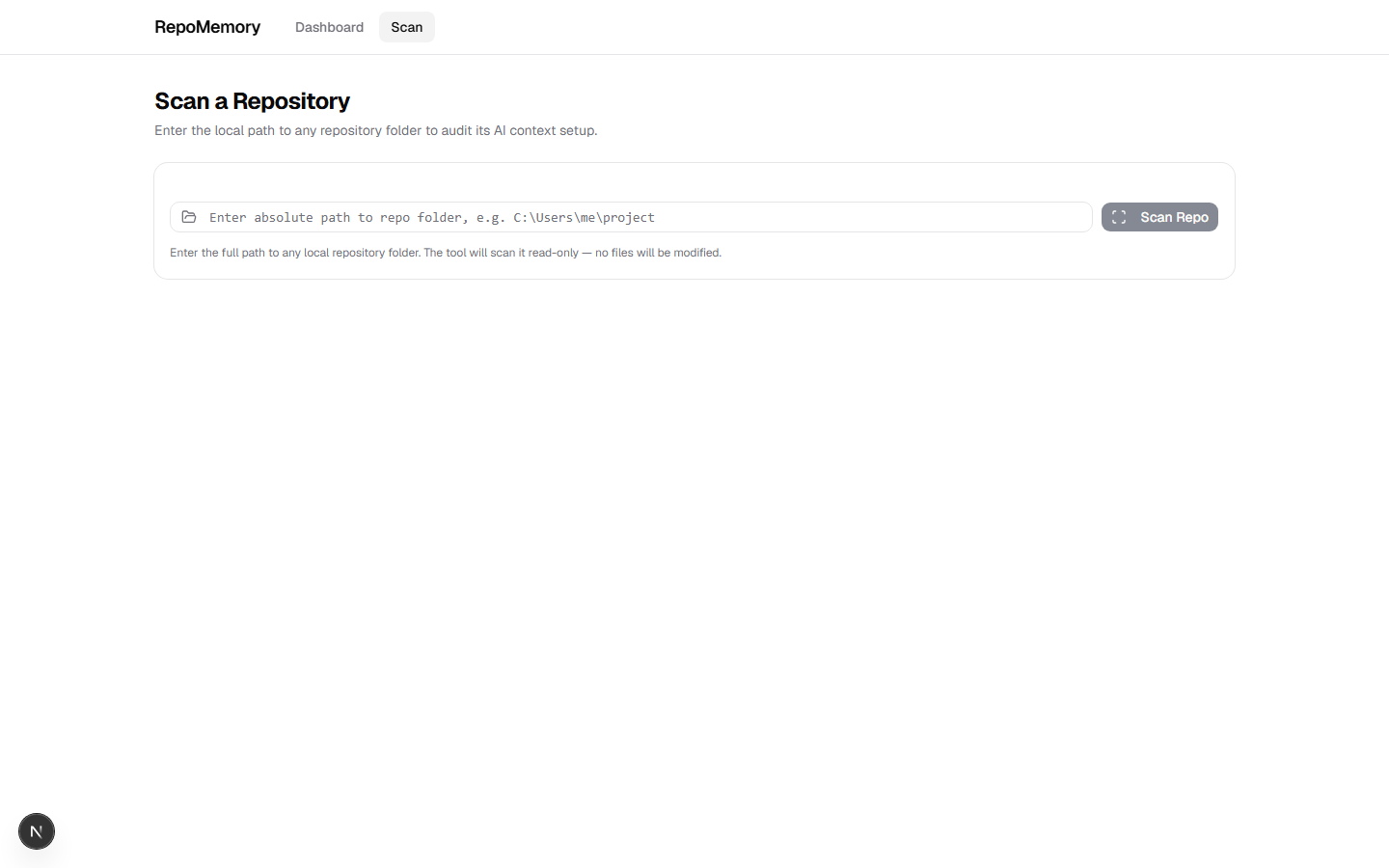 |
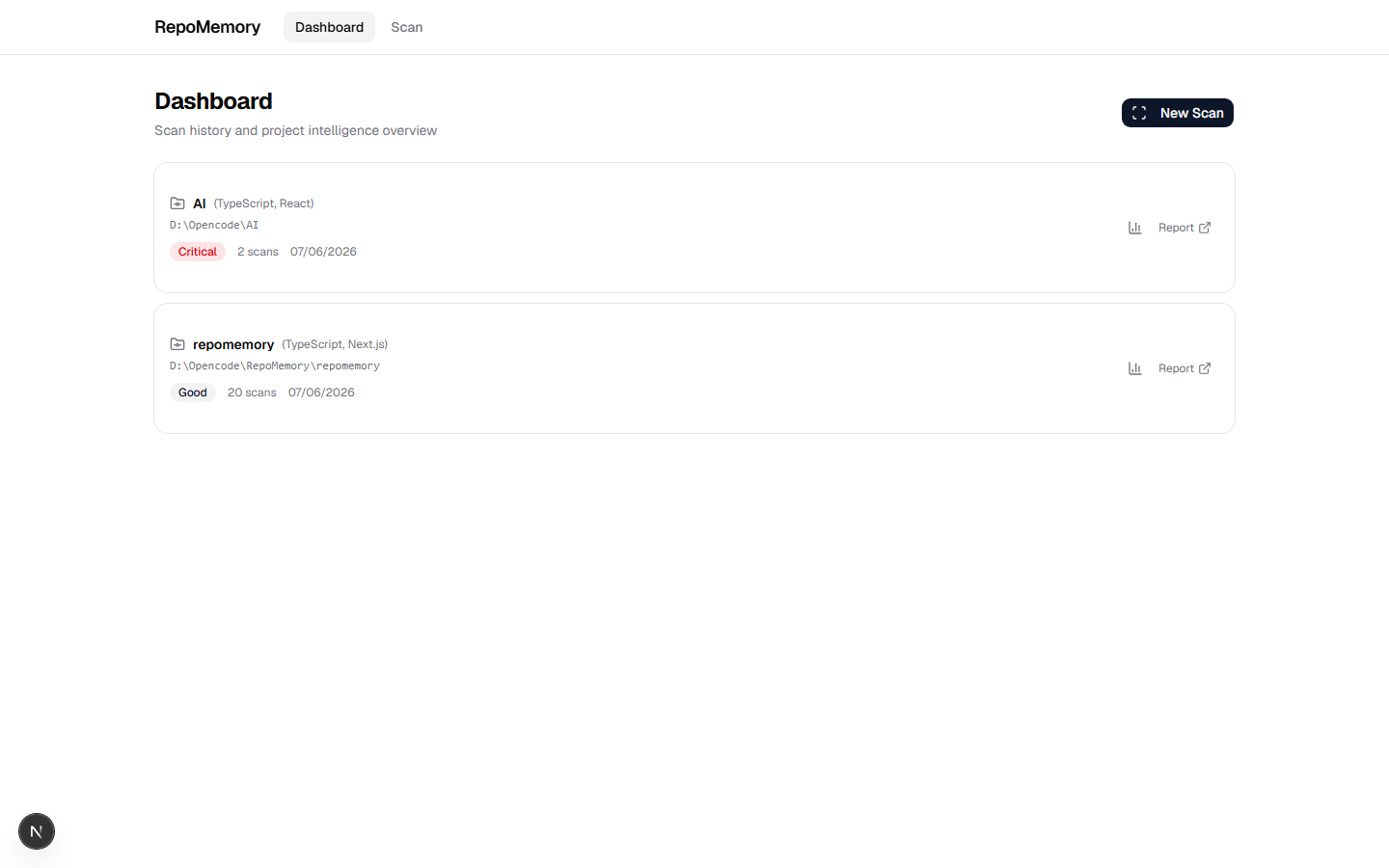
| Dashboard — scan history & score timeline | Scan Page — repo scanner & folder picker |
|
|
| Audit Results — 7-dimension score, quality suggestions, architecture graph | |
| Variable | Default | Description |
|---|---|---|
AI_PROVIDER_API_KEY |
— | Your AI provider API key |
AI_PROVIDER_BASE_URL |
https://opencode.ai/zen/go/v1 |
OpenAI-compatible endpoint |
AI_MODEL |
deepseek-v4-flash |
Model for generation tasks |
repomemory/
├── app/              # Next.js 15 — 16 routes across 7 pages
├── lib/              # 15 core modules
│   ├── scanner.ts    # File system traversal + detection
│   ├── auditor.ts    # 7-dimension quality scoring
│   ├── generator.ts  # AI context pack generation
│   ├── drift.ts      # Drift detection + risk scoring
│   ├── graph.ts      # Architecture graph builder
│   ├── discovery.ts  # Deep architecture discovery
│   ├── adr.ts        # ADR generation from git history
│   ├── brain.ts      # Persistent knowledge store
│   ├── changelog.ts  # Git change summaries
│   ├── ai.ts         # OpenAI-compatible API wrapper
│   ├── prompts.ts    # AI prompt templates
│   ├── storage.ts    # File-based persistence
│   ├── export.ts     # ZIP export
│   └── types.ts      # Shared TypeScript types
├── cli/              # CLI tool (3 commands)
├── mcp/              # MCP server (8 tools)
├── vscode/           # VS Code extension
├── .github/          # GitHub Action + CI workflow
└── tests/            # 24 unit tests
Add to your GitHub Actions workflow:
- name: Check AI Context
  uses: PraveenJayaprakash-JP/repomemory/.github/actions/repomemory-check@main
  with:
    ai-api-key: ${{ secrets.AI_PROVIDER_API_KEY }}
    fail-on-drift: true
    min-score: 60
This checks every PR for:
- ✅ AI Readiness score
- ✅ Context drift detection
- ✅ Risk level assessment
- ✅ Automatic PR comments with findings
- ✅ CI/CD enforcement (optional min-score gate)
npm test              # 24 unit tests
npm run build         # Production build (2.5s, 16 routes)
npm run cli -- scan . # Scan this repo
npm run cli -- generate . --apply # Generate context for this repo- Multi-agent context generation (6 AI agents)
- Advanced drift detection with risk scoring
- Architecture discovery engine
- ADR generator
- Project Brain (persistent knowledge)
- explain_codebase MCP tool
- Public hosted version
- Team dashboard with multi-repo support
- VSCode marketplace release
- GitHub marketplace action
PRs welcome! RepoMemory is built with OpenCode Go — the same AI coding agent it helps configure.
- Fork the repo
- Create your feature branch:
git checkout -b feat/amazing - Commit:
git commit -m 'feat: add amazing feature' - Push:
git push origin feat/amazing - Open a PR
MIT © PraveenJayaprakash-JP
⭐ Star us on GitHub — it helps more developers discover RepoMemory
GitHub ⋅ Issues ⋅ Discussions