This repository contains the Windows driver files for the Nordic WiFi 6 + Bluetooth 5.0 USB Adapter (chipset RTL8822BU).
These drivers allow your adapter to function properly on Windows 10 and Windows 11 systems, enabling both WiFi 6 connectivity and Bluetooth 5.0 support.
Note: The drivers were extracted from a device for educational and community-sharing purposes.
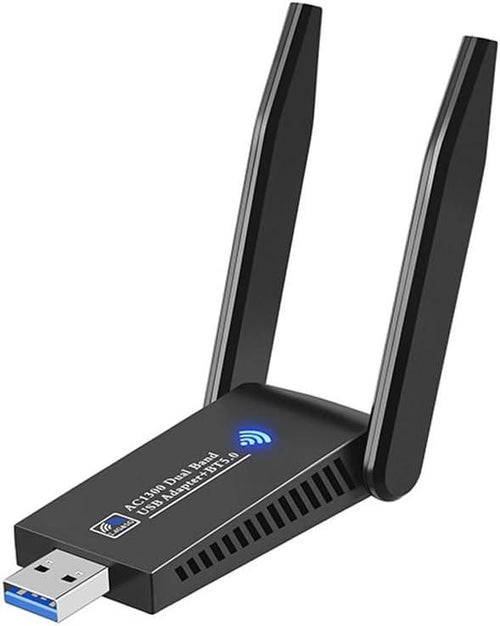
WiFi Driver– Enables WiFi 6 functionality for the adapterBluetooth Driver– Enables Bluetooth 5.0 functionality- Installation instructions in this README
-
Extract the ZIP file
- Right-click the ZIP → “Extract All…” → choose a folder (e.g.,
C:\Drivers\Nordic)
- Right-click the ZIP → “Extract All…” → choose a folder (e.g.,
-
Plug in the adapter
- Wait a few seconds to see if Windows automatically installs the driver
- If it does not, run the “setup.exe” files for both Bluetooth and WiFi.
-
Restart your computer
- After reboot, your adapter should be fully functional
Nordic WiFi 6 driver, RTL8822BU driver Windows, Bluetooth 5.0 USB adapter, Nordic USB WiFi adapter, Windows 10 driver, Windows 11 driver
- These drivers are provided for educational and community purposes only
If you encounter issues, feel free to open an Issue in this repository, and I will try to help.
Official Product Page: https://noerdic.nu/products/nordic-wifi6-bluetooth-5-0-tradlos-usb-3-0-adapter-dual-band-2-4-5-8ghz-1300mbps