




The modern and lightweight mod manager for Thunderstore, built with Svelte and Tauri.
- Support for all 150+ games on Thunderstore, including Lethal Company, R.E.P.O and Risk Of Rain 2
- An intuitive and responsive interface
- Tiny download size and resource usage
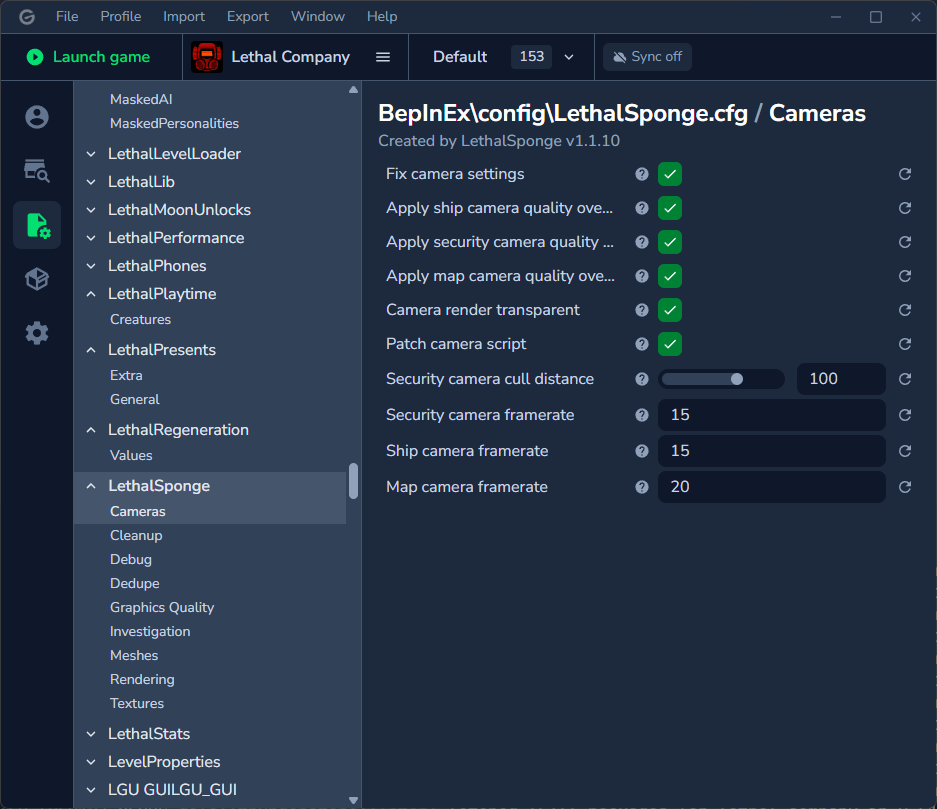
- Feature-rich mod config editor
- Automatic profile syncing (beta)
- Go to the Thunderstore page and click Manual Download.
- Extract the downloaded .zip file (for example by right-clicking and choosing Extract All).
- Run the
Gale_X.X.X_x64_en-US.msifile inside of the extracted folder.
- Go to Releases.
- Download the
Gale_X.X.X_x64_en-US.msifile for your desired version (the latest is recommended). - Run the downloaded file.
Note
You might get a prompt saying "Windows has protected your PC". In this case, click More Info and Run Anyway.
Tip
If you're unsure about the safety of this app, I would suggest running it through a service like VirusTotal.
Gale is available as a Scoop app:
scoop install https://raw.githubusercontent.com/Kesomannen/gale/refs/heads/master/gale.jsonTo update, run:
scoop uninstall gale
scoop install https://raw.githubusercontent.com/Kesomannen/gale/refs/heads/master/gale.jsonGale is available as a community-maintained AUR package.
Example installation command:
yay -S gale-binGale is available as a .deb package in Releases. After downloading, install with:
sudo dpkg -i Gale_X.X.X_x64_en-US.debGale is available as a .rpm package in Releases. After downloading, install with:
sudo rpm -i Gale_X.X.X_x64_en-US.rpmDistribution-agnostic AppImages are available in Releases. After downloading, make the file executable and run it:
chmod +x Gale_X.X.X_x64_en-US.AppImage
./Gale_X.X.X_x64_en-US.AppImage
Want to build it from source? See the wiki.
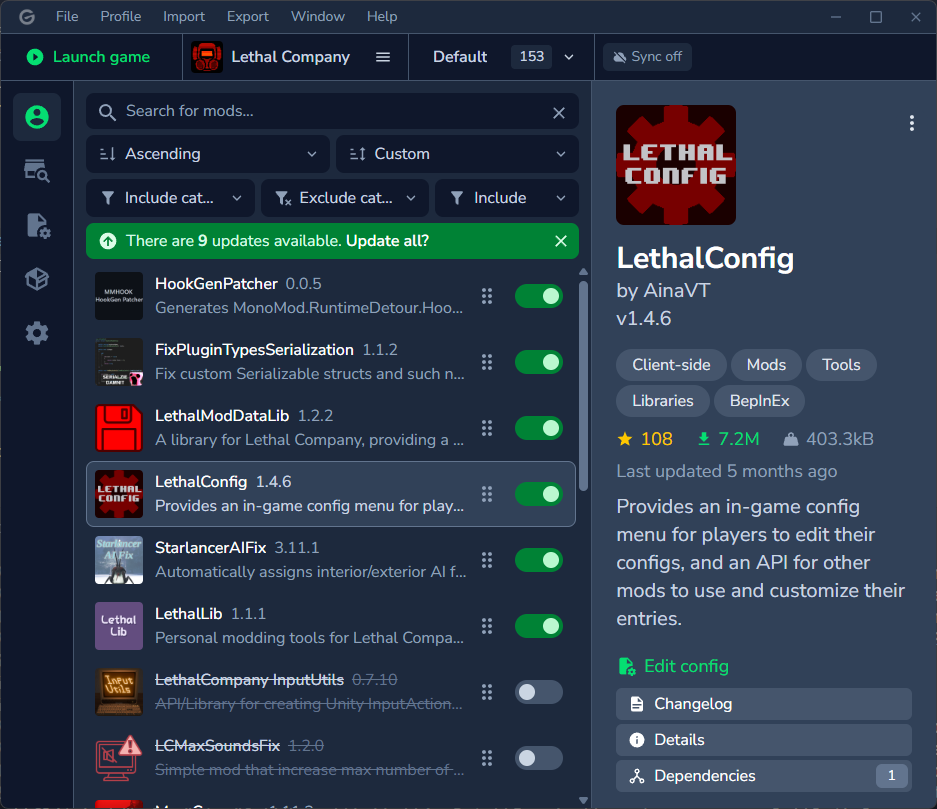
Profile
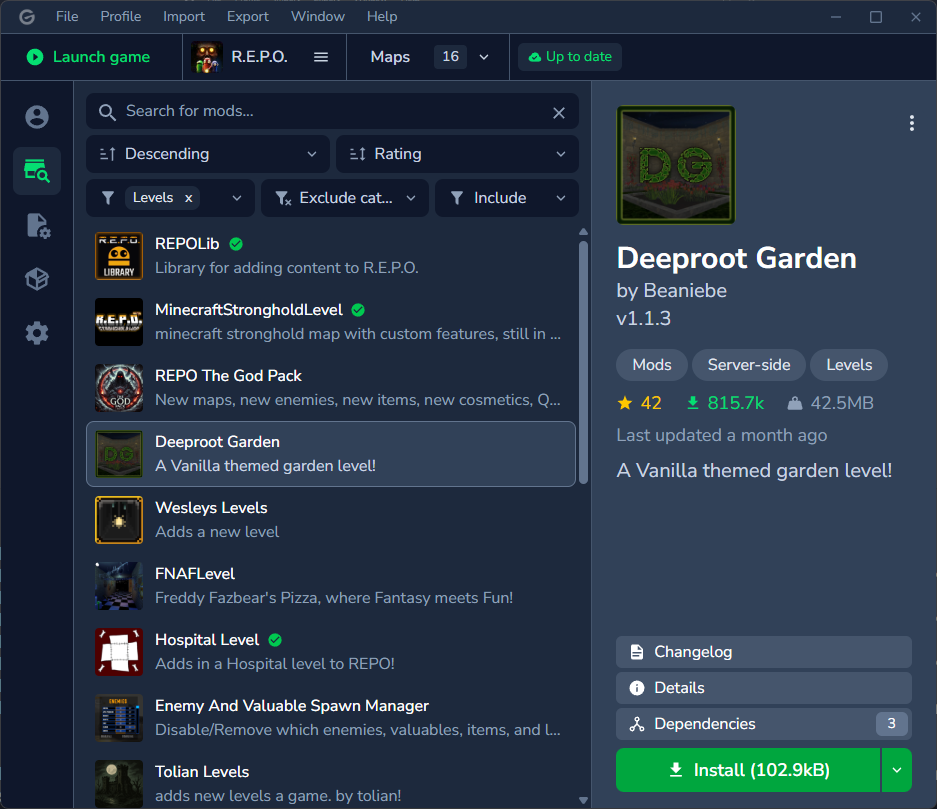
Thunderstore browser
Mod config editor
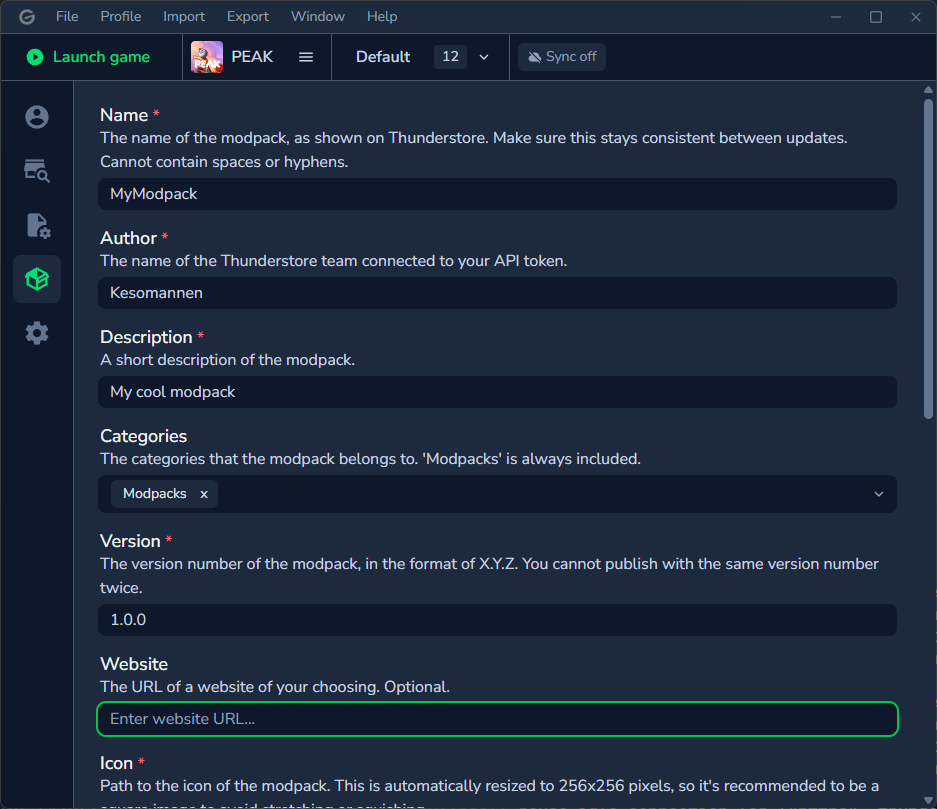
Modpack export
Material icons licensed under Apache 2.0.
Thanks to Ebkr for helping to navigate the thunderstore API and BepInEx, and of course making the original mod manager!
Still have questions? See the FAQ or a detailed list of features.
