An ideal e-commerce project to promote the sales of made in India products. It serves handicrafted products that helps local vendor to promote thier business online.
- Front End - React.js, CSS, Material UI, Route, React-router-dom
- Backend - Firebase hosting, firestore, user authentication, database connectivity
- Payment gateway - Stripe
- Sign Up/Sign In page : It helps the user to create an account with email address and password and then the user can sign in everytime in future with the same credentials. The technical user sign-up / sign-in part uses firebase api.
- Home page : Header having search bar, sign in / sign up options, orders page navigation and basket counter.
- Cart Page : Products in cart, dynamic product state, sum total component and proceed to checkout function.
- Payment Page : Products in cart, card details entry, and payment processing with the help of Stripe test mode.
- Orders Page : All the previous orders are saved on this page.
TSS-demo.mp4
- In the top-right corner of the page, click Fork.

- Right now, you have a fork of the the-shopping-stop repository, but you don't have the files in that repository locally on your computer.
- On GitHub.com, navigate to your fork of the-shopping-stop repository.
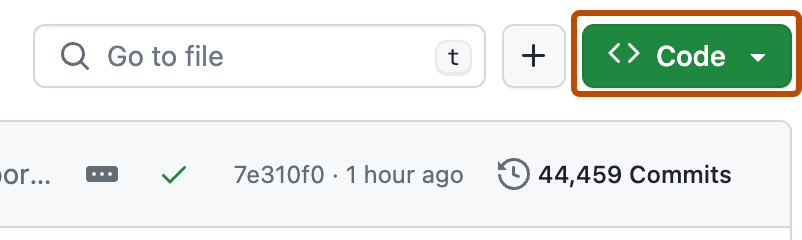
- Above the list of files, click on download Code.
- Open Git Bash.
- Change the current working directory to the location where you want the cloned directory.
- Type git clone, and then paste the URL you copied earlier. It will look like this, with your GitHub username instead of YOUR-USERNAME:
- $ git clone
https://github.com/YOUR-USERNAME/the-shopping-stop - Press Enter. Your local clone will be created.
- Open the terminal and inside the the-shopping-stop directory perform
npm install. - In second terminal traverse to
the-shopping-stop/functionsand performnpm install. - Give
npm startin first terminal andfirebase emulators:startin second terminal. - Boom !
localhost:3000has the working site. Keep the backend log open inlocalhost:4000. (You can find the link from second terminal)