

Your Media. Your Server. Your Freedom.
FreeX is a self-hosted, open-source media system for your movies and TV shows: one server on your own hardware and apps for every screen in the house. No account with a third party, no cloud, no telemetry.
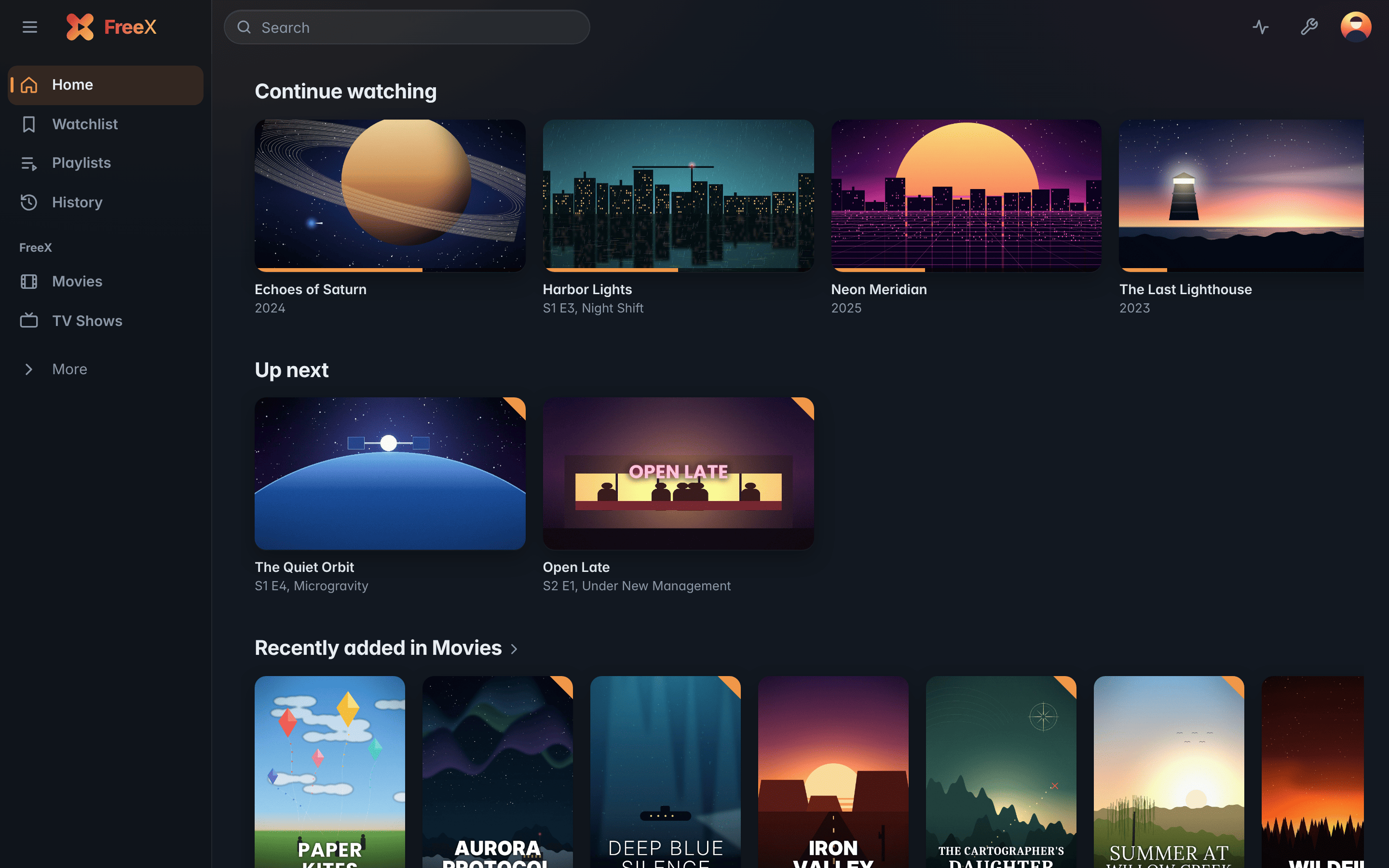
All apps talk to the same server with the same account; watch state, Continue watching and settings follow you from device to device.
| Project | What it is | Platforms |
|---|---|---|
| FreeX Media Server | The core: libraries, users, streaming, on-the-fly conversion, the API, and the built-in web client FreeX Web | Linux (.deb, APT repository), Windows (installer) |
| FreeX TV | Home screen and player made for the remote | Samsung Smart TVs (Tizen), LG TVs (webOS), Fire TV, Android TV |
| FreeX Mobile | A player made for touch, with AirPlay and picture in picture on iOS | iPhone, iPad, Android phones and tablets |
| FreeX Desktop | FreeX Web in its own window; plays every file directly with mpv | Windows, Linux |
| FreeX for Kodi | Kodi add-on: your libraries like a Kodi library, played with Kodi's own player | Kodi 20+ on every platform (also LibreELEC, CoreELEC, Raspberry Pi) |
| FreeXHT | System image: the box boots straight into the FreeX TV interface, with mpv as player and the TV remote over HDMI-CEC | Raspberry Pi 4 and 5, PC (x86_64); also Raspberry Pi 3, but with a very laggy interface |
- Jellyfin apps: with the optional Jellyfin layer of the server, apps such as Swiftfin and Streamyfin (iPhone, iPad, Apple TV), Findroid (Android) and Jellyfin for Android TV use your FreeX server. This is the recommended way on Apple devices, because FreeX Mobile for iOS can only be installed by sideloading.
- DLNA: smart TVs, consoles and players in the home network find the server on their own.
- Chromecast: cast from Chrome, with the browser as remote control.
Install FreeX Media Server, open its web interface, create the admin account and add your folders. Then sign in from any FreeX app.
FreeX is open source under the GNU Lesser General Public License v3.0. FreeX uses the TMDB API but is not endorsed or certified by TMDB.