DeFexUnpacker is a user-friendly tool designed to unpack releases from online-fix.me. The program features a modern graphical user interface (GUI) that simplifies the unpacking process.
✅ Modern GUI: Intuitive interface for easy navigation and operation.
✅ Automatic Unpacking: Supports archives protected with the password online-fix.me.
✅ Efficiency: Utilizes the SharpCompress library for fast and reliable archive extraction.
✅ Customizable Output: Allows users to select the destination folder for unpacked files.
1️⃣ Launch the program: Open the application from your desktop or start menu.
2️⃣ Select the archive folder: Choose the folder containing the game archive from online-fix.me.
3️⃣ Set the destination: Pick the folder where the unpacked files will be saved.
4️⃣ Unpack: Click the "Unpack" button and let the program handle the rest!
- Operating System: Windows 10 or later.
- Framework: .NET 9.0 Runtime.
- Download the installer:
Online-Fix-InstallerSetup.exe. - Run the installer and follow the on-screen instructions.
- Launch the program and start unpacking!
The project relies on the following libraries and frameworks:
- SharpCompress: For handling archive extraction.
- System.Windows.Forms: For building the graphical user interface.
- Newtonsoft.Json: For JSON parsing and configuration management.
- Microsoft.Extensions.Logging: For logging and diagnostics.
- System.IO: For file system operations.
Ensure these dependencies are properly installed and referenced in the project.
🎬 Watch the video demonstration of the program:
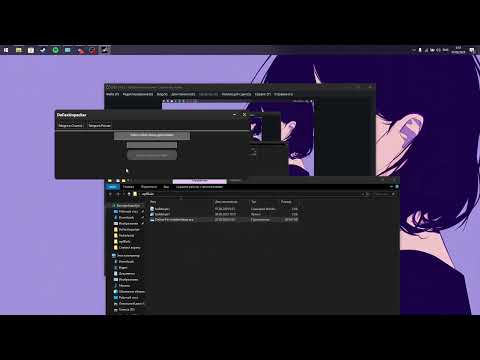
This project is licensed under the MIT License.
See the LICENSE file for more details.