Typescript Plugin for a Multi-Agent AI system designed to aid in studying, learning, and researching topics.
[!WARNING].
To use the DyResearch plugin, the user needs to have the DyResearch Server running. Make sure to having cloned the repo and started the python server
The DyResearch Obsidian plugin bridges your knowledge base with the intelligent backend, providing:
- Intelligent Chat: Engage in multi-turn conversations with specialized agents (Professor, Librarian, Researcher) via a chat interface.
- Knowledge Management: Seamlessly ingest documents into the vector store for RAG-powered retrieval.
- Session Management: Create, rename, delete, and search through your AI chat sessions directly from Obsidian.
- History Sync: Review previous chat history and retrieve context from past interactions.
- Note Taking: Automatically digest information into structured notes with support for Mermaid.js diagrams.
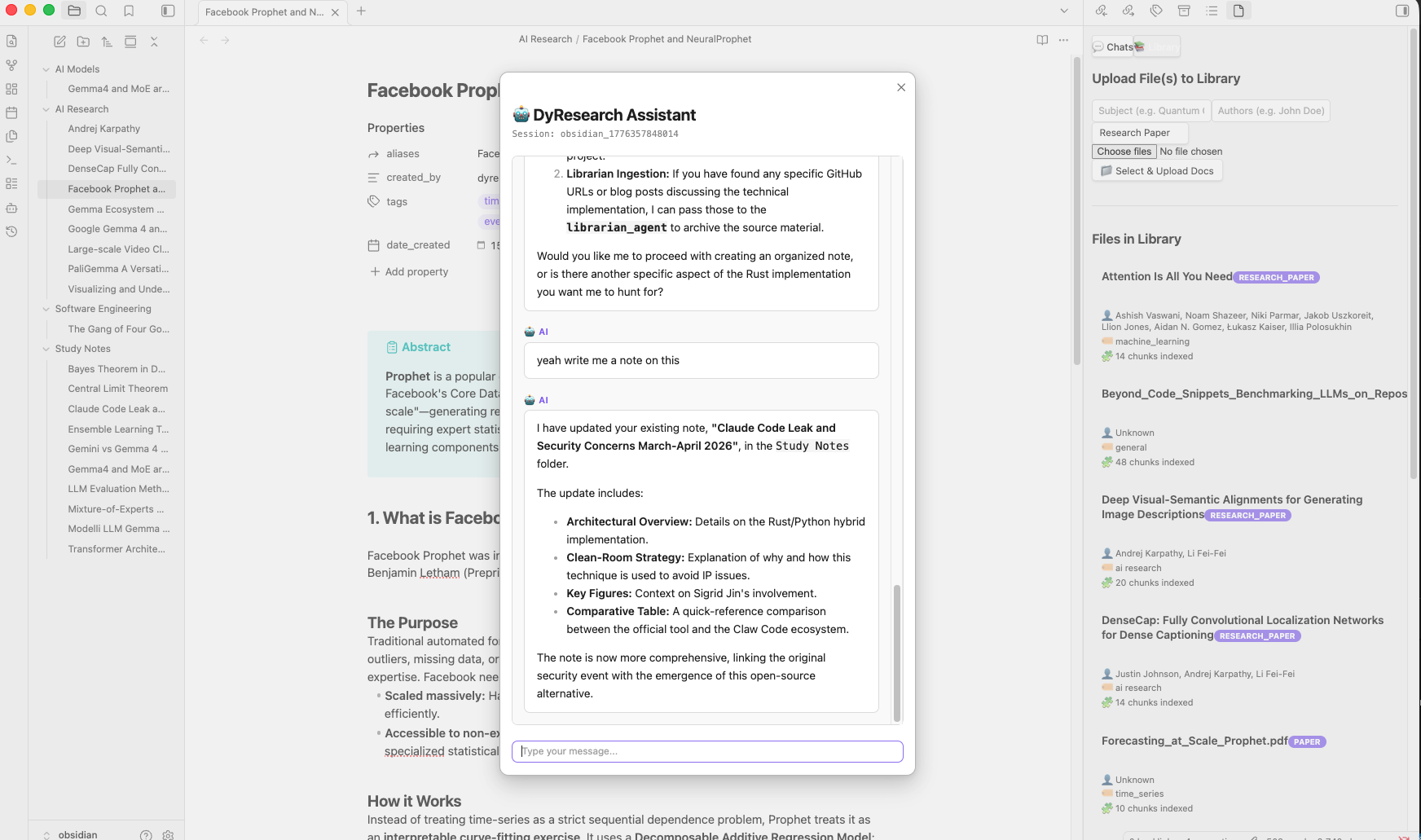
A variety of specialized agents using configurable LLMs work together to process requests:
The central manager that handles incoming requests from the user and delegates tasks to the appropriate specialized agent.
Handles specific questions and tutoring queries by drawing from its core knowledge or fetching retrieved context directly from the vector store.
Manages the organization of knowledge within the system. As the owner of the vector store library, the Librarian can:
- Ingest documents and chunk them to organize information in the vector store.
- List available sources by title or index.
- Index different knowledge bases by subject and query them.
- Cleanup the library by deleting chunks of a single file or a complete index.
Autonomously navigates the web to find new information, discover fresh sources, and expand the knowledge base, providing up-to-date context to the rest of the system.
Responsible for digesting complex information into structured, useful notes specifically formatted for Obsidian:
- Takes detailed notes in
.mdformat. - Generates graphs and mind maps using Mermaid.js syntax.
In order to setup the plugin, you need to enable it and configure its environment variables such as memory storage and AI agents API Keys / endpoints.
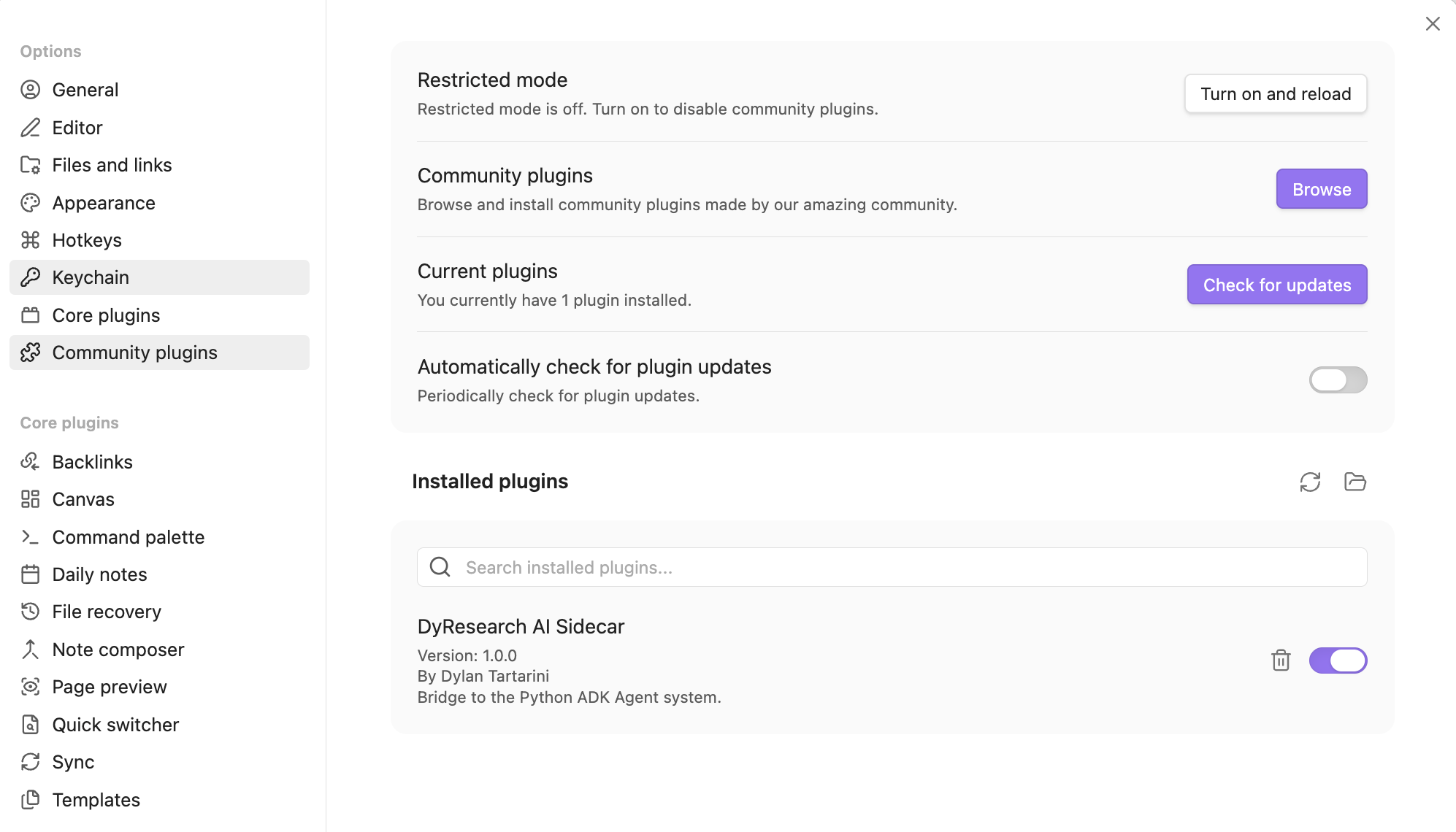
First, install the plugin directly browsing it via the community portal and enable it from Obsidian's settings.
You can set up the configuration for session storage and agents in two ways:
-
Option one is to use the Obsidian's settings UI:
- Open the DyResearch settings page within Obsidian.
- Configure the API endpoint and credentials provided by your hosting service.
- Note: For standalone use, the system will automatically instantiate a local SQLite instance coupled with LanceDB to manage your vector data and session history locally. -> if you rather use postgres on your machine, point to it via the settings page

-
Second option is to ensure a
config.envfile is correctly populated in the root directory of the Python server with your API keys, the session storage URI and the obsidian vault path. More info and example on that repo.

build the plugin after having modified main.ts or styles.css
npm install
npx tsup main.ts --format cjs --external obsidian