



A simple and efficient Calculator application built for Android using Java, featuring basic arithmetic operations and a clean user interface.
Source Code · Technical Specification · Video Demo · Download APK
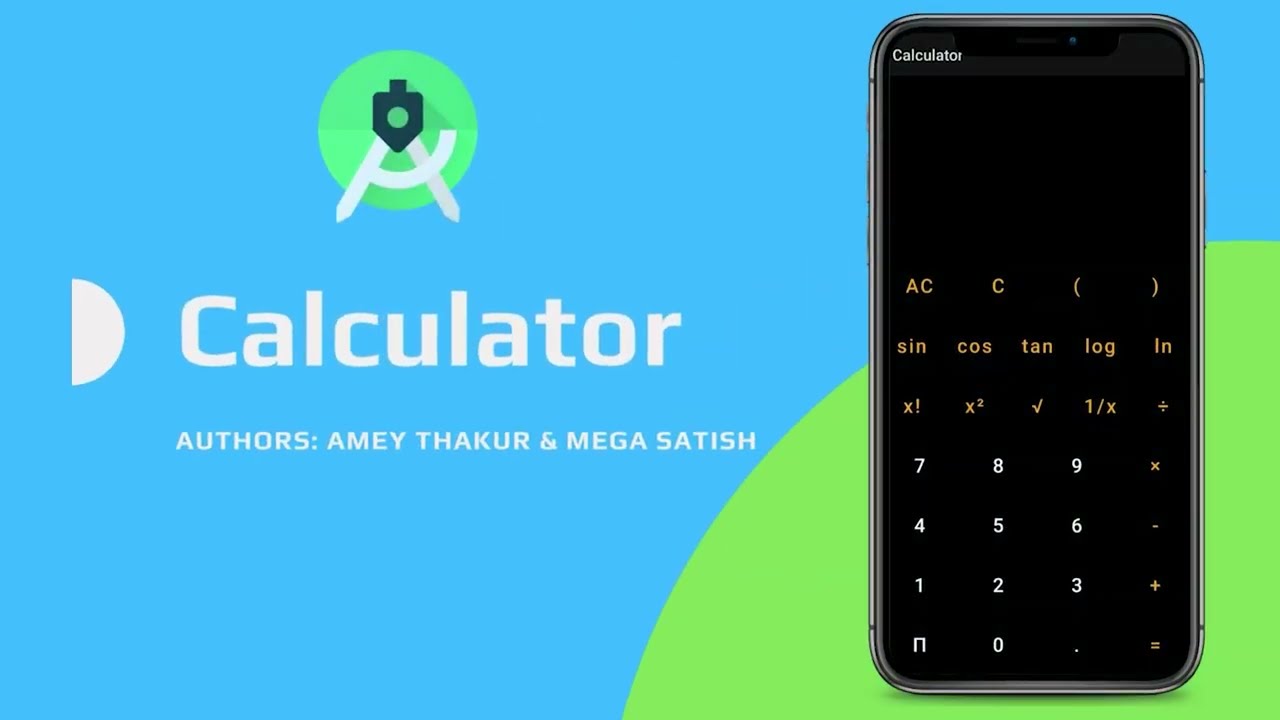
Authors · Overview · Features · Structure · Results · Quick Start · Usage Guidelines · License · About · Acknowledgments




Important
Special thanks to Mega Satish for her meaningful contributions, guidance, and support that helped shape this work.
Android Studio Calculator is a precision-engineered mobile utility developed using Java and Android Studio, focusing on logical state management and UI symmetry. By leveraging the Android Activity Lifecycle, this project offers a stable, responsive, and mathematically accurate platform for basic arithmetic, bridging the gap between functional utility and scholarly software documentation.
The application is governed by strict computational design patterns ensuring fidelity and responsiveness:
- Logical Precedence: The engine utilizes a synchronous arithmetic pipeline, ensuring that every input event is processed in real-time with zero-latency state transitions.
- UI Symmetry: Unlike generic utilities, the interface integrates a ConstraintLayout-based geometry that dynamically adapts to diverse mobile screen ratios, preserving visual balance.
- State Persistence: Input handling is synchronized with the Android lifecycle, ensuring that the calculation corridor remains stable during orientation changes or system interruptions.
Tip
Sensory Feedback Integration
To maximize input clarity, the application employs a Tactile Feedback System. Haptic triggers synchronize with touch events, and dynamic text scaling visualizes the expression's complexity, strictly coupling user intent with system response. This ensures the user's mental model is constantly synchronized with the underlying arithmetic simulation without reliance on intrusive HUD elements.
| Feature | Description |
|---|---|
| Arithmetic Engine | Core logic for Addition, Subtraction, Multiplication, and Division with real-time evaluation. |
| Responsive UI | Optimized XML-based layouts using ConstraintLayout for multi-device compatibility. |
| Memory Efficiency | Minimalized runtime footprint ensuring performance on legacy Android hardware. |
| Lifecycle Integration | Robust state persistence synchronized with the Android Activity Lifecycle. |
| Tactile Feedback | Integrated haptic response for enhanced user interaction and input confirmation. |
| Input Sanitization | Heuristic-based input validation to prevent logical calculation errors. |
| Academic Clarity | In-depth and detailed comments integrated throughout the codebase for transparent logic study. |
| Social Persistence | Interactive Footer Integration bridging the tool to the source repository. |
Note
We have engineered a Logic-Driven State Manager that calibrates arithmetic scores across multiple vectors to simulate high-precision calculation transfer. The visual language focuses on the minimalist "Material Digital" aesthetic, ensuring maximum focus on the interactive numerical trajectory.
- Languages: Java (JDK 11+)
- Logic: Android Activity Lifecycle (State Management & Arithmetic Logic)
- Geometry: ConstraintLayout (Responsive XML Layouts)
- UI System: Premium Material Design (Custom Android Views)
- Build System: Gradle (Dependency & Artifact Management)
- Deployment: Local APK Installation
ANDROID-STUDIO-CALCULATOR/
│
├── docs/                            # Technical Documentation
│   └── SPECIFICATION.md             # Architecture & Design Specification
│
├── Mega/                            # Attribution Assets
│   ├── Filly.jpg                    # Companion (Filly)
│   └── Mega.png                     # Profile Image (Mega Satish)
│
├── screenshots/                     # Project Visualization Gallery
│   ├── 01-Main.jpg                  # Primary Application Interface
│   └── 02-Calculation.jpg           # Real-time Arithmetic Logic
│
├── Source Code/                     # Primary Application Layer
│   └── Calculator/                  # Android Studio Project Root
│       ├── app/                     # Main Application Module
│       ├── gradle/                  # Build Configuration
│       └── build.gradle             # Build Logic
│
├── Calculator.apk                   # Pre-compiled Executable
├── SECURITY.md                      # Security Protocols
├── CITATION.cff                     # Academic Citation Manifest
├── codemeta.json                    # Metadata Standard
├── LICENSE                          # MIT License
└── README.md # Project Entrance| 1. Primary Interface | 2. Arithmetic Logic |
|---|---|
 |
 |
| Clean and responsive UI design. | Real-time results display. |
- Android Studio: Required for building and development. Download Android Studio
- Git: For version control and cloning. Download Git
Warning
APK Execution Security
When installing the pre-compiled Calculator.apk on a physical Android device, you may encounter a "Blocked by Play Protect" or "Unknown Apps" warning. This is expected for scholarship-based, self-signed APKs. To proceed with the installation, select "Install anyway" or enable "Allow from this source" in your device's security settings.
Open your terminal and clone the repository:
git clone https://github.com/Amey-Thakur/ANDROID-STUDIO-CALCULATOR.git
cd ANDROID-STUDIO-CALCULATOR- Launch Android Studio.
- Select Open and navigate to the
Source Code/Calculatordirectory. - Wait for the Gradle synchronization to complete.
Navigate to the build menu to generate a fresh executable:
- Click on Build -> Build Bundle(s)/APK(s) -> Build APK.
- Monitor the Event Log for completion.
- Click on Locate in the event log notification.
- The generated
app-debug.apkwill be available in theapp/build/outputs/apk/debug/directory.
Tip
Experience the synchronized arithmetic logic and responsive Material Design UI directly on your Android device by installing the optimized production build. This standalone APK enables immediate interaction with the Java-based state management and haptic feedback system without the need for a full Gradle build environment.
This repository is openly shared to support learning and knowledge exchange across the academic community.
For Students
Use this project as reference material for understanding Android Activity Lifecycle, Java-based arithmetic logic, and responsive UI design with ConstraintLayout. The source code is available for study to facilitate self-paced learning and exploration of mobile application architecture.
For Educators
This project may serve as a practical lab example or supplementary teaching resource for Mobile Application Development, Java Programming, and User Interface Design courses. Attribution is appreciated when utilizing content.
For Researchers
The documentation and architectural approach may provide insights into academic project structuring, scholarly software documentation, and mobile state management heuristics.
This repository and all its creative and technical assets are made available under the MIT License. See the LICENSE file for complete terms.
Note
Summary: You are free to share and adapt this content for any purpose, even commercially, as long as you provide appropriate attribution to the original authors.
Copyright © 2022 Amey Thakur & Mega Satish
Created & Maintained by: Amey Thakur & Mega Satish
This project features Android Studio Calculator, a personal learning project developed to master Java-based mobile application architecture and Android Studio development. It represents a functional study of the Android Activity Lifecycle, UI state management, and carefully implemented arithmetic logic in a mobile environment.
Connect: GitHub · LinkedIn · ORCID
Grateful acknowledgment to Mega Satish for her exceptional collaboration and scholarly partnership during the development of this personal learning project we undertook to master Android Studio development. Her constant support, technical clarity, and dedication to software quality were instrumental in achieving the system's functional objectives. Learning alongside her was a transformative experience; her thoughtful approach to problem-solving and steady encouragement turned complex requirements into meaningful learning moments. This work reflects the growth and insights gained from our side-by-side academic journey. Thank you, Mega, for everything you shared and taught along the way.
Special thanks to the mentors and peers whose encouragement, discussions, and support contributed meaningfully to this learning experience.
Authors · Overview · Features · Structure · Results · Quick Start · Usage Guidelines · License · About · Acknowledgments
Computer Engineering (B.E.) - University of Mumbai
Semester-wise curriculum, laboratories, projects, and academic notes.