All keys are optional.
Download example plist.
Some screenshots will be used in that documentation to show the impact of the different configuration attributes.
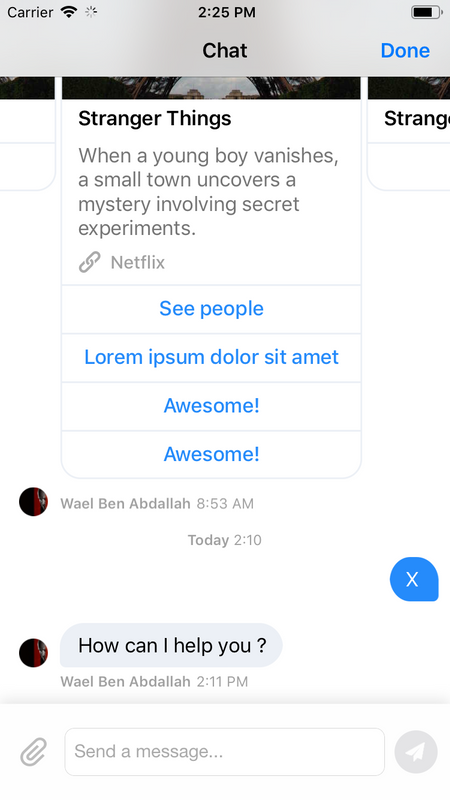
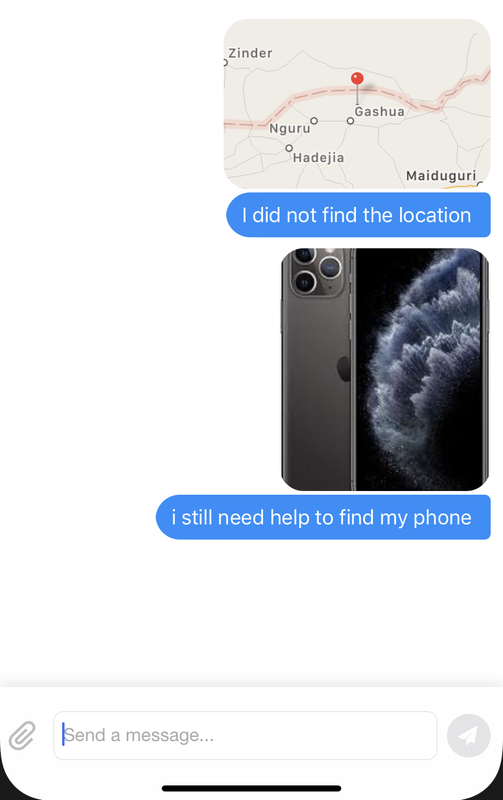
The default interface without any customization is the following on iOS.
You can refer to this interface to understand how an option affect the interface.
Allows the SDK to send its requests to the right endpoint (e.g. if your Dimelo Digital url is DIMELO_DOMAIN_NAME.engagement.dimelo.com, then your domainName will be DIMELO_DOMAIN_NAME)
hostName is set (see hostName)
Public API key that identifies all requests to Dimelo (used only for the secure server-side authentication, see section "Setup with a server-side secret")
API Key is always represented in hex format, e.g. ab12d1a2a9349797b807589e7e1635cb760d69de3a8241070b1682a1bdbd6d70.
Secret API key, only embed in the app for client-side authentication, see section "Setup with a built-in secret"). This is not recommended to embed in .plist but rather to set it directly via a setter in the code of the application for better obfuscation.
API Key is always represented in hex format, e.g. ab12d1a2a9349797b807589e7e1635cb760d69de3a8241070b1682a1bdbd6d70.
Allows the SDK to send its requests to the right endpoint (e.g. if your Dimelo Digital url is DIMELO_DOMAIN_NAME.engagement.dimelo.com, then your hostName will be DIMELO_DOMAIN_NAME.messaging.dimelo.com)
domainName (see domainName)
Language pList field allows you to override the system current language and define what locale should be sent to the Dimelo Server (and thus, what language will be used for messages returned by the server).
language can be any value supported by the Accept-Language HTTP Header.
Used to set the application language.
Programmatically: set Dimelo.defaultLocale property
Plist customization name: None
Note: This is an example on how to initialize Customization.defaultLocale:
Using Objective C:
NSLocale *defaultLocale = [[NSLocale alloc] initWithLocaleIdentifier:@"en_US"];
dimelo.defaultLocale = defaultLocale;
Using Swift:
let defaultLocale = Locale(localeIdentifier: "en_US")
dimelo.defaultLocale = defaultLocaleUsed to disable notification permission prompt (default is enabled). Disabling this attribute will result in not receiving any notification
Used to disable reception of the interactive push notification with direct reply (default is enabled)

Date format for the date label (should be a NSDateFormatter).
Programmatically: set Dimelo.dateFormatter property
Plist customization name: None
Note: This is an example on how to initialize Customization.dateFormatter:
Using Objective C:
NSDateFormatter *dateFormatter = [[NSDateFormatter alloc] init];
[dateFormatter setDateFormat:@"yyyy-MM-dd HH:mm"];
dimelo.dateFormatter = dateFormatter;
Using Swift:
let dateFormatterGet = NSDateFormatter()
dateFormatterGet.dateFormat = "yyyy-MM-dd HH:mm"
dimelo.dateFormatter = dateFormatter
Color applied to the activity indicator that is displayed in the webView when the page is loading.
Color must be in hex format, e.g. 007AFF or #007AFF.
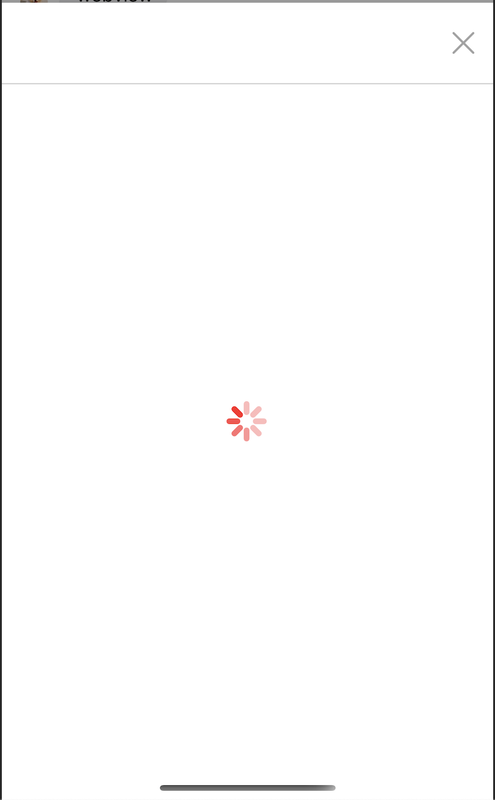
Color applied to the webView "close" image.
Color must be in hex format, e.g. 007AFF or #007AFF.

Color for the create new thread image.
Color must be in hex format, e.g. 007AFF or #007AFF.

Color applied to the button to scroll to the bottom of the conversation image.
Color must be in hex format, e.g. 007AFF or #007AFF.

Color applied to the video call request button.
Color must be in hex format, e.g. 007AFF or #007AFF.

Color applied to the video call request button when highlighted.
Color must be in hex format, e.g. 007AFF or #007AFF.

Color applied to the webView title.
Color must be in hex format, e.g. 007AFF or #007AFF.

Text color for the badge label.
Color must be in hex format, e.g. 007AFF or #007AFF.

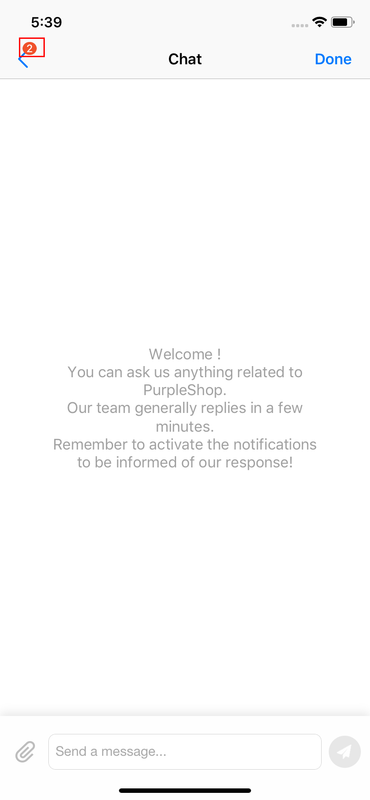
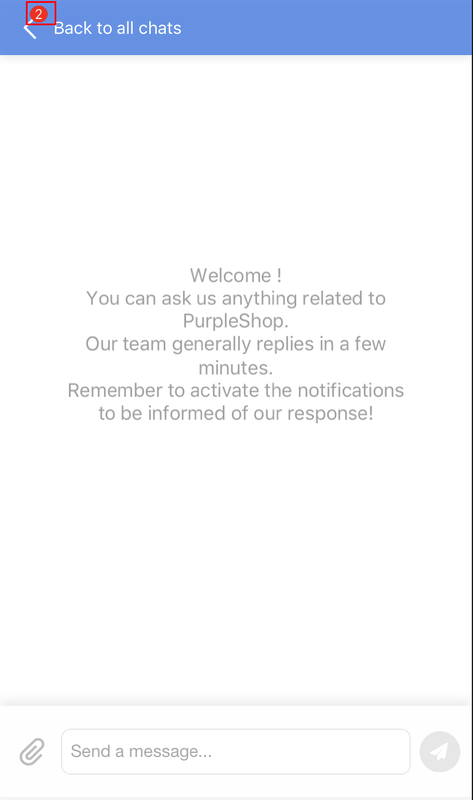
Background color for the badge label.
Color must be in hex format, e.g. 007AFF or #007AFF.
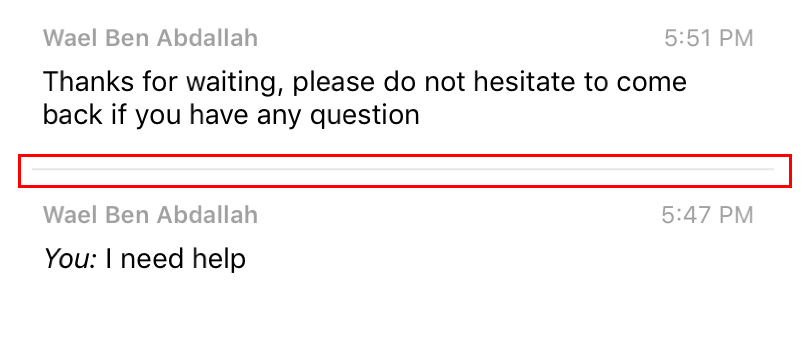
Color for the threads list separator.
Color must be in hex format, e.g. 007AFF or #007AFF.
Tint color for the locked thread image in the threads list view.
Color must be in hex format, e.g. 007AFF or #007AFF.

Tint color for the threads list refresh control.
Color must be in hex format, e.g. 007AFF or #007AFF.

Background color for the create new thread button.
Color must be in hex format, e.g. 007AFF or #007AFF.

Background color applied to the button to scroll to the bottom of the conversation.
Color must be in hex format, e.g. 007AFF or #007AFF.
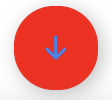
Background color for the tapped create new thread button.
Color must be in hex format, e.g. 007AFF or #007AFF.

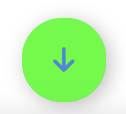
Background color applied to the button to scroll to the bottom of the conversation when it's tapped.
Color must be in hex format, e.g. 007AFF or #007AFF.
Background color for the threads list item selection.
Color must be in hex format, e.g. 007AFF or #007AFF.
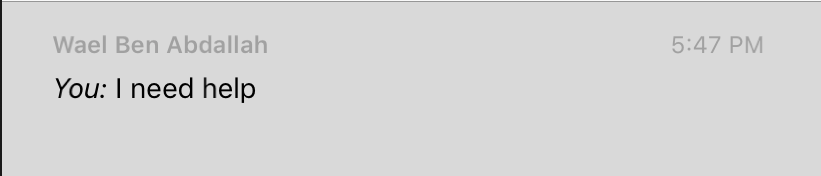
Background color of the company message displayed in the threads list.
Color must be in hex format, e.g. 007AFF or #007AFF.
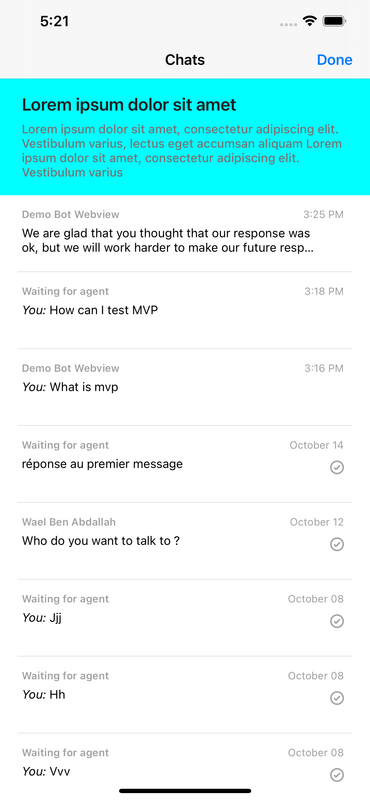
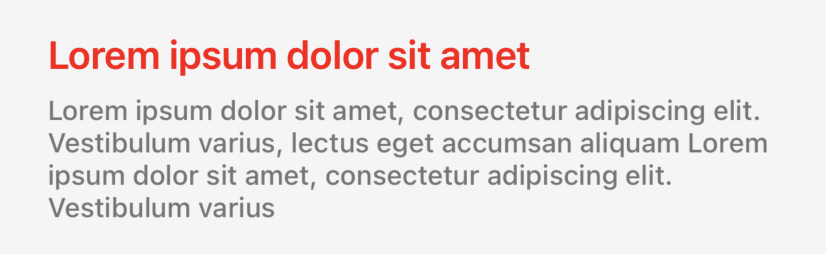
Text color applied to the title of the company message that is displayed in the threads list.
Color must be in hex format, e.g. 007AFF or #007AFF.
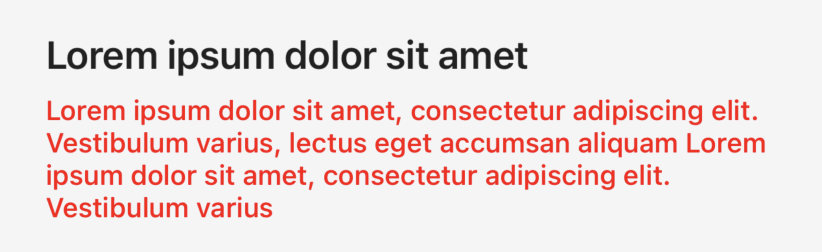
Text color applied to the subtitle of the company message that is displayed in the threads list.
Color must be in hex format, e.g. 007AFF or #007AFF.
Text color for the threads list agent name.
Color must be in hex format, e.g. 007AFF or #007AFF.

Text color for the threads list message.
Color must be in hex format, e.g. 007AFF or #007AFF.

Text color for the threads list date.
Color must be in hex format, e.g. 007AFF or #007AFF.

Text color for each attachment action sheet item button.
Color must be in hex format, e.g. 007AFF or #007AFF.
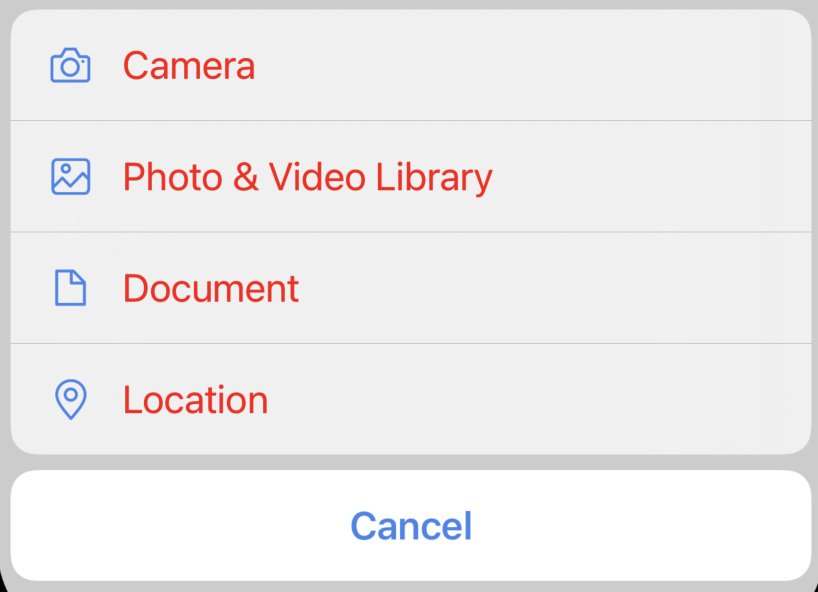
Text color for the attachment action sheet cancel button.
Color must be in hex format, e.g. 007AFF or #007AFF.
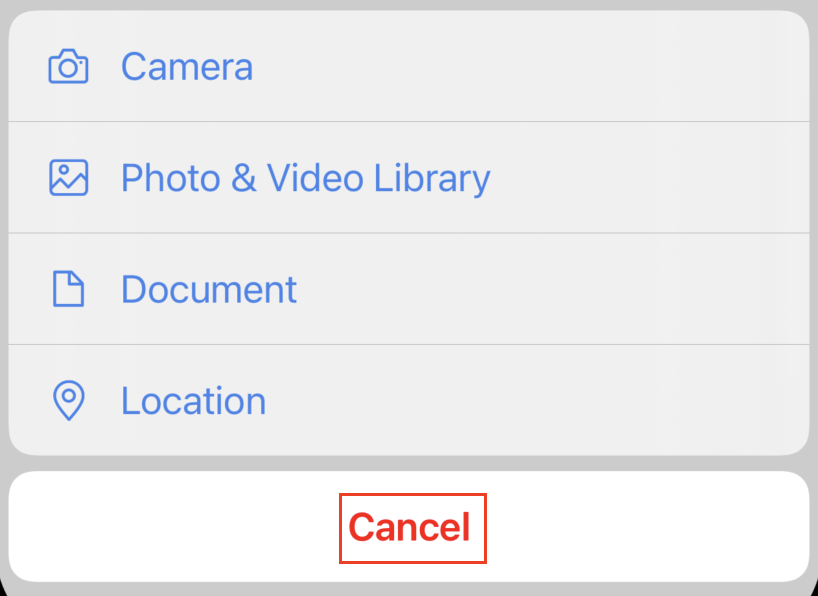
Color for each attachment action sheet item icon.
Color must be in hex format, e.g. 007AFF or #007AFF.

Color for the fragment header.
Color must be in hex format, e.g. 007AFF or #007AFF.

Color applied to the message that is displayed when the thread is closed.
Color must be in hex format, e.g. 007AFF or #007AFF.

Color applied to the status message text when a video call is requested.
Color must be in hex format, e.g. 007AFF or #007AFF.

Color applied to the webView header background.
Color must be in hex format, e.g. 007AFF or #007AFF.

Color applied to the webView body background and the safe area zone background (on portrait and landscape mode).
Color must be in hex format, e.g. 007AFF or #007AFF.
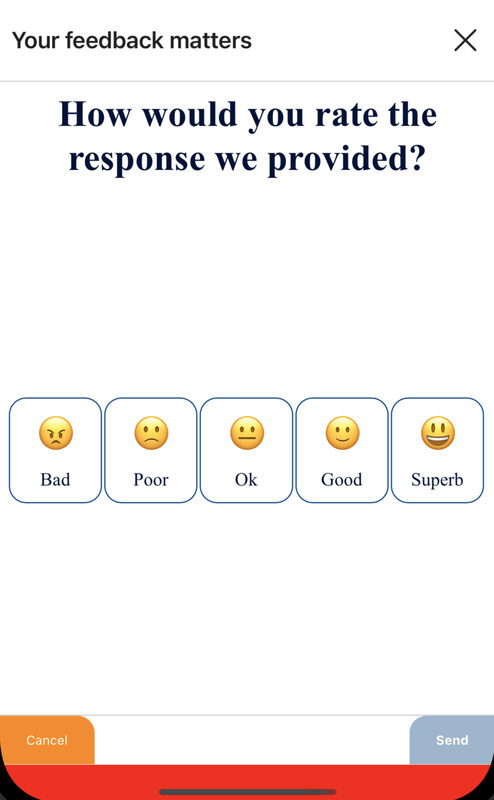
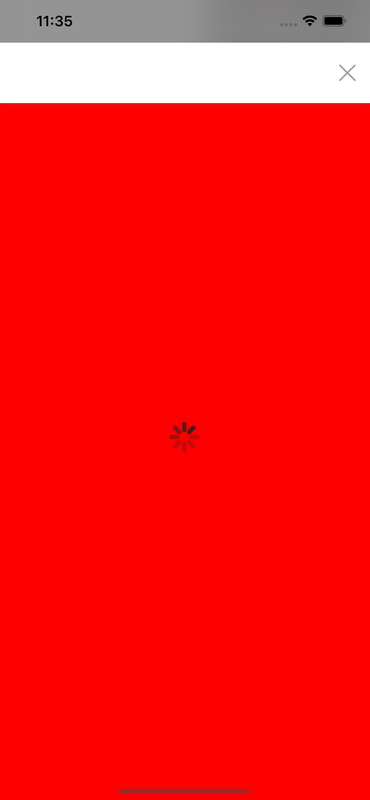
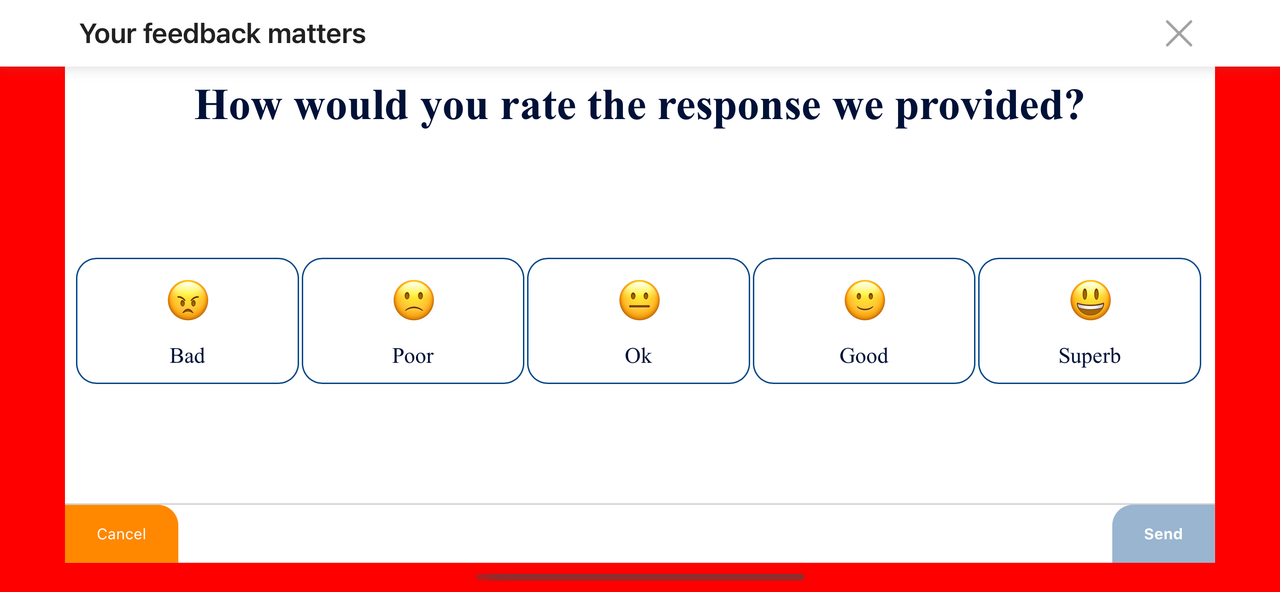
Text color for status bar text (white or black).
Must be a boolean, default is the black color.
enableLightStatusBarStyle=true:

enableLightStatusBarStyle=false:

Text color for the chat title.
Color must be in hex format, e.g. 007AFF or #007AFF.

Text color for agent's name.
Color must be in hex format, e.g. 007AFF or #007AFF.

Time color for agent's name.
Color must be in hex format, e.g. 007AFF or #007AFF.

Border color for video message bubbles.
Color must be in hex format, e.g. 007AFF or #007AFF.
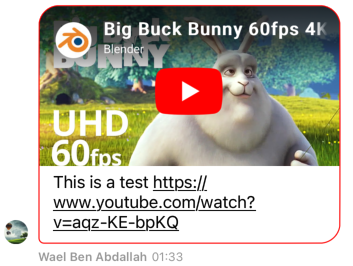
Border color for agent structured message bubbles.
Color must be in hex format, e.g. 007AFF or #007AFF.
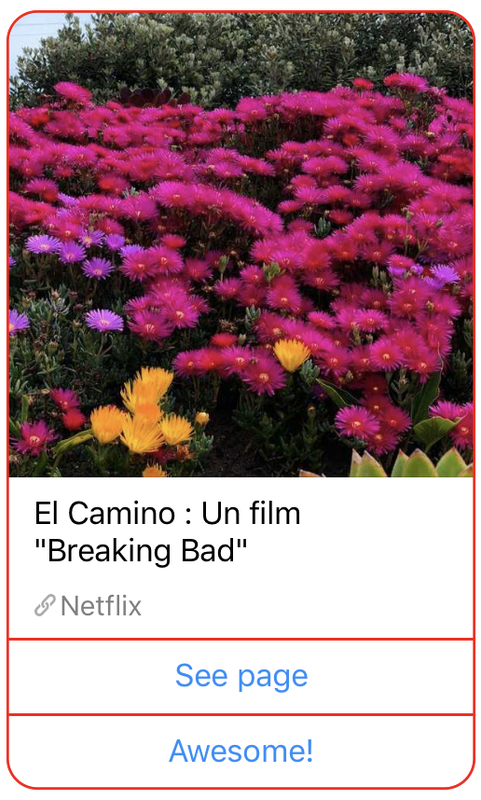
Background color for template agent structured message.
Color must be in hex format, e.g. 007AFF or #007AFF.
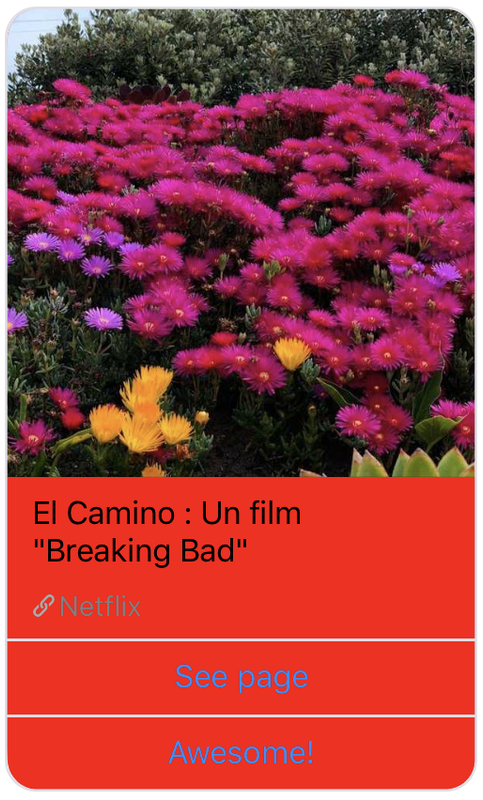
Background color for body agent structured message view.
Color must be in hex format, e.g. 007AFF or #007AFF.

Background color for video message view.
Color must be in hex format, e.g. 007AFF or #007AFF.
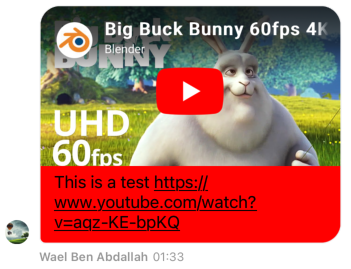
Background color for agent message bubbles.
Color must be in hex format, e.g. 007AFF or #007AFF.
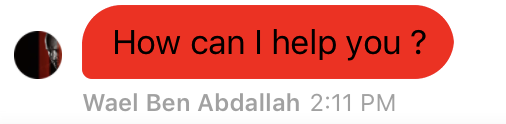
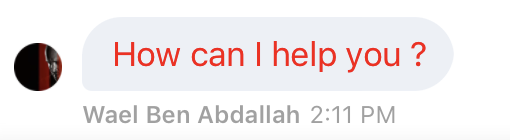
Foreground color for agent's message text.
Color must be in hex format, e.g. 007AFF or #007AFF.
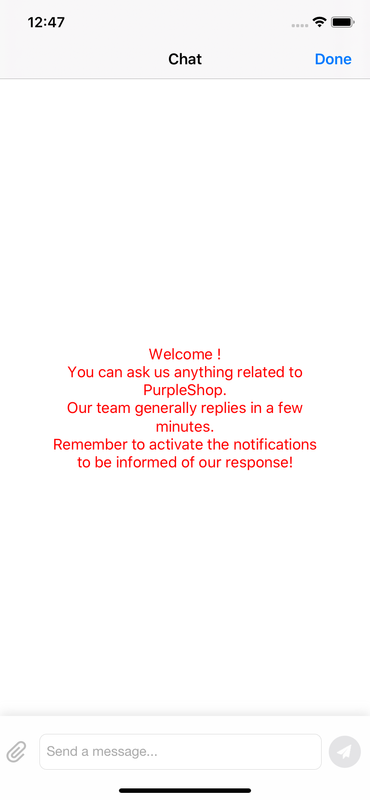
Text color for the welcome message.
Color must be in hex format, e.g. 007AFF or #007AFF.
Margin top for structured message url label.
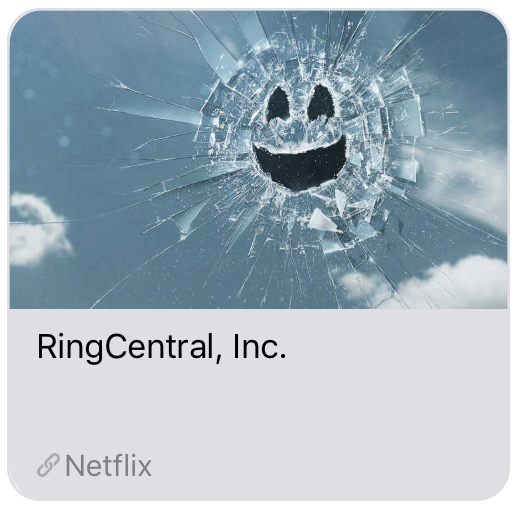
Margin top for structured message subtitle label.
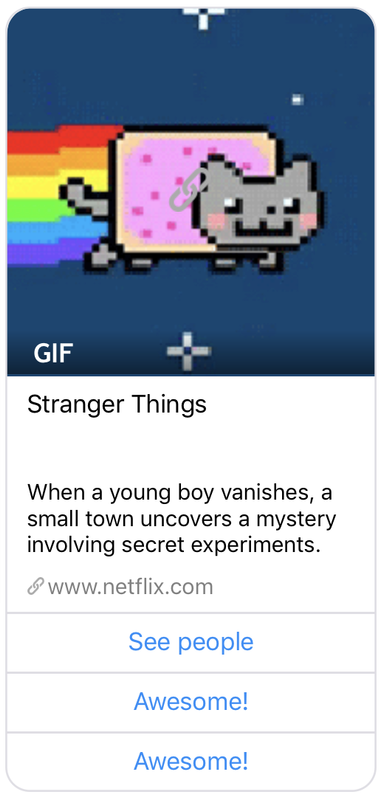
Foreground color for video message text.
Color must be in hex format, e.g. 007AFF or #007AFF.
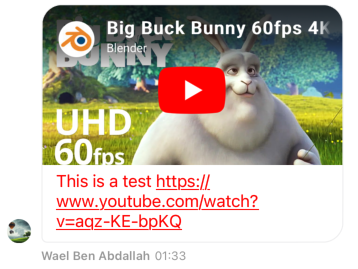
Foreground color for agent's structured message title text.
Color must be in hex format, e.g. 007AFF or #007AFF.
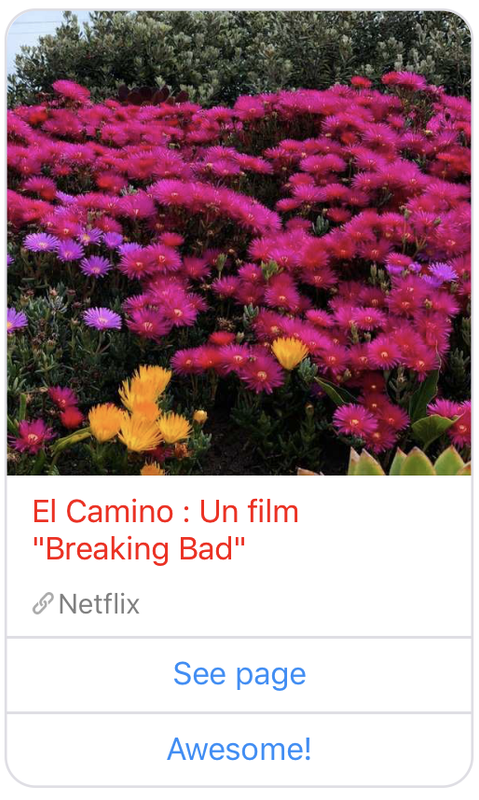
Foreground color for agent's structured message subtitle text.
Color must be in hex format, e.g. 007AFF or #007AFF.
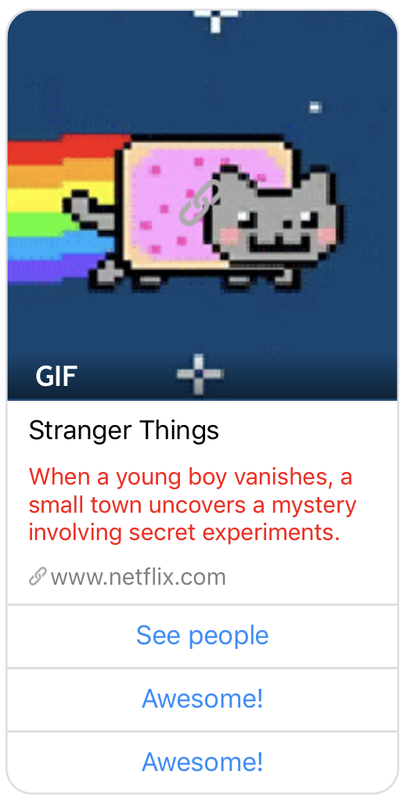
Foreground color for agent's structured message url text.
Color must be in hex format, e.g. 007AFF or #007AFF.
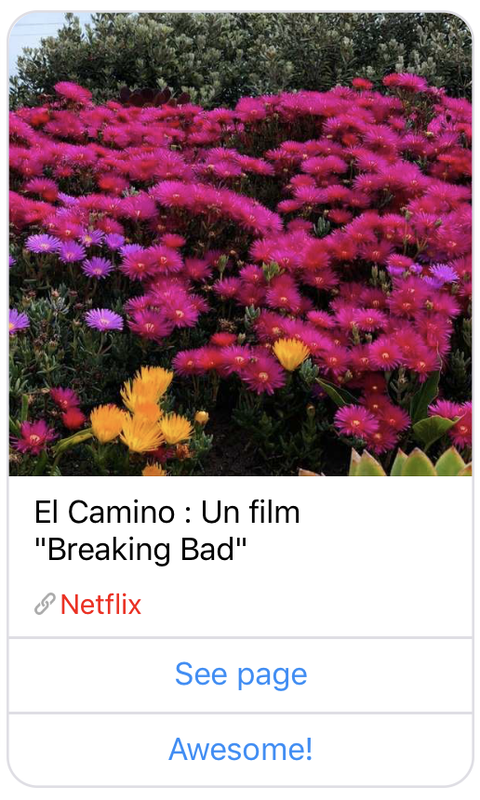
Foreground color for agent's structured message item text.
Color must be in hex format, e.g. 007AFF or #007AFF.
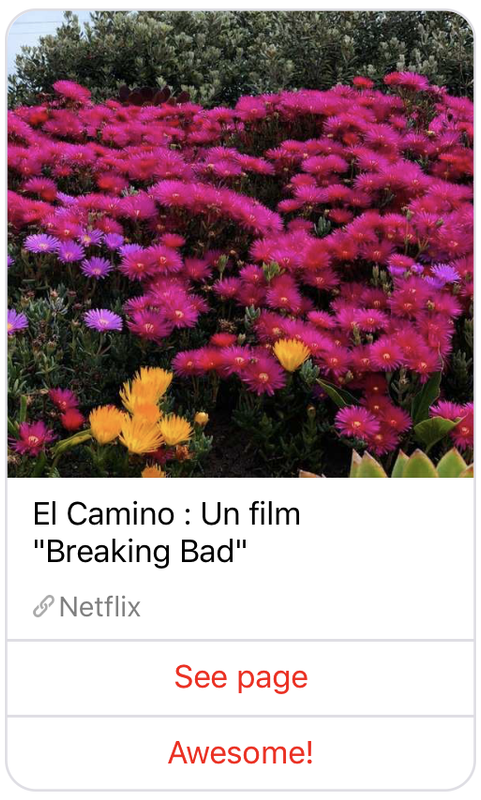
Foreground color for agent's structured message tapped item text.
Color must be in hex format, e.g. 007AFF or #007AFF.
Background color for agent's structured message item text.
Color must be in hex format, e.g. 007AFF or #007AFF.
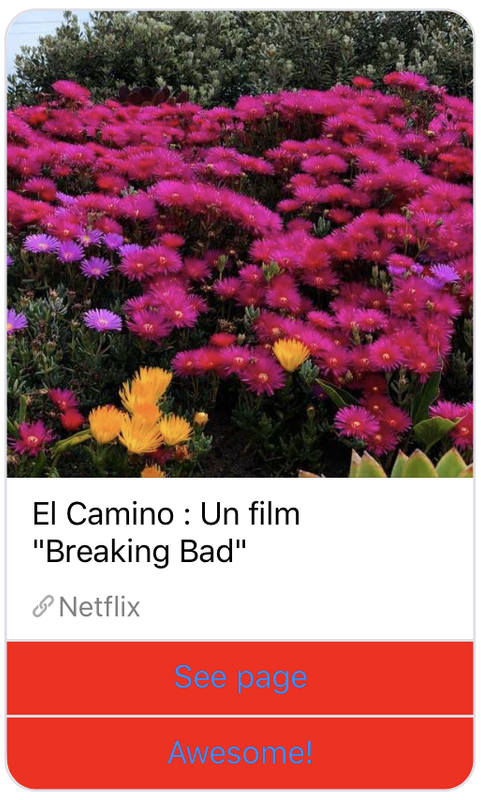
Background color for agent's structured message tapped item.
Color must be in hex format, e.g. 007AFF or #007AFF.
Border width for quick replies.
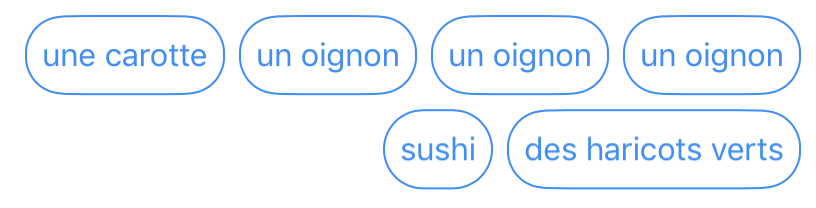
Horizontal spacing for quick replies.
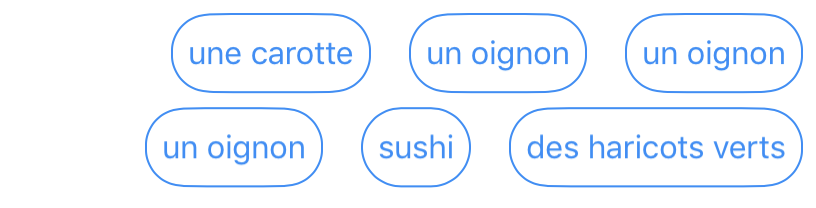
Vertical spacing for quick replies.
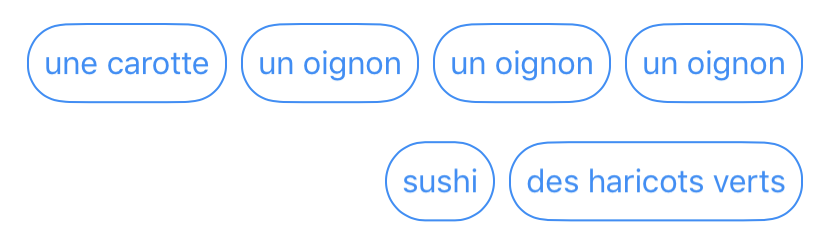
Border color for quick replies.
Color must be in hex format, e.g. 007AFF or #007AFF.
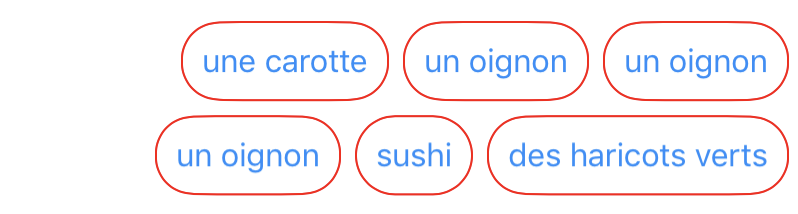
Border color for tapped quick replies.
Color must be in hex format, e.g. 007AFF or #007AFF.
Text color for quick replies.
Color must be in hex format, e.g. 007AFF or #007AFF.
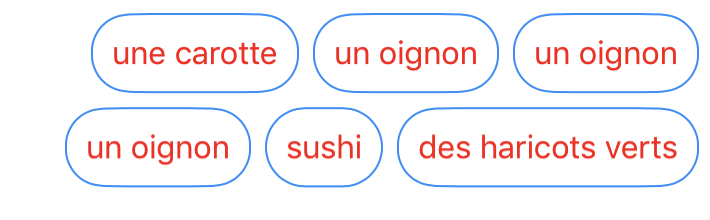
Text color for tapped quick replies.
Color must be in hex format, e.g. 007AFF or #007AFF.
Background color for quick replies.
Color must be in hex format, e.g. 007AFF or #007AFF.
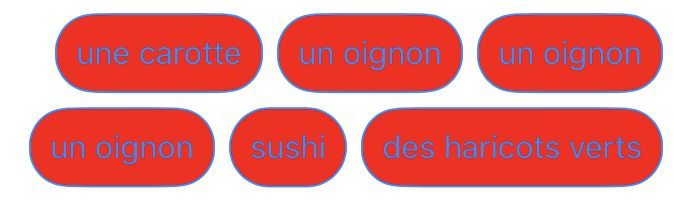
Background color for tapped quick replies.
Color must be in hex format, e.g. 007AFF or #007AFF.
Text color for the date label.
Color must be in hex format, e.g. 007AFF or #007AFF.

Text color for the hour label.
Color must be in hex format, e.g. 007AFF or #007AFF.

Tint color of the send button image on disabled state
Color must be in hex format, e.g. 007AFF or #007AFF.

Color of the error icon which is displayed when the message could not be sent and no other retry will be operated.
Color must be in hex format, e.g. 007AFF or #007AFF.

Background color of the input bar.
Color must be in hex format, e.g. 007AFF or #007AFF.

Bar tint color of the input bar.
Color must be in hex format, e.g. 007AFF or #007AFF.

Text color for the button "load more messages".
Color must be in hex format, e.g. 007AFF or #007AFF.

The default display is the following:

Background color for navigation bar (sets backgroundColor property).
Color must be in hex format, e.g. 007AFF or #007AFF.
Bar tint color for navigation bar before iOS 13 otherwise it's the background color for navigation bar (sets navigationBarTintColor property).
Color must be in hex format, e.g. 007AFF or #007AFF.

Background color for system message bubbles.
Color must be in hex format, e.g. 007AFF or #007AFF.
Similar to systemMessageBackgroundColor, but for system messages.
Foreground color for system notification message text.
Color must be in hex format, e.g. 007AFF or #007AFF.
Similar to systemMessageTextColor, but for system messages.
Tint color for aux controls: Close button, Send button, Share button, cursor etc.
Color must be in hex format, e.g. 007AFF or #007AFF.

Tint color for cursor.
Color must be in hex format, e.g. 007AFF or #007AFF.

Tint color for Send Button image.
Color must be in hex format, e.g. 007AFF or #007AFF.

Tint color for Navigation Item Button embedded in a fragment or a view controller.
Color must be in hex format, e.g. 007AFF or #007AFF.

Background color for user message bubbles.
Color must be in hex format, e.g. 007AFF or #007AFF.
Similar to systemMessageBackgroundColor, but for system messages.
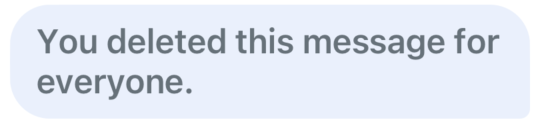
Background color for deleted user message bubbles.
Color must be in hex format, e.g. 007AFF or #007AFF.
Background color for selected user message cell for iOS12 and lower.
Color must be in hex format, e.g. 007AFF or #007AFF.
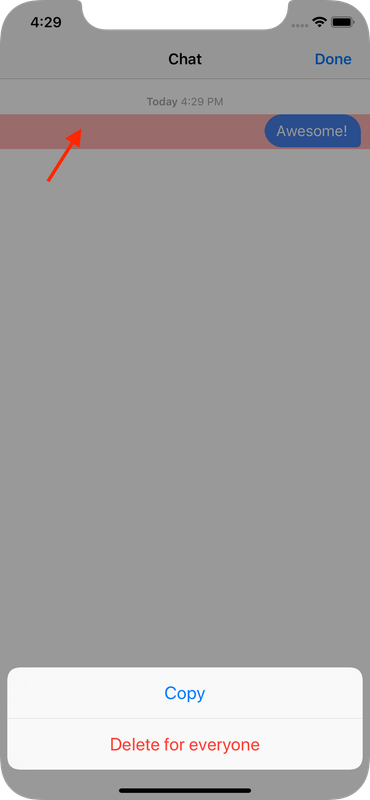
Foreground color for user's message text.
Color must be in hex format, e.g. 007AFF or #007AFF.
Similar to systemMessageTextColor, but for system messages.
Foreground color for user's deleted message text.
Color must be in hex format, e.g. 007AFF or #007AFF.
Font applied to the webView title.
Must contain a dictionary with name and size keys.
These values will be used as arguments to +[UIFont fontWithName:size:].
E.g. name=HelveticaNeue-Regular and size=15.

Font applied to the user deleted message text.
Must contain a dictionary with name and size keys.
These values will be used as arguments to +[UIFont fontWithName:size:].
E.g. name=HelveticaNeue-Regular and size=15.
Font for the badge label.
Must contain a dictionary with name and size keys.
These values will be used as arguments to +[UIFont fontWithName:size:].
E.g. name=HelveticaNeue-Regular and size=15.
Font for the backToAllChats label (in the header fragment).
Must contain a dictionary with name and size keys.
These values will be used as arguments to +[UIFont fontWithName:size:].
E.g. name=HelveticaNeue-Regular and size=15.

Font used for the company message title that is displayed in the threads list.
Must contain a dictionary with name and size keys.
These values will be used as arguments to +[UIFont fontWithName:size:].
E.g. name=HelveticaNeue-Regular and size=15.
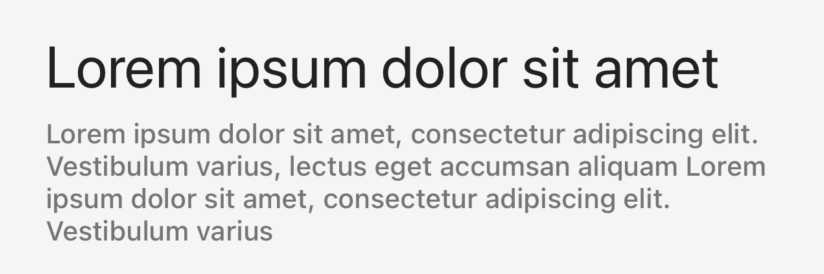
Font used for the company message subtitle that is displayed in the threads list.
Must contain a dictionary with name and size keys.
These values will be used as arguments to +[UIFont fontWithName:size:].
E.g. name=HelveticaNeue-Regular and size=15.
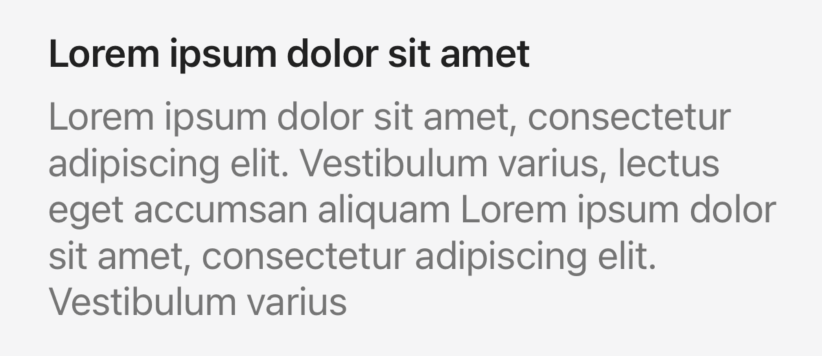
Font for the threads list agent name.
Must contain a dictionary with name and size keys.
These values will be used as arguments to +[UIFont fontWithName:size:].
E.g. name=HelveticaNeue-Regular and size=15.
Font for the threads list message.
Must contain a dictionary with name and size keys.
These values will be used as arguments to +[UIFont fontWithName:size:].
E.g. name=HelveticaNeue-Regular and size=15.
Font for the threads list date.
Must contain a dictionary with name and size keys.
These values will be used as arguments to +[UIFont fontWithName:size:].
E.g. name=HelveticaNeue-Regular and size=15.
Font applied to the message that is displayed when the thread is closed.
Must contain a dictionary with name and size keys.
These values will be used as arguments to +[UIFont fontWithName:size:].
E.g. name=HelveticaNeue-Regular and size=15.

Font applied to the status message when a video call is requested.
Must contain a dictionary with name and size keys.
These values will be used as arguments to +[UIFont fontWithName:size:].
E.g. name=HelveticaNeue-Regular and size=15.

Font for navigationBar's title.
Must contain a dictionary with name and size keys.
These values will be used as arguments to +[UIFont fontWithName:size:].
E.g. name=HelveticaNeue-Regular and size=15.

Font for navigationBarItem's title.
Must contain a dictionary with name and size keys.
These values will be used as arguments to +[UIFont fontWithName:size:].
E.g. name=HelveticaNeue-Regular and size=15.

Font for agent's name.
Must contain a dictionary with name and size keys.
These values will be used as arguments to +[UIFont fontWithName:size:].
E.g. name=HelveticaNeue-Regular and size=15.
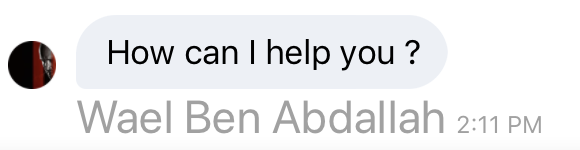
Show or hide the agent avatar image.
Must be a boolean, default is true.
showAgentAvatarImage=true:
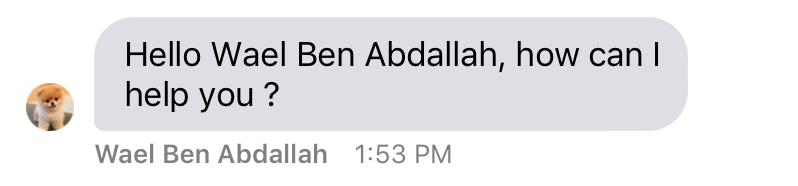
showAgentAvatarImage=false:
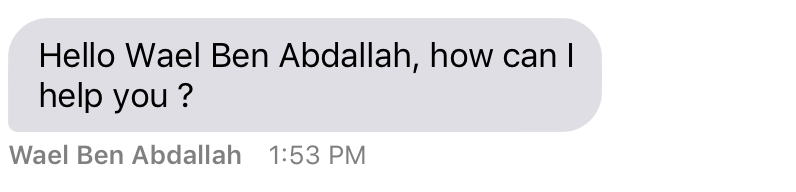
Font for agent's time.
Must contain a dictionary with name and size keys.
These values will be used as arguments to +[UIFont fontWithName:size:].
E.g. name=HelveticaNeue-Regular and size=15.

Font for agent's structured message title.
Must contain a dictionary with name and size keys.
These values will be used as arguments to +[UIFont fontWithName:size:].
E.g. name=HelveticaNeue-Regular and size=15.
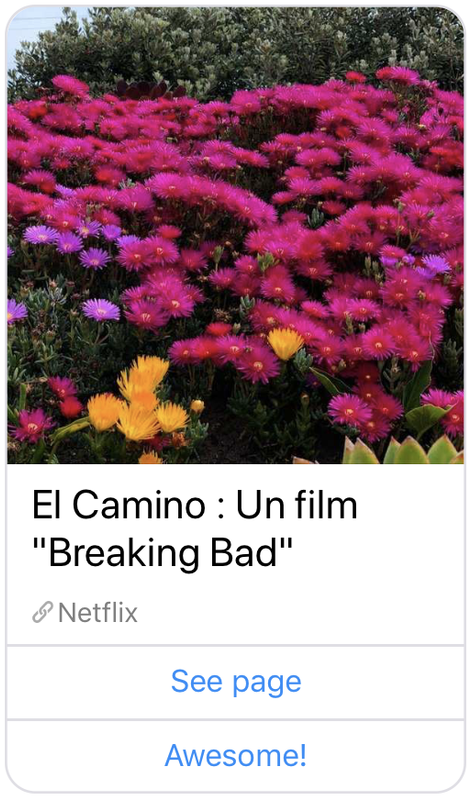
Font for video message text.
Must contain a dictionary with name and size keys.
These values will be used as arguments to +[UIFont fontWithName:size:].
E.g. name=HelveticaNeue-Regular and size=15.
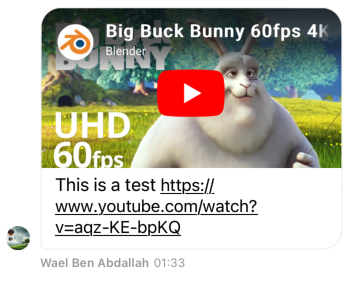
Font for agent's structured message subtitle.
Must contain a dictionary with name and size keys.
These values will be used as arguments to +[UIFont fontWithName:size:].
E.g. name=HelveticaNeue-Regular and size=15.
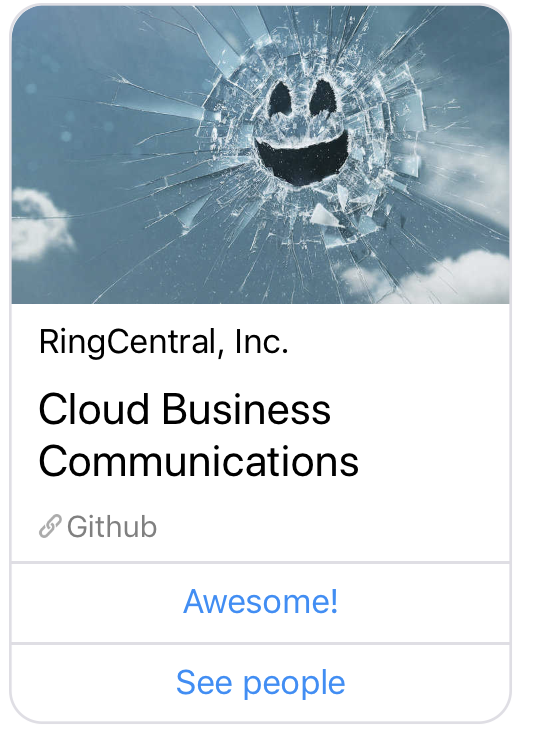
Font for agent's structured message url.
Must contain a dictionary with name and size keys.
These values will be used as arguments to +[UIFont fontWithName:size:].
E.g. name=HelveticaNeue-Regular and size=15.
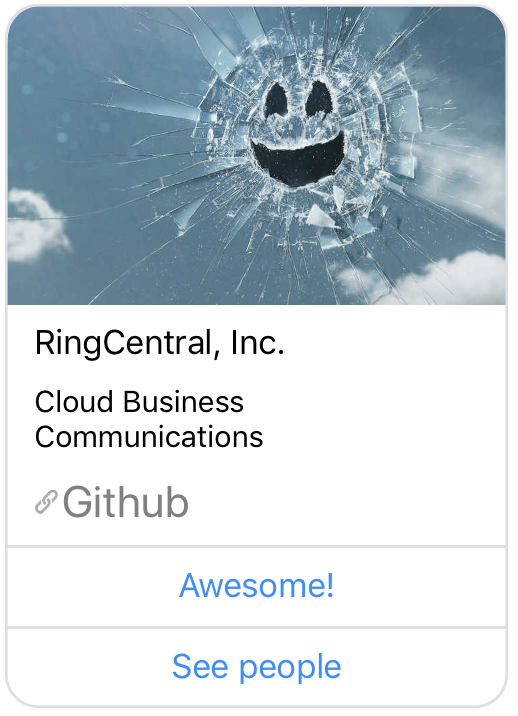
Font for agent's structured message item.
Must contain a dictionary with name and size keys.
These values will be used as arguments to +[UIFont fontWithName:size:].
E.g. name=HelveticaNeue-Regular and size=15.
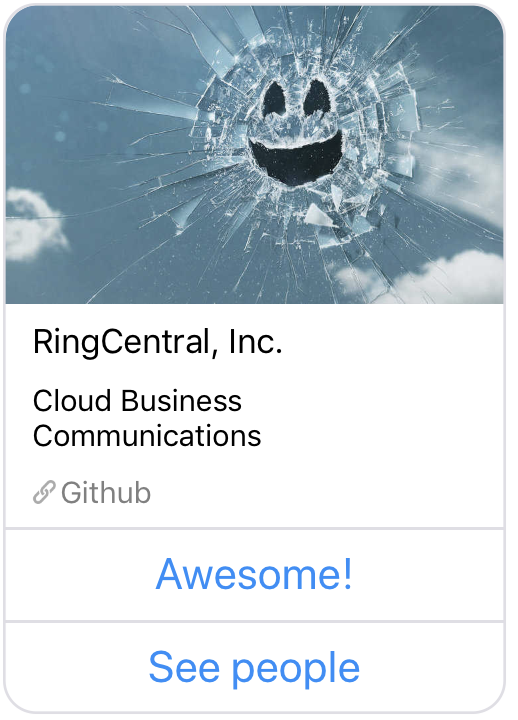
Font for the date label.
Must contain a dictionary with name and size keys.
These values will be used as arguments to +[UIFont fontWithName:size:].
E.g. name=HelveticaNeue-Regular and size=15.

Font for the hour label.
Must contain a dictionary with name and size keys.
These values will be used as arguments to +[UIFont fontWithName:size:].
E.g. name=HelveticaNeue-Regular and size=15.

Default font used for all other items listed in that category,
Must contain a dictionary with name and size keys.
These values will be used as arguments to +[UIFont fontWithName:size:].
E.g. name=HelveticaNeue-Regular and size=15.
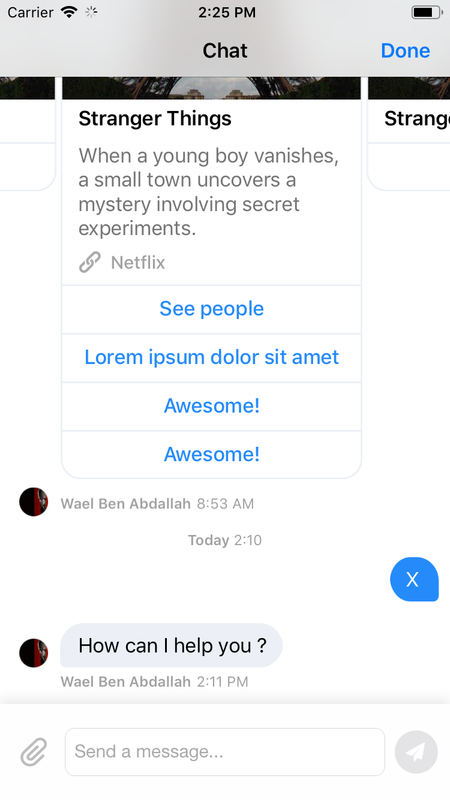
Font for message input field.
Must contain a dictionary with name and size keys.
These values will be used as arguments to +[UIFont fontWithName:size:].
E.g. name=HelveticaNeue-Regular and size=15.

Font for user and agent messages.
Must contain a dictionary with name and size keys.
These values will be used as arguments to +[UIFont fontWithName:size:].
E.g. name=HelveticaNeue-Regular and size=15.
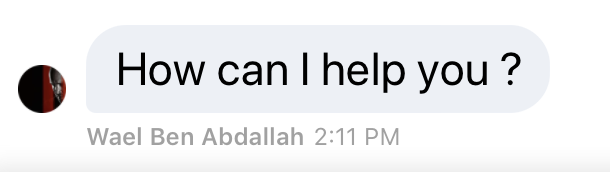
Font for system messages.
Must contain a dictionary with name and size keys.
These values will be used as arguments to +[UIFont fontWithName:size:].
E.g. name=HelveticaNeue-Regular and size=15.
Similar to messageFont, but for system messages.
Insets for file name and size label (inside the agent message bubble).
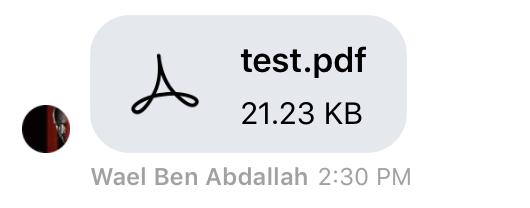
Must contain a dictionary with top, left, bottom and right.
The values will be used as arguments to UIEdgeInsetsMake(top, left, bottom, right).
E.g. top=10, left=10, bottom=10 and right=10.
Insets for agent message bubbles (containing attachment).
Must contain a dictionary with top, left, bottom and right.
The values will be used as arguments to UIEdgeInsetsMake(top, left, bottom, right).
E.g. top=10, left=10, bottom=10 and right=10.
Similar to userAttachmentBubbleInsets, but for agent messages.
Insets for agent message bubbles (containing text).
Must contain a dictionary with top, left, bottom and right.
The values will be used as arguments to UIEdgeInsetsMake(top, left, bottom, right).
E.g. top=10, left=10, bottom=10 and right=10.
Similar to userMessageBubbleInsets, but for agent messages.
Insets for agent structured message bubbles.
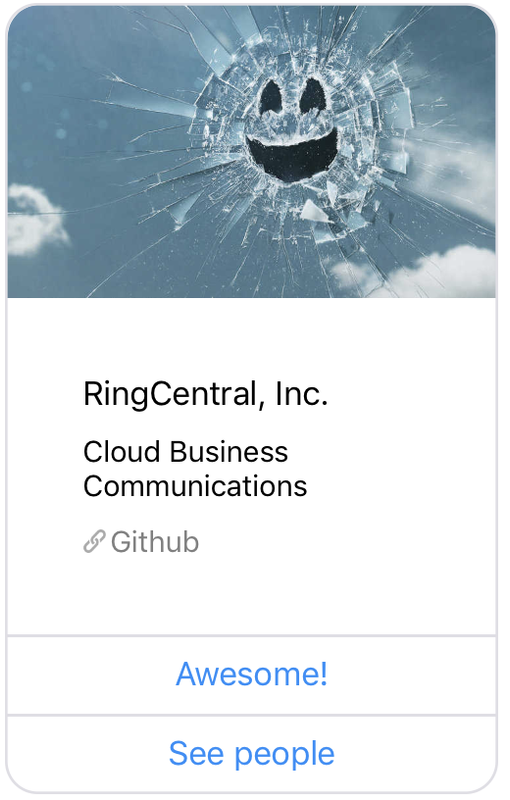
Must contain a dictionary with top, left, bottom and right.
The values will be used as arguments to UIEdgeInsetsMake(top, left, bottom, right).
E.g. top=40, left=40, bottom=40 and right=40.
Insets for agent structured message item.
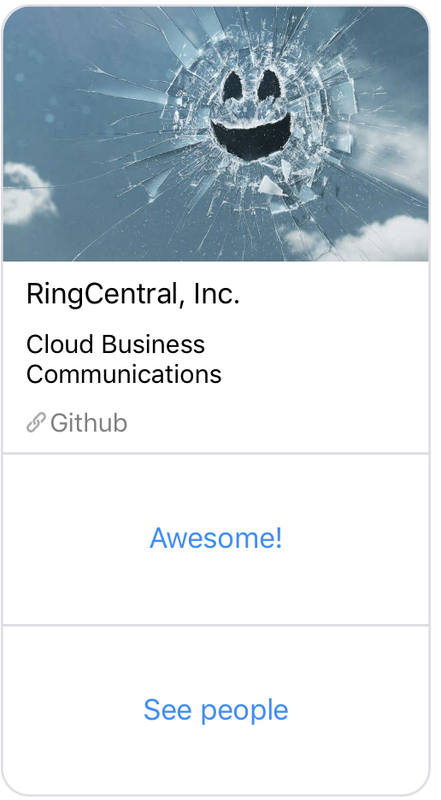
Must contain a dictionary with top, left, bottom and right.
The values will be used as arguments to UIEdgeInsetsMake(top, left, bottom, right).
E.g. top=40, left=40, bottom=40 and right=40.
Insets for quick replies.
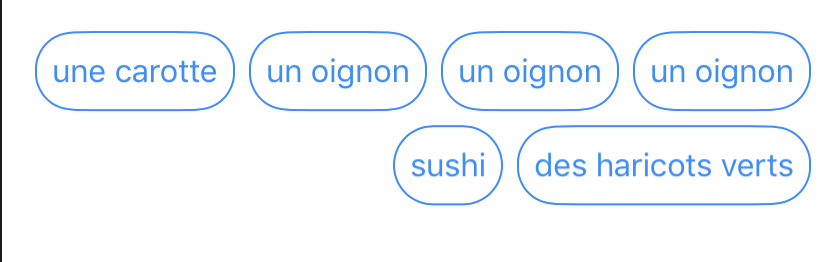
Must contain a dictionary with top, left, bottom and right.
The values will be used as arguments to UIEdgeInsetsMake(top, left, bottom, right).
E.g. top=40, left=40, bottom=40 and right=40.
Insets for quick replies item.
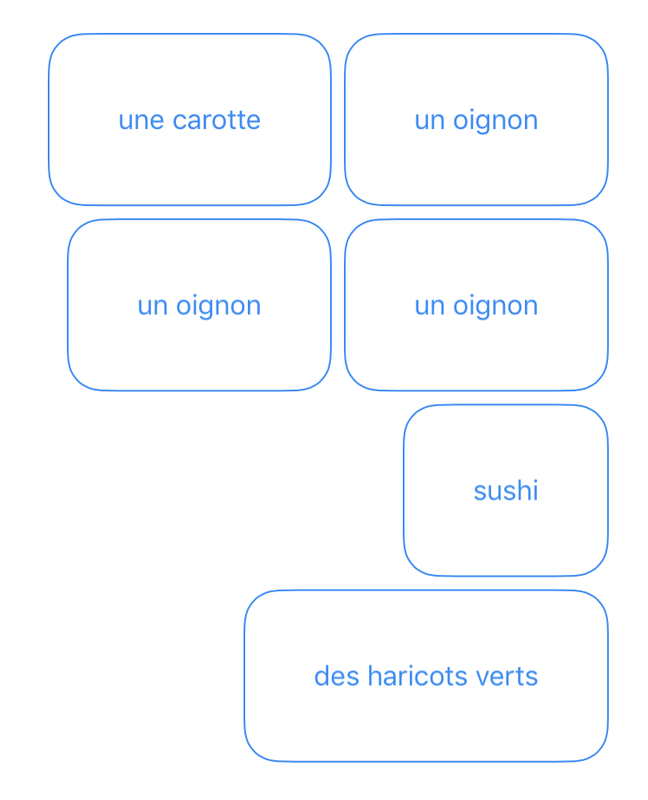
Must contain a dictionary with top, left, bottom and right.
The values will be used as arguments to UIEdgeInsetsMake(top, left, bottom, right).
E.g. top=40, left=40, bottom=40 and right=40.
Insets for agent name text.
Must contain a dictionary with top, left, bottom and right.
The values will be used as arguments to UIEdgeInsetsMake(top, left, bottom, right).
E.g. top=10, left=10, bottom=10 and right=10.
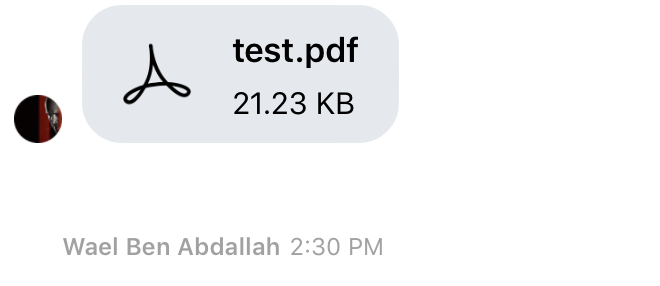
Insets for system message bubbles (containing text).
Must contain a dictionary with top, left, bottom and right.
The values will be used as arguments to UIEdgeInsetsMake(top, left, bottom, right).
E.g. top=10, left=10, bottom=10 and right=10.
Similar to userMessageBubbleInsets, but for system messages.
Insets for user message bubbles (containing attachment).
Must contain a dictionary with top, left, bottom and right.
The values will be used as arguments to UIEdgeInsetsMake(top, left, bottom, right).
E.g. top=10, left=10, bottom=10 and right=10.
In the screenshot, top=60, right=40, bottom=20, left=0.
Insets for user message bubbles (containing text).
Must contain a dictionary with top, left, bottom and right.
The values will be used as arguments to UIEdgeInsetsMake(top, left, bottom, right).
E.g. top=10, left=10, bottom=10 and right=10.
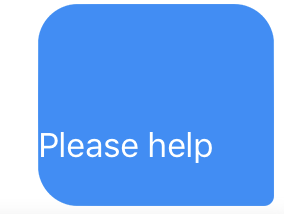
In the screenshot, top=60, right=40, bottom=20, left=0.
UIImage for the attachment action sheet camera icon.

UIImage for the attachment action sheet gallery icon.

UIImage for the attachment action sheet document icon.

UIImage for the attachment action sheet location icon.

UIImage used to represent the webView "close" button that is displayed in the header.

UIImage for the create new thread button.
UIImage for the button to scroll to the bottom of the conversation.

UIImage for the create new thread button.


UIImage used to represent the button to request a video call.
UIImage to indicate that the thread is locked in the threads list view.

Resizable (9-part) image to mask agent's attachment (alpha channel is used as a mask).
By default, the same as agentMessageBubbleImage.
Must contain a dictionary with top, left, bottom, right and imgName.
The values will be used as arguments to [[UIImage imgName] resizableImageWithCapInsets:UIEdgeInsetsMake(top, left, bottom, right) resizingMode:UIImageResizingModeStretch].
So, the top, left, bottom and right parameters will be used to define the stretchable area of your image.
E.g. top=10, left=10, bottom=10, right=10, and imgName=myBubbleImage
Similar to userAttachmentBubbleImage, but for agent messages.
Resizable (9-part) image to decorate agent text bubble.
Must contain a dictionary with top, left, bottom, right and imgName.
The values will be used as arguments to [[UIImage imgName] resizableImageWithCapInsets:UIEdgeInsetsMake(top, left, bottom, right) resizingMode:UIImageResizingModeStretch].
So, the top, left, bottom and right parameters will be used to define the stretchable area of your image.
E.g. top=10, left=10, bottom=10, right=10, and imgName=myBubbleImage
Similar to userMessageBubbleImage, but for agent messages.
Icon to be displayed on "attach" button in the input bar.
Must contain a dictionary with top, left, bottom, right and imgName.
The values will be used as arguments to [[UIImage imgName] resizableImageWithCapInsets:UIEdgeInsetsMake(top, left, bottom, right) resizingMode:UIImageResizingModeStretch].
So, the top, left, bottom and right parameters will be used to define the stretchable area of your image.
E.g. top=10, left=10, bottom=10, right=10, and imgName=myAttachmentIcon

Resizable (9-part) image to decorate system text bubble.
Must contain a dictionary with top, left, bottom, right and imgName.
The values will be used as arguments to [[UIImage imgName] resizableImageWithCapInsets:UIEdgeInsetsMake(top, left, bottom, right) resizingMode:UIImageResizingModeStretch].
So, the top, left, bottom and right parameters will be used to define the stretchable area of your image.
E.g. top=10, left=10, bottom=10, right=10, and imgName=myBubbleImage
Similar to userMessageBubbleImage, but for system messages.
Resizable (9-part) image to mask user's attachment (alpha channel is used as a mask).
By default, the same as userMessageBubbleImage.
Must contain a dictionary with top, left, bottom, right and imgName.
The values will be used as arguments to [[UIImage imgName] resizableImageWithCapInsets:UIEdgeInsetsMake(top, left, bottom, right) resizingMode:UIImageResizingModeStretch].
So, the top, left, bottom and right parameters will be used to define the stretchable area of your image.
E.g. top=10, left=10, bottom=10, right=10, and imgName=myBubbleImage

In the screenshot, top=18, left=19, bottom=18, right=36.
Resizable (9-part) image to decorate user text bubble.
Must contain a dictionary with top, left, bottom, right and imgName.
The values will be used as arguments to [[UIImage imgName] resizableImageWithCapInsets:UIEdgeInsetsMake(top, left, bottom, right) resizingMode:UIImageResizingModeStretch].
So, the top, left, bottom and right parameters will be used to define the stretchable area of your image.
E.g. top=10, left=10, bottom=10, right=10, and imgName=myBubbleImage
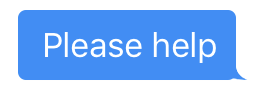
In the screenshot, top=18, left=19, bottom=18, right=36.
Flag to set to enable/disable threads.
Must be a boolean, default is NO.
- Flag to set to display/hide attachment action sheet icons
Must be a boolean, default is YES.
Flag to set to embed or not the Dimelo view as a fragment.
Must be a boolean, default is NO.
Flag to enable/disable the button to scroll to the bottom of the conversation.
Must be a boolean, default is NO.