


Connection-free file transfer for android and desktop using QR devices as a medium, written in flutter & vite
-
Send: Pick any file → it's split into 2000-byte chunks → each chunk becomes a QR code with an MD5 checksum → QR codes flash at 10/sec on screen
-
Receive: Open camera → scan metadata QR → progress bar fills as chunks arrive → file is saved to
/binqr/folder when complete
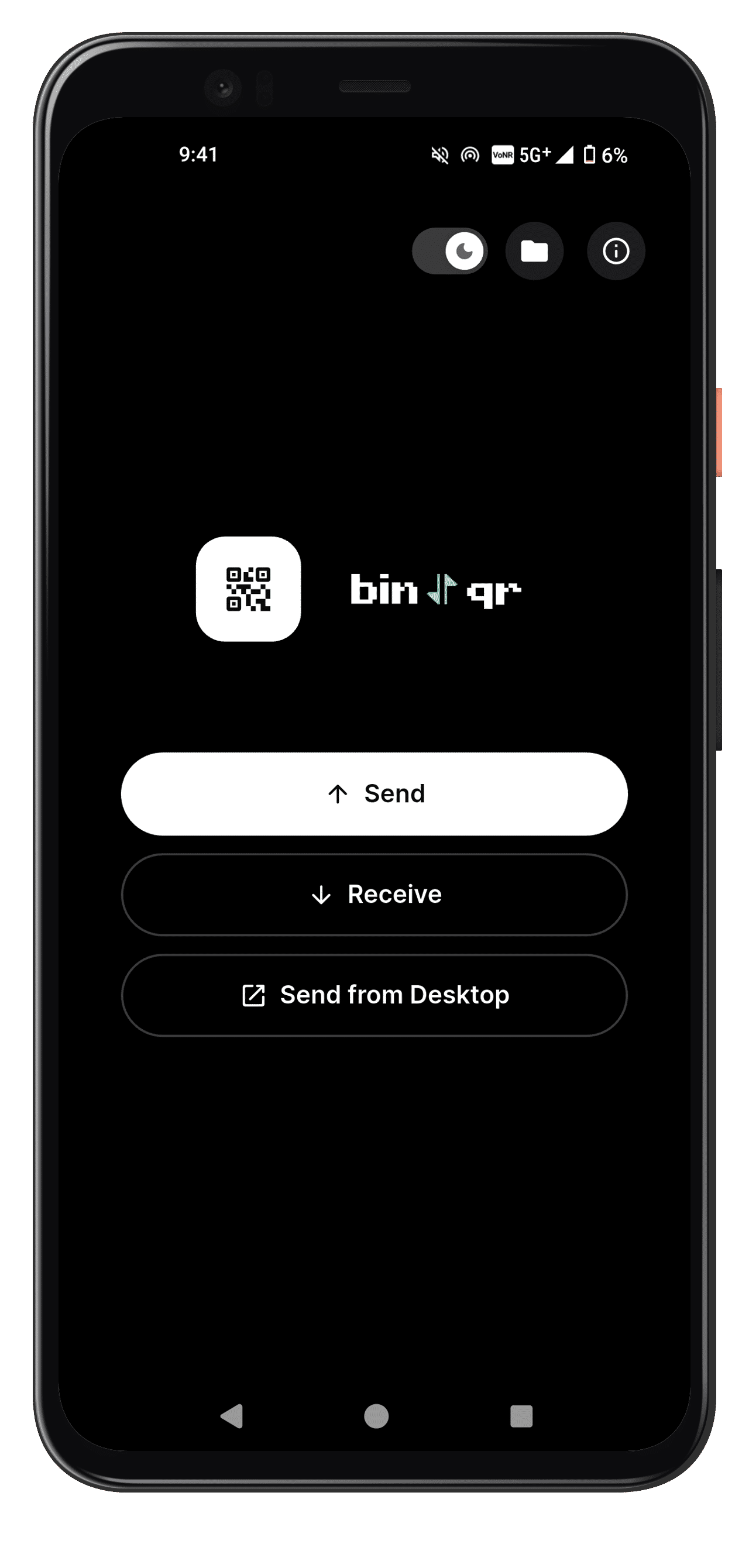
Home
|
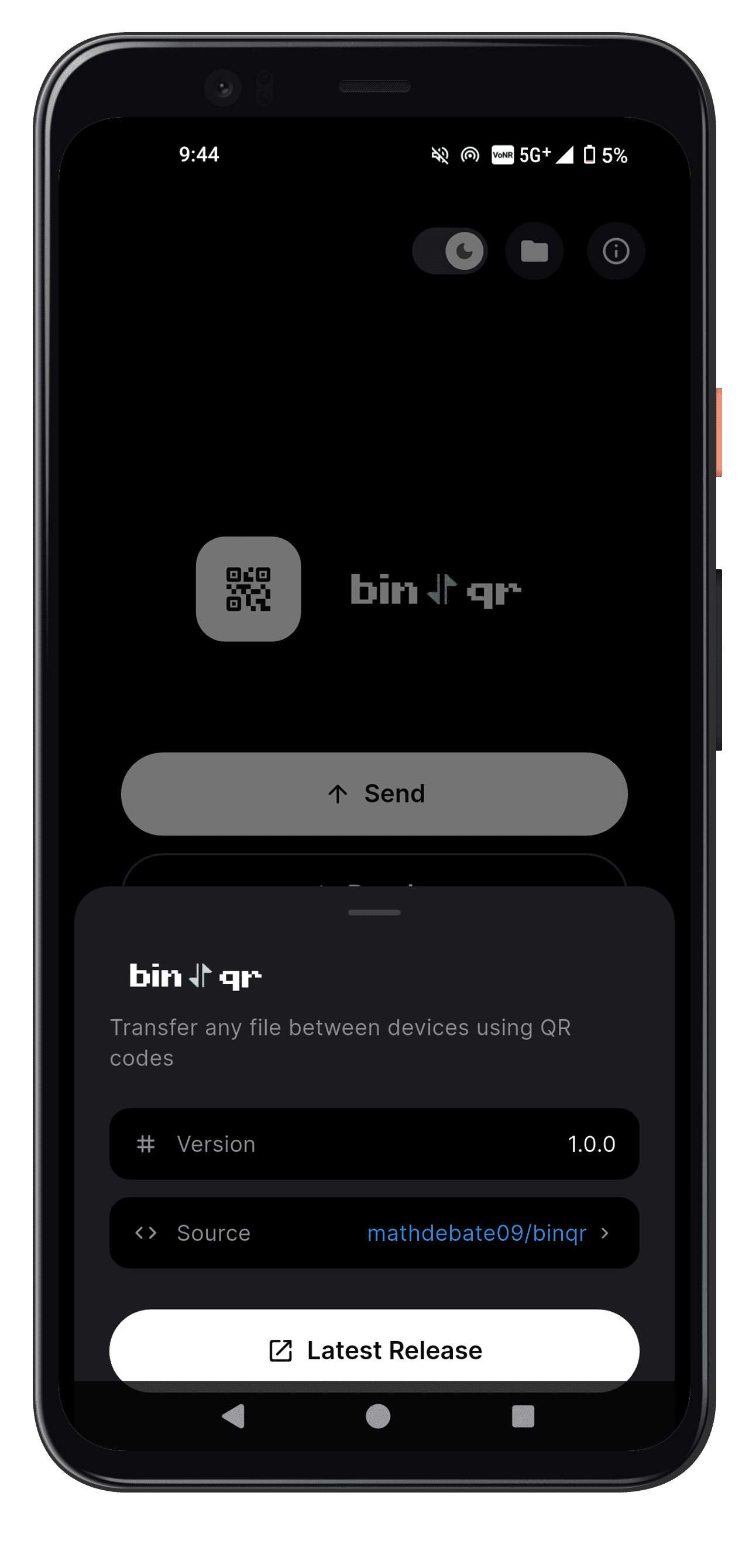
Home Info
|
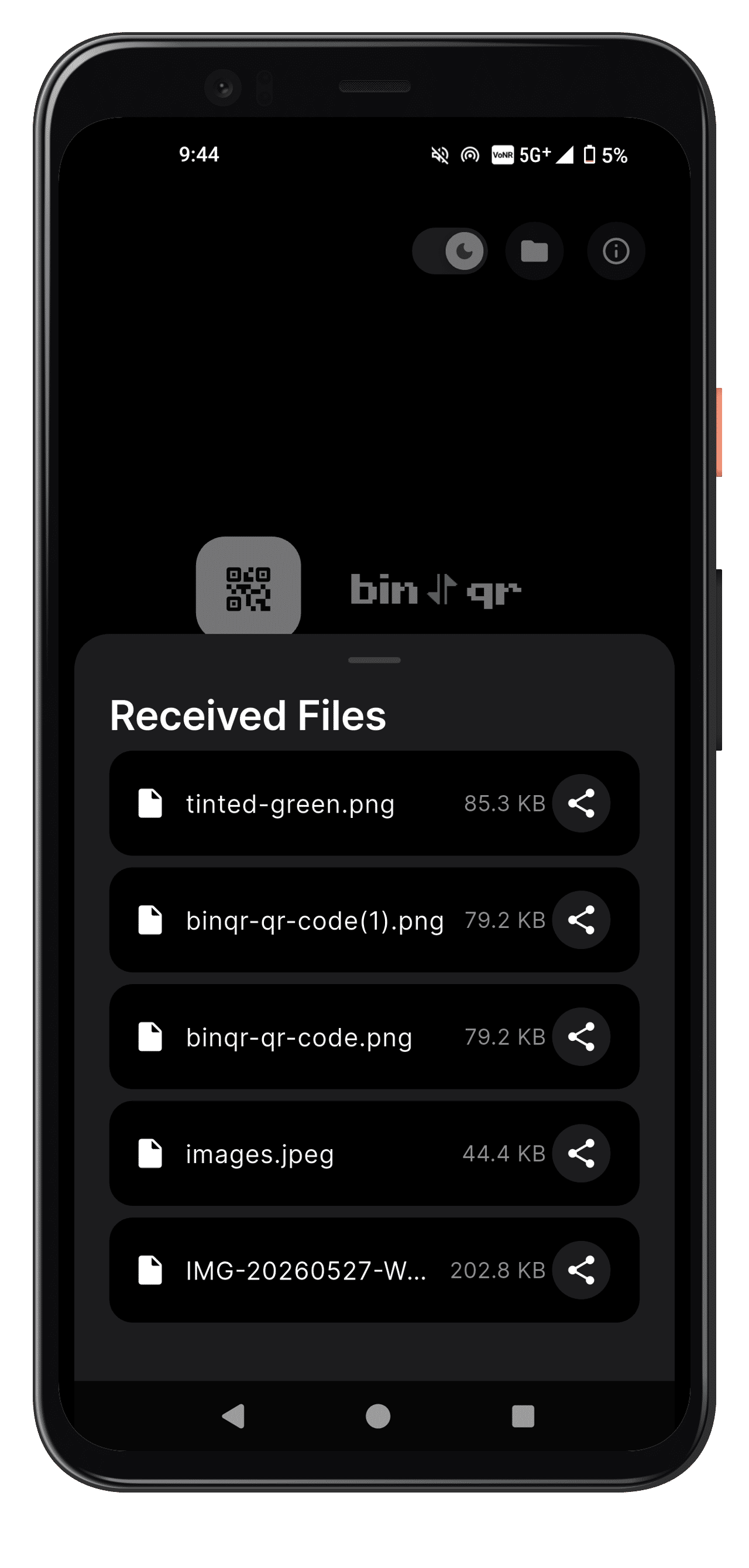
History of Received Files
|
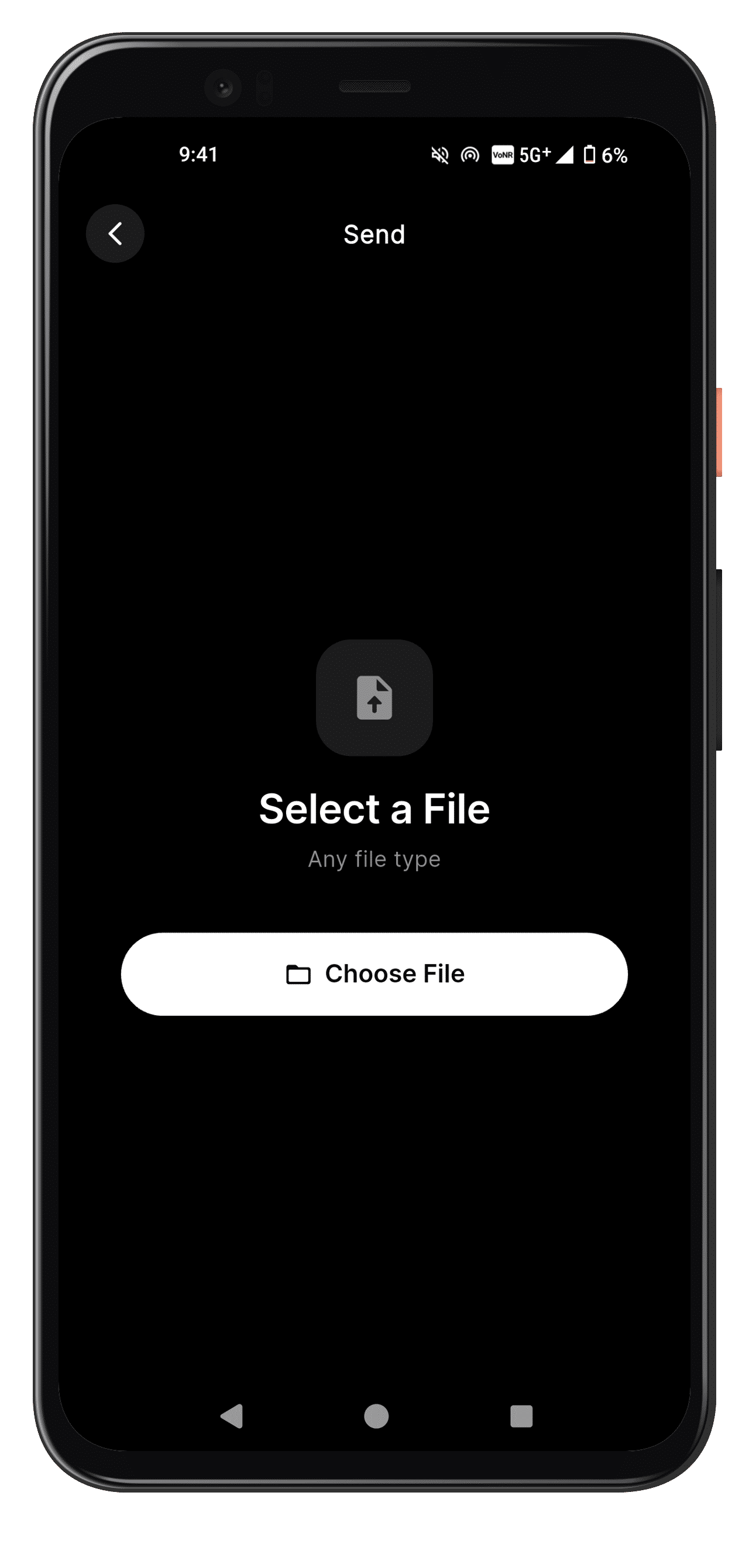
Send
|
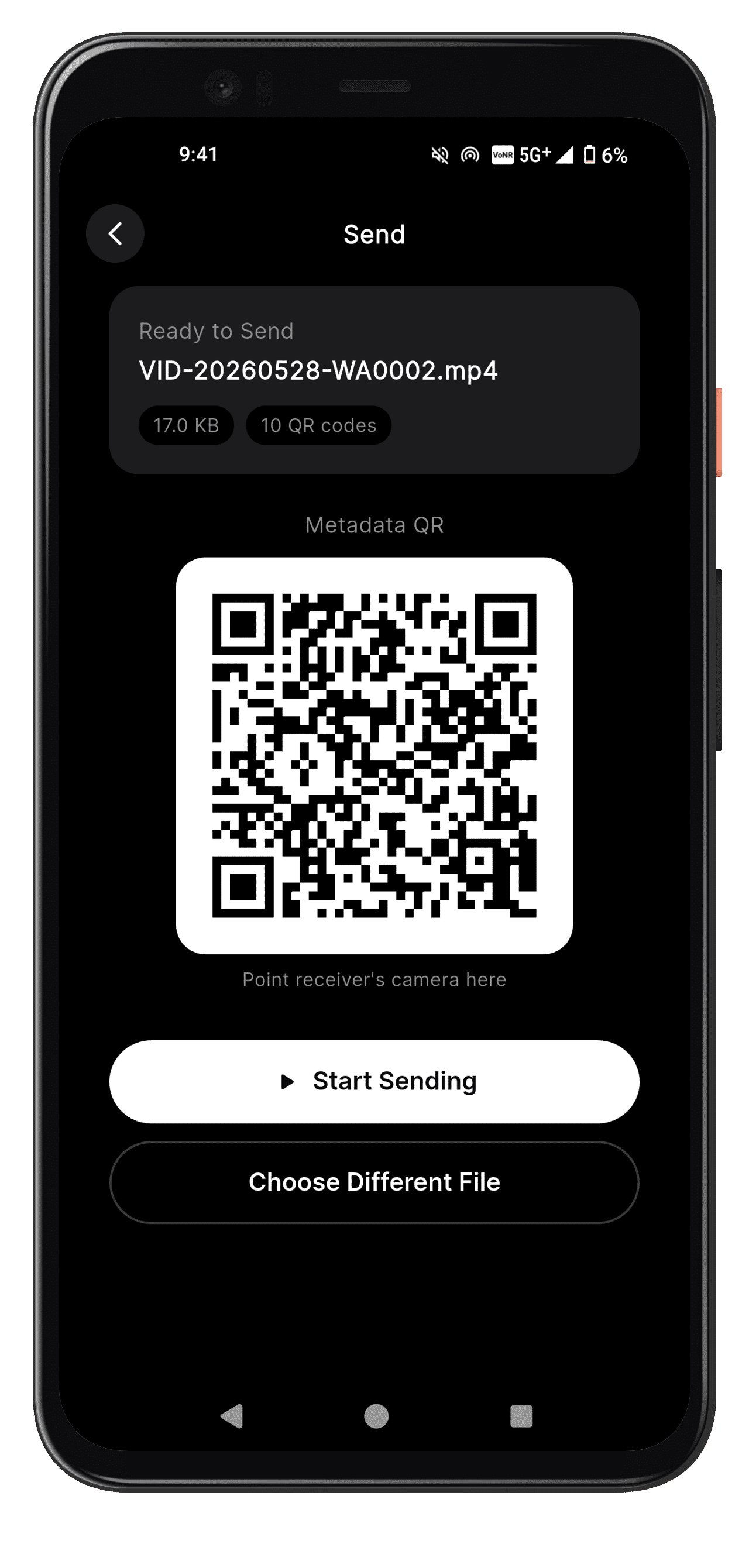
Sending Metadata
|
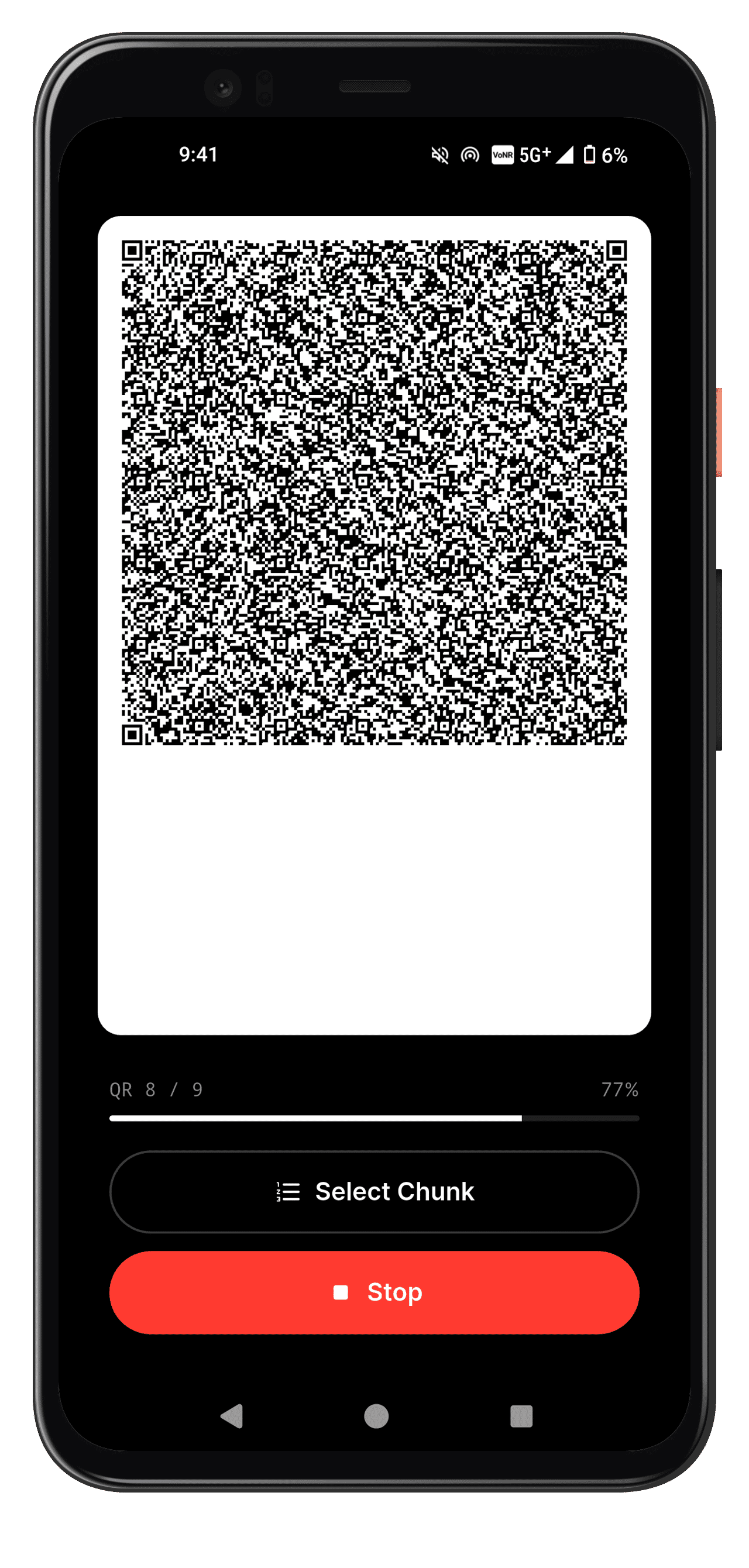
Sending Stream
|
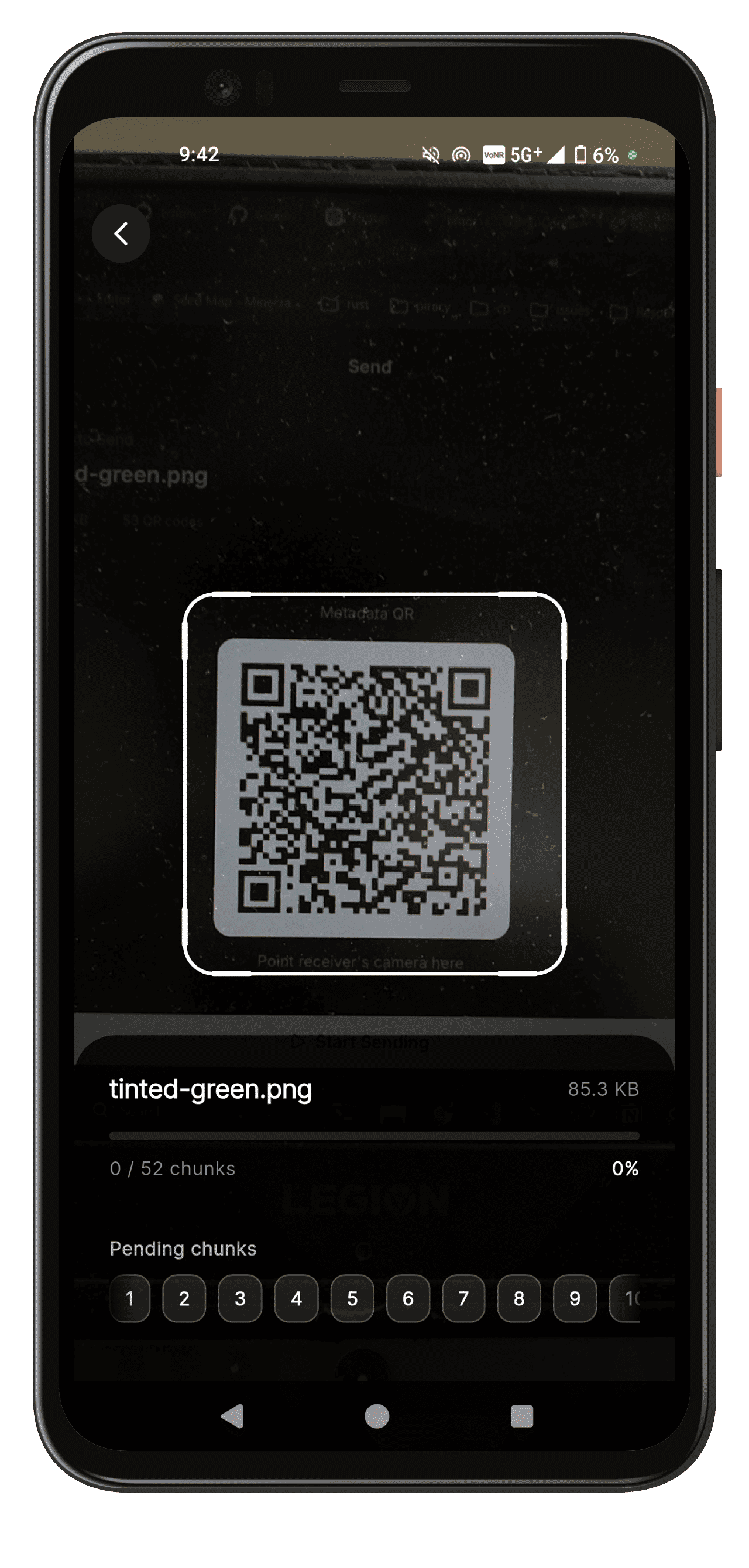
Receive
|
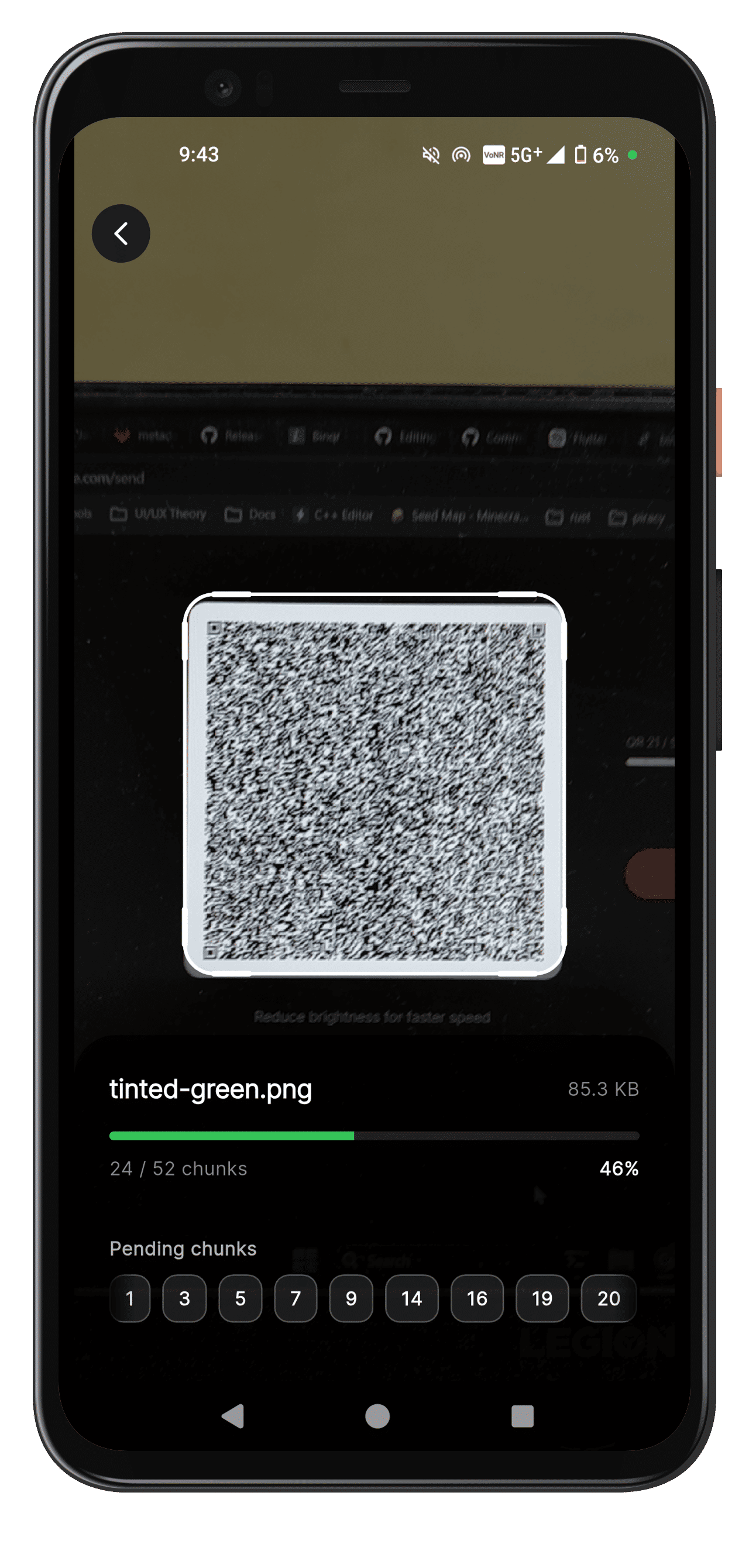
Receiving QR Stream
|
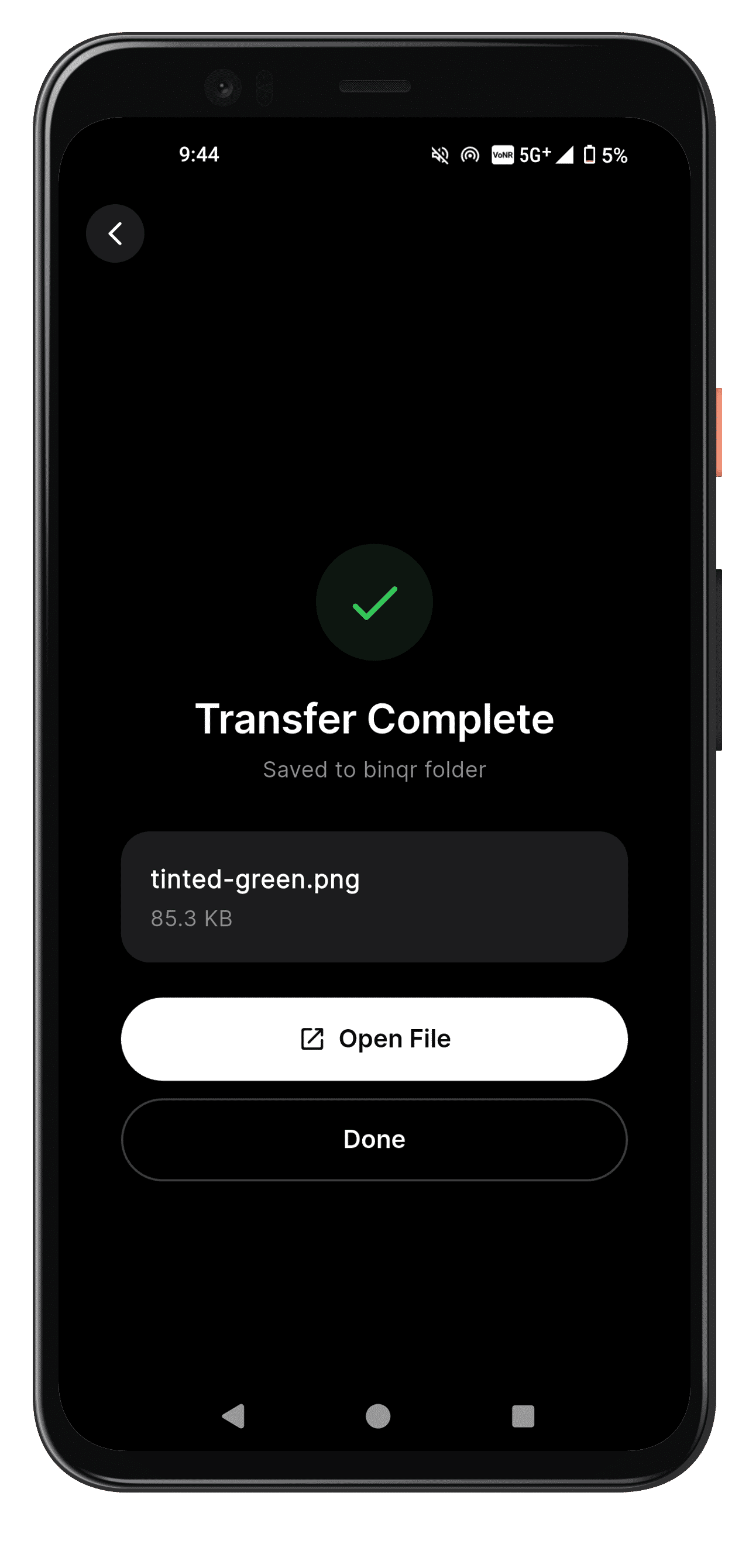
Receive Complete
|
-
When you cannot trust a device but you have to extract a file out of without establishing a connection or any sort of pairing, binqr works perfectly fine and securely.
-
Example: In college labs you have to get your
.docxfile back into your device for that you can use binqr instead of logging in your whatsapp/drive.
git clone git@github.com:mathdebate09/binqr.git
flutter pub get
flutter runcd android
# Generate a release keystore (Windows CMD / PowerShell)
keytool -genkeypair -v -keystore %USERPROFILE%\binqr-release.jks -alias binqr -keyalg RSA -keysize 2048 -validity 10000
# Generate a release keystore (macOS / Linux)
# keytool -genkeypair -v -keystore $HOME/binqr-release.jks -alias binqr -keyalg RSA -keysize 2048 -validity 10000
# Create android/keystore.properties (example)
# storeFile=C:/Users/<you>/binqr-release.jks
# storePassword=your_store_password
# keyAlias=binqr
# keyPassword=your_key_password
cd ..
flutter build apk --release --split-per-abi| Package | Version |
|---|---|
cupertino_icons |
^1.0.8 |
qr_flutter |
^4.1.0 |
mobile_scanner |
^7.2.0 |
file_picker |
^10.1.2 |
path_provider |
^2.1.5 |
path |
^1.9.0 |
crypto |
^3.0.0 |
permission_handler |
^11.0.0 |
google_fonts |
^6.2.1 |
open_filex |
^4.7.0 |
url_launcher |
^6.3.1 |
share_plus |
^10.0.2 |
| Package | Version |
|---|---|
flutter_test |
sdk: flutter |
flutter_native_splash |
^2.4.0 |
flutter_launcher_icons |
^0.13.1 |
flutter_lints |
^6.0.0 |