- Go to https://knightsofdegen.netlify.app/
- Click on a character card
- Click the top right corner of the character view
- Select "Open in new tab"
- Copy the image URL or save the picture
- Add the URL to the knights-manual-extracted.js file
- ALEX: https://images.ctfassets.net/b474hutgbdbv/2V3dKNSD41QjeLowfolcG3/e9a4eb087190d640b9c6c982a17480d4/image.png
- Lady Rangiku (λ2): https://images.ctfassets.net/b474hutgbdbv/3AYkauQlVdSQfVvdWtmaT/895be1409a709d60553bb820c213d45f/Rangiku.jpg
- The Fork Knight (λ2): https://images.ctfassets.net/b474hutgbdbv/6NXglOf0VcEyW0X6W0umnp/f6be1ff12713c114ecd0ba405a52c47f/Fork-JFSgen2.jpg
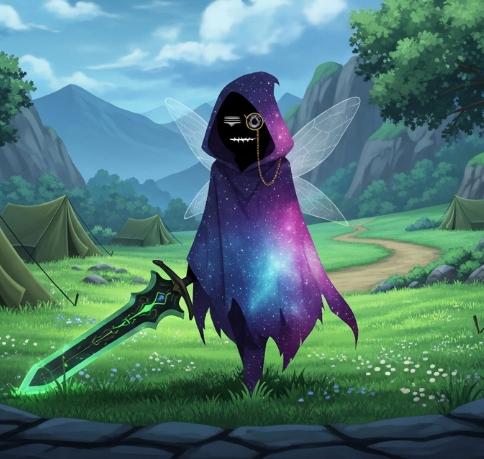
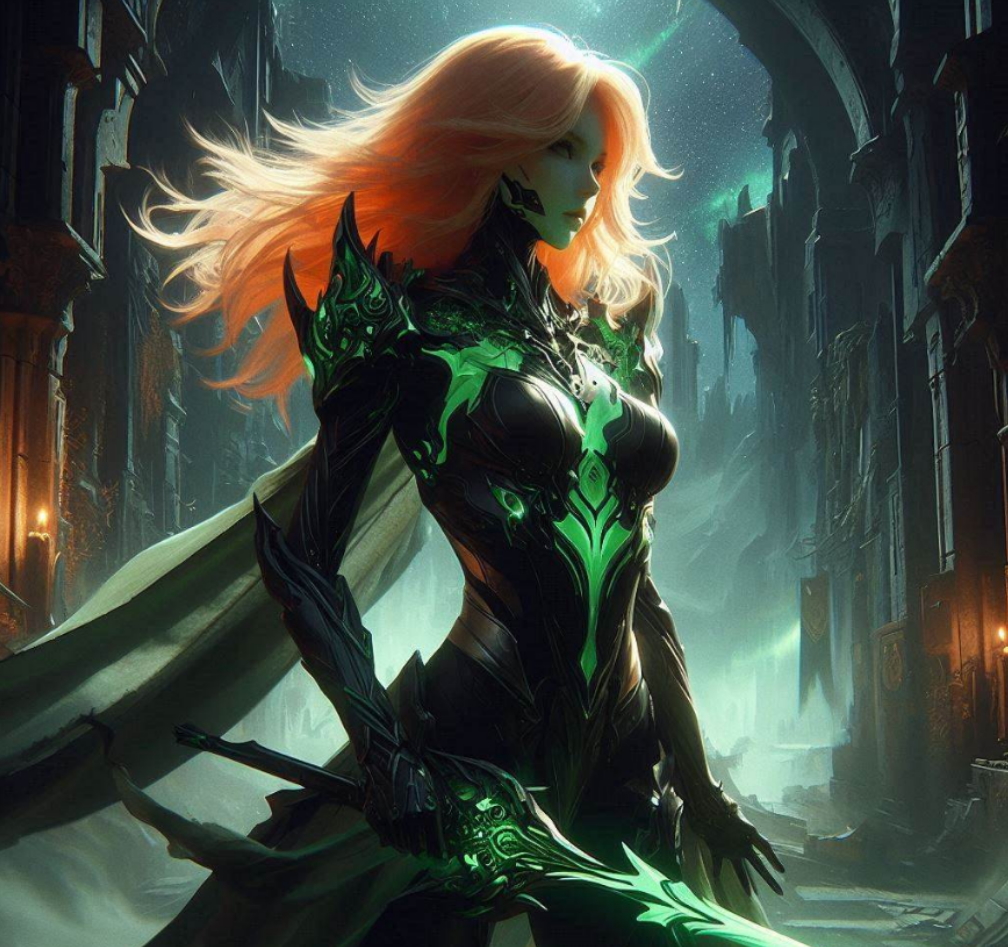
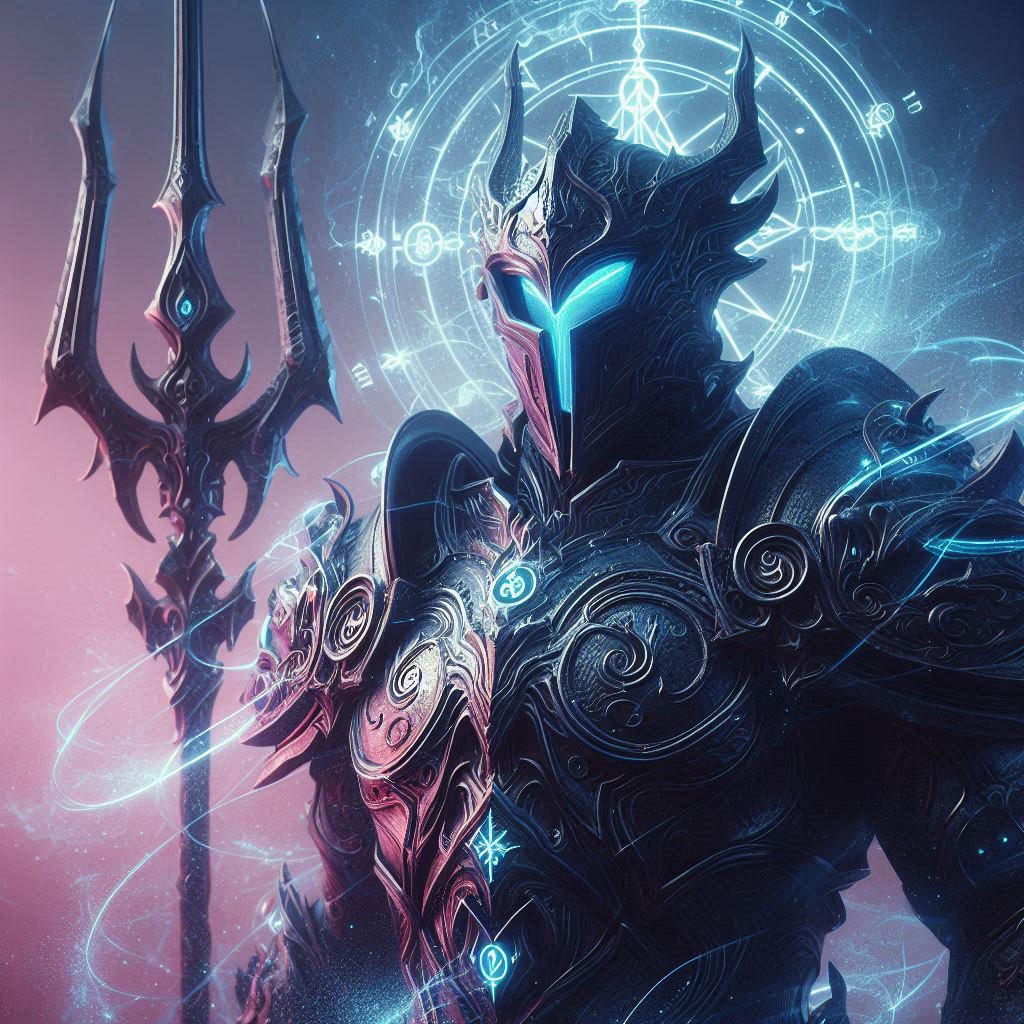
- INSPIRED
- CERTIFIEDLOVERBULL
- Tommy
- True Warrior
- DENOJAH
- Sir Nemo [AI]
- MDK
Replace "MANUAL_EXTRACT_NEEDED" with the actual image URL in server/knights-manual-extracted.js
Example:
avatarUrl: "https://images.ctfassets.net/b474hutgbdbv/[ASSET_ID]/[HASH]/[FILENAME]"