👇
(ID) Versi Indonesia
# AdBlock Guide for CMS/Website Frameworks and BlogsAdBlock adalah ekstensi browser yang berfungsi mencegah iklan untuk muncul. Tujuan pemasangan AdBlock biasanya agar pengunjung bisa membaca artikel dengan nyaman tanpa perlu melihat iklan yang berseliweran. Bagi publisher AdSense dan pemilik blog, hal ini bisa menjadi masalah karena salah satu penghasilan utama sebagai bloger adalah dari iklan. Jika iklan tidak tampil, maka tidak ada penghasilan yang masuk. Karenanya perlu dilakukan satu cara untuk mencegar AdBlock menghalangi munculnya iklan. Pada repository ini akan dijelaskan cara memasang script anti AdBlock di blog. Nantinya akan tampil notifikasi kepada pengunjung untuk mematikan ekstensi AdBlock.
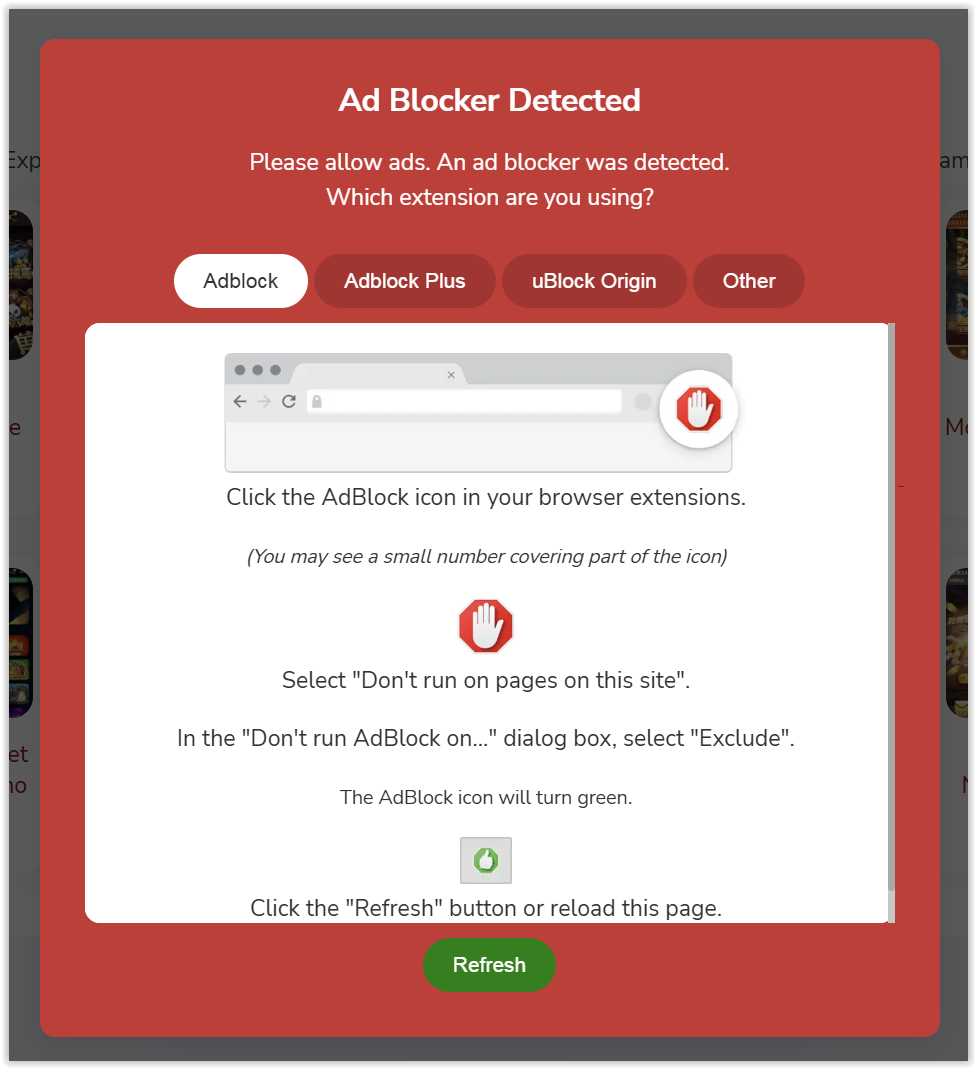
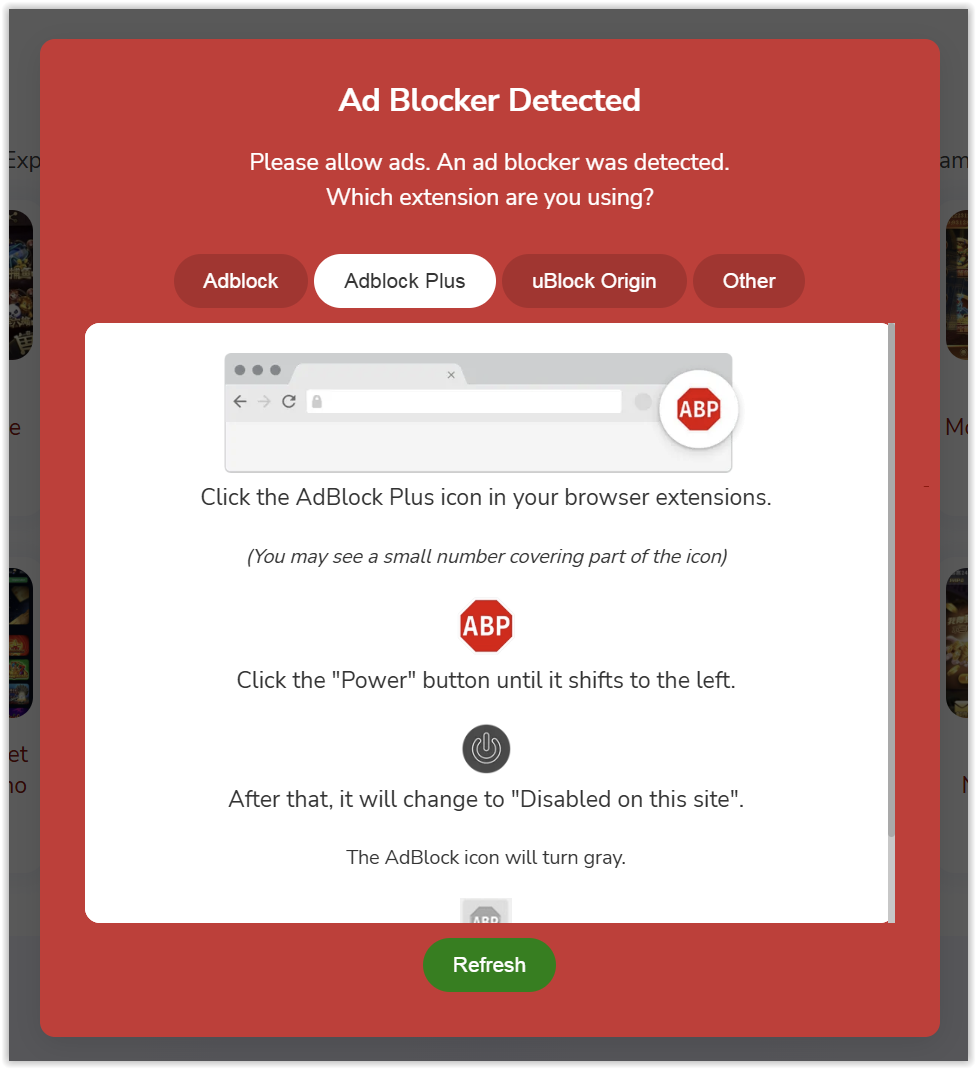
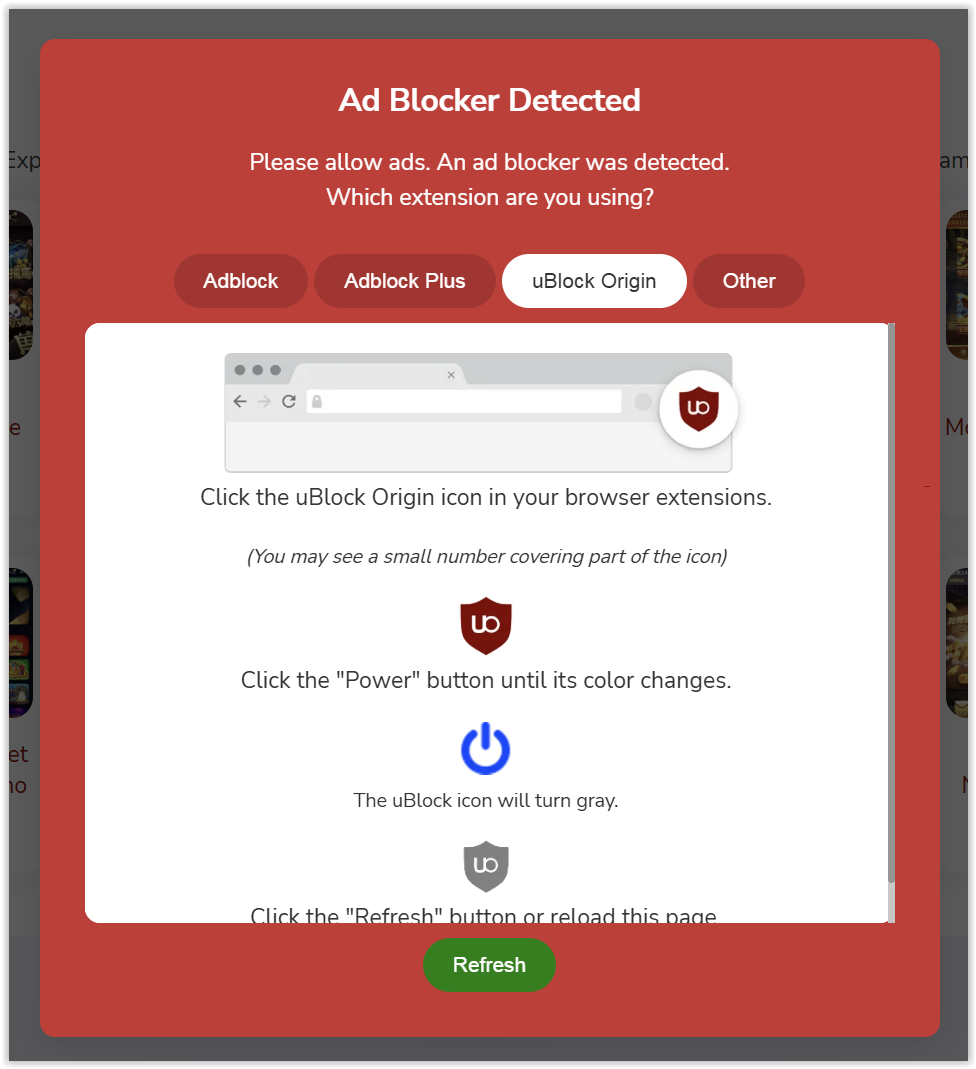
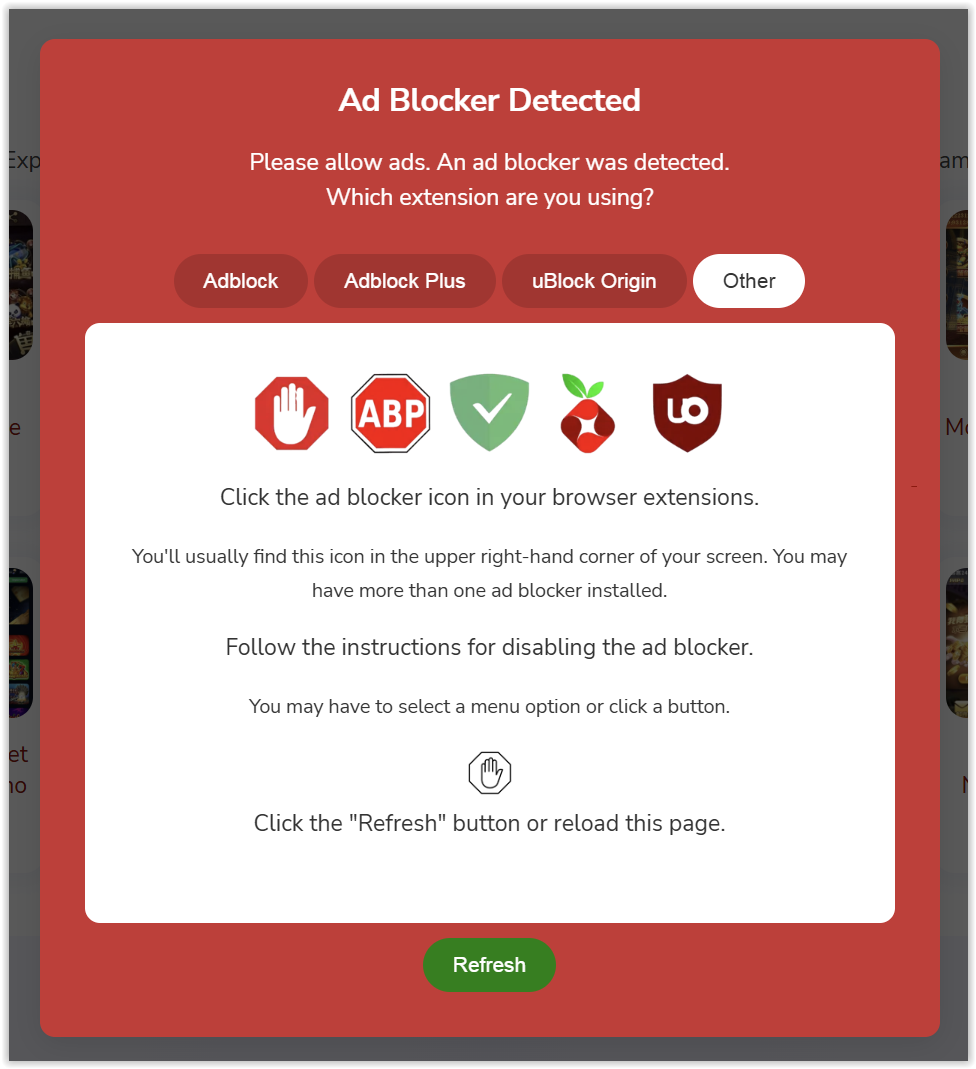
- Memunculkan notifikasi untuk memonakifkan berbagai adblock (Adblock, Adblock Plus, Ublock Origin, dll)
- Support Adsense dan semua jaringan periklanan lainnya
- Desain profesional lengkap panduan mematikan adblock
- Multi bahasa sesuai bahasa perangkat yang mengakses web/blog
- Peringatan nonaktif adblock menggunakan bahasa perangkat pengguna
- Popup adblock muncul setelah 5 detik pengguna melakukan scroll (aman untuk bot crawl mesin pencari)
- Pasang kode ini sebelum
</body>website / blog Anda - Contoh:
<!--Adblock JS-->
<script src="https://cdn.jsdelivr.net/gh/adigunawanxd/seosecretadblockads@refs/heads/master/adblockads.js" async></script>
</body>
- Selesai
Jangan khawatir karena pemanggilan Javascript eksternal. Script javascript ini terhosting di GitHub dan pastinya aman dan cepat hanya untuk sekedar antiadblock.
(EN) English Version
# AdBlock Guide for CMS/Website Frameworks and BlogsAdBlock is a browser extension that prevents ads from appearing. The main purpose of installing AdBlock is usually to allow visitors to read articles comfortably without being interrupted by ads. For AdSense publishers and blog owners, this can be a problem because one of the main sources of income for bloggers comes from advertisements. If ads do not display, no revenue is generated. Therefore, it is necessary to implement a method to prevent AdBlock from blocking ads. This repository explains how to install an anti-AdBlock script on your blog. A notification will appear for visitors, asking them to disable the AdBlock extension.
- Displays a notification to disable various adblockers (Adblock, Adblock Plus, Ublock Origin, etc.)
- Supports AdSense and all other advertising networks
- Professional design with a complete guide to disabling AdBlock
- Multi-language support according to the language of the device accessing the website/blog
- AdBlock deactivation warnings use the user's device language
- AdBlock popup appears after 5 seconds of user scrolling (safe for search engine crawl bots)
- Place this code before the
</body>tag of your website or blog. - Example:
<!--Adblock JS-->
<script src="https://cdn.jsdelivr.net/gh/adigunawanxd/seosecretadblockads@refs/heads/master/adblockads.js" async></script>
</body>
- Done
Do not worry about loading external JavaScript. This JavaScript script is hosted on GitHub and is safe and fast, intended solely for anti-AdBlock purposes.
Preview Adblock Popup (ID)
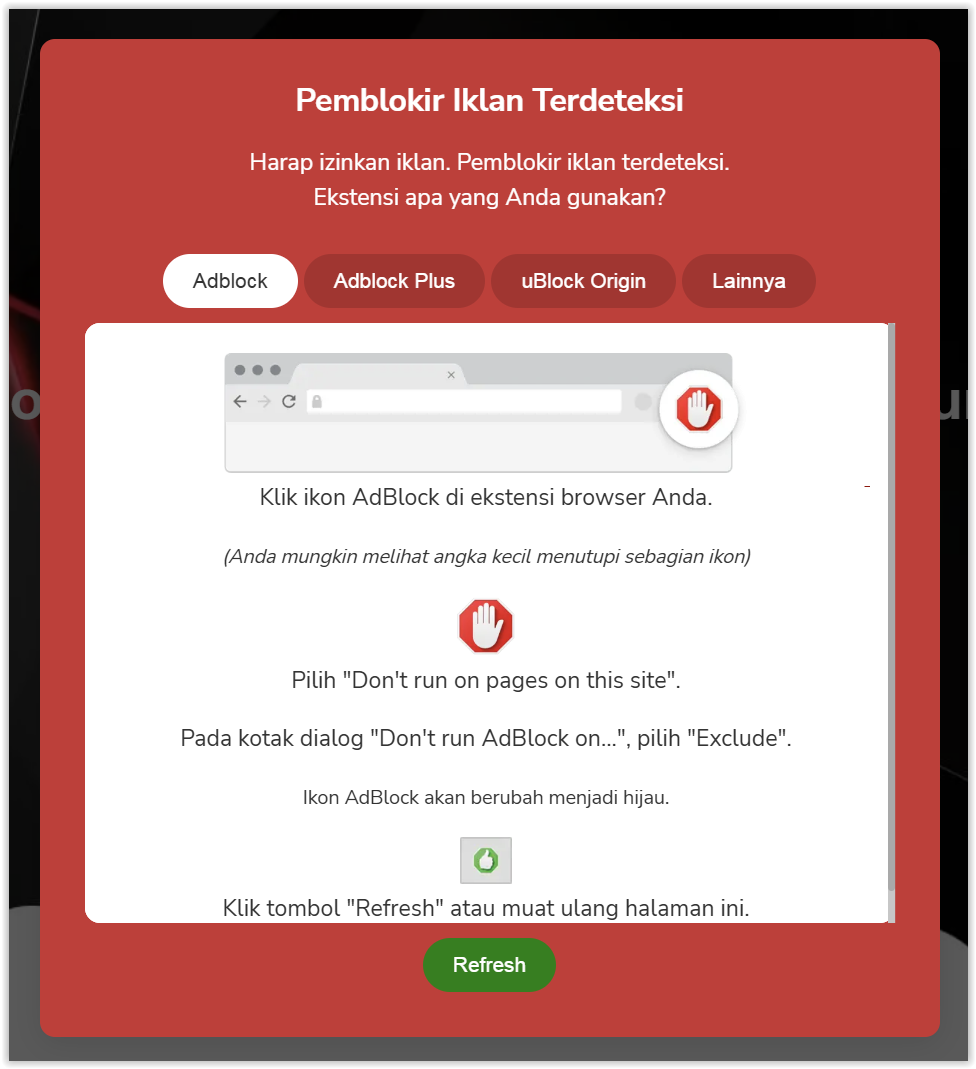
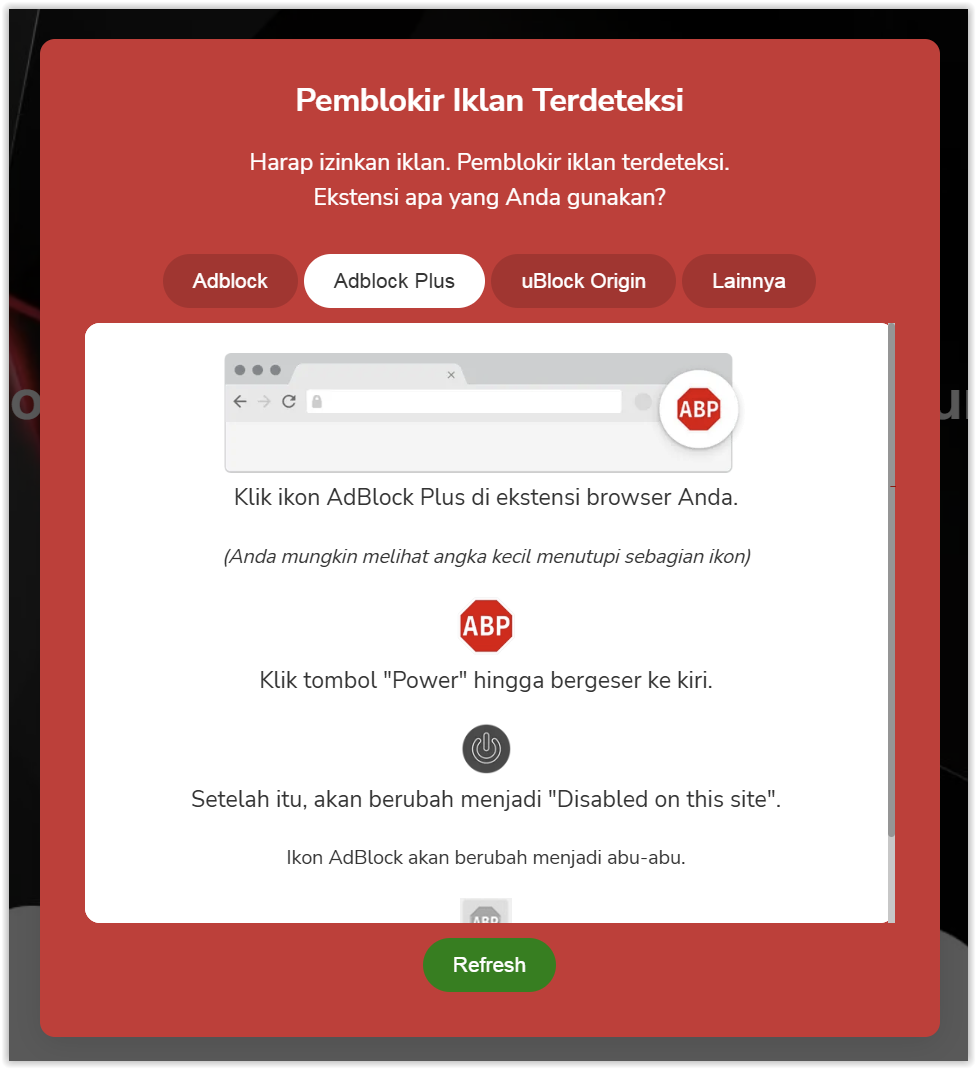
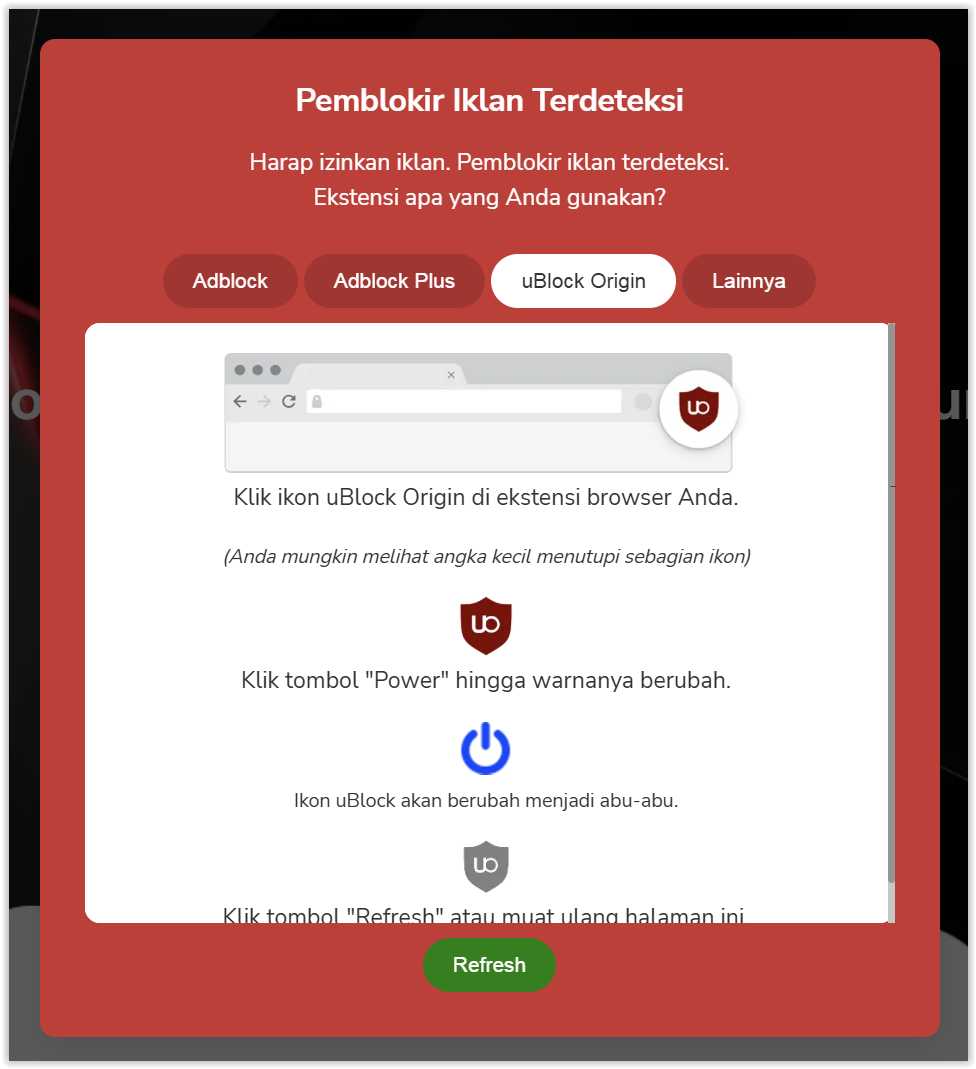

Preview Adblock Popup (EN)